I've watched more cold outreach campaigns fail from spam-folder placement than from any other cause.
The email is fine, the list is fine, the sequencer is doing its job.
But mailbox providers have decided the sender isn't trustworthy yet, and every message goes straight to Promotions or spam.
That's the problem warm-up tools exist to solve.
2 to 4 weeks of opens, replies, and "not spam" signals from a network of real inboxes trains Gmail, Outlook, and Yahoo that your sending domain belongs in Primary.
Every tool on my list runs that loop, and every one gets a fresh domain to an 85+ Gmail Postmaster score.
Where I keep watching them diverge is what happens after. The tools that hold up under real outbound load run reliable inbox placement tests, monitor DNS drift, and catch a blacklist appearance the day it happens.
The ones that don't leave you with a green dashboard and no visibility into what's actually landing where. And they charge $25 to $69 per mailbox for it, while Instantly, Smartlead, and a handful of other mid-tier sequencers now bundle warm-up inside the subscription for free.
Below are the 9 dedicated warm-up tools I'd still consider in 2026, where each one fits, and what the annual bill actually looks like at 5, 10, and 30 inboxes.
TL;DR: 9 Best Email Warm Up Tools in 2026
Warmforge: Dedicated warm-up plus inbox placement testing and DNS health checks in one dashboard, free inside a Salesforge subscription.
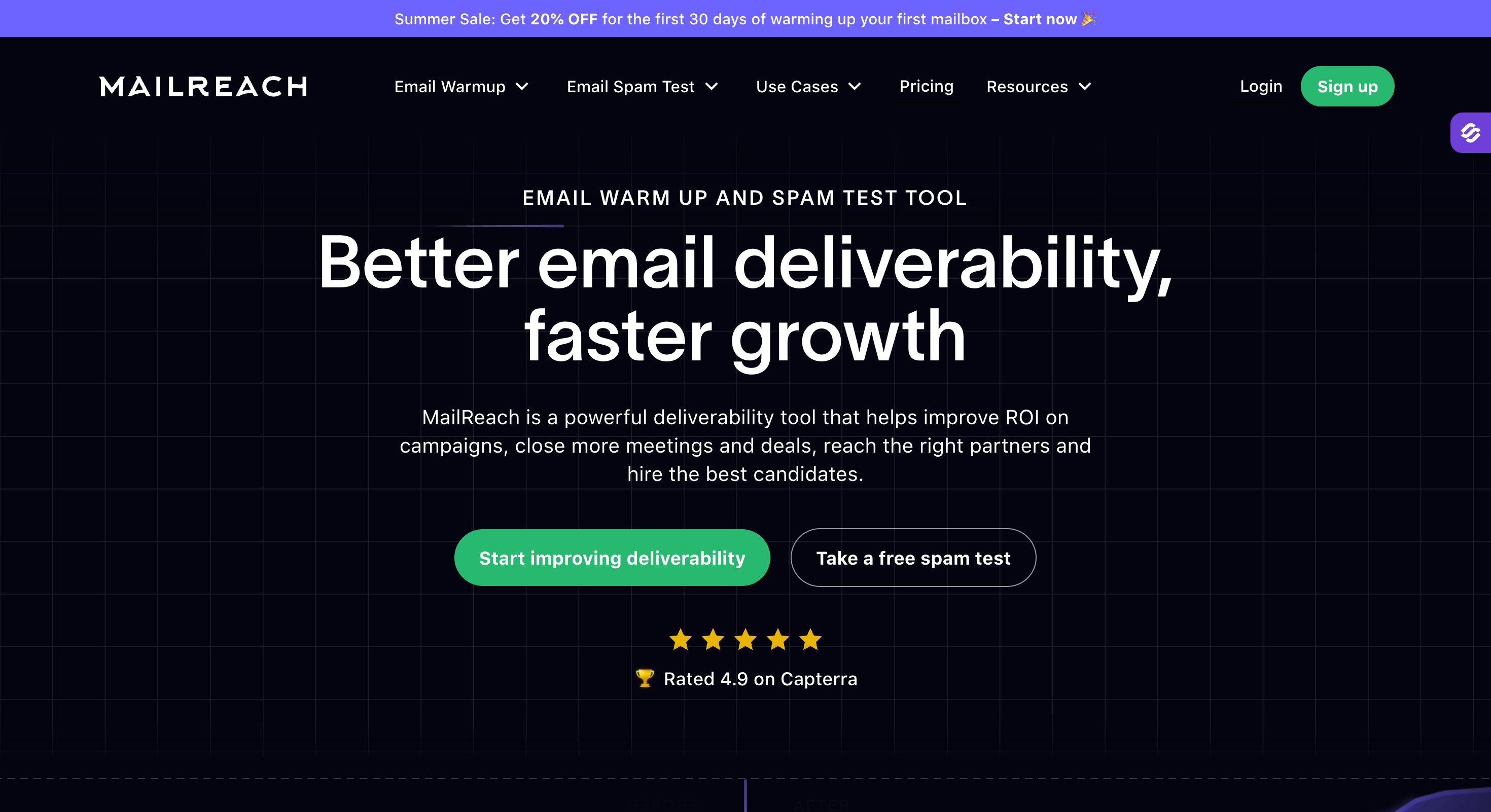
Mailreach: Deepest per-ESP inbox placement diagnostics and reputation scoring for agencies managing 20+ inboxes.
Lemwarm: Native warm-up inside the lemlist sequencer that auto-pauses when live campaigns run.
TrulyInbox: Unlimited-inbox flat-rate pricing for teams warming 5 to 20 mailboxes on a budget.
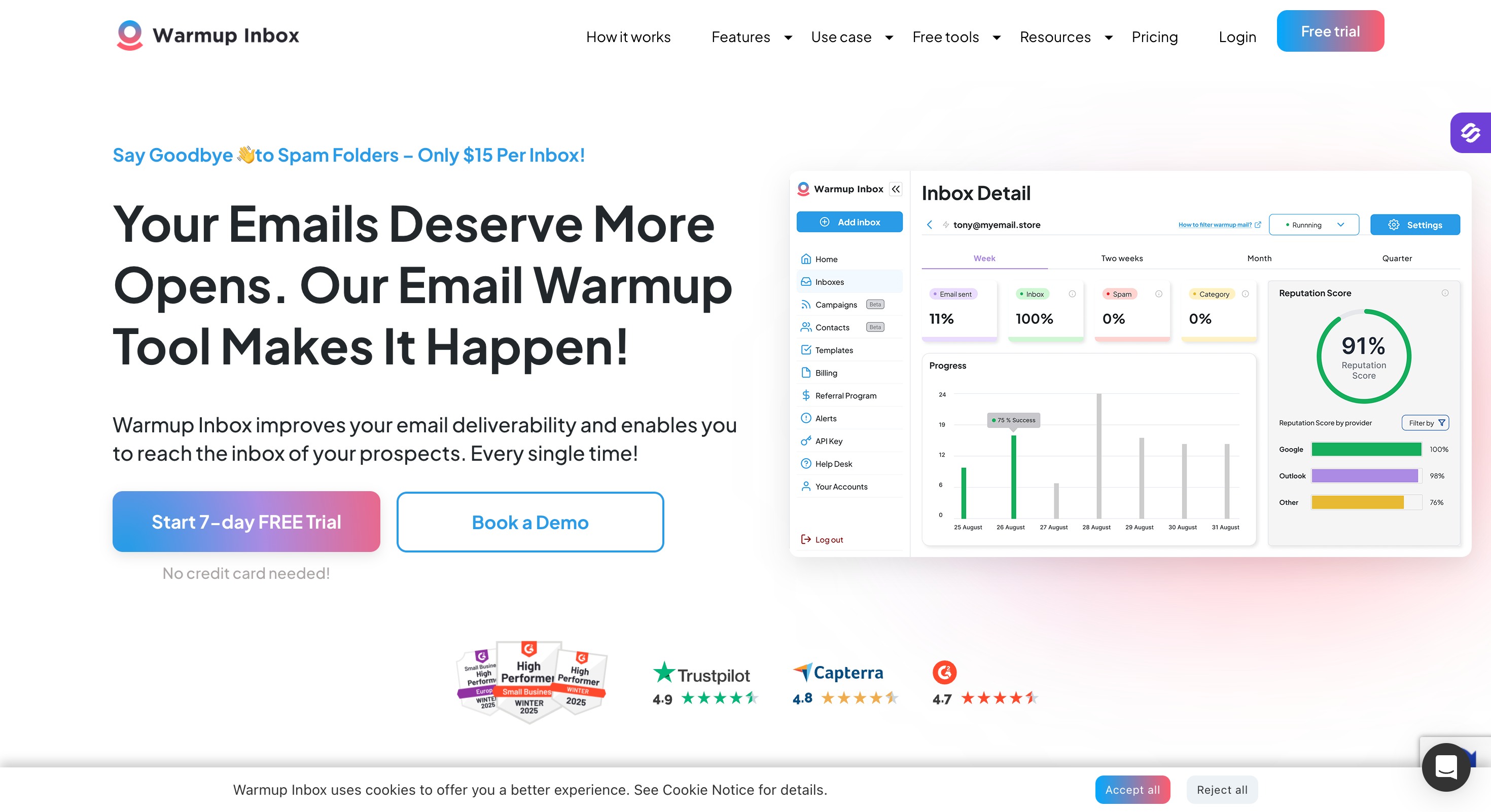
Warmup Inbox: A 30,000+ inbox network with ESP-specific targeting for Gmail, Outlook, or Yahoo.
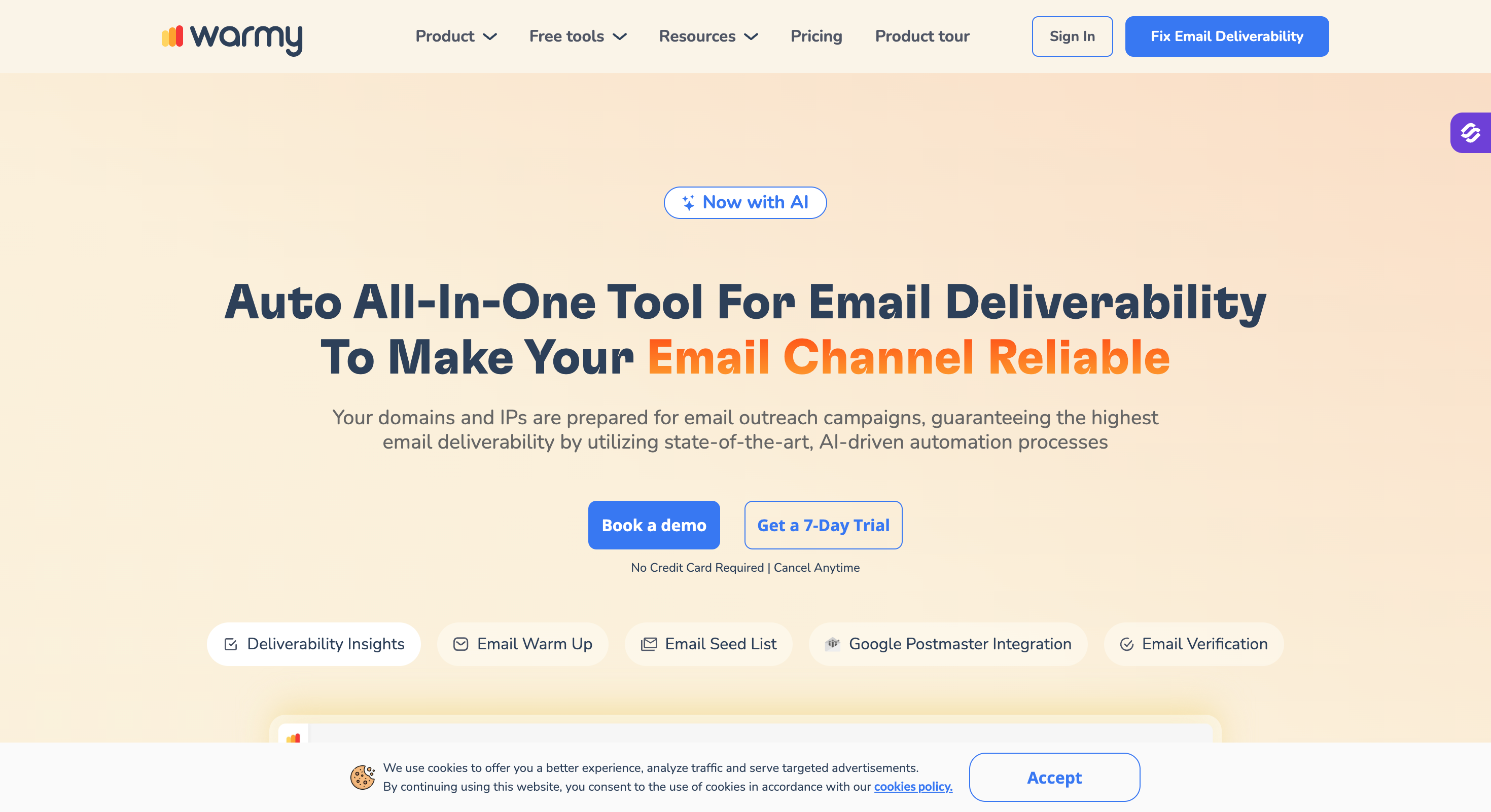
Warmy.io: AI-driven engagement engine with custom warm-up topic and language selection for enterprise senders.
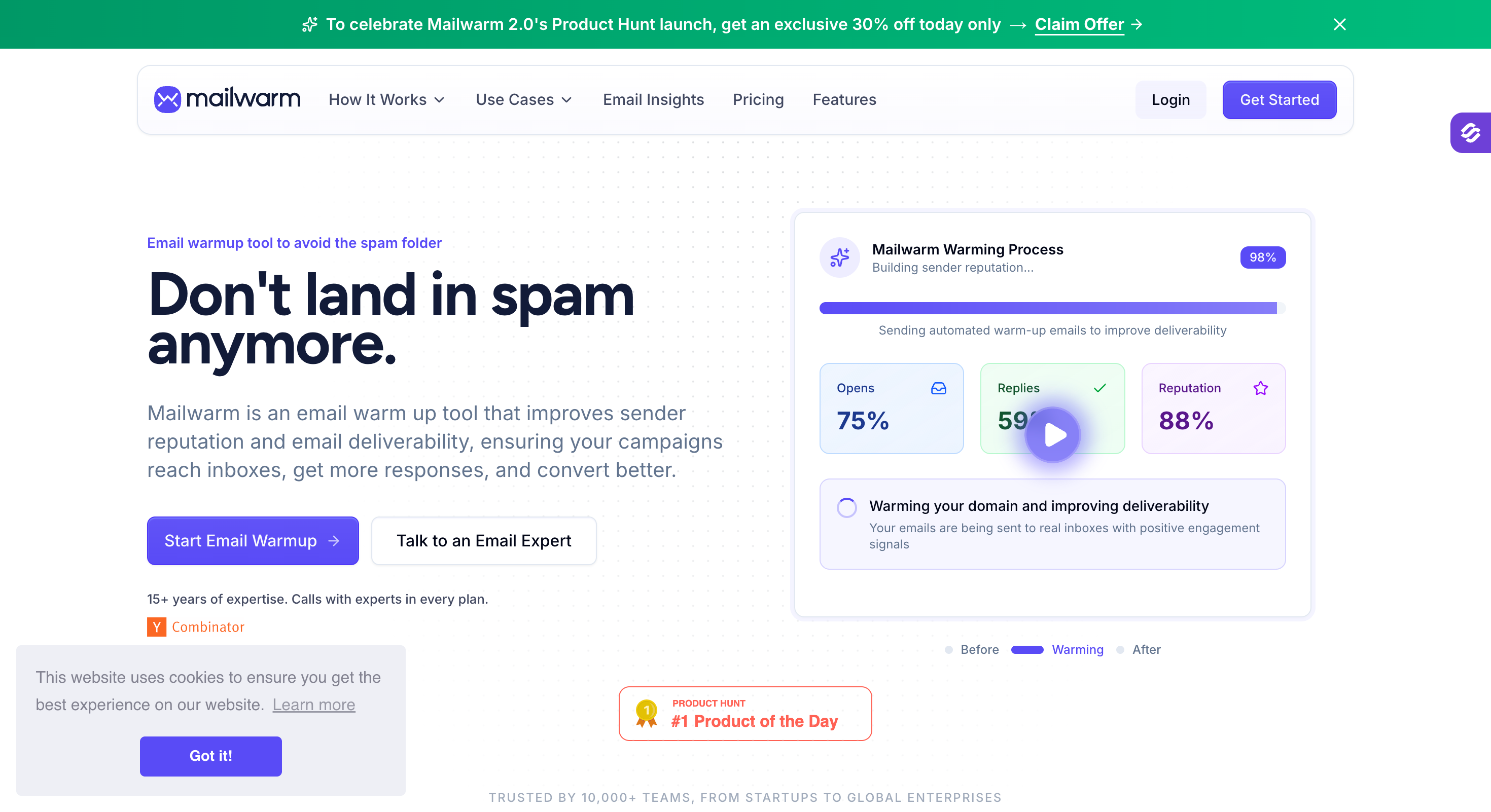
Mailwarm: A 50,000+ real inbox network across Gmail, Outlook, Yahoo, and Microsoft 365 with deliverability expert calls baked in.
Warmbox: Solo and small-team pacing customization with granular reply-rate and topic controls.
Mailivery: AI-generated reply personas with unique sender identities per inbox and blacklist monitoring included.
Feature Comparison: Top 5 Email Warm Up Tools at a Glance
GTM teams and agencies who want warm-up plus inbox placement testing in one platform, free for Salesforge subscribers
Agencies with 20+ inboxes who want per-ESP deliverability diagnostics and a clean domain-scoring dashboard
Solo operators and small teams on a budget warming 5 to 20 inboxes at a flat rate
lemlist users who want warm-up that auto-pauses when live campaigns run
Enterprise senders and agencies with the budget for AI-tuned warm-up and white-label options
Pricing
$9/month per inbox (billed annually), free inside a Salesforge subscription
$25/month per mailbox (monthly), $20/month per mailbox (billed annually)
$22/month (billed annually), 100 emails/day shared across unlimited connected mailboxes
$24/month per inbox (billed annually) on the Essential plan
Custom pricing, sales contact required
Warm-up Pool
Aged Google Workspace and Microsoft 365 mailboxes only, no synthetic accounts
Real inbox network across Gmail, Outlook, Yahoo, and SMTP providers
40,000+ real high-reputation inboxes across major providers
20,000+ verified business inboxes in the lemlist network
Real inboxes with region and language selection, network size not disclosed
Inbox Placement Tests
1 free per month included, 100/month on Pro at $32.50/month (billed annually)
Included via bundled spam-test credits (20 per month)
Not included in warm-up plans
Tracks placement inside lemlist campaigns only, no standalone tests
Real-time deliverability monitoring included
DNS + Blacklist Monitoring
Continuous DNS, MX, and blacklist checks with real-time alerts
DNS alerts and blacklist notifications included
SPF, DKIM, DMARC checks with auto-pause on misconfiguration
Blacklist status tracking only, no DNS setup help
Real-time deliverability alerts with reputation-drop notifications
Auto Spam-Folder Recovery
Automatically removes warm-up emails that land in spam to keep sender reputation clean
Marks spam-folder warm-up emails as "not spam" to train providers
Moves spam-to-inbox as part of engagement
Included in warm-up automation
Automated spam-folder rescue included
ESP Support
Google Workspace and Microsoft 365 native; SMTP/IMAP via Mailforge or Primeforge
Gmail, Outlook, and any SMTP-compatible provider
Gmail, Outlook, Zoho, Yahoo, SMTP, SendGrid, Amazon SES
Gmail and Outlook via lemlist integration, no standalone SMTP
All major providers via SMTP integration
Native Sequencer Integration
Free inside Salesforge subscription; API integration with any other sequencer
API and webhook integration with any sequencer
API integration, no native sequencer
Native to lemlist, not available standalone
API integration with any sequencer
API / MCP / CLI
API + MCP + CLI access, SOC 2 compliant
API and webhooks
API and webhooks
API access via lemlist
API and webhooks, white-label option for agencies
Free Trial / Free Slot
1 free warm-up slot on signup + 1 free placement test per month
No free trial for warm-up; 3 free spam tests per 24 hours from the website
Forever-free plan (1 inbox, 10 emails/day), no credit card required
Free with any lemlist trial
7-day free trial available
1. Warmforge
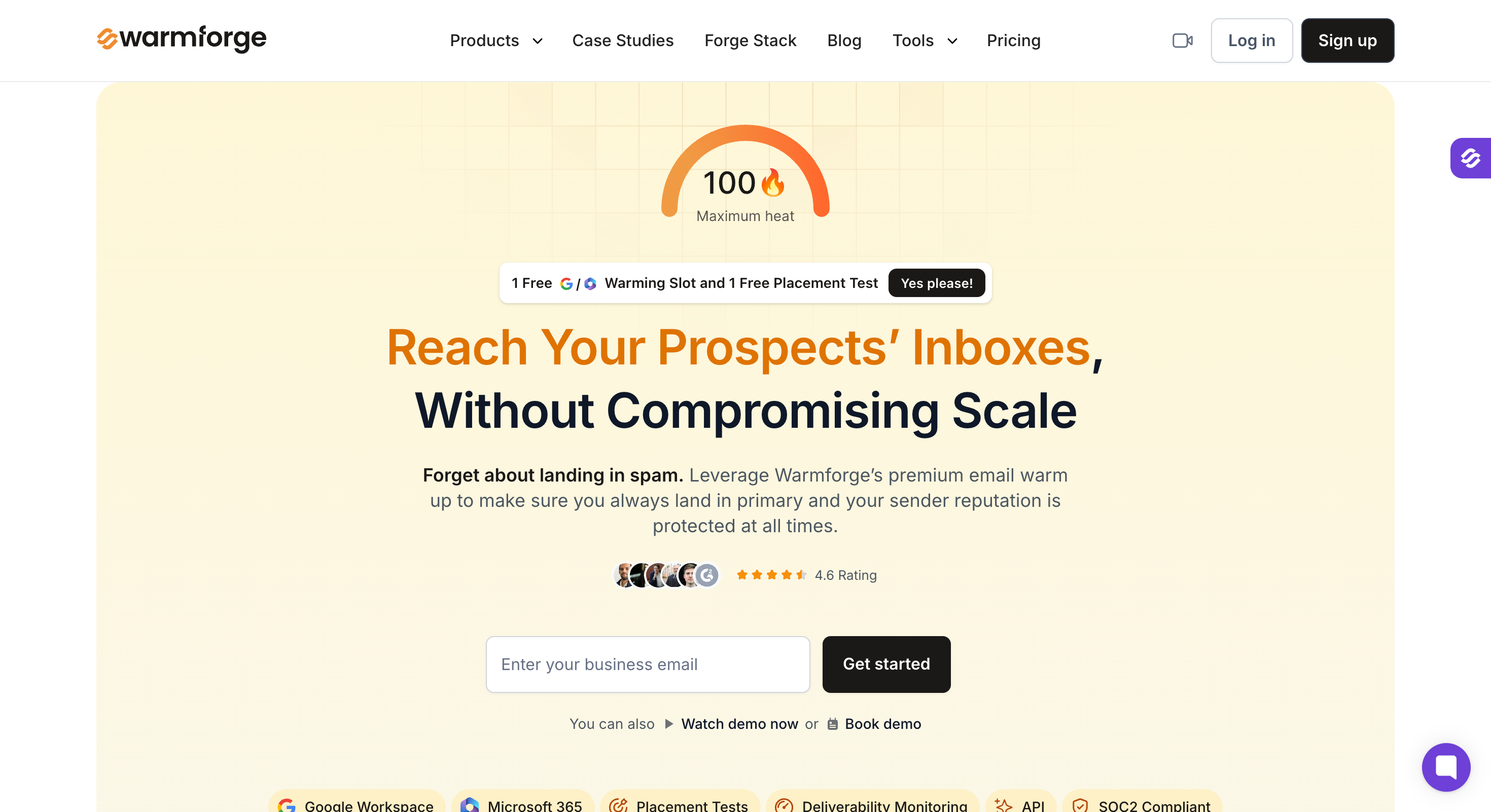
Warmforge is the only tool on this list that bundles warm-up, monthly inbox placement testing, and continuous DNS plus blacklist monitoring, and the only one that's free inside a full cold email sequencer.
If you're already paying Salesforge $40/month (billed annually) for cold email, warm-up is included at zero marginal cost.
The placement testing is the reason Warmforge sits at #1. Every warm-up tool gives you a reputation score, but most don't tell you where warm-up emails are actually landing across providers or give you the visibility to improve placement before you send live campaigns.
Warmforge sends test emails from your mailbox to seed addresses across Gmail, Outlook, Yahoo, and Microsoft 365 and reports back where you landed, so you know whether your inbox is ready before you send the first real cold outreach campaigns.
Key Features of Warmforge
Heat Score: Every connected mailbox gets a real-time trust score that reflects its current standing with inbox providers. Warmforge recommends hitting 85 or higher before starting outreach, which is a concrete threshold instead of the fuzzy "your mailbox is ready" indicator most tools give you.
Premium warm-up pool: The network is locked to real aged mailboxes on the two providers that matter for cold email, with no synthetic accounts and no recycled inboxes. A single premium pool for every subscriber, no tiered upgrade path to reach the higher-quality accounts.
Inbox placement tests: Each subscription includes 1 free placement test per month.
Continuous Health Checks for DNS, MX, and blacklist status: Monitoring flags blacklist appearances as they happen, and DNS and MX records are checked as part of the default subscription. Catching a blacklist mid-warm-up is worth the whole subscription on its own.
API, MCP, and CLI access: Forge MCP connects Warmforge to Claude, Cursor, and any other MCP-compatible client. Useful if you're running agent workflows across 100+ inboxes and want warm-up state readable by the agent.
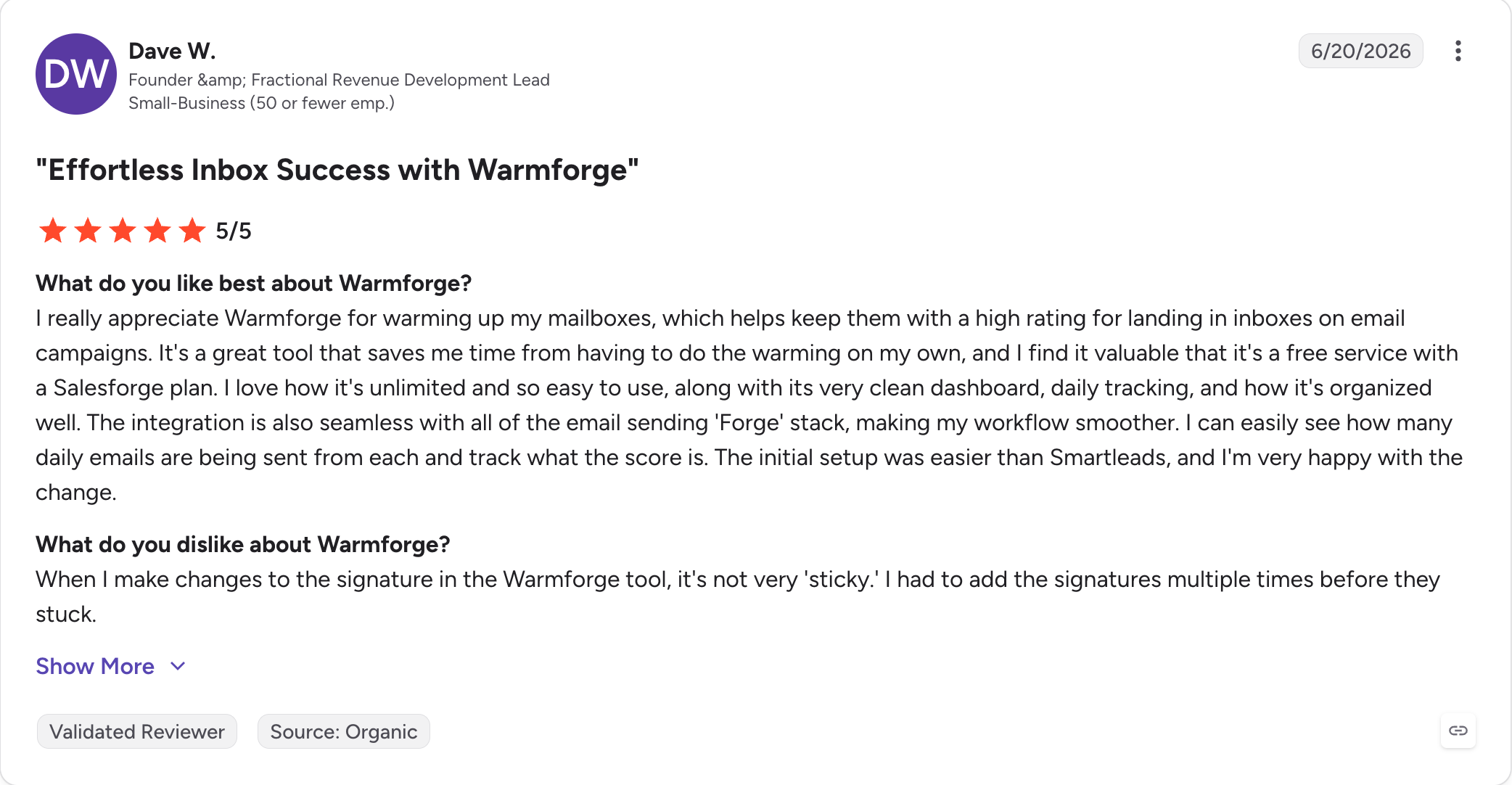
Free inside a Salesforge subscription: A Salesforge Pro or Growth subscription includes unlimited Warmforge warm-up at no additional cost. Salesforge Pro is $40/month (billed annually), which is less than the entry per-inbox price on Mailwarm.
SOC 2 compliant: For agencies handling client mailboxes and enterprise buyers with a procurement checklist to satisfy.
Warmforge Pros and Cons
✅ Pros
❌ Cons
Uses only aged Google Workspace and Microsoft 365 mailboxes instead of synthetic accounts
Only one free warm-up slot is included at signup
Included free with a Salesforge subscription, with no separate per-inbox fee for existing Salesforge users
Inbox placement tests are sold as paid add-ons rather than being included in the core warm-up plan
Automatic spam-folder recovery plus continuous DNS and blacklist monitoring included in the base subscription
Real-time Heat Score with a clear recommendation to reach 85+ before starting outreach
API, MCP Server, and CLI support, with SOC 2 compliance
Warmforge Pricing (Annual)
Warm-up: $9/month per inbox (billed annually), $10/month (billed quarterly), or $12/month (billed monthly)
Placement Tests Pro add-on: $32.50/month (billed annually), 100 tests per month, up to 50 mailboxes per test
Placement Tests Growth add-on: $140.80/month (billed annually), unlimited tests, up to 250 mailboxes per test
Free offer: 1 free warm-up slot on signup, 1 free placement test per month included with any subscription
Free inside Salesforge: Unlimited Warmforge warm-up included in every Salesforge subscription (Salesforge Pro is $40/month, billed annually)
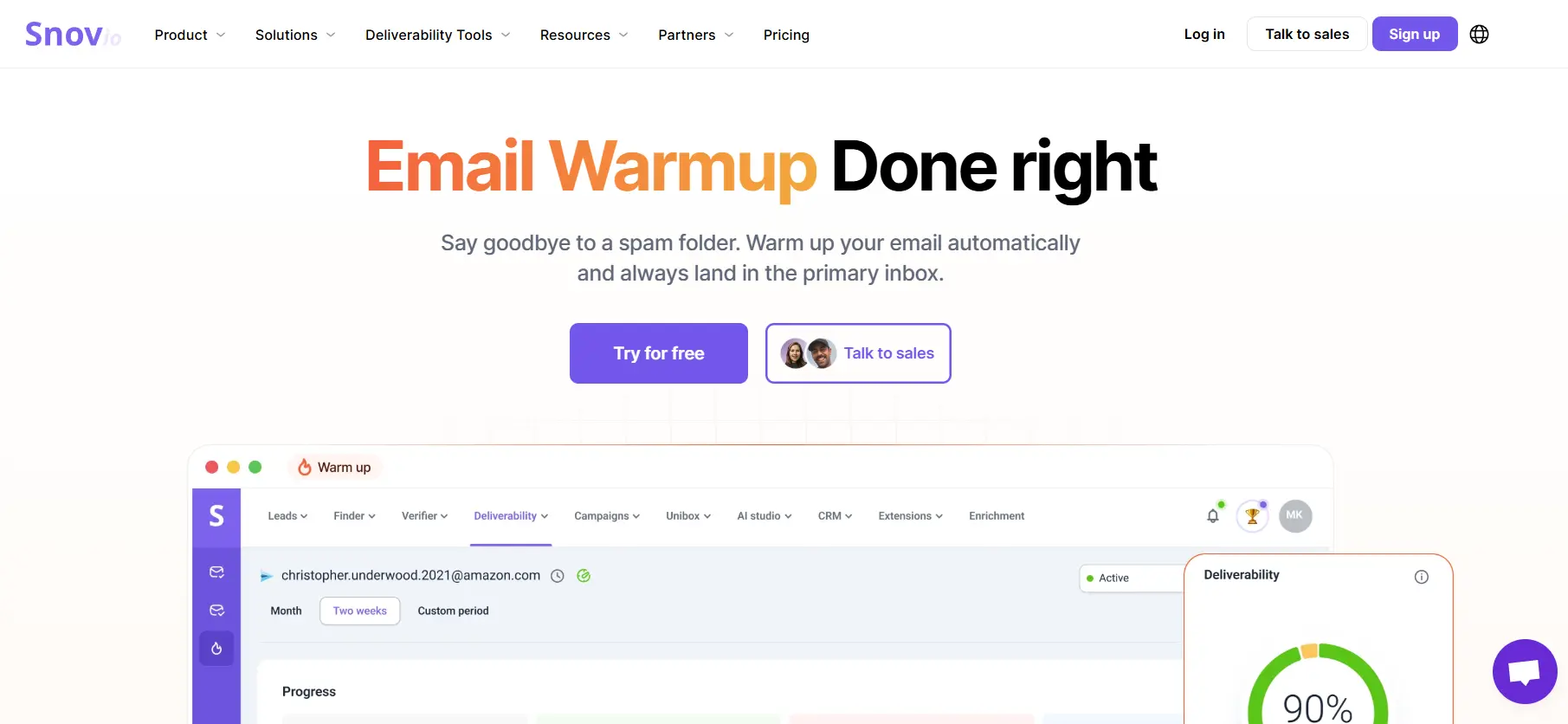
Snov.io is a well-established all-in-one sales outreach platform that covers the entire cold email workflow from lead finding and email verification through to campaign automation and, crucially, built-in email warm-up. Rather than being a standalone warm-up tool, Snov.io packages its warm-up feature alongside everything else a modern outreach team needs, making it a compelling choice for anyone who wants to consolidate their stack.
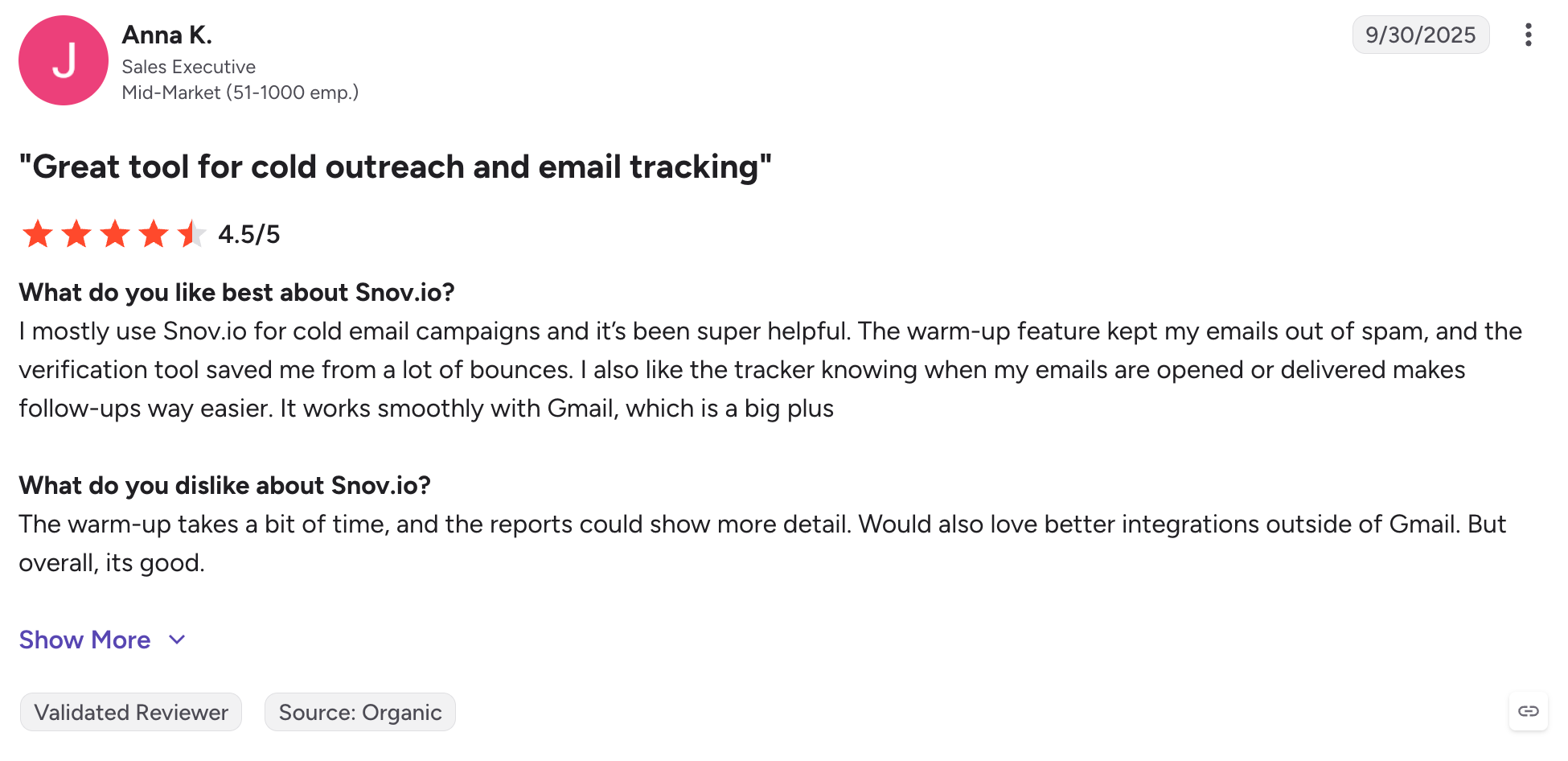
Snov.io has built a strong reputation for reliability and breadth of features. Its warm-up functionality is included on all paid plans and gradually increases sending volume while simulating authentic inbox activity helping you establish trust with email service providers before launching larger campaigns.
Key Features of Snov.io Email Warm-up
AI-generated warm-up conversations: Uses GPT-4o mini to write natural-sounding, varied dialogue across a 35,000-account deliverability network, rather than repeating fixed templates.
Provider-specific and premium pool warm-up: Target Gmail, Outlook, Google Workspace, or other providers individually, or restrict interactions to a premium pool of business/corporate domains only.
Advanced sending controls: Plain-text mode, spintax variation, and custom tracking domain warm-up are all available for teams that want to fine-tune how warm-up traffic looks.
Safe daily ramping: Volume increases automatically in small steps to avoid the sudden spikes that trigger spam filters.
Bundled deliverability toolkit: Blacklist and DNS monitoring, SPF/DKIM/DMARC checks, spam-word detection, and SpamAssassin-style scoring live in the same account, so warm-up sits next to diagnostics rather than requiring a separate tool.
Unlimited accounts and volume at scale: From the Pro S plan up, you can warm up an unlimited number of mailboxes at once, subject to a fair-use policy.
Snov.io Pros and Cons
✅ Pros
❌ Cons
Warm-up comes bundled with lead finding, verification, CRM, and outreach — one bill instead of a separate deliverability subscription
Not sold as a standalone product; you have to subscribe to a Sales Suite plan to get it
Free 7-day trial covers every feature, including warm-up, with no credit card required
Entry-level plans cap simultaneous warm-ups (1 on Trial, 3 on Starter) before unlimited unlocks at $99/mo
GPT-4o mini generates varied, natural-sounding warm-up dialogue
No live, continuously updating per-ESP placement dashboard as detailed as dedicated warm-up tools offer
Premium pool option limits interactions to business/corporate domains for stronger signal
Deliverability checks are more of an on-demand test than an ongoing trend line
Unlimited team seats on every paid plan
“Unlimited” warm-up accounts and volume are governed by a Fair Use Policy, so heavy use may get capped
Snov.io Pricing (Annual)
Snov.io operates on a credit-based model where credits are consumed by email searches and verifications, while email warm-up is included in the subscription itself:
Pro 20K and above: Custom pricing for high-volume teams and agencies
Annual billing reduces each tier by approximately 25%. LinkedIn automation is available as a paid add-on ($69/month per slot) and is not bundled into the base plans.
Bundled in Sales Suite plans from $39/mo (annual: 25% off); warm-up itself has no per-mailbox fee
$9/month per inbox (billed annually), or free with Salesforge
Warm-up pool
35,000-account deliverability network, with a premium business-domain-only option
Aged Google Workspace and Microsoft 365 inboxes only
Per-ESP placement dashboard
Deliverability toolkit runs on-demand placement/DNS/blacklist checks rather than a continuous per-provider dashboard
Yes, through monthly placement tests, but with less granular real-time reporting
AI diagnostics
GPT-4o mini generates warm-up conversations, plus step-by-step fix guidance for detected issues
No; Health Checks identify issues but do not recommend specific fixes
DNS + MX/blacklist monitoring
SPF/DKIM/DMARC checkers plus blacklist detection, run as checks within the toolkit
Continuous DNS, MX, and blacklist monitoring
ESP support
Gmail, Outlook, Google Workspace, Yahoo, Zoho, and more
Native support for Google Workspace and Microsoft 365
Free trial
7-day full-feature trial, plus an ongoing free Trial plan with 1 warm-up slot
1 free warm-up slot on signup plus 1 free placement test per month
Bundled with sequencer
Yes — included with Snov.io’s outreach, prospecting, and CRM tools
Yes, included with Salesforge
3. Mailreach
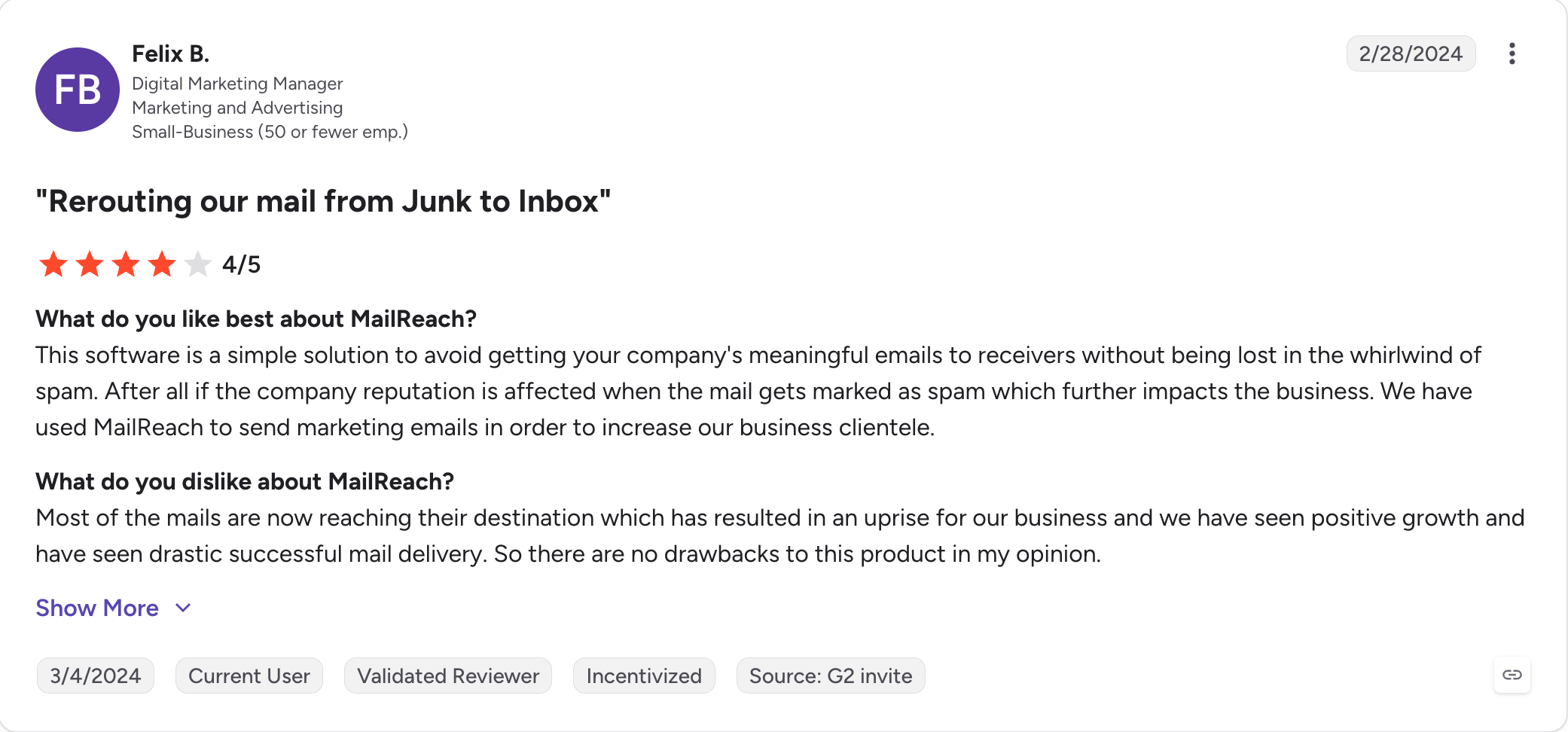
Every deliverability consultant I've compared setups with keeps a Mailreach tab open somewhere in their browser.
The reason is the per-ESP breakdown. You can see exactly what Gmail thinks of your reputation, what Outlook thinks, and what Yahoo thinks, on the same screen, with a trend line for each, and a domain-level score that a non-technical client can read at a glance.
This makes it easier to see how email providers and email service providers are judging sender reputation and placement.
That per-ESP dashboard is the closest thing the category has to a scoreboard clean enough to send in a Friday update.
I've seen inbox placement climb from the 40s into the 90s over three to four weeks on mailboxes that were already technically warm but sending inconsistent engagement signals, and Mailreach's diagnostics were the reason we caught what was actually wrong and improved overall email deliverability.
Where it starts to hurt is the price and the trial policy. Mailreach charges $25 per mailbox per month at the entry tier, dropping to $20 with the 20% annual billing discount. And Mailreach doesn't offer a free trial on warm-up.
You commit to a paid month before you know whether the platform works on your specific inbox stack.
Key Features of Mailreach
Per-ESP inbox placement tracking: Shows real-time placement rates for Gmail, Outlook, Yahoo, and Microsoft 365 as separate lines on the same dashboard, giving inbox placement insights by provider.
Visual sender reputation score: Each inbox gets a domain-level trust score updated daily, formatted for non-technical stakeholders.
AI diagnostic assistant: Identifies specific issues behind poor delivery, including broken DKIM, reputation drops, and content triggers, to help improve inbox placement and tell you how to fix it, which is unusual outside a full deliverability suite.
Real-time blacklist and DNS alerts: Notifications delivered to email or Slack the moment a domain lands on a blacklist or DNS records drift.
Bundled spam-test credits: 20 spam-test credits included per plan per month; additional credits available at ~$28 per 100 credits, with spam score monitoring and spam score tracking folded into deliverability checks where supported.
API and webhook integration: Works with any sequencer via API, useful for agencies whose stack changes per client.
Team roles and shared analytics: Multi-seat access with reviewer, admin, and client-view permissions.
Mailreach Pros and Cons
✅ Pros
❌ Cons
Per-ESP inbox placement reporting is among the most detailed in the category
No free trial for warm-up; you must pay for a full month before evaluating the product
AI diagnostic assistant recommends specific fixes instead of only highlighting problems
Priced per mailbox with only a 20% annual discount; no unlimited-mailbox option
Real-time blacklist and DNS alerts included on every plan
Users report interface slowdowns when managing 30+ inboxes
Works with any email sequencer through its API
No assistance with SPF or DKIM setup; DNS configuration is your responsibility
Supports multi-seat client permissions for agencies and teams
Deliverability dashboards cannot compensate for poor email copy or low-quality prospect lists
Mailreach Pricing (Annual)
Per mailbox, monthly billing: $25/month per mailbox, includes 20 spam-test credits per month
Per mailbox, billed annually: $20/month per mailbox (20% annual discount), same 20 spam-test credits per month
Additional spam-test credits: approximately $28 per 100 credits, non-renewing
Volume discounts: Third-party sources cite tiered pricing at 6+, 21+, and 51+ mailboxes ($19.50, $18, $16 respectively), but the live pricing page currently shows a flat rate; confirm with sales
Free offer: No free trial for warm-up; 3 free spam tests per 24 hours available from the website
$20/month per mailbox (billed annually), or $25/month
$9/month per inbox (billed annually), or free with Salesforge
Warm-up pool
Real inbox network across Gmail, Outlook, Yahoo, and SMTP
Aged Google Workspace and Microsoft 365 inboxes only
Per-ESP placement dashboard
Yes, with one of the deepest provider-level breakdowns in the category
Yes, through monthly placement tests, but with less granular real-time reporting
AI diagnostic assistant
Yes
No; Health Checks identify issues but do not recommend specific fixes
DNS + MX monitoring
DNS alerts only; no MX monitoring
Continuous DNS, MX, and blacklist monitoring
ESP support
Gmail, Outlook, Yahoo, and SMTP
Native support for Google Workspace and Microsoft 365
Free trial
No warm-up trial; includes 3 free spam tests per day via the website
1 free warm-up slot on signup plus 1 free placement test per month
Bundled with sequencer
No
Yes, included with Salesforge
4. Lemwarm
Lemwarm has one advantage no other tool in this category has: the tightest sequencer integration on the list.
If you're running cold email out of lemlist, Lemwarm sits on the same mailbox as your campaigns, pauses warm-up automatically when a live campaign starts sending, and resumes when the campaign ends.
Other warm-up tools offer manual pause controls, but the auto-detection only works because Lemwarm and lemlist share a codebase.
That's the killer feature for lemlist users, and it's worth naming because most warm-up buyers won't think about it until they've burned a mailbox.
Where Lemwarm stops making sense is outside the lemlist ecosystem. Lemwarm is sold as a standalone product ($29/month per inbox on Essential, $24/month billed annually), but it only integrates natively with lemlist.
The auto-pause and same-platform reporting don't work if you're sending from Instantly, Smartlead, or Salesforge.
If you're on lemlist Email Pro at $63/month per user (billed annually) or $79/month monthly, Lemwarm Essential is another $24/month per inbox on top, and the effective per-inbox cost of the combined stack starts running higher than a Salesforge Growth plan with unlimited mailboxes and warm-up included.
Key Features of Lemwarm
Native lemlist integration with auto-pause: Warm-up automatically pauses on mailboxes running an active lemlist campaign and resumes when the campaign ends. The native integration automates the warm up process for active cold emails with no manual toggling required.
20,000+ verified business inbox network: Warm-up interactions come from a curated pool of real business mailboxes, not synthetic accounts.
Personalized warm-up emails on the Smart plan: Warm-up messages can be templated to mimic the tone and structure of your real cold outreach, so the engagement signals map to what your live campaigns will look like.
Deliverability reports and alerts: Real-time reports on where warm-up emails land (Primary, Promotions, Spam), including whether they reach the primary inbox, plus alerts when reputation drops.
Blacklist monitoring: Tracks whether your domain or IP appears on major blacklists during the warm-up period.
Google Postmaster integration on Smart plan: Optional integration pulls Gmail Postmaster reputation data directly into the Lemwarm dashboard.
Essential plan cap: Warm-up is capped at 40 emails per day per inbox on the Essential plan, which limits how much cold email volume you can pair with it; many teams start lower and ramp gradually based on deliverability best practices.
Lemwarm Pros and Cons
✅ Pros
❌ Cons
Only warm-up tool in this comparison with native sequencer auto-pause
Works only with lemlist and cannot be used as a standalone warm-up platform
Smart plan sends personalized warm-up emails that mimic real campaign tone
Priced per inbox in addition to the lemlist per-user subscription
20,000+ verified business inbox network with no synthetic accounts
Essential plan limits warm-up to 40 emails per inbox per day
Google Postmaster integration available on the Smart plan
Users report the interface is functional but weaker than competing warm-up tools
Included at no extra cost with any lemlist Email Pro subscription or higher
No assistance with DNS, SPF, or DKIM configuration
Lemwarm Pricing (Annual)
Essential: $24/month per inbox (billed annually), $29/month monthly; automatic warm-up, deliverability reports, 20K+ network access, warm-up capped at 40 emails/day per inbox
Smart: $40/month per inbox (billed annually), $49/month monthly; adds personalized warm-up emails, deliverability alerts, real-template warm-up, Google Postmaster integration
Custom: 10+ inboxes, pricing on request
Free with lemlist: Lemwarm Essential is included at no additional cost with any lemlist Email Pro ($79/month) subscription or higher
Free trial: Available with any lemlist trial
Lemwarm vs Warmforge: Head-to-Head
Feature
Lemwarm
Warmforge
Pricing (annual)
$24/month per inbox (Essential) or $40/month per inbox (Smart)
$9/month per inbox, or free with Salesforge
Warm-up pool
20,000+ verified business inboxes
Aged Google Workspace and Microsoft 365 inboxes only, with no synthetic accounts
Sequencer integration
Native to lemlist only, with automatic campaign pause
API integration with any sequencer, included free with Salesforge
Inbox placement testing
No standalone placement testing; tracked within lemlist campaigns
1 free placement test per month, with additional tests available as paid add-ons
DNS + MX monitoring
Blacklist monitoring only
Continuous DNS, MX, and blacklist monitoring
Personalized warm-up emails
Yes, on the Smart plan
No; warm-up content is generated by the shared warm-up pool
Free trial
Included with any lemlist trial
1 free warm-up slot plus 1 free placement test per month
5. Warmup Inbox
Warmup Inbox has one differentiator most other tools on this list don't: ESP targeting.
On Pro and Max plans, you pick the provider you want to warm up against (Gmail, Outlook, or Yahoo), and the network prioritizes engagement from mailboxes on that ESP to improve inbox placement for provider-specific sending.
If your outbound campaign is 95% Gmail recipients and you're specifically fighting Gmail's Promotions filter, that targeting is worth having.
The 30,000+ real inbox network and the per-inbox pacing controls are the other reason Warmup Inbox stays in play. The tool has a longer track record than most newer entrants, the dashboard is scannable across multiple connected accounts, and setup is fast on Google Workspace and Microsoft 365 inboxes.
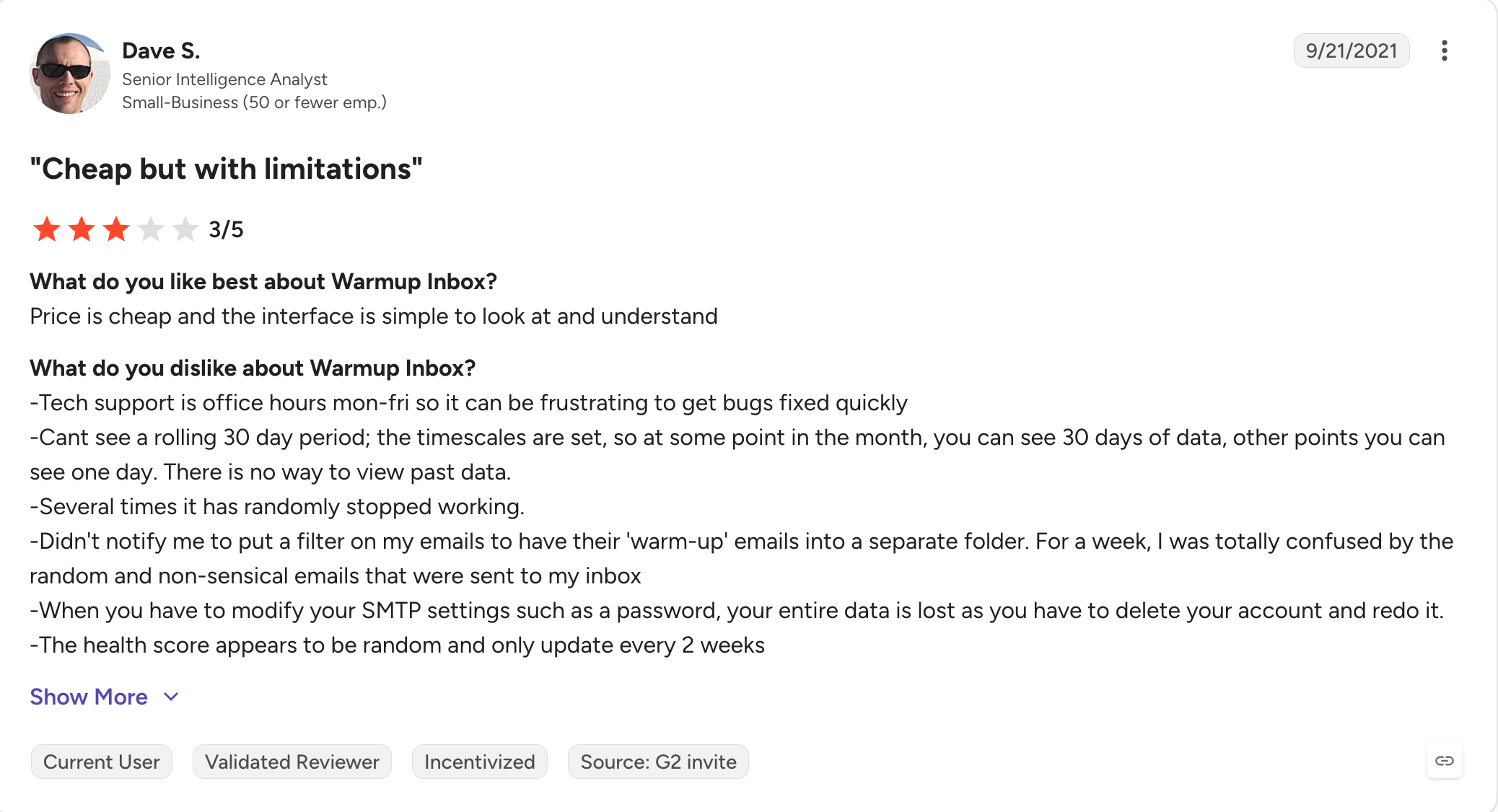
Unfortunately, Warmup Inbo has no continuous DNS or MX monitoring after setup, no inbox placement testing feature, and Warmup Inbox's free SPF Generator and DKIM/DMARC tools are auxiliary utilities; they help with setup but don't monitor authentication state during warm-up.
If your domain authentication drifts mid-campaign, Warmup Inbox won't tell you.
Pricing also gets punishing above 5 inboxes.
The Basic plan is $15/month per inbox (billed annually), and the Pro plan for higher warm-up volume jumps to $49/month per inbox (billed annually).
At 20 inboxes on Pro, that's $980/month, which puts it near the top of the standalone tier.
Key Features of Warmup Inbox
ESP-specific targeting: Optimize warm-up engagement for Gmail, Outlook, or Yahoo specifically, useful when your target recipient inbox mix is skewed.
30,000+ real inbox network: Warm-up interactions come from a network of active real inboxes, no synthetic or recycled accounts.
Bulk warm-up for 100+ accounts: Per-inbox pacing control with a dashboard scannable across large fleets.
Inbox placement monitoring: Tracks whether your warm-up emails land in the primary inbox, Promotions, or Spam, per inbox, which also helps assess overall spam score trends.
Spam trigger analysis: Content scanner supports spam score tracking by flagging risky subject lines and body copy before you launch a campaign.
API integration: Connects to any sequencer via API, useful for agency stacks.
Free auxiliary SPF and DMARC generators: Free tools for setting up authentication records, though the platform doesn't manage or monitor them post-setup.
Warmup Inbox Pros and Cons
✅ Pros
❌ Cons
ESP-specific warm-up targeting for Gmail, Outlook, or Yahoo
No continuous DNS or MX monitoring after initial setup
30,000+ real inbox network with no synthetic accounts
Higher-tier plans become expensive at scale ($49–$79 per inbox, billed annually)
Supports bulk warm-up across 100+ inboxes
No inbox placement testing feature
Fast setup, typically under 10 minutes per inbox
ESP-specific targeting is available only on higher-tier plans
Established platform with a stable feature set since 2019
Support is limited to chat; no phone or priority response options
Warmup Inbox Pricing (Annual)
Basic: $15/month per inbox (billed annually), $19/month monthly; 75 warm-up emails per day per inbox, 25% reply rate
Pro: $49/month per inbox (billed annually), $59/month monthly; 250 warm-up emails per day per inbox, 45% reply rate, ESP targeting, custom templates
Max: approximately $79/month per inbox (billed annually), $99/month monthly; 1,000 warm-up emails per day per inbox, 65% reply rate, priority support
$15/month per inbox (Basic) or $49/month per inbox (Pro)
$9/month per inbox, or free with Salesforge
Warm-up pool
30,000+ real inboxes across multiple ESPs
Aged Google Workspace and Microsoft 365 inboxes only
ESP targeting
Yes, with Gmail-, Outlook-, and Yahoo-specific targeting
No; uses a provider-agnostic warm-up pool
Inbox placement testing
No
Yes, with one free placement test included every month
DNS + MX monitoring
Setup-time checks only
Continuous DNS, MX, and blacklist monitoring
Bulk warm-up (100+ inboxes)
Yes
Yes
Free trial
7-day free trial on all plans
1 free warm-up slot on signup plus 1 free placement test per month
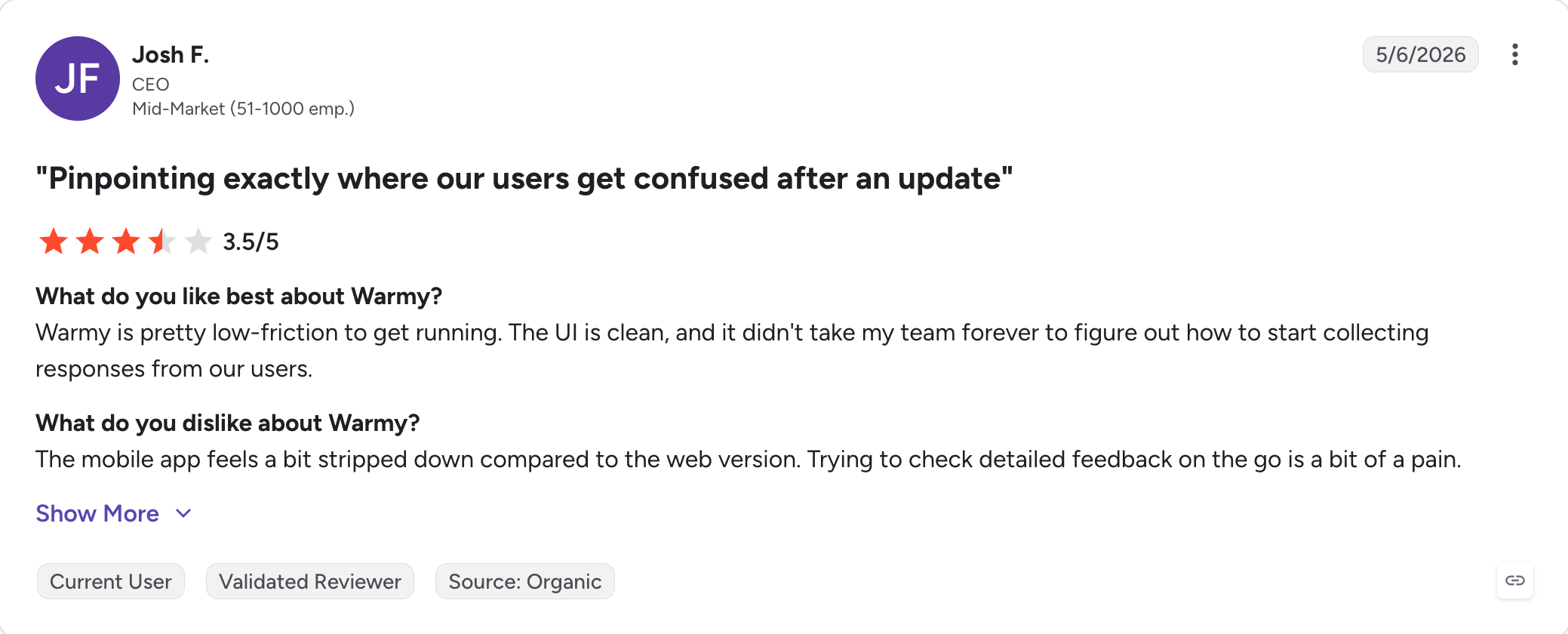
6. Warmy.io
Warmy.io is the tool in this category priced for enterprise buyers who already know they need warm-up and want the most feature-rich version available.
As of mid-2026, Warmy removed public pricing from its website: the pricing page now presents B2B sender, B2C sender, and Custom options, each with a "Book a demo" call to action.
Third-party sources cite historical entry pricing at roughly $49/mailbox/month, but you'll need to book a demo to confirm current rates.
The Adeline AI is the actual differentiator worth naming, and it makes Warmy a premium email warm up option for enterprise buyers. Instead of a generic "send more warm-up emails" ramp curve, Adeline reads your inbox's current reputation state and adjusts volume, timing, and engagement patterns dynamically.
Feed it your actual cold email templates and Warmy sends warm up emails matched to real campaign patterns rather than generic traffic, so the engagement signals map to what you'll eventually send.
For an agency running 50+ inboxes across multiple clients with per-client language or industry requirements, Warmy earns the price.
For a solo founder or a small team warming 5 to 10 inboxes, Warmy is priced out of range. The historical entry tier at ~$49/mailbox/month is roughly double the median of dedicated warm-up tools on this list, and higher plans move sharply into enterprise territory.
Key Features of Warmy.io
Adeline AI warm-up engine: A fully automated warm up engine that adjusts volume, timing, and engagement patterns based on real-time inbox reputation state.
Template-matched warm-up content: Feed the tool your actual cold email templates and warm-up content mimics your real campaign tone and structure.
Custom warm-up topic and language selection: Pick the industry vertical and language for warm-up interactions, useful for multi-region campaigns.
Real-time deliverability monitoring: Full deliverability dashboard with alerts for reputation drops, blacklist appearances, DNS drift, and spam score monitoring where available.
White-label option for agencies: Rebrand the Warmy dashboard for client-facing use, included on higher-tier plans.
Automatic spam-folder recovery: Warm-up emails that land in spam are pulled back automatically and marked "not spam," which supports email deliverability by reinforcing positive engagement patterns with email providers.
Multi-provider support: Works with Gmail, Outlook, Yahoo, custom SMTP, and any provider with authentication support.
Warmy.io Pros and Cons
✅ Pros
❌ Cons
Adeline AI dynamically adjusts the warm-up strategy for each inbox
Pricing requires a demo request; no public pricing page as of mid-2026
Template-matched warm-up content mirrors real campaign messaging
Previously reported entry pricing (~$49 per mailbox/month) is roughly 5–6× higher than the category median
Supports custom topics and languages for multi-region campaigns
More functionality than most solo senders or teams warming fewer than 10 inboxes typically need
White-label option available for agency resellers
Users report the dashboard can become sluggish under heavy workloads
Comprehensive deliverability monitoring with real-time alerts
Adeline AI configuration has a steeper learning curve than most competing warm-up tools
Warmy.io Pricing (Annual)
B2B Sender, B2C Sender, and Custom plans: Custom pricing, sales contact required. Warmy removed public pricing from its pricing page in mid-2026 and moved to a demo-request model with volume-based pricing.
Historical published entry pricing (third-party sources, verify at signup): Starter approximately $49/mailbox/month, Business ~$129, Premium ~$189, Expert ~$279, Platinum ~$429. Annual billing historically discounted these by ~16-17%.
Free offer: 7-day free trial, no credit card required, on all plans.
Custom pricing via sales (historically around $49/mailbox/month for Starter)
$9/month per inbox, or free with Salesforge
Warm-up engine
Adeline AI with dynamic strategy adjustments
Static warm-up ramp with real-time Heat Score feedback
Template-matched warm-up content
Yes
No; warm-up content is generated by the shared warm-up pool
Custom topic and language
Yes, including industry-specific topics and multi-language support
No
Inbox placement testing
Yes, included
Yes, with one free placement test included every month
DNS + blacklist monitoring
Real-time DNS and blacklist alerts
Continuous DNS, MX, and blacklist monitoring
White-label option
Available on higher-tier plans
No standalone white-label; available separately through the Salesforge white-label offering
ESP support
Gmail, Outlook, Yahoo, and SMTP
Native support for Google Workspace and Microsoft 365
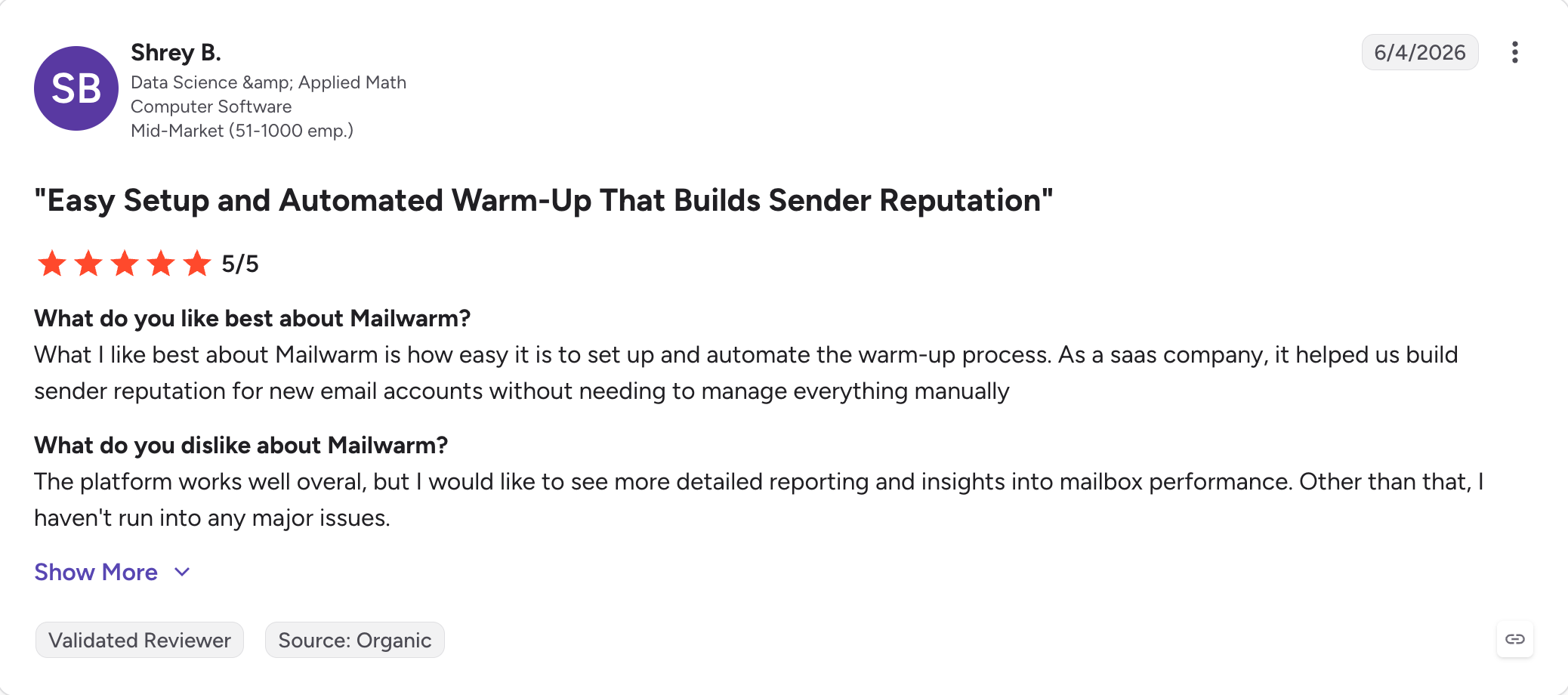
7. Mailwarm
Mailwarm was one of the first dedicated email warm-up tools.
When Y Combinator backed it in 2019, the pitch was that inbox-provider rules were about to require a warm-up ramp for cold email domains.
That prediction turned out to be right, and Mailwarm's early network of Gmail and Outlook mailboxes was ahead of the market for a few years.
The category has moved a lot since then.
What Mailwarm still has, and what earns the mention on this list, is the 50,000+ inbox network across Gmail, Outlook, Yahoo, and Microsoft 365, plus the deliverability expert calls bundled into the Growth and Scale plans, positioning it as a dedicated email warmup service rather than a bundled sequencer feature.
On the Growth plan, you get 4 expert consulting calls per month and a free deliverability audit. That's a real feature no other dedicated warm-up tool bundles at that price point.
What hurts Mailwarm in 2026 is the price and the plan structure.
Starter is $69/month (billed annually) for a single mailbox, and moving beyond one inbox jumps you to Growth at $159/month for 3 mailboxes and Scale at $479/month for 10.
There's also no free trial. You pay a full month before you know whether the tool works on your specific setup, which is a harder sell than tools that offer a 7-day trial or a free tier.
Key Features of Mailwarm
50,000+ real inbox network: Multi-provider network across Gmail, Outlook, Yahoo, and Microsoft 365, generating authentic engagement signals from real business mailboxes.
Deliverability expert consulting calls: 1 call per month on Starter, 4 calls per month on Growth, on-demand calls on Scale. Free deliverability audit included on Growth and Scale plans.
Continuous inbox placement monitoring: Real-time inbox vs spam tracking per mailbox and per SMTP provider, updated 24/7 to help improve inbox placement over time, not just measure it.
Blacklist monitoring with alerts: Tracks domain and IP blacklist appearances and alerts you as they happen.
Multi-ESP support via SMTP: Works with Gmail, Google Workspace, Outlook, Yahoo, Zoho, SendGrid, Mailgun, AWS SES, and any SMTP-compatible provider.
Positive-interaction generation: Beyond opens and replies, generates 200 to 2,000+ warm up activity actions per plan (favorites, bookmarks, forwarded messages).
$69/month for 1 mailbox (Starter) or $159/month for 3 mailboxes (Growth)
$9/month per inbox, or free with Salesforge
Warm-up pool
50,000+ real inboxes across Gmail, Outlook, Yahoo, and Microsoft 365
Aged Google Workspace and Microsoft 365 inboxes only, with no synthetic accounts
Deliverability expert calls
Included from one session up to on-demand support, depending on the plan
Not included; Forge Expert sessions are available separately at $500 for two calls
Inbox placement monitoring
Continuous 24/7 monitoring across connected mailboxes
1 free placement test per month, with additional tests available as paid add-ons
DNS + MX monitoring
Blacklist alerts included, but no continuous DNS or MX monitoring
Continuous DNS, MX, and blacklist monitoring
ESP support
Gmail, Outlook, Yahoo, Zoho, SMTP, SendGrid, Mailgun, and Amazon SES
Native support for Google Workspace and Microsoft 365, with SMTP available through Mailforge or Primeforge
Free trial
No free trial
1 free warm-up slot on signup plus 1 free placement test per month
8. Warmbox
Warmbox's Solo plan is $15/month for a single inbox on annual billing, which makes it one of the cheapest dedicated warm-up entry points in the category.
Warmforge standalone at $9/month is the only cheaper option, and Warmforge is free inside a Salesforge subscription.
That's a legitimate advantage for the solo founder or freelancer warming one mailbox on a new domain and wanting to spend under $200 a year on warm-up instead of $500+ from a per-inbox tool.
I've seen consultants and small agencies buy Warmbox at the Solo tier for one client, then move to Start-up at $69/month for 3 inboxes and realize they're now paying $23 per inbox, barely cheaper than Mailreach's $20/mailbox annual rate and more expensive than TrulyInbox's flat-rate model at similar volume.
The Solo plan's per-inbox pricing is where Warmbox wins; Start-up and Growth plans deliver worse per-inbox economics than most flat-rate competitors.
Key Features of Warmbox
35,000+ private inbox network: Warm-up interactions come from a network of private inboxes across more than 100 countries.
AI-generated warm-up content: GPT-4 generates warm-up email content per inbox, avoiding the templated patterns that mailbox providers flag as artificial engagement.
Customizable warm-up recipes: Choose between progressive, flat, or randomized ramp curves. Adjust reply rates, topics, and daily sending caps per inbox.
Spam trigger detection: Content scanner flags risky subject lines and body copy in your outreach templates before you launch a campaign.
Automatic spam-folder recovery: Warm-up emails that land in spam are pulled back to Primary as part of the standard engagement pattern.
Multi-provider support: Works with Gmail, Outlook, Yahoo, Amazon SES, and any SMTP-compatible provider.
Basic DNS and blacklist checker: Auxiliary tools to verify SPF, DKIM, and DMARC on setup, but no continuous monitoring.
Warmbox Pros and Cons
✅ Pros
❌ Cons
Lowest starting price for a dedicated single-inbox warm-up tool at $15/month (billed annually)
No free trial; payment is required before evaluation
35,000+ private inbox network spanning more than 100 countries
Independent Skylead benchmark reported 90.5% inbox placement, the lowest score among the dedicated warm-up tools tested
Customizable warm-up recipes with configurable reply rates and conversation topics
Per-inbox pricing becomes less competitive on the Start-up and Growth plans (roughly $23–$26 per inbox)
No continuous DNS or MX monitoring after initial setup
Simple four-tier pricing structure that's easy to understand
Higher plans limit team size (3 users on Start-up and 6 users on Growth)
Warmbox Pricing (Annual)
Solo: $15/month (billed annually), $19/month monthly; 1 inbox, 50 warm-up emails per day, 1 team member
Start-up: $69/month (billed annually), $79/month monthly; 3 inboxes, 250 warm-up emails per day, 3 team members
Growth: $139/month (billed annually), $159/month monthly; 6 inboxes, 500 warm-up emails per day, 6 team members
Team: Custom pricing, sales contact required for higher volumes
Free offer: No free trial available
Warmbox vs Warmforge: Head-to-Head
Feature
Warmbox
Warmforge
Pricing (annual)
$15/month for 1 inbox (Solo) or $69/month for 3 inboxes (Start-up)
$9/month per inbox, or free with Salesforge
Warm-up pool
35,000+ private inboxes across 100+ countries
Aged Google Workspace and Microsoft 365 inboxes only, with no synthetic accounts
Warm-up content
GPT-4-generated conversations tailored to each inbox
Engagement generated by the shared warm-up pool
Inbox placement testing
Basic spam-trigger checks, but no dedicated inbox placement testing
1 free placement test per month, with additional tests available as paid add-ons
DNS + MX monitoring
Setup-time checks only
Continuous DNS, MX, and blacklist monitoring
Skylead benchmark placement
90.5%
Not included in the same benchmark study
ESP support
Gmail, Outlook, Yahoo, Amazon SES, and SMTP
Native support for Google Workspace and Microsoft 365
Free trial
No free trial
1 free warm-up slot on signup plus 1 free placement test per month
9. Mailivery
Mailivery is the tool on this list that leans hardest into AI-generated warm-up personas.
Every connected inbox gets a customizable sender profile with its own timezone, response rate, signature, and email content style. So, the warm-up traffic Gmail sees from each mailbox looks like distinct conversations rather than templated warm-up traffic pinging back and forth between accounts.
That's a different bet than the network-first tools on this list.
The best part about Mailvery is pricing.
Every plan includes unlimited connected inboxes, and you pay for daily warm-up volume instead of per-mailbox. Starter is $29/month monthly, roughly $22/month billed annually, for 200 warm-up emails per day shared across as many mailboxes as you connect.
Key Features of Mailivery
AI-generated persona identities per inbox: Each connected mailbox gets a unique sender profile with language style, timezone, industry, and signature, so warm-up traffic looks like distinct real conversations.
Connect unlimited mailboxes on every plan: Flat-rate pricing by daily volume, not per inbox. Every plan includes unlimited inbox connections.
Blacklist monitoring across 70+ lists: Tracks your domain and IP status across major blacklists on every plan (2 monitors on Starter, 10 on Professional, 50 on Business).
Bundled email verification credits: 100 credits on Starter, 500 on Professional, 2,000 on Business, useful for pre-send list hygiene.
Inbox placement testing: Track where warm-up emails land per ESP (Gmail, Outlook, Yahoo) with a per-inbox breakdown that provides inbox placement insights.
Customizable warm-up templates: Feed the tool your real cold email templates so warm-up content matches your sending style for cold outreach campaigns.
Sequencer integration: Works with lemlist, Instantly, and any sequencer via API or SMTP.
Mailivery Pros and Cons
✅ Pros
❌ Cons
Unlimited connected inboxes on every paid plan
Daily warm-up volume is shared across inboxes, reducing activity per mailbox once you manage 15+ accounts on entry plans
AI-generated persona identities create more natural, inbox-specific conversations than template-based warm-up
The 7-day trial requires a credit card
Blacklist monitoring across more than 70 blocklists is included on every plan
Some users report occasional delays in reply simulation timing
Includes bundled email verification credits (100–2,000 depending on plan)
Not intended to replace a lead generation platform or outbound sequencer
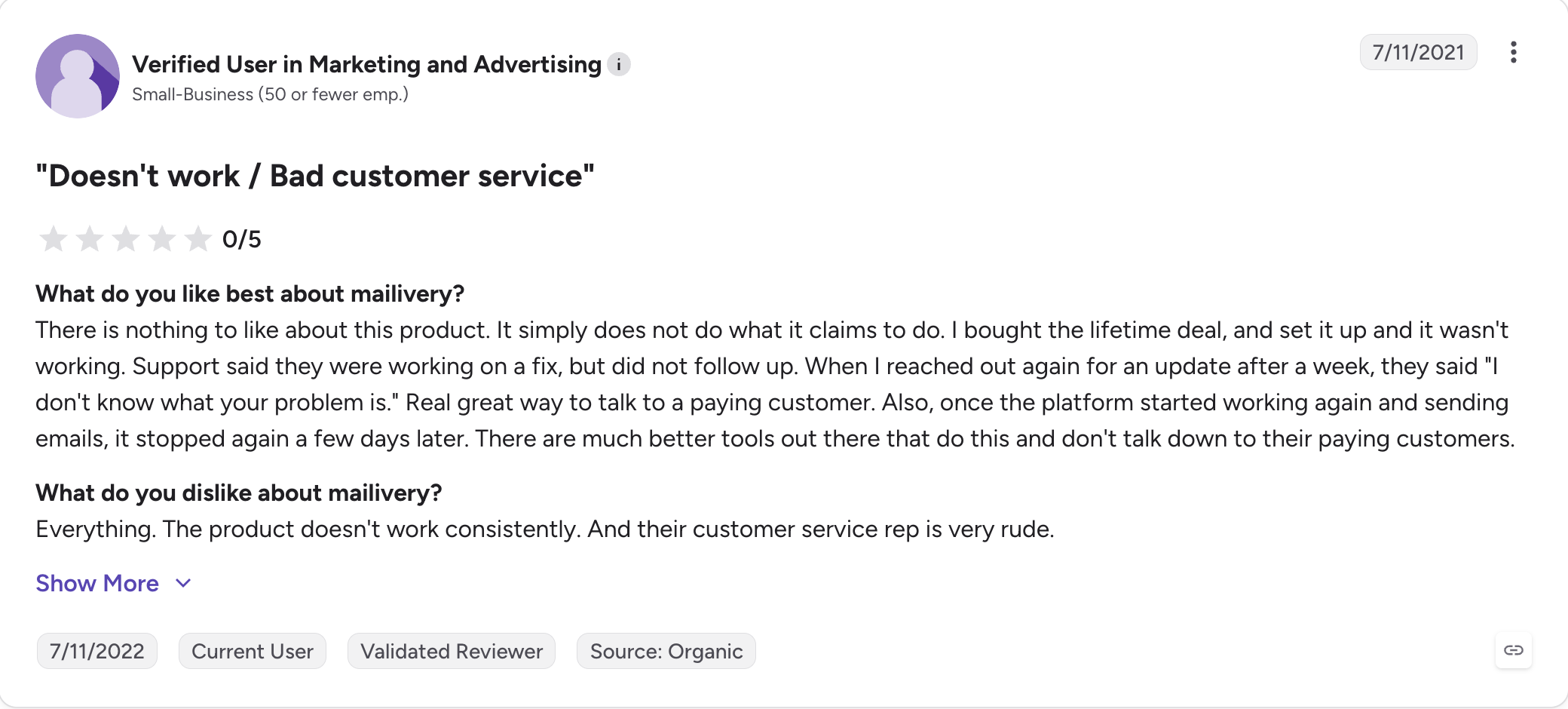
Support response times vary according to reviewer feedback
Mailivery Pricing (Annual)
Starter: $29/month monthly, approximately $22/month (billed annually); 200 warm-up emails per day shared across unlimited inboxes, 2 blacklist monitors, 100 verification credits, 2 team users
Professional: $79/month monthly, approximately $59/month (billed annually); 800 warm-up emails per day shared, 10 blacklist monitors, 500 verification credits, 4 team users
Business: $199/month monthly, approximately $149/month (billed annually); 2,500 warm-up emails per day shared, 50 blacklist monitors, 2,000 verification credits, 10 team users
$22/month (Starter) with unlimited inboxes and a shared 200-email/day warm-up limit
$9/month per inbox, or free with Salesforge
Warm-up pool
AI persona-based conversations with a unique identity for each inbox
Aged Google Workspace and Microsoft 365 inboxes only
Volume model
Shared daily warm-up volume across all connected inboxes
Dedicated per-inbox warm-up allocation
Inbox placement testing
Included
Yes, with one free placement test included every month
DNS + MX monitoring
Blacklist monitoring only; no continuous DNS or MX monitoring
Continuous DNS, MX, and blacklist monitoring
Skylead benchmark placement
94%
Not included in the same benchmark study
ESP support
Gmail, Outlook, and SMTP
Native support for Google Workspace and Microsoft 365
Free trial
7-day trial (credit card required)
1 free warm-up slot on signup plus 1 free placement test per month
Final Verdict: Which Email Warm Up Tool Is Actually Worth It?
The warm-up category has quietly become a maintenance tax on outbound stacks.
Most warm up tools can improve email deliverability, but they differ in monitoring depth and cost. Every tool here charges $15 to $139 per month for a feature that mailbox providers spend engineering hours trying to detect.
The decision isn't between tools. It's whether that tax sits on top of your cold email stack or gets included inside it.
For solo operators warming a single mailbox on a new domain, Warmbox at $15/month (billed annually) is defensible.
For lemlist users, Lemwarm at $24/month per inbox is the right pick because of the campaign auto-pause.
For everyone else, and especially teams already on Salesforge or planning to migrate, Warmforge covers warm-up, inbox placement testing, and DNS monitoring in one dashboard at $9/month per inbox (billed annually), or free inside a Salesforge subscription.
That makes it a practical fit if you want a dedicated warm up service, but it is even cheaper when warm-up is bundled directly into the sending stack.
Most inboxes need 2 to 4 weeks of daily warm-up before you send cold email at production volume. Warm-up tools automate this by gradually increasing daily send and reply volume, and by simulating engagement signals that mailbox providers use to score your sender reputation. Watch your Gmail Postmaster score or your warm-up tool's Heat Score (or equivalent) and wait for it to stabilize above 85 before starting outreach.
2) Do email warm up tools actually work in 2026?
Yes, but the effect is smaller than it was in 2020. Gmail and Microsoft have gotten better at detecting artificial engagement, so warm-up alone won't fix a bad list, a broken DNS setup, or content that trips spam filters. Warm-up works as one input in a healthy deliverability stack, not as a fix on its own.
3) What's the difference between dedicated warm-up tools and warm-up bundled inside a sequencer?
Dedicated tools like Warmforge, Mailreach, and Lemwarm are standalone products you pay for on top of your sequencer. Bundled warm-up inside cold email platforms like Instantly, Smartlead, and Salesforge is included at no additional cost, so if you're already inside one of those you're not shopping for a separate tool. If your sequencer doesn't bundle warm-up (Apollo, Reply, Klenty, Outreach.io are the common ones), a dedicated tool becomes necessary.
4) Is Warmforge really free with a Salesforge subscription?
Yes. Unlimited Warmforge warm-up across any connected mailbox is included with every Salesforge subscription (Pro at $40/month billed annually, Growth at $80/month billed annually). Standalone Warmforge is $9/month per inbox (billed annually) or $12/month monthly.
5) Can I warm up multiple inboxes at once?
Yes. Every tool on this list supports multi-inbox warm-up, so you can connect more than one email account and run warm-up across multiple inboxes at once. The pricing model varies significantly: per-inbox tools (Warmforge, Mailreach, Warmup Inbox, Lemwarm) charge for each mailbox you connect, while flat-rate tools (TrulyInbox, Mailivery) charge by daily warm-up volume shared across unlimited inboxes. Warmbox and Mailwarm price by plan tier with fixed inbox caps.
6) Do I need SPF, DKIM, and DMARC configured before starting warm-up?
Yes. Warm-up won't build reputation on a domain with broken authentication. Set up SPF, DKIM, and DMARC records first, verify them with a DNS checker, then start warm-up. Some tools (TrulyInbox, Warmforge) automatically detect broken authentication and pause warm-up to prevent reputation damage.
7) What's the best email warm up tool for a solo founder?
If you're warming 1 mailbox and want the cheapest legitimate option, Warmbox at $15/month (billed annually) is the pick. If you're planning to use a full cold email sequencer, Salesforge Pro at $40/month (billed annually) includes unlimited Warmforge warm-up plus the sequencer itself, which works out cheaper than most standalone warm-up tools once you factor in the sending platform.
8) Does warm-up help if my emails are already landing in Promotions instead of Primary?
Partly. Warm-up improves sender reputation, which affects whether Gmail places your emails in Primary or Promotions. But Promotions placement is also driven by content signals (links, images, HTML, promotional language), and warm-up doesn't fix those. Run a spam test on your actual campaign template alongside warm-up to identify content triggers.
Book more meetings on autopilot
Set up in minutes. No per-seat pricing. No commitment.
Compare 6 email deliverability tools for cold email on warmup, inbox placement tests, monitoring, and pricing. Warmforge, GlockApps, MailReach and more.
Trulyinbox breaks past 15 inboxes. I tested 7 alternatives (Warmforge, Mailreach, Instantly, Smartlead, and more) on warmup pool, deliverability monitoring, and pricing. Here's what actually scales.





.jpg)

