Leadsforge: AI lead search with waterfall enrichment across 20+ data providers and credits that never expire. Best overall for teams tired of tracking two credit meters.
Apollo.io: Replaces the data and the sending. One per-seat contract covers the contact database, the enrichment and the sequencer, so smaller sales teams stop stitching three tools together.
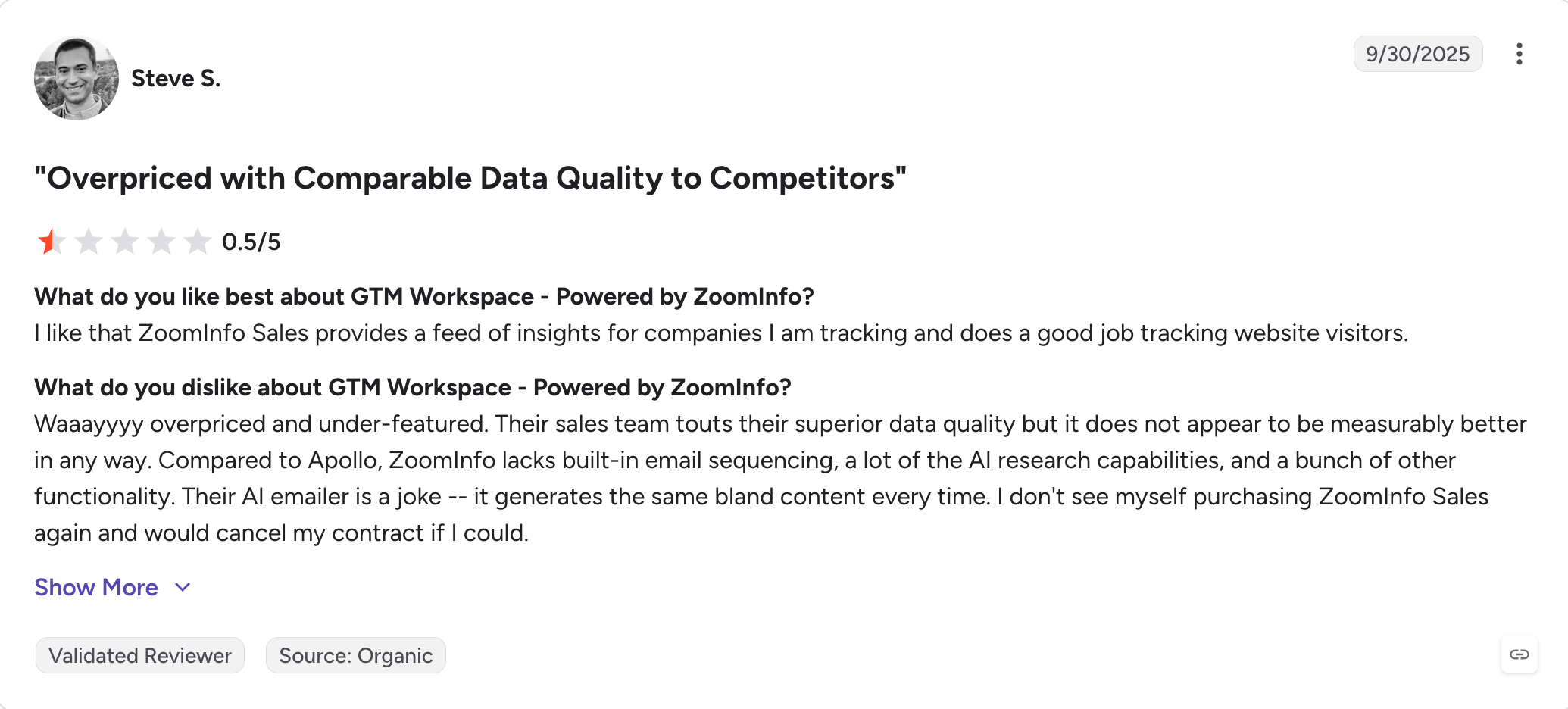
ZoomInfo: Replaces the data and some of the workflow. Built for enterprise teams who want buyer intent data and account research on a single contract.
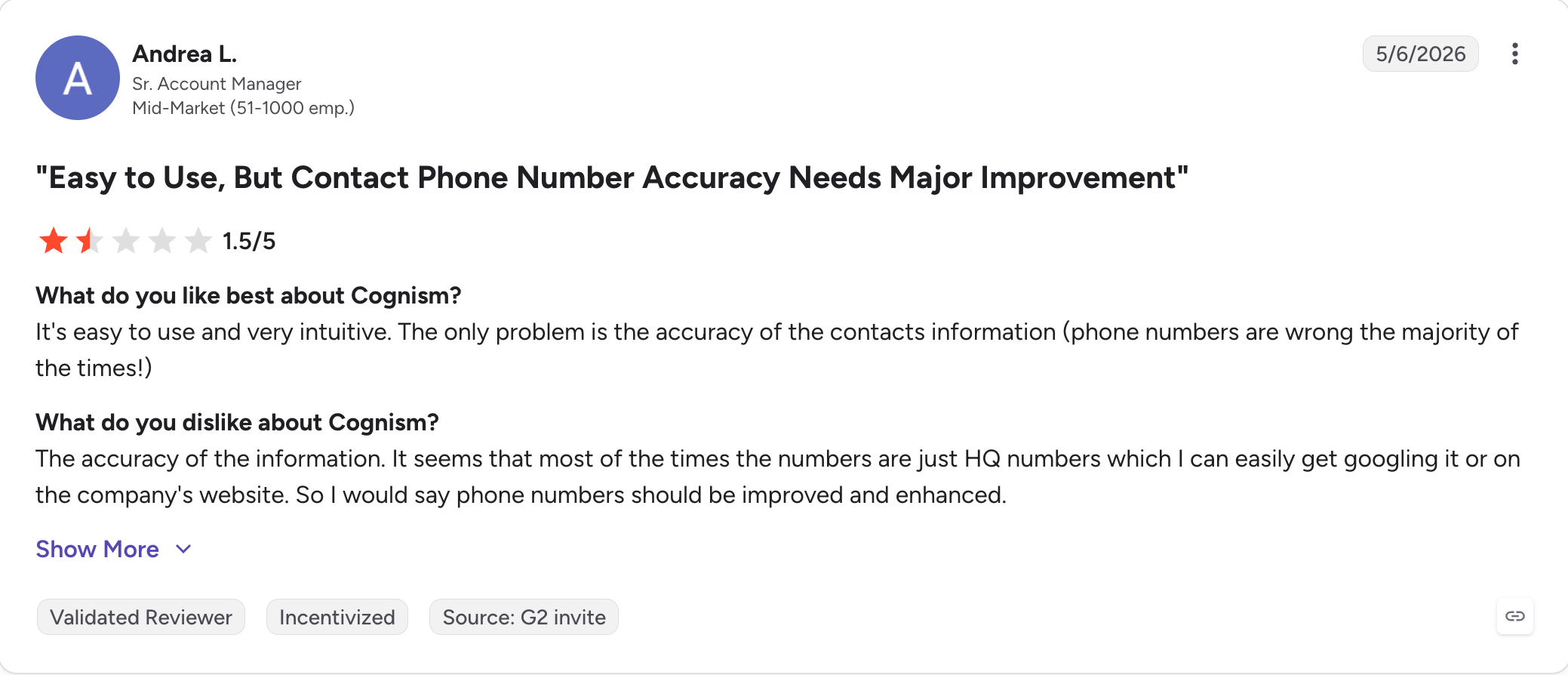
Cognism: Replaces the data. Phone verified mobile numbers across Europe, with DNC compliance in 14 countries and human-verified records that waterfalls struggle to match.
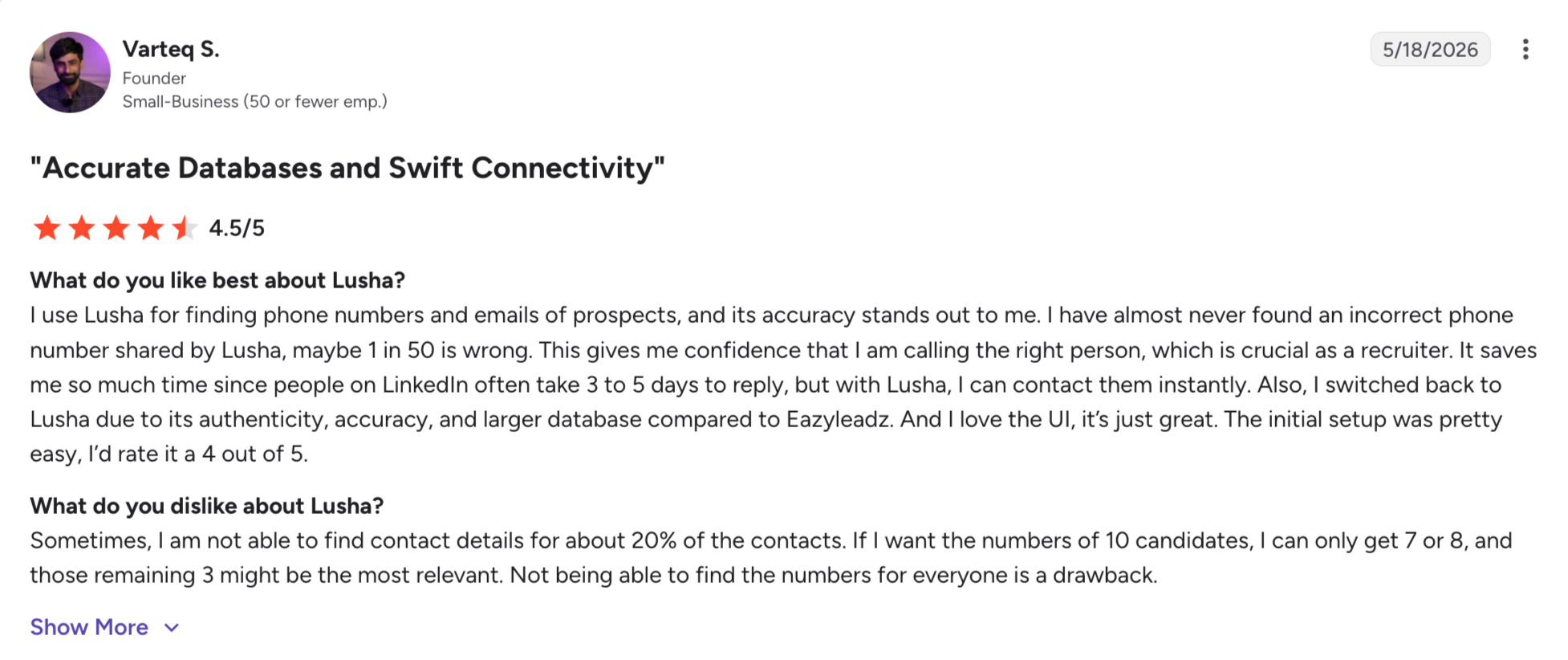
Lusha: Replaces the lookup. A Chrome extension and a clean interface for teams that want contact details on demand instead of a platform to configure.
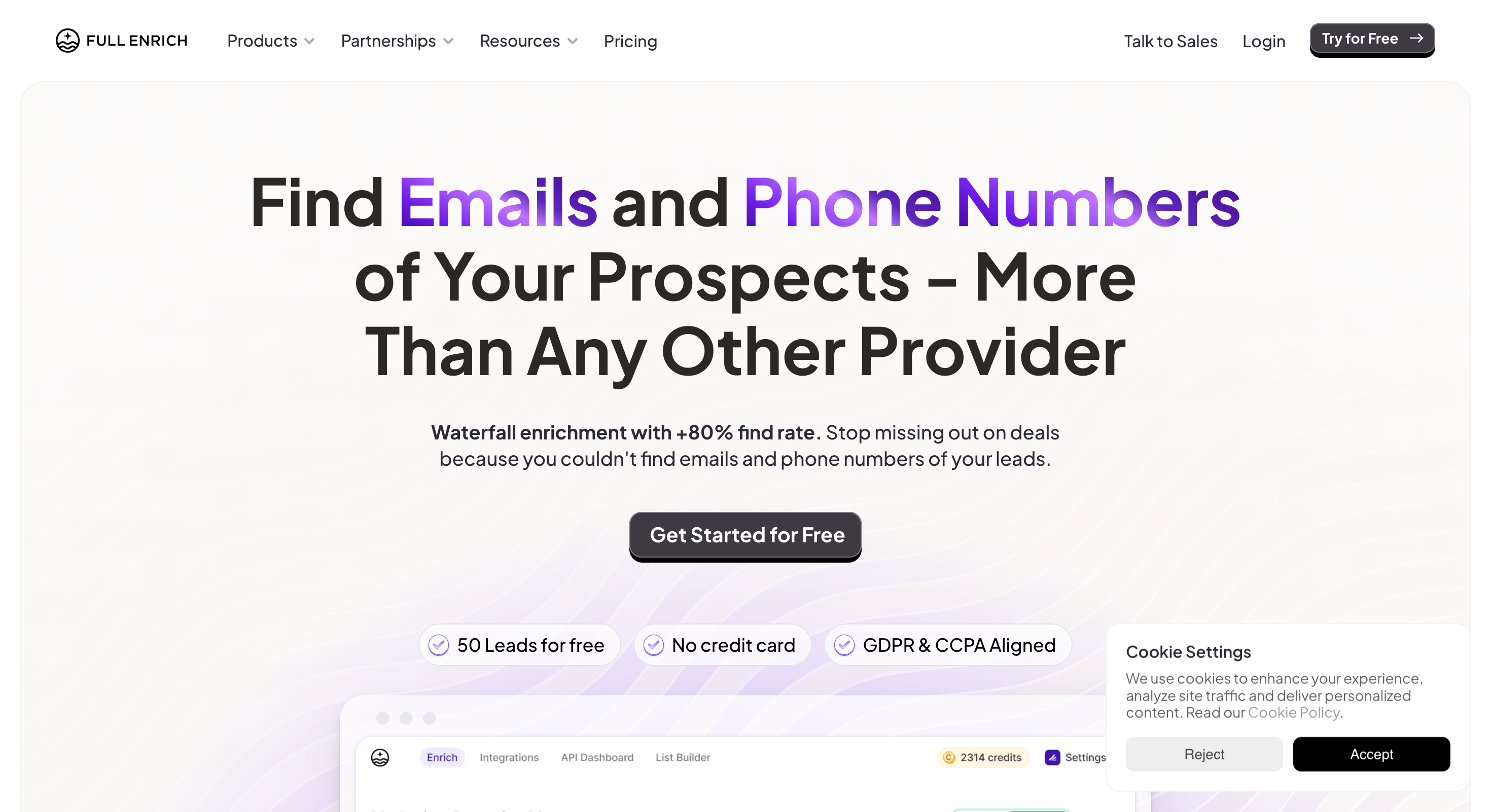
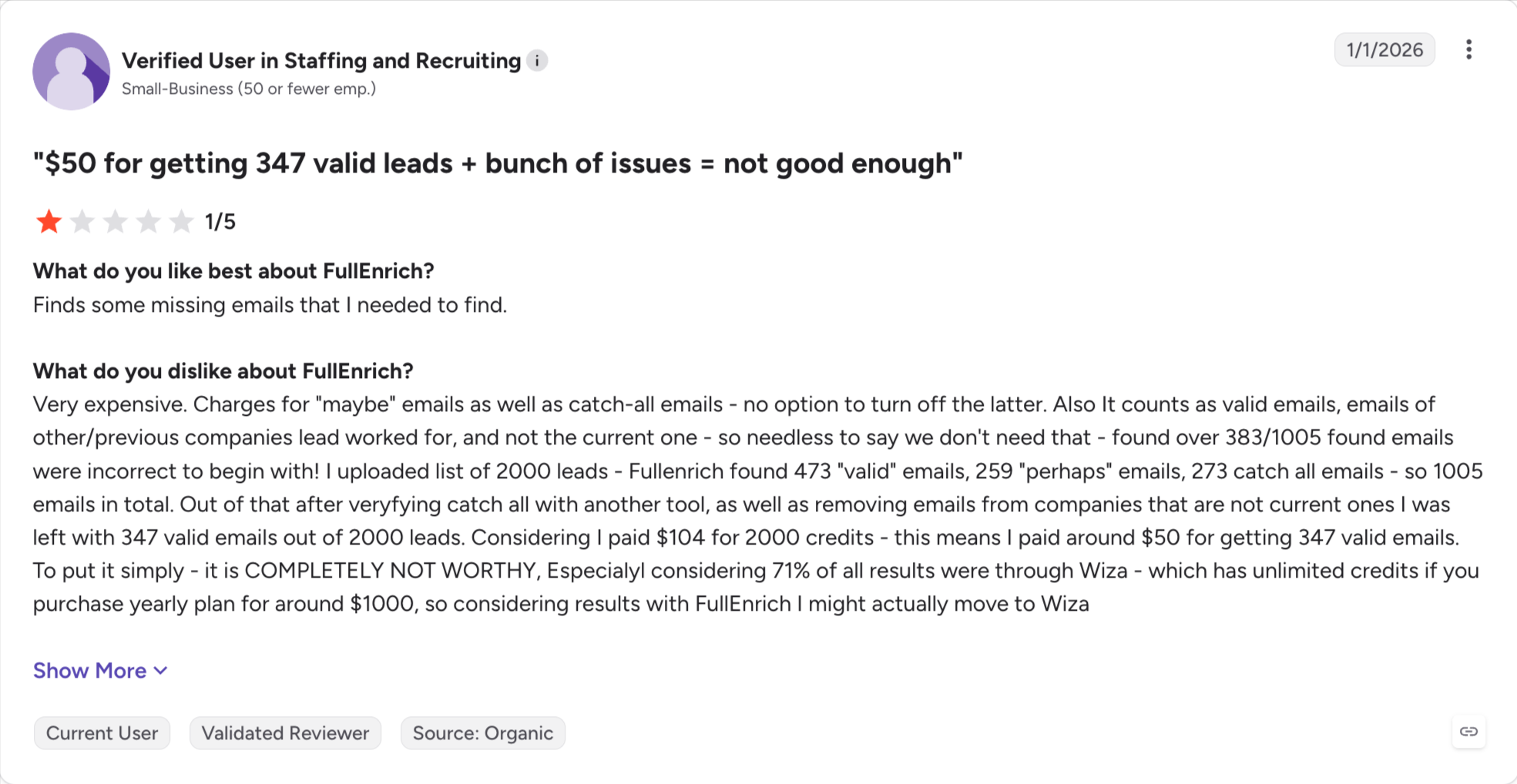
FullEnrich: Replaces the waterfall. Enrichment across data providers in sequence, with no table to build, and it only charges when it finds something.
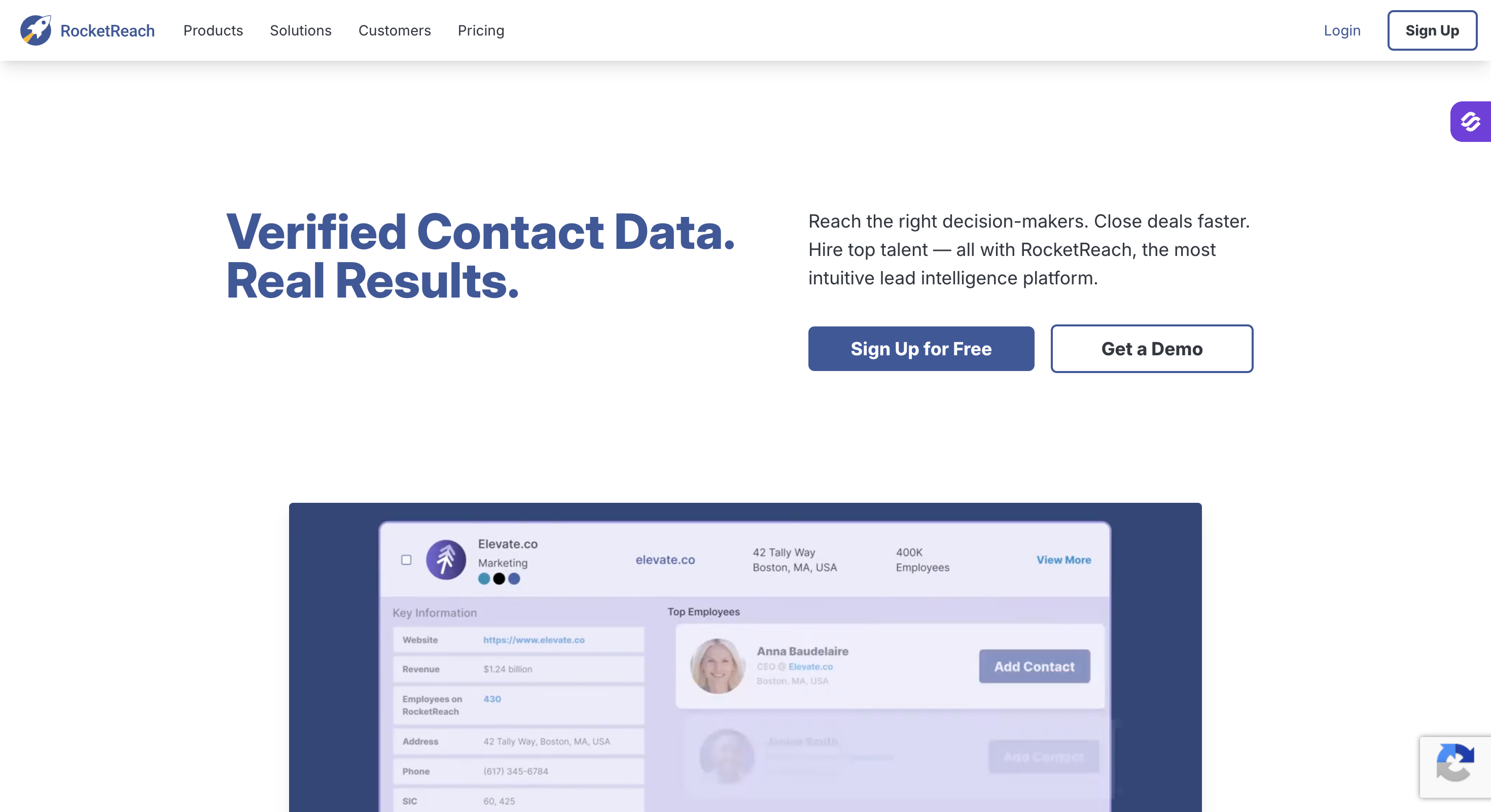
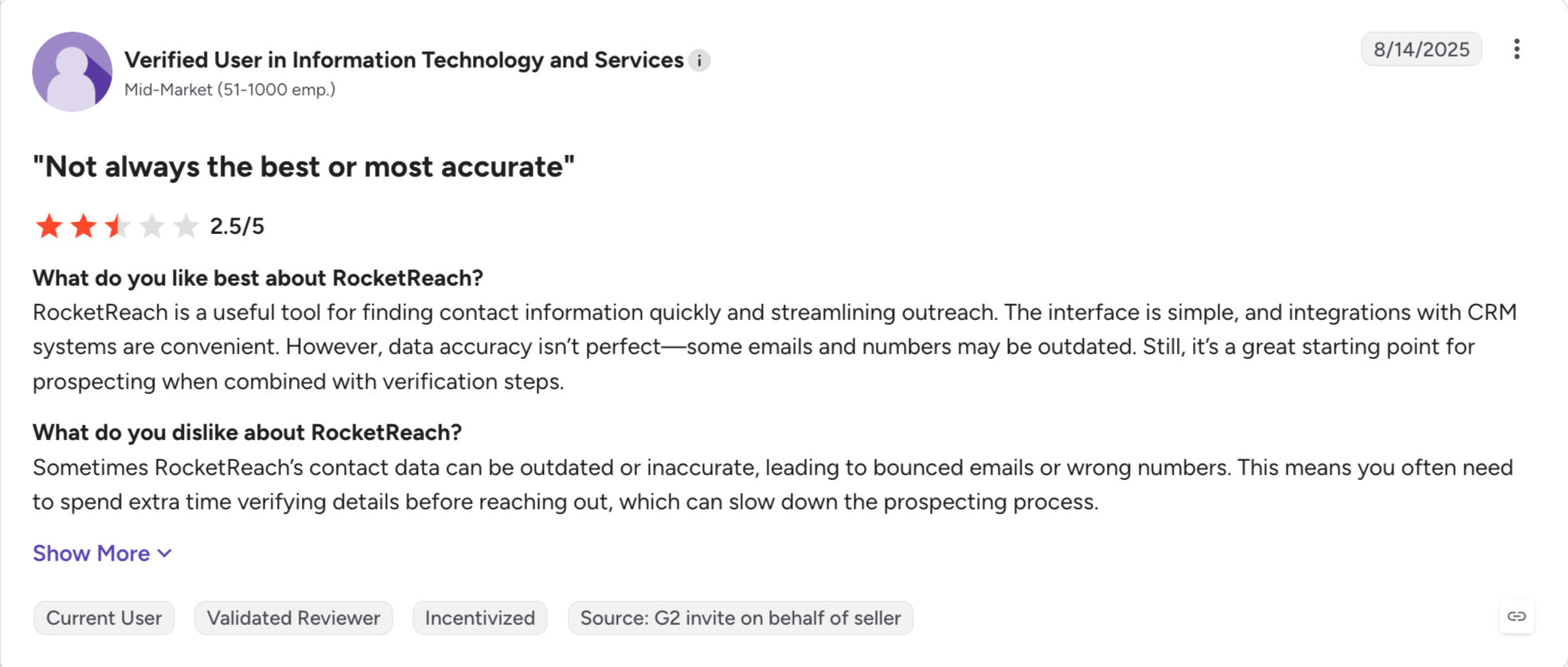
RocketReach: Replaces the contact database. A large pool of contact details at a lower entry price, aimed at teams doing straightforward lookups.
Why Teams Leave Clay
Clay is a good product. People still leave it, and I hear the same four reasons every time.
Credit Based Pricing
Clay charges Data Credits for the lookups and Actions for everything the table does to get there. Your bill adds them together.
Most teams watch one and forget the other. Split a column or run a table again, and the number moves before anyone sees it. Users report this as the hardest part of the bill to explain.
Features Behind Growth
CRM sync, the API and webhooks all sit on the $495 Growth plan. The $185 plan has none of them. Both paid plans drop about 10% on annual billing. The free plan stops long before any of this.
So the day you want Clay writing into HubSpot on its own, your bill nearly triples.
Hard to Set Up
Clay opens on an empty table and waits for you.
You pick the data providers. You set the order they run in. You decide what happens when the first one finds nothing. Nobody tells you which order is cheapest, and getting it wrong costs more than any other mistake in Clay.
That is why teams end up hiring a person to run it. Most of them did not plan to.
You Only Use Part Of Workflow
Most teams I talk to wanted one platform for finding and acting on leads, not a workflow builder they only partly use. The workflow automation they paid for never gets built.
So you pay platform prices for a lookup. People read lists like this one for exactly that reason.
Feature Comparison: Top 7 Clay Alternatives at a Glance
Here is how all seven compare against Clay itself.
GTM teams and agencies that want waterfall enrichment without building a table
$49/month, or $588/year billed annually
500M+ contacts, 20+ providers
100 credits on signup
Credits never expire
4.7
Apollo.io
Teams who want the database and the sequencer on one contract
$49/seat/month billed annually
275M contacts, 73M companies
75 credits per seat a month
No
4.7
ZoomInfo
Enterprise teams with a RevOps function
Quote only, annual contracts
500M+ contacts, 100M+ companies
ZoomInfo Lite, 10 export credits a month
No
4.5
Cognism
Teams selling into the UK and Europe by phone
Quote only, demo required
440M+ contacts, 100M+ phone-verified mobiles
None. Kaspr gives 5 phone and 5 email credits
Re-reveals are free
4.5
Lusha
Reps grabbing one contact at a time from LinkedIn
From $37.45/month annual
150M+ profiles
40 credits a month
Up to 2x on Pro and above
4.3
FullEnrich
Teams who want the waterfall without the spreadsheet
$55/month for 1,000 credits
Waterfall across providers, no database
50-credit free trial
3 months monthly, 12 yearly
Not published
RocketReach
Senior-contact lookups
$329/year Essentials
700M+ profiles
5 lookups, one time
Unlimited lookups on annual plans
4.4
1. Leadsforge
Best for: Sales, GTM and agency teams who want waterfall enrichment without building the table first, on credits that never expire.
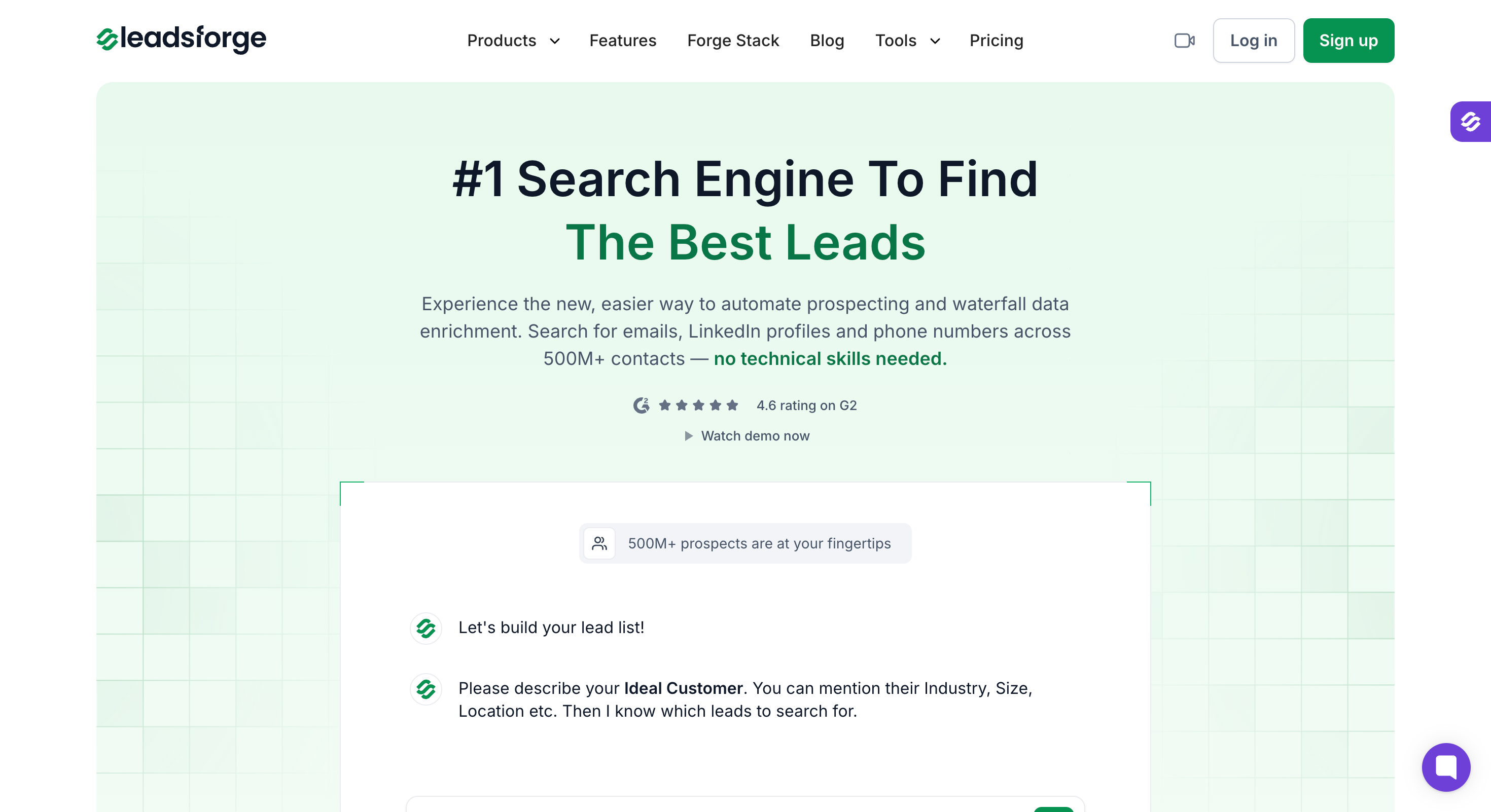
Leadsforge runs every lead workflow from one tool. It is an AI-powered lead search tool where you search 500M+ contacts by ICP using standard filters or chat-style, enrich a list, pull a competitor's followers or source leads from buying signals.
The database is what separates Leadsforge from Clay, and why it works as an alternative to Clay for teams that care more about finding contacts than building tables.
Clay owns no data, so it routes every lookup out to other providers. Leadsforge owns its 500M+ contact database and runs a waterfall across 20+ providers on top of it.
Most Clay users look at the credit model first. With Leadsforge, your credits never expire and whatever credits you do not use rolls into the next month.
You also pay nothing to search, because Leadsforge only charges you when you enrich or export a contact.
Leadsforge Key Features
AI Lead Finder: AI workflows build the list from your ICP or your standard filters, and verified contacts come back from the database.
Waterfall enrichment: Each lookup runs through 20+ data providers in turn until one returns verified data. You spend a credit only when a match comes back.
500M+ contact database: Leadsforge runs its own database, with company data at a scale that matches the large incumbents.
Five event-based intent signals: Job change, acquisition, funding, hiring and investor, each arriving as an event instead of a static firmographic pull.
Competitor Followers Search: You pull the LinkedIn followers of a rival's company page, filtered by job title and seniority.
Company Lookalikes: You give it accounts you already won, and it finds companies that match them on size, industry and tech stack.
Local Company Search: You pick a location and a business type, and Leadsforge finds the owners of local companies that match.
Free Chrome extension: Surfaces verified emails and mobile numbers on LinkedIn profiles and company sites.
API access, MCP server and CLI: The API pulls leads into your own systems. The MCP server lets Claude or Cursor run a search, and the CLI does the same from a terminal.
Pros And Cons
Pros
Cons
Credits never expire, so the meter Clay users lose track of does not exist here.
No free plan; 100 free credits on signup
Waterfall enrichment means you do not pay for a failed reveal from one provider.
—
Searching and refining a list costs nothing, because credits land on enrich and export only.
—
Every lead generation workflow runs in one tool, so you stop paying for three.
—
Leadsforge Pricing
Plan
Details
Free plan
100 credits on signup, no credit card required
Essential monthly
$49/month, includes 2,000 credits
Essential annual
$588/year, includes 28,000 credits, two months free
Credit costs
email 1, LinkedIn profile URL 1, mobile number 10, company follower plus LinkedIn URL 1, company lookalike 1
Contract
None. Cancel anytime, and buy extra credits in the app as usage grows
Extra credits
Add-on packs from 2,000 up to 200,000+ credits per month
Notes
Credits never expire and unused credits roll over. Searching and refining a list costs nothing, because credits are only charged on enrich and export
Credits never expire and unused credits roll over. Leadsforge charges credits on enrich and export only.
Best for: Teams who want the contact database and the sequencer on one contract instead of two.
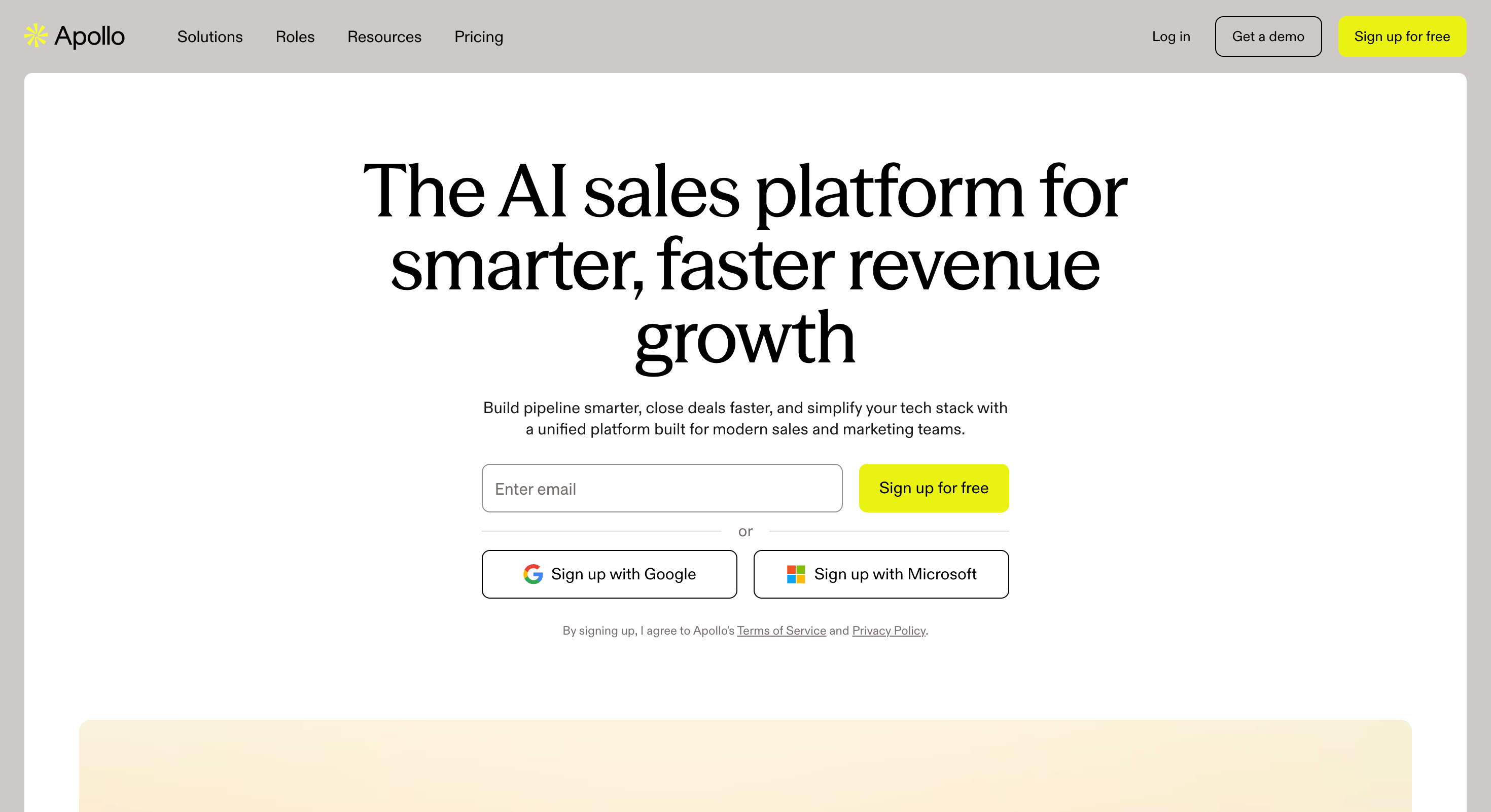
Apollo comes at Clay from the other end. Clay orchestrates other people's data and stops there.
Apollo works better for teams that want prospecting, sequencing, and some AI tools on one contract.
Apollo owns its own database of 275M contacts and 73M companies, then adds sequences and a dialer on top.
I would pay for the filters on their own. You narrow by job title, company size, seniority and technology, then push the list straight into a sequence. Apollo suits sales reps who want to move from list building to outreach without exporting between tools. Apollo also lets you test the whole workflow before you pay anything. Clay's free tier caps you much harder than that.
However, Apollo has one database and that means one answer, and when that answer is wrong you have no fallback.
Apollo.io Key Features
275M contact database: Apollo runs as a sales intelligence platform with its own database, so company data and contact details come from one source rather than a marketplace.
Advanced search filters: You filter by job title, company size, seniority, technology and funding signals.
Sequences and dialer: Email sequences, calls and tasks run in the same tool as the data, so lists activate without an export, and Apollo supports cold outreach from the same system once the list is built.
Buying signals and intent data: Buyer intent flags target accounts showing interest before you reach out.
Waterfall enrichment: Apollo turned this on by default in 2025, so a lookup can check several sources before returning.
Chrome extension: You pull contact details off LinkedIn profiles as you browse.
CRM integrations: Salesforce and HubSpot sync two ways, with Zapier behind them.
Free plan: 75 credits per seat a month, with no card required.
Best for: Enterprise teams with a RevOps function who need the deepest US data and native intent.
ZoomInfo owns its data, and that is the whole difference. Clay asks other providers and passes on what they say. ZoomInfo just has the record, which is why teams use it as a B2B data system for account targeting and outbound.
Clay cannot match the buyer intent here. ZoomInfo sees what people research across its own network, so it tells you which target accounts are already shopping for what you sell, as a sales intelligence platformbuilt for enterprise teams that want native intent and account research.
I would miss Scoops most of all. Someone inside a target account mentions a budget, a project or a new hire, and it shows up in your account research before you dial. You could build something like it in Clay, but you would be building it.
ZoomInfo runs on custom pricing, sells annual contracts with seat minimums, and puts every purchase through a sales team. Enterprise companies live with that.
If you left Clay because the bill surprised you, this trades one problem for a bigger one.
ZoomInfo Key Features
Contact and company database: The largest on this list, with the deepest US company data and firmographic coverage.
Native buyer intent data: Intent comes bundled into the platform instead of arriving as a separate provider feed.
WebSights visitor tracking: You see which companies visited your own site, so warm accounts surface without a form fill.
Advanced search filters: You filter target accounts by firmographics, technographics and hiring activity in one query.
Scoops and org charts: Internal project and hiring detail that most contact databases do not carry.
Lead scoring and routing: Accounts score against your ICP and route to the right rep automatically.
Chrome extension: Works across LinkedIn and general web prospecting.
CRM and sequencer integrations: Salesforce, HubSpot and the major sending tools all connect natively.
Best for: Teams selling into the UK and Europe by phone who need compliant contact data before legal signs off.
Cognism verifies phone numbers by hand, and nothing else on this list does that.
Clay waterfalls across data sources to find a mobile. Cognism has people confirm the priority ones. You end up with fewer numbers and a much better chance that someone answers.
Teams also move for the compliance. Cognism screens against do-not-call lists across 14 countries and holds GDPR coverage that European legal teams accept. Clay inherits whatever each provider brings, and that gets harder to defend when legal asks.
Diamond Data covers the hand-verified records, and it sits apart from the general database. I would check which set your quote includes, because the two are not the same product.
CRM enrichment pushes into Salesforce and HubSpot, so your records update without anyone exporting anything.
Cognism carries the same catch as ZoomInfo. You get no published price, a demo before any number, and an annual contract.
Cognism Key Features
Phone verified mobile numbers: Cognism confirms priority mobiles by hand, tying them to more reliable verified contact data, and no other tool here offers phone verified data that way.
Diamond Data: The human-verified set, kept separate from the general database.
DNC compliance across 14 countries: Screening against do-not-call registers, with GDPR coverage behind it.
440M+ contacts and 100M+ phone verified mobiles: Global data with the deepest European coverage on this list.
Reveal-once credits: A second reveal costs nothing unless that contact changed jobs.
CRM enrichment: Your Salesforce HubSpot records update automatically, with no export step.
Contextual signals: Hiring, funding and job change events trigger outreach.
Kaspr extension: Self-serve LinkedIn capture, with a free tier Cognism itself does not offer.
Best for: Reps who want contact details on demand from LinkedIn, without configuring a platform first.
Lusha does one job and gets out of the way. You install the Chrome extension, open a LinkedIn profile, and the contact details appear.
Next to Clay that sounds small, until you count the setup. Clay wants a table, a column, a provider and a fallback before it returns anything. Lusha just wants a click.
So you end up weighing Lusha against the half hour you spend building the table, not against Clay.
Lusha runs out of road at scale. Each record gets one lookup instead of a waterfall, so when a number comes back wrong nothing falls through to a second source.
Data quality splits by region too. US coverage holds up well, and European numbers thin out. I would count that heavily if Europe is your target market.
Credits roll over on the paid tiers, up to double your monthly allowance. Apollo gives you less than that, and Leadsforge never expires credits at all.
Best for: Teams who want Clay's waterfall without Clay's spreadsheet, and who only want to pay when a lookup works.
FullEnrich took the one part of Clay most people actually use and sold it on its own.
You upload a list or connect a source. Each contact then runs through data providers in sequence until one returns accurate contact data. You build no table, pick no columns and set no fallback order.
Billing works the same way. FullEnrich charges you when it finds a contact and charges nothing when it misses. Clay does that on enrichment too, so I would not call it a differentiator. You save the Actions you would have spent getting there.
Email and phone numbers both run through the waterfall, so FullEnrich beats the single-lookup tools here.
You give up everything around the data enrichment. FullEnrich holds no database to search, runs no signals and does no lead scoring. The product assumes you already know who you want, so it enriches your existing data and nothing more.
All of that makes FullEnrich a component instead of a platform. I would buy it when I already have the list, and skip it when I do not.
FullEnrich Key Features
Waterfall enrichment: Each lookup runs through data sources in sequence until one returns verified data, covering work email, personal email, mobile and reverse lookup.
Email and phone numbers: Both run through the waterfall, not just email.
Success-based billing: You spend credits on found contacts and nothing on misses.
Bulk enrichment: You upload a CSV of contact or job data and FullEnrich works through it.
API access: Programmatic enrichment for teams building their own flows.
CRM and tool integrations: HubSpot, Salesforce, Clay and the major sequencers all connect.
Unlimited users: Every plan includes unlimited team members, so seats never change your bill.
Chrome extension: Enrichment on individual profiles while you browse.
Pros And Cons
Pros
Cons
Waterfall enrichment with nothing to configure.
No contact database, so you bring your own list.
Credits only come off when a lookup returns something.
No signals, no lead scoring and no account research.
Email and mobile both waterfall, which the single-lookup tools do not do.
A smaller provider pool than Clay's 150+.
Monthly plans with no contract and a trial to test coverage.
A component rather than a platform, so it sits alongside other tools.
FullEnrich Pricing
Plan
Details
Free trial
$0, 50 credits to start, no credit card
Pro
$55/month for 1,000 credits, with a slider from 500 up to 100,000+
Enterprise
Custom quote, with reseller agreements and sub API accounts
Credit costs
Work email 1, personal email 3, mobile phone 10, reverse email lookup 1
Credit rollover
3 months on monthly billing, 12 months on yearly
Users
Unlimited on every plan
Billing
Monthly or annual, with a lower price per credit at higher volume
Credits only come off when FullEnrich returns verified data.
Best for: Individual reps doing straightforward lookups who want the widest profile pool and nothing else.
RocketReach holds the largest profile pool on this list at 700M+, and that is the entire pitch.
You search a name or a company, and RocketReach returns what it has. You run no waterfall, build no table and set no provider order.
The contact database does the work, and when it comes up short you have nowhere else to go.
Pricing works differently from everything else here, and I would read it twice. Annual plans give you unlimited lookups under a fair use cap, then limit what you can export. Monthly plans flip it and cap the lookups instead.
Phone numbers need the middle tier, so anyone who calls starts a tier higher than they expect.
RocketReach added email sequences in early 2026, so a solo rep can search and send in one place. I would still pick Apollo for a team.
You will not find anything Clay users build tables for. Signals arrive only on the Ultimate tier, and nothing covers lookalikes or competitor research.
RocketReach Key Features
700M+ profiles: The widest contact database here, covering individuals and companies.
Chrome extension: You look up contacts from LinkedIn and company sites as you browse.
Email sequences: Native sending launched in early 2026, with automated follow-ups.
Intent signals: Buying intent data arrives on the Ultimate tier, not below it.
Bulk lookups: You upload a list and RocketReach works through it against your export allowance.
API access: Full programmatic access on Ultimate, for teams wiring it into their own stack.
CRM integrations: Salesforce, HubSpot and the major sequencers connect natively.
Job change tracking: Alerts fire when a contact moves, so your target market list stays current.
Final Verdict: How to Choose the Right Clay Alternative?
Clay is a workflow builder with a marketplace behind it, and it is the best alternative to Clay there is.
But most teams buy it for the contacts and never build the workflow. They run one table, export the results, and pay platform prices for a lookup.
If that sounds like you, you want a tool that just finds people.
Leadsforge does that. You describe your target market in plain English, and waterfall enrichment runs across 20+ data providers underneath. It is the strongest pick for teams that want AI-powered prospecting without building their own research agents or tables. You build no table and configure nothing.
Your credits never expire either, and searching costs nothing at all. Credits only come off when you enrich or export a contact.
I would check one thing before you sign up. Leadsforge has no workflow builder, so complex enrichment workflows with if/then branches stay with Clay.
That depends on which part of Clay you are replacing. For data enrichment, Leadsforge runs a waterfall with no table to build and credits that never expire. This list compares 7 Clay alternatives for teams replacing either the data layer or the workflow layer.
2. Is there a free Clay alternative?
Yes. Leadsforge gives you 100 credits on signup with no card. Apollo, Lusha and RocketReach each run a free plan too.
3. What is the cheapest Clay alternative?
FullEnrich and Lusha both start under $60 a month. Leadsforge starts at $49 for 2,000 credits that roll over.
4. Clay vs Apollo, which should I pick?
Apollo owns its database and sends email. Clay owns no data and builds workflows. Apollo suits you better if you want one contract for both jobs, and it is the better fit when you want one platform for prospecting and cold outreach, while Clay suits teams building custom AI workflows.
5. Does Clay charge for failed lookups?
No. Clay refunds the Data Credits when a lookup returns nothing and moves to the next provider. Lists that say otherwise are out of date.
6. Do I need a GTM engineer to run Clay?
Not for a simple table. You will want one once your enrichment workflows start branching, and that is why the role exists.
7. Can I replace Clay with one tool?
Only if you were using one part of it. Most teams replace the data layer and skip the workflow builder entirely.
Book more meetings on autopilot
Set up in minutes. No per-seat pricing. No commitment.
Boardy is an AI superconnector that makes double opt-in introductions from its own network of more than 248,000 people. I run it next to an AI SDR and both work from the same ICP. This review covers how to set Boardy up and what its intro emails look like. It also covers Boardy Pro pricing and where Boardy falls short. It ends with how I hand each intro pattern to my AI SDR for outbound at volume.



.jpg)

.png)



