ZoomInfo built this category. Everyone knows that.
What is less obvious is why it stopped holding the lead in 2026, and why so many teams are leaving. If you are one of them, or thinking about it, you are in the right place.
I have read a lot of customer reviews and talked to people who left. Two things come up every time. The cost, and the support.
For an average team of three to five SDRs, ZoomInfo runs around $30,000 a year, and a contract comes attached to it.
At that price you would expect the data and the service to hold up. The people I spoke to did not get that. They were paying for records that had gone stale and support that took days.
So I built a list of ZoomInfo alternatives that do the same job with better data and better service.
TL;DR: 11 ZoomInfo Alternatives
Leadsforge: Best overall AI lead finder, with a 500M+ database and several ways to build a list rather than one.
Apollo.io: Best budget all-in-one, pairing a large database with built-in email sequencing. Data accuracy outside North America is the recurring complaint.
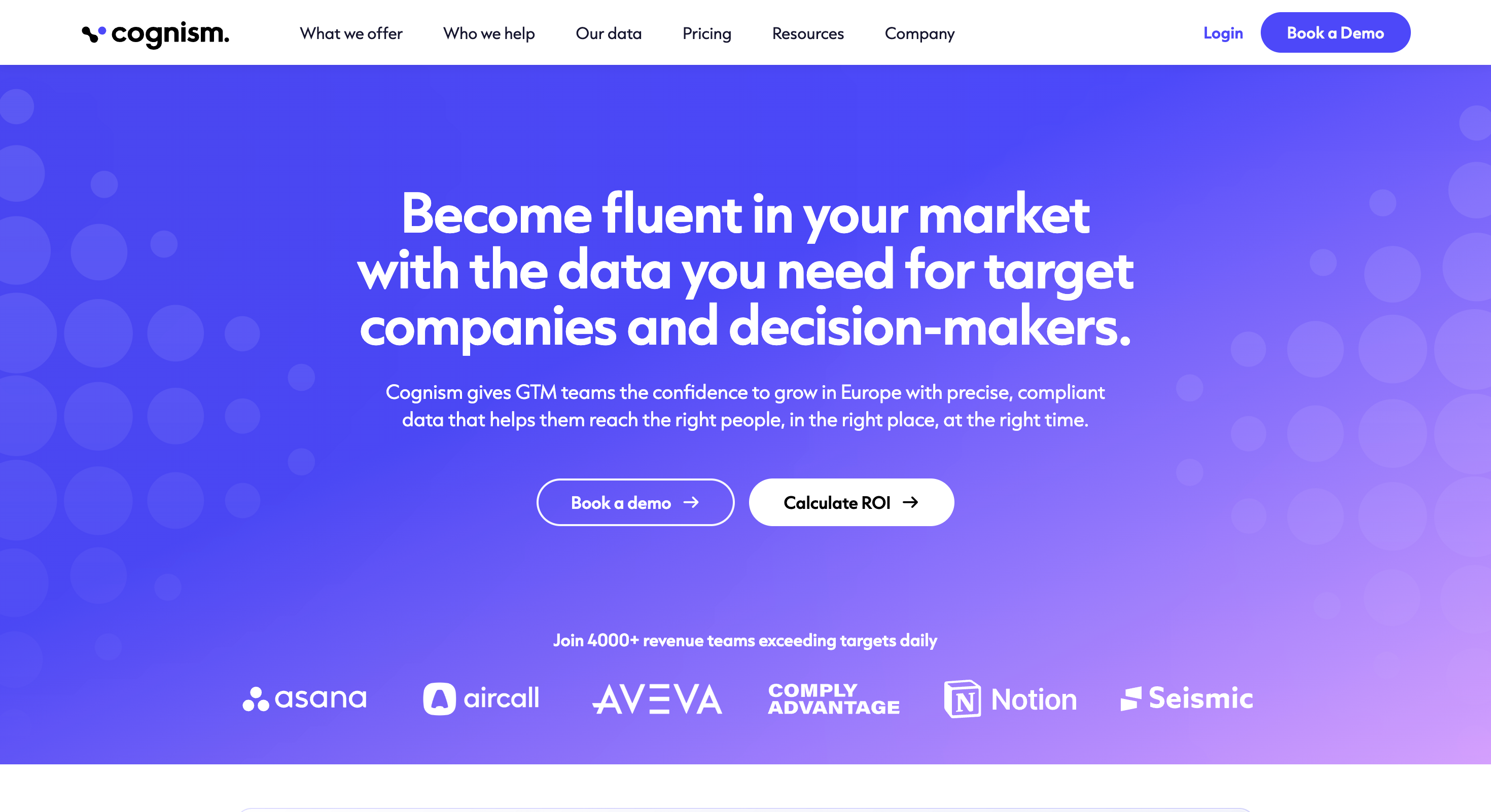
Cognism: Best for Europe, with human-verified mobile numbers and do-not-call screening across 15 countries. Pricing is quote-only and starts high.
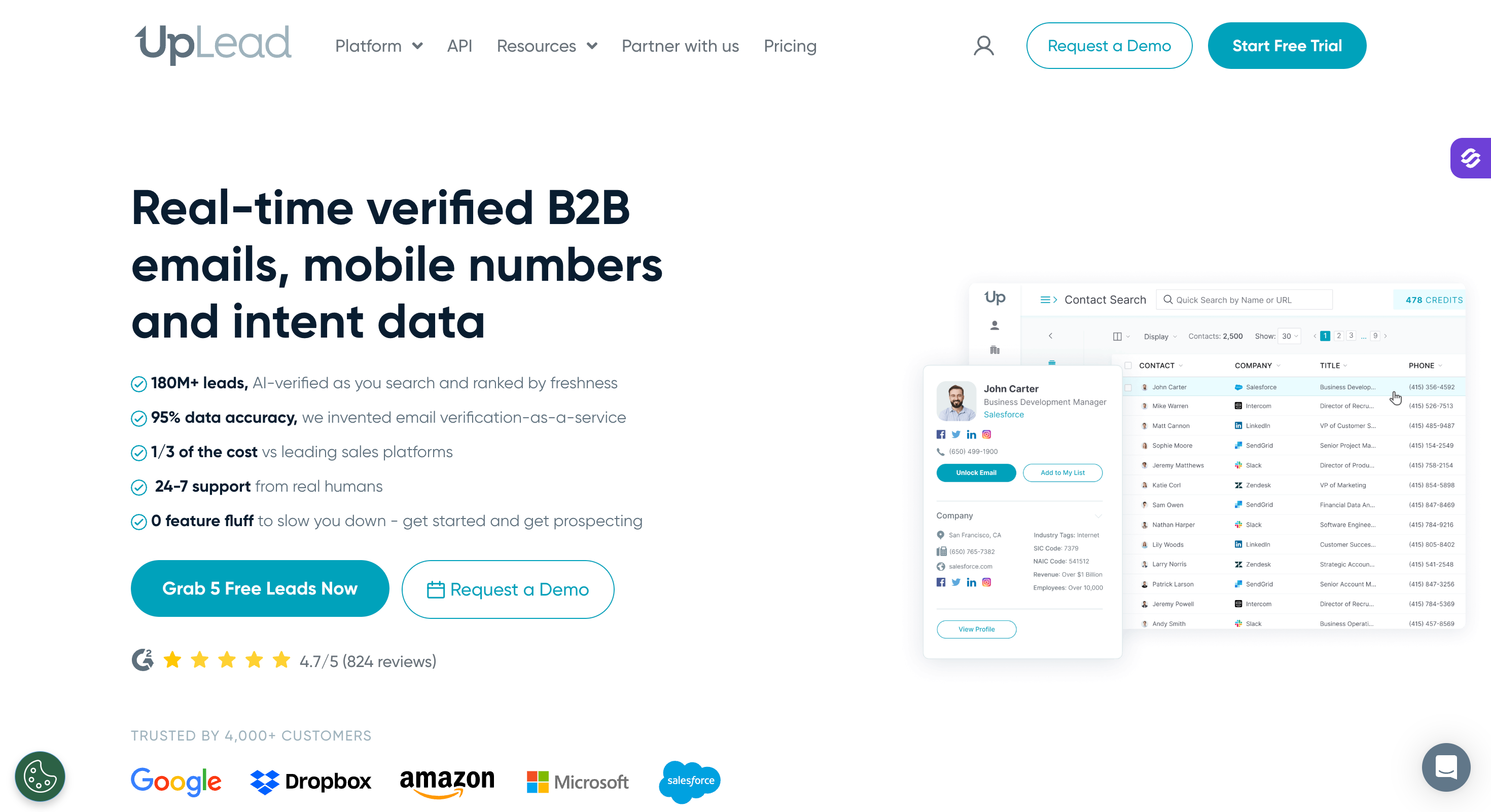
UpLead: Best for verified data, with real-time checks and a 95% accuracy guarantee that refunds bad records. The database is smaller than most here.
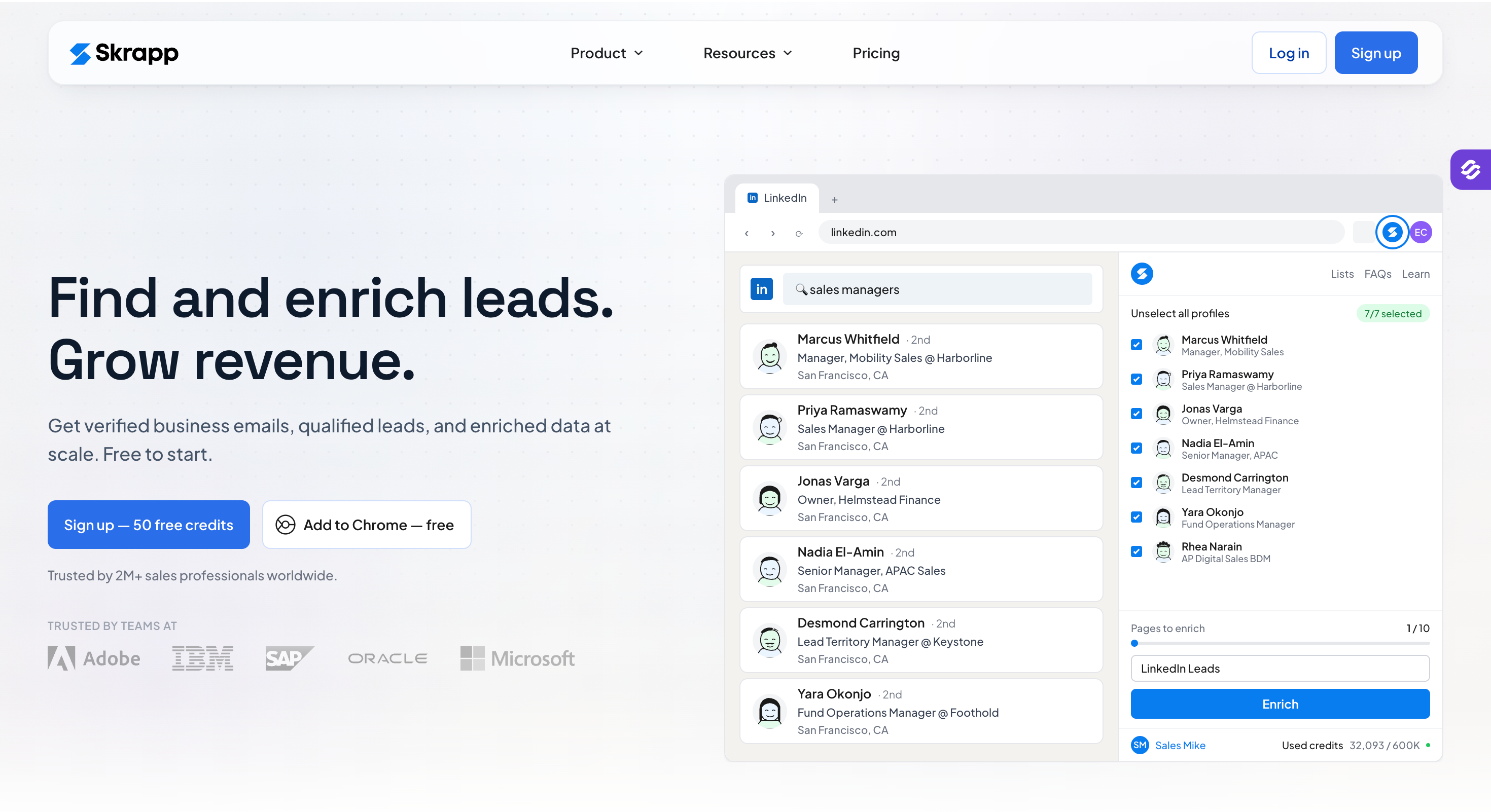
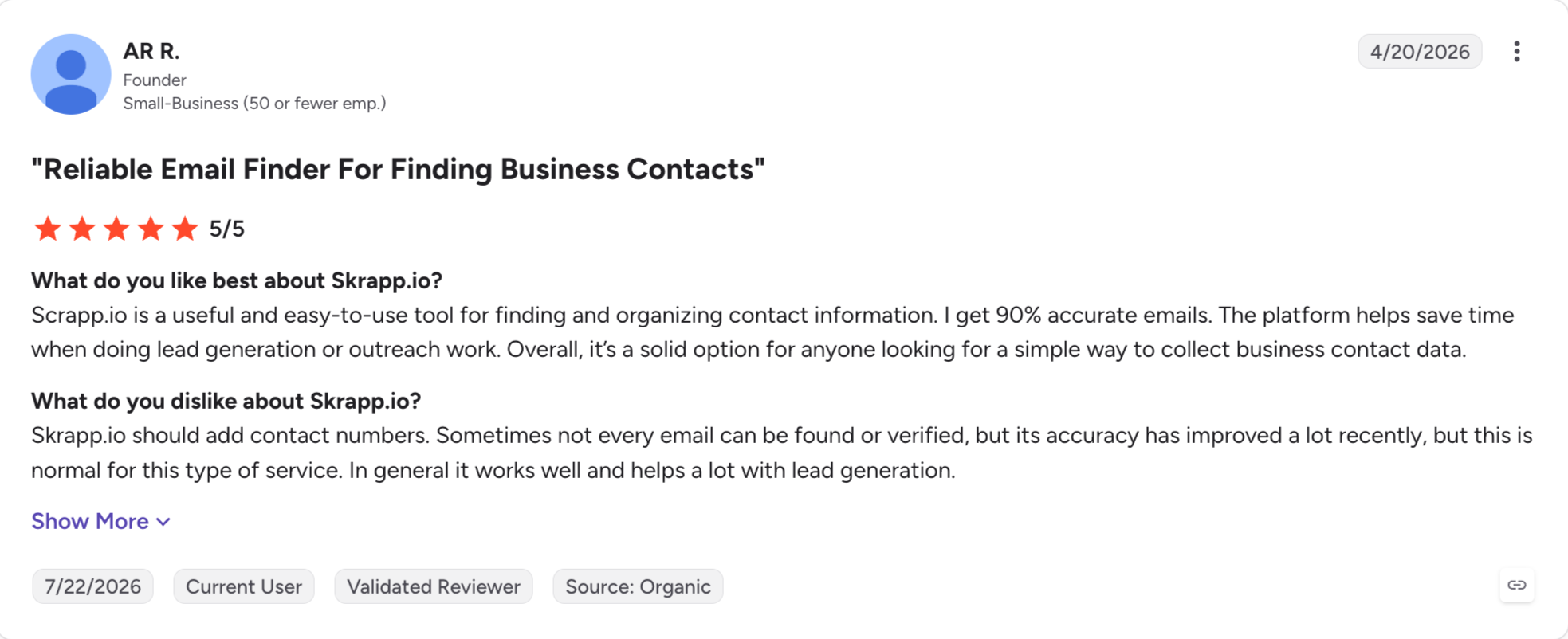
Skrapp: Best for LinkedIn extraction, turning Sales Navigator searches into verified contact lists. It finds and verifies, and does nothing after that.
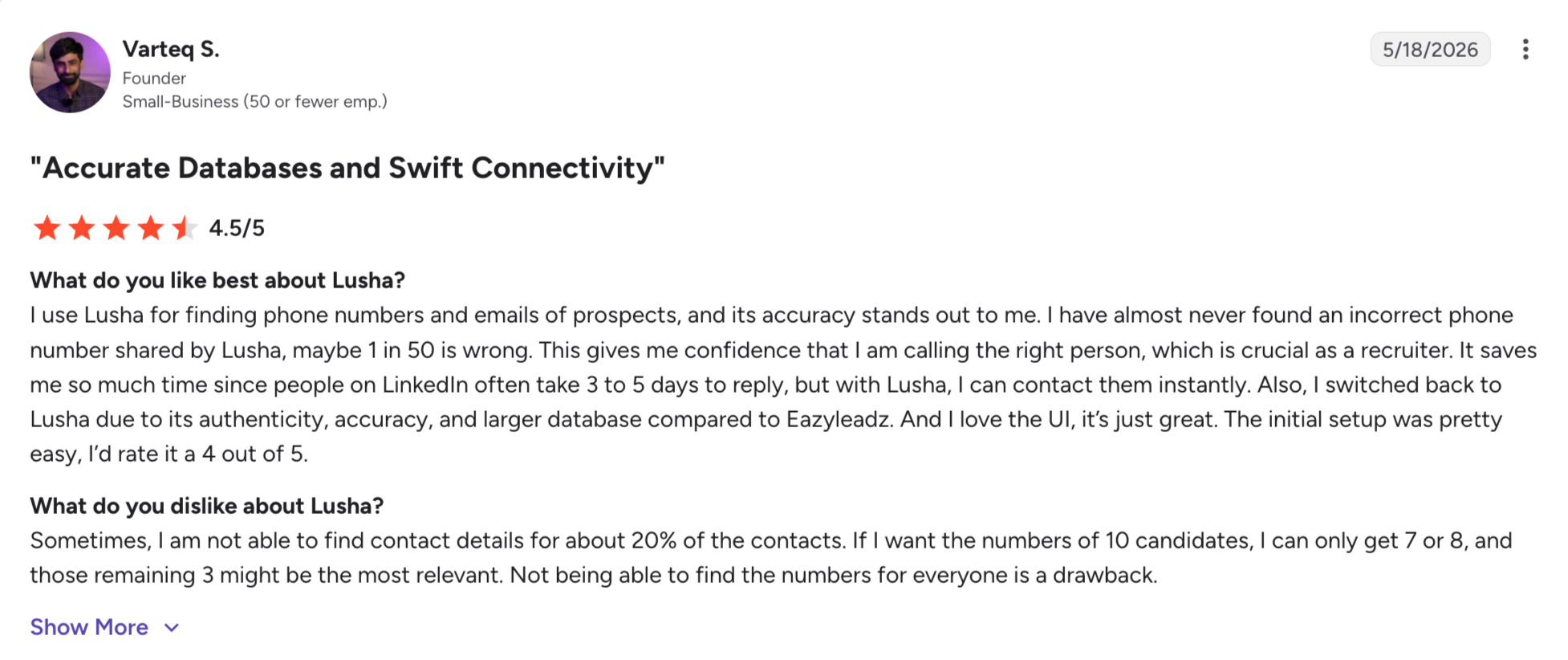
Lusha: Best for quick lookups, with a Chrome extension that pulls details one profile at a time. Coverage thins outside the US and UK.
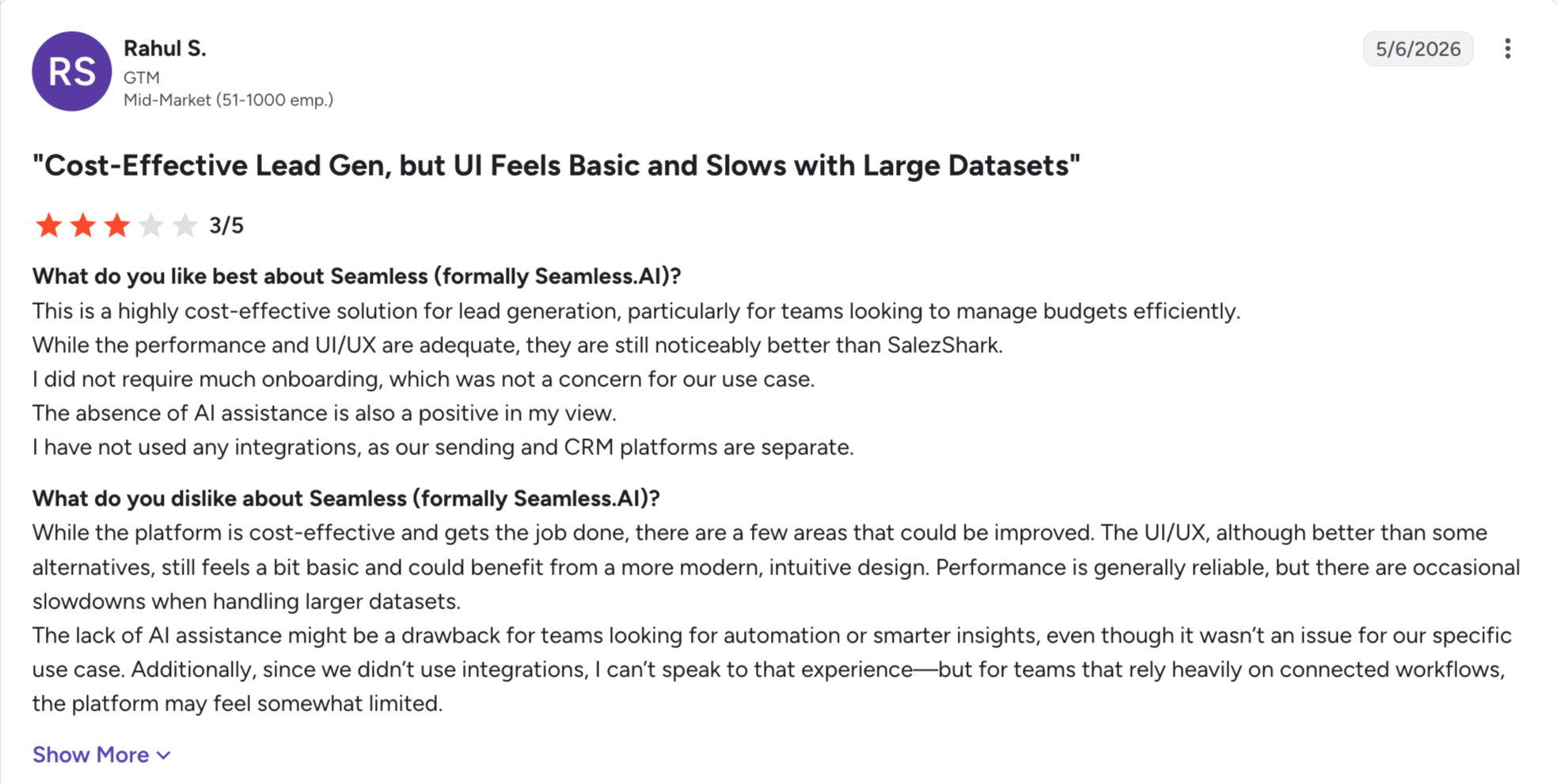
Seamless.AI: Best for real-time search, building records live rather than serving them from a store. Accuracy varies and the contract terms draw complaints.
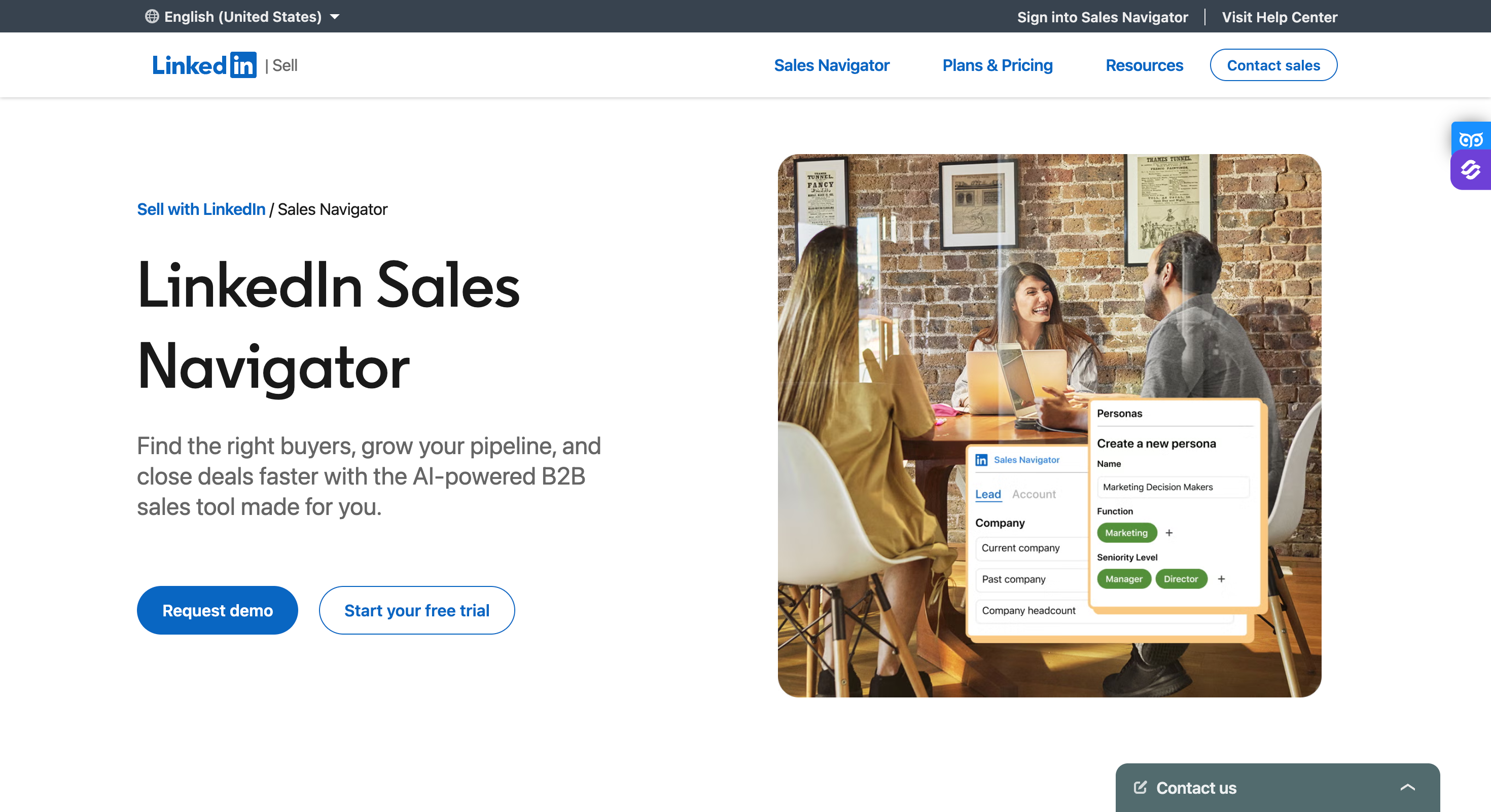
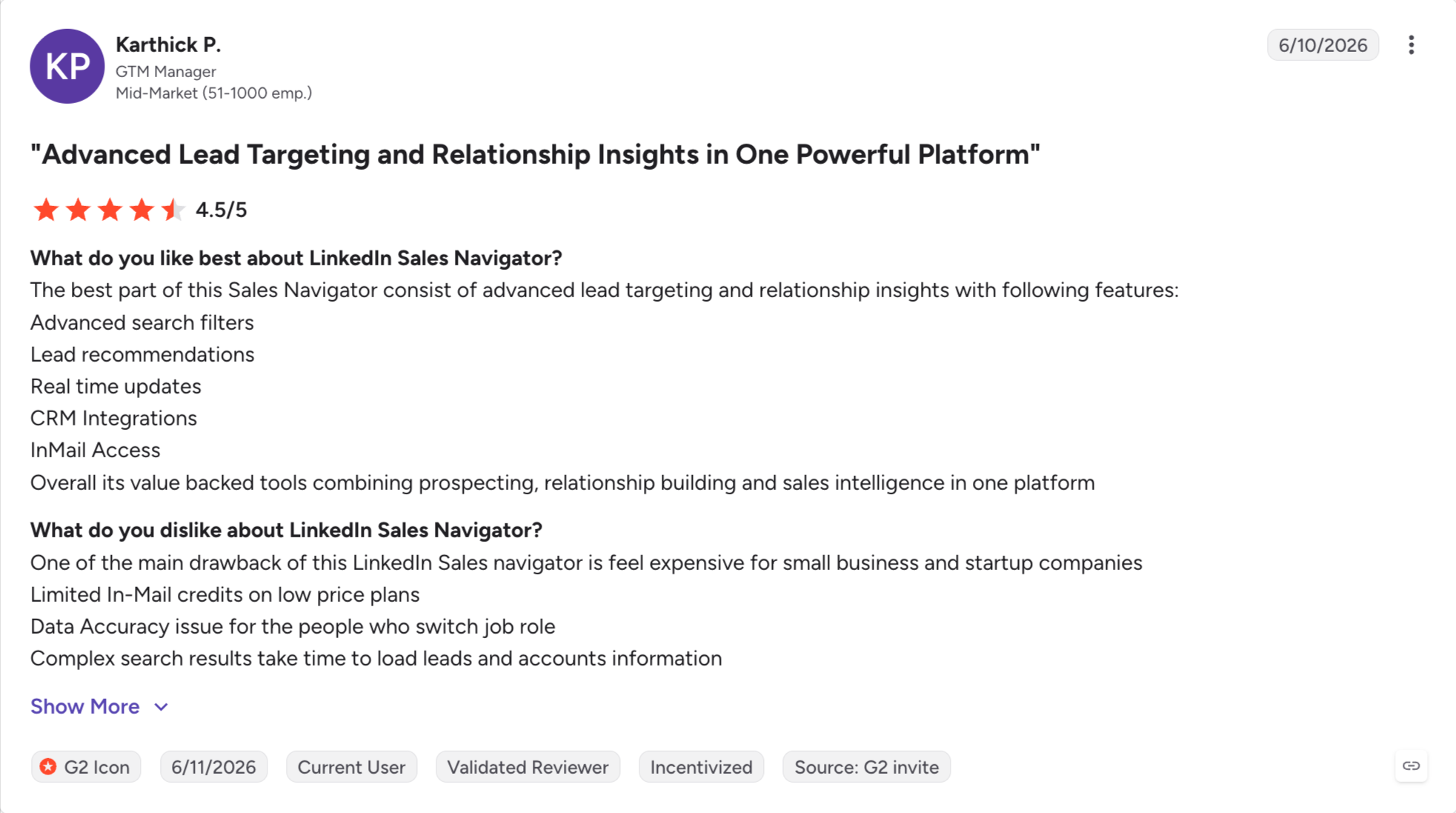
LinkedIn Sales Navigator: Best for social selling, with the freshest job data anywhere because members update it themselves. There is no bulk export.
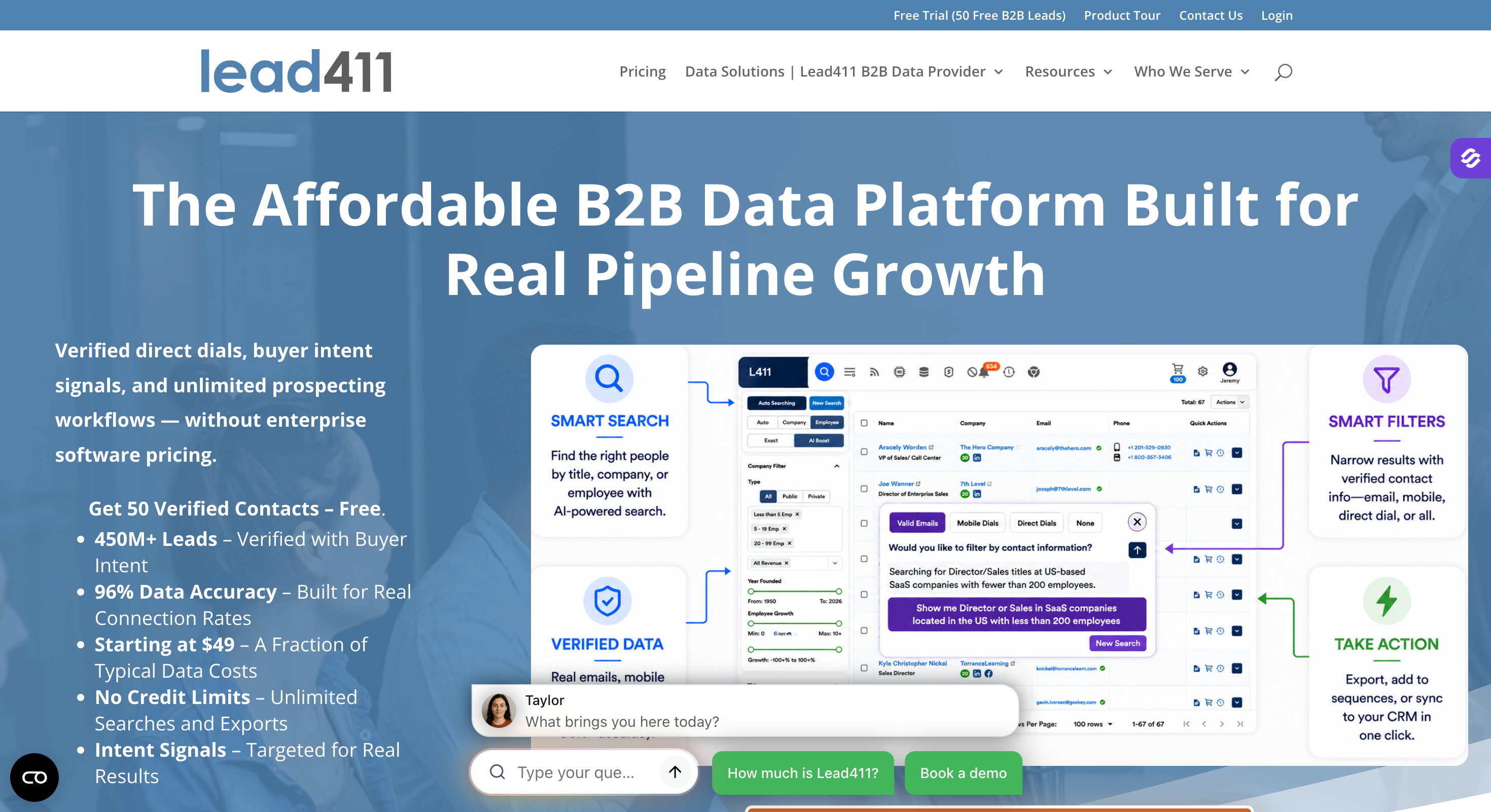
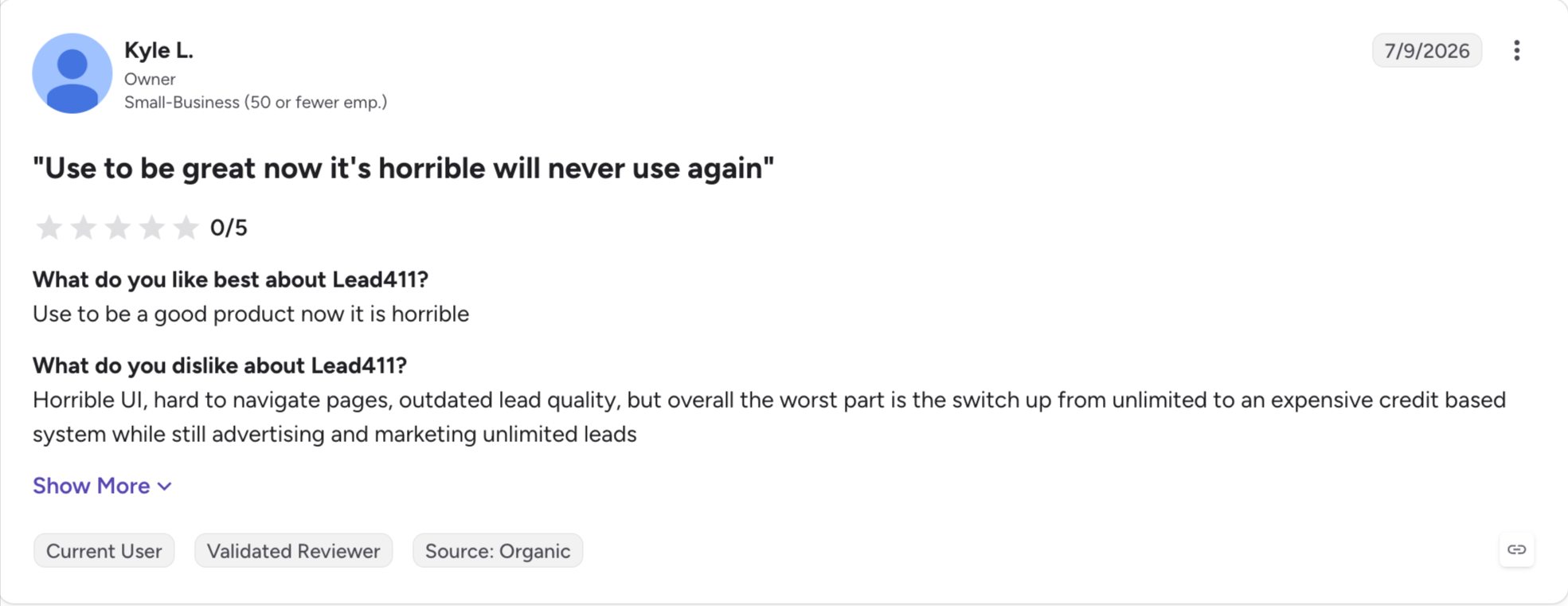
Lead411: Best for buying signals, surfacing funding rounds and hiring spikes alongside contact data. Coverage is heavily US-focused.
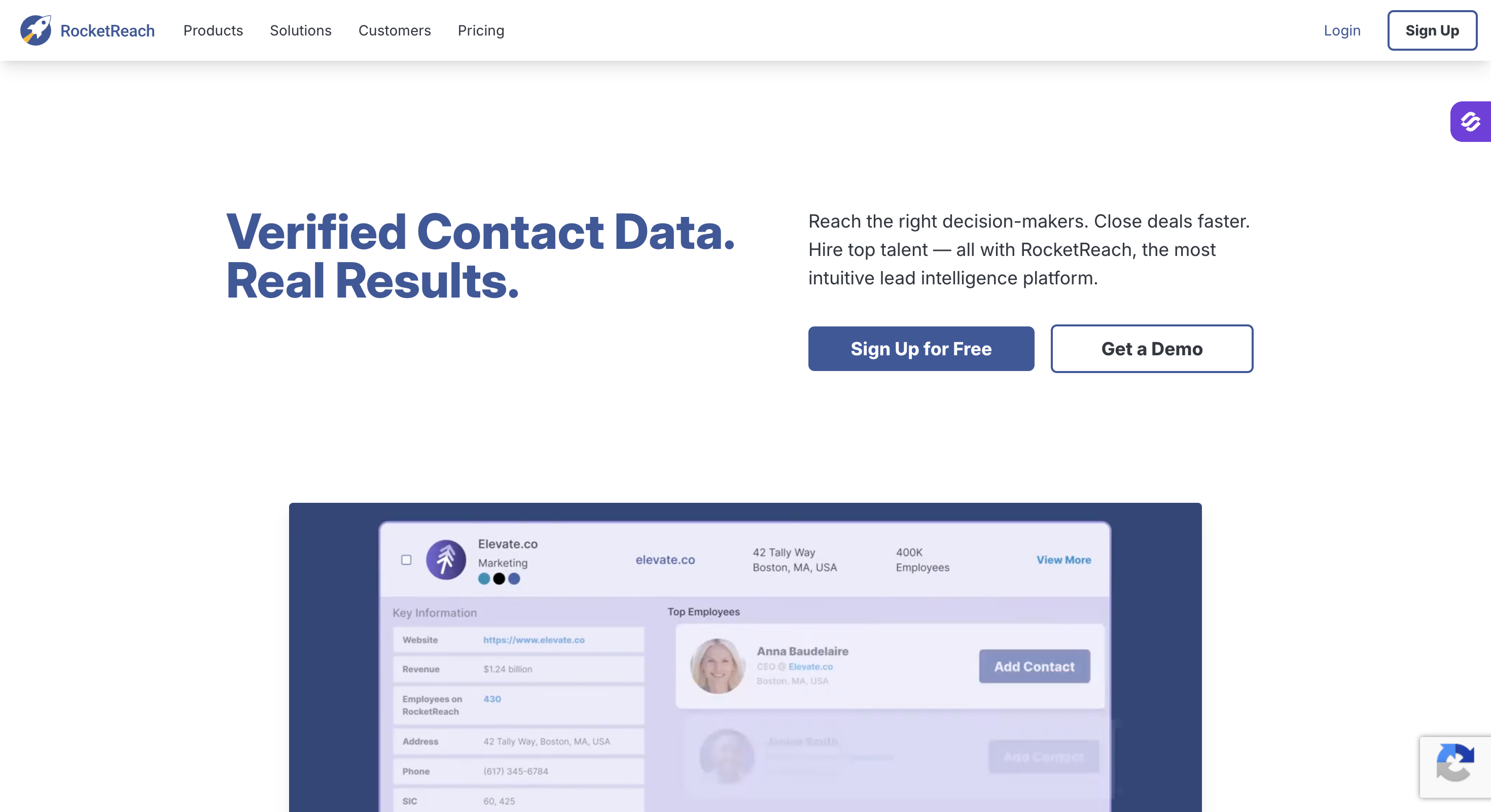
RocketReach: Best for cheap lookups, with 700M+ profiles and a low entry price. Phone numbers and CRM sync sit behind the Pro tier.
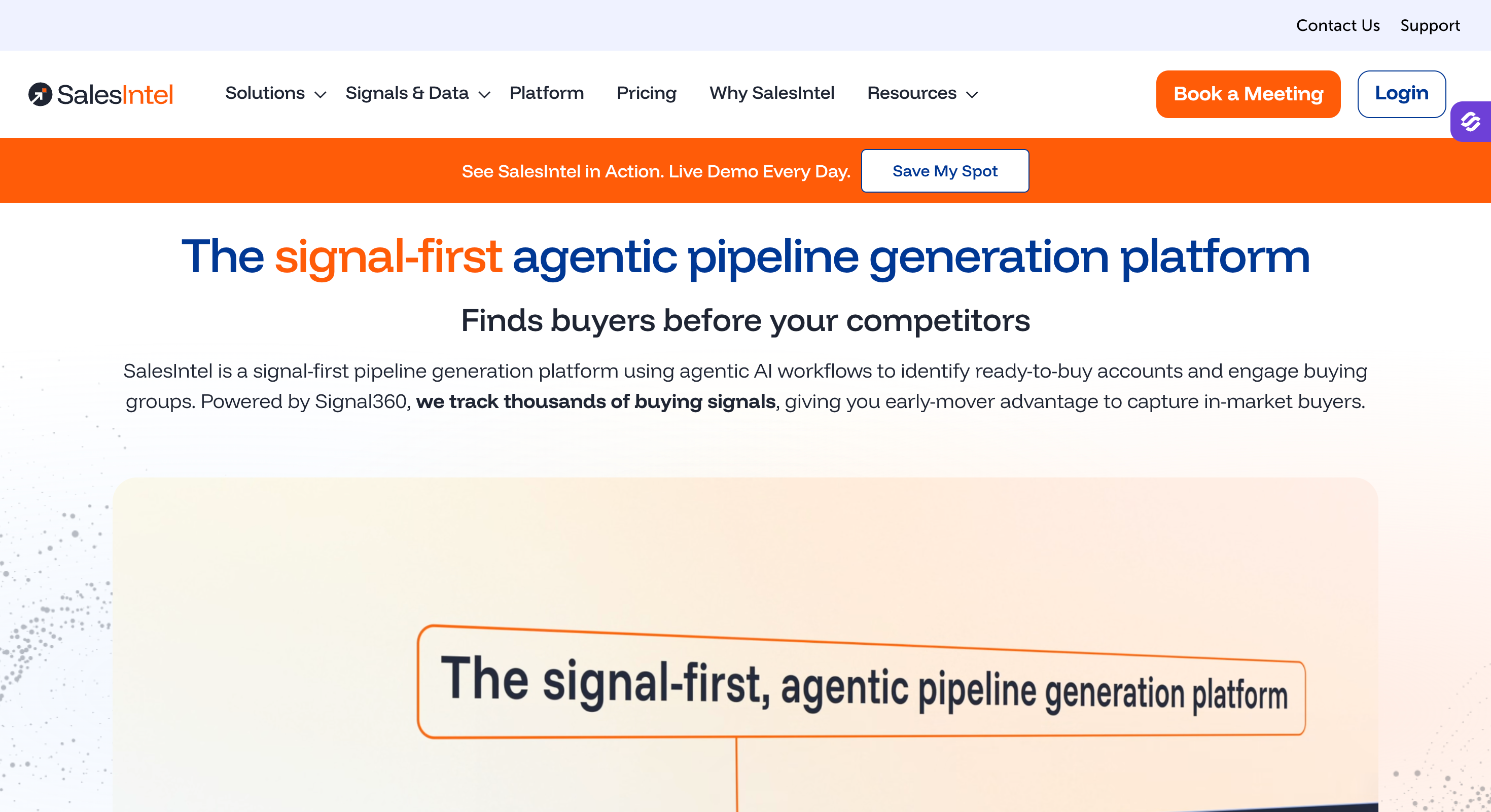
SalesIntel: Best for human-verified data, with researchers checking records on a 90-day cycle. The database is smaller and US-centric.
Feature Comparison: Top 5 ZoomInfo Alternatives at a Glance
Here is how the five closest alternatives compare against ZoomInfo itself.
Lean outbound teams and agencies who want several ways to build a list
Small teams who want data and sending on one bill
Teams selling into the UK and Europe by phone
Teams who care more about bounce rate than list size
Solo operators working off LinkedIn
North American enterprise teams with the budget
Pricing (yearly)
$588/year
$588 to $1,428 per user/year
Quote only
$888 to $1,788/year
$348 to $3,144/year
From $15,000/year, estimated
Free plan or trial
100 free credits, no card
Free plan, 900 credits a year
Demo only
7-day trial, 5 credits
Free plan, 50 credits
No free plan
Contact database
500M+ contacts
240M+ contacts
200M+, EMEA-weighted
160M+ contacts
150M+ contacts
600M+ contacts
Data verification
Waterfall across 20+ providers, billed only on verified results
Automated checks
Human-called mobiles
Real time, 95% guaranteed
Valid and catch-all only
Automated plus community
AI or ICP search
Plain-language chat search
Filter-based with AI assist
Filter-based
Filter-based
LinkedIn-based
Filter-based with Copilot
Intent data
Yes
Yes
Yes
No
No
Yes
Local company search
Yes, by map radius and business type
No
No
No
No
No
Follower extraction
Yes, from a competitor's LinkedIn page
No
No
No
No
No
Free Chrome extension
Yes, 100 credits on signup
Yes, credit-based
Yes
Yes
Yes
Yes, on paid plans
MCP, CLI and API
Yes, across the whole Forge Stack
API and MCP
API only
API only
API only
API only
Native outreach
Through Salesforge, email and LinkedIn
Built in, email only
No
No
No
Built in, email only
Contract terms
Monthly or annual, cancel anytime
Monthly or annual
Annual only
Monthly or annual
Monthly or annual
Annual, 60-day cancellation notice
Why Teams Leave ZoomInfo
Search "ZoomInfo" on LinkedIn or Reddit and the same three complaints come back. Here they are.
The 60-Day Cancellation Notice
ZoomInfo contracts renew on their own, and the window to stop that closes 60 days before your term ends. Tell them on day 59 and you owe another year.
I have seen teams find this out the week they planned to switch. One G2 reviewer describes the same thing. The clause sits inside the contract, and telling ZoomInfo 1 to 59 days out locks you in anyway.
This is the complaint I hear most, and it is usually why people start looking.
Inflated Pricing
ZoomInfo does not publish rates. Most reports put the entry point near $15,000 a year. The buyers I have talked to landed closer to $30,000 once they added seats.
Data Refreshment
The database is genuinely deep. The coverage is not even across it, and the records go stale faster than the price suggests.
Only some of ZoomInfo's records carry an email address. Bounce rates of 15 to 25 percent are common in some markets. Job titles go out of date. Coverage outside North America thins out fast.
None of that makes ZoomInfo a bad product. It makes it an expensive one to use outside its strongest markets.
What Changed in 2026
ZoomInfo changed its stock ticker from ZI to GTM in May 2025 and rebuilt its product line around it. You now buy GTM Workspace, GTM Studio and GTM Copilot rather than the older platform names.
This matters for one reason. If you are holding a 2024 quote against a proposal from today, the products are not the same. Neither is the price.
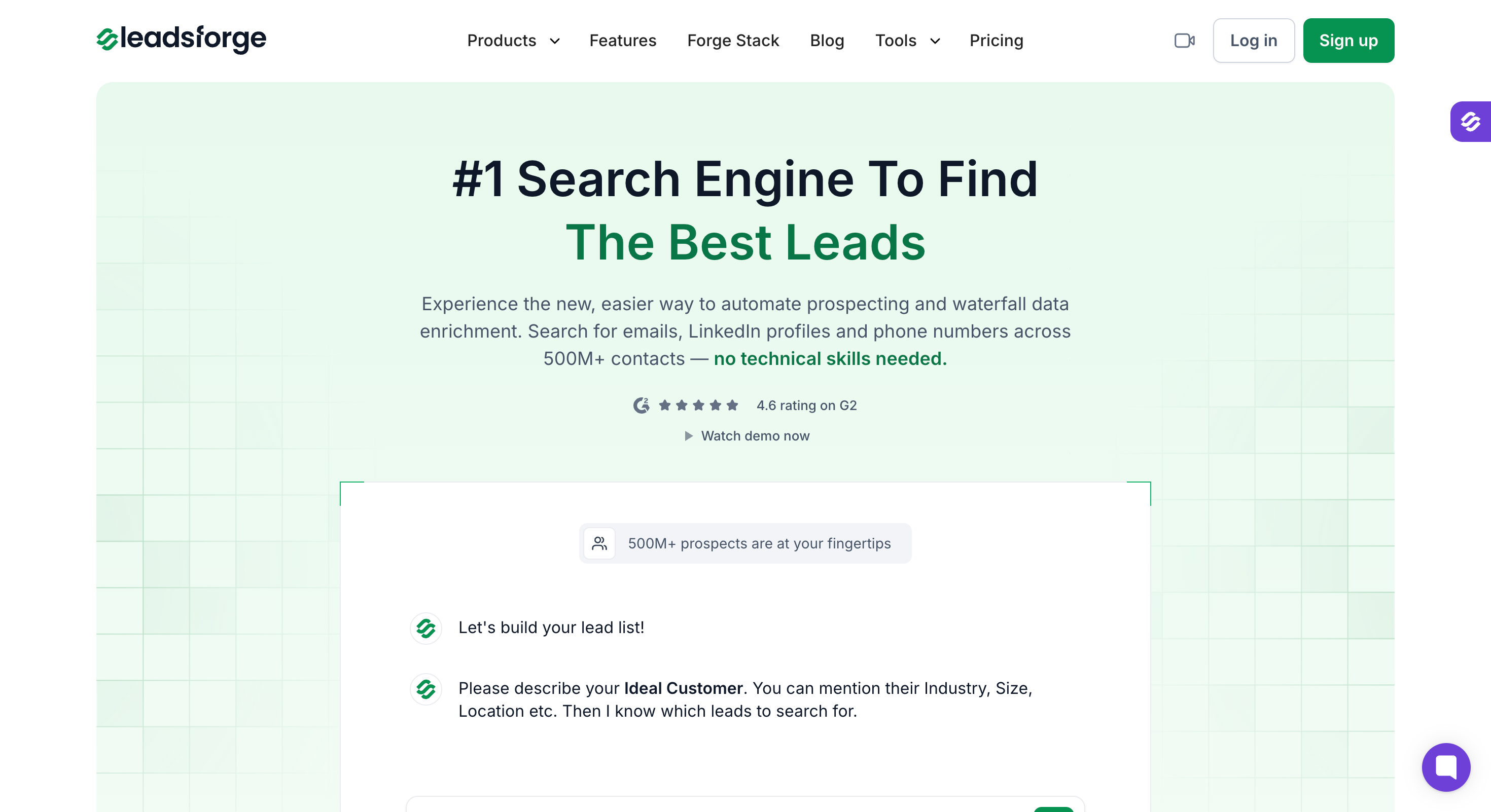
1. Leadsforge: Best Overall ZoomInfo Alternative
Best for: Outbound sales teams and lead gen agencies who want a large database without a five-figure contract or a procurement cycle.
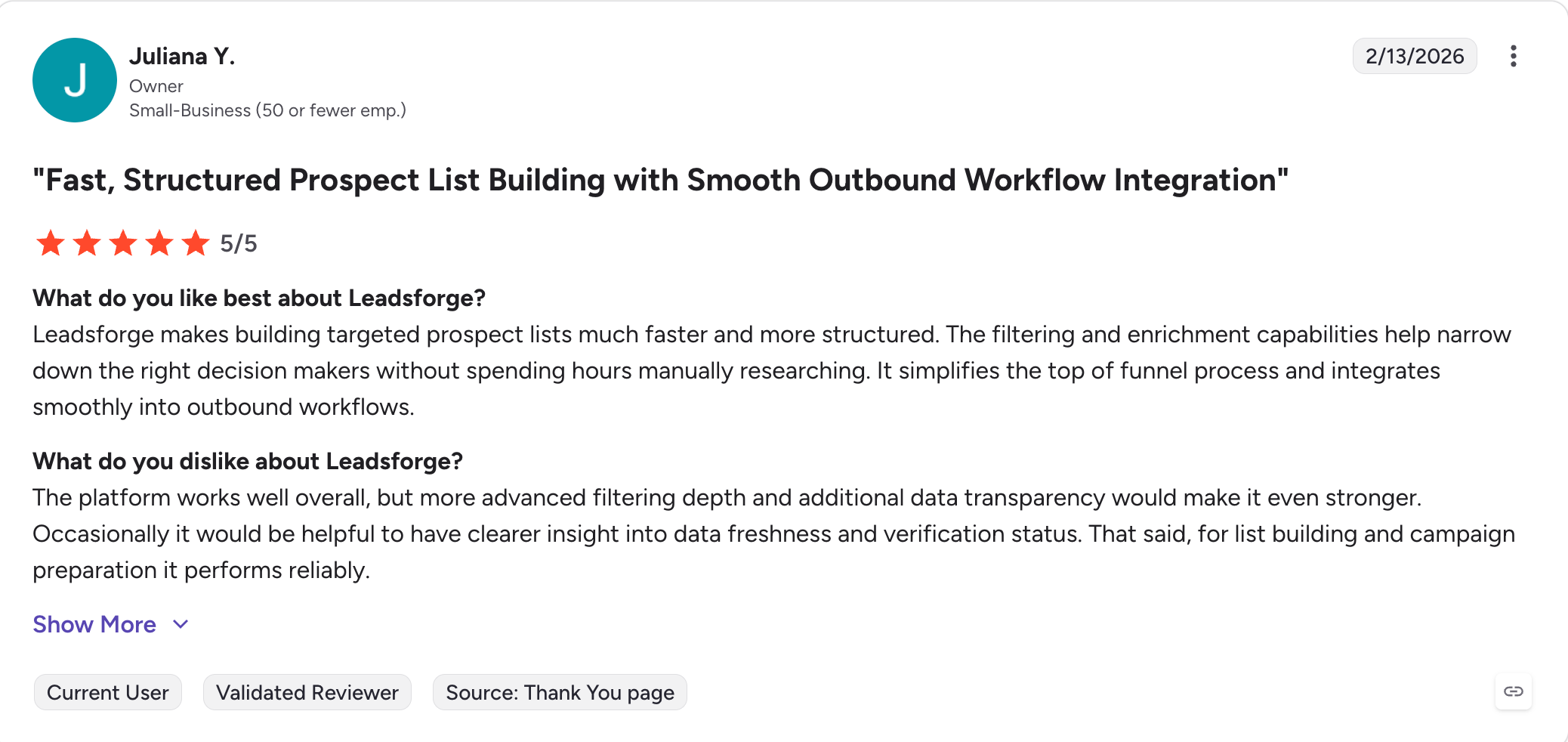
G2 rating: 4.6 out of 5
Leadsforge is the best ZoomInfo alternative for teams who want lead lists from several workflows in one place rather than one search box.
I built it because filter stacking is the part of prospecting nobody enjoys. You tell Leadsforge what you are after in plain language, or connect the MCP and CLI and pull the same lists from Claude, Cursor or your own script.
The standard filters are still there if you prefer them. Name, company, job title, location, headcount and the rest all work the way they do anywhere else. The chat search just means you do not have to start there.
Every lookup then runs through a waterfall of 20+ data providers. You are billed only for verified results, and unused credits roll over instead of expiring.
Leadsforge also tracks five buying signals. You can search for companies that just raised funding or took investment. You can also find the ones that made an acquisition, started hiring, or lost someone to a job change. Every result shows you what triggered it.
The pricing is the other difference. You pay $49 a month or $588 a year, and you can leave whenever you want.
Leadsforge Key Features
500M+ contact database: You search a claimed 500 million B2B contacts, business contact information, and the companies they work for.
Chat-based AI search: You describe your ICP the way you would prompt ChatGPT or Claude. You do not stack filters and you do not write boolean queries.
Filters when you want them: You can narrow by name, company, job title, location, company size or headcount instead.
Waterfall enrichment: Each lookup runs through more than 20+ sources until one of them returns a verified match for data enrichment.
Company Lookalikes: You feed in an account you already closed and Leadsforge returns similar companies.
Competitor Followers Search: You pull the people following a competitor's LinkedIn page, filtered by title and seniority.
Local Company Search: You set a location and a radius, pick a business type, and Leadsforge pulls matching companies from Google Maps and you can enrich them.
Five buying signals: You can filter for job changes, acquisitions, funding, investor activity and hiring. Each match shows what triggered it.
Free Chrome extension: You reveal emails and mobiles while browsing LinkedIn or company websites. New accounts get 100 credits.
API, MCP and CLI: You pull lists with code, or run the whole thing from Claude, Cursor or your own script.
One-click export to Salesforge: Finished lists move straight into an email and LinkedIn sequence with no CSV step.
What I Liked About Leadsforge
The MCP and CLI are the best part. Every Forge product has them, so I run the whole sales process from my AI assistant.
Credits roll over, so a quiet month does not cost me the balance.
I pay for results that come back verified, not for lookups that return nothing.
No contract means I can stop paying the month I stop prospecting.
What Are the Cons of Leadsforge
No free plan; 100 free credits on signup.
Leadsforge Pricing
Plan
Price
Credits
Contract
Free
$0, no card
100 on signup
None
Monthly
$49/month
2,000 per month
Cancel anytime
Annual
$588/year
28,000 upfront
12 months
There are no data credits that expire monthly here, which helps if you want to avoid tightly metered usage.
Overall, Leadsforge is the right move when the contract and the price pushed you out and you mostly need contacts.
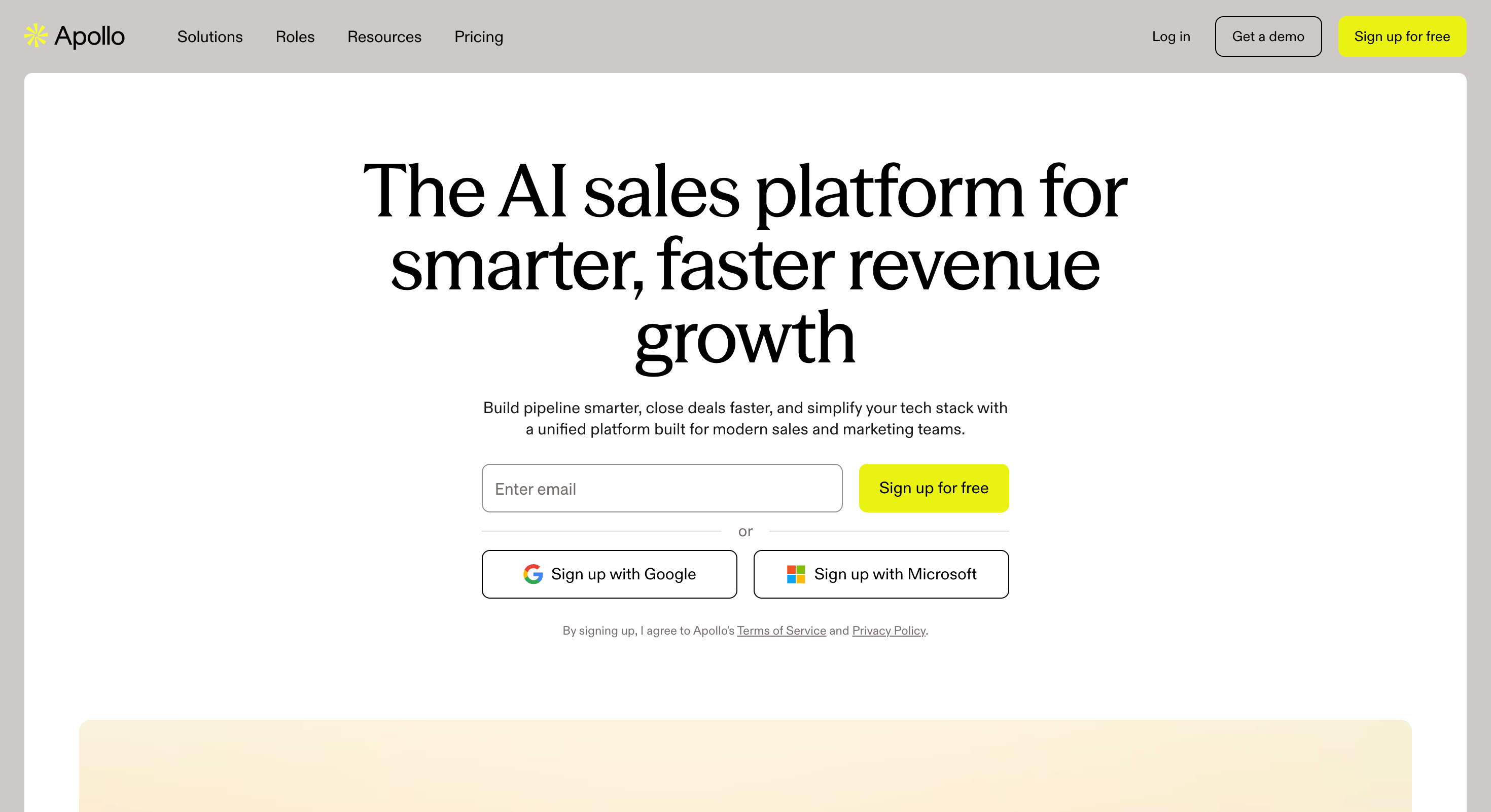
Best for: Teams who want a database and a sequencer on one bill, at a price they can see up front.
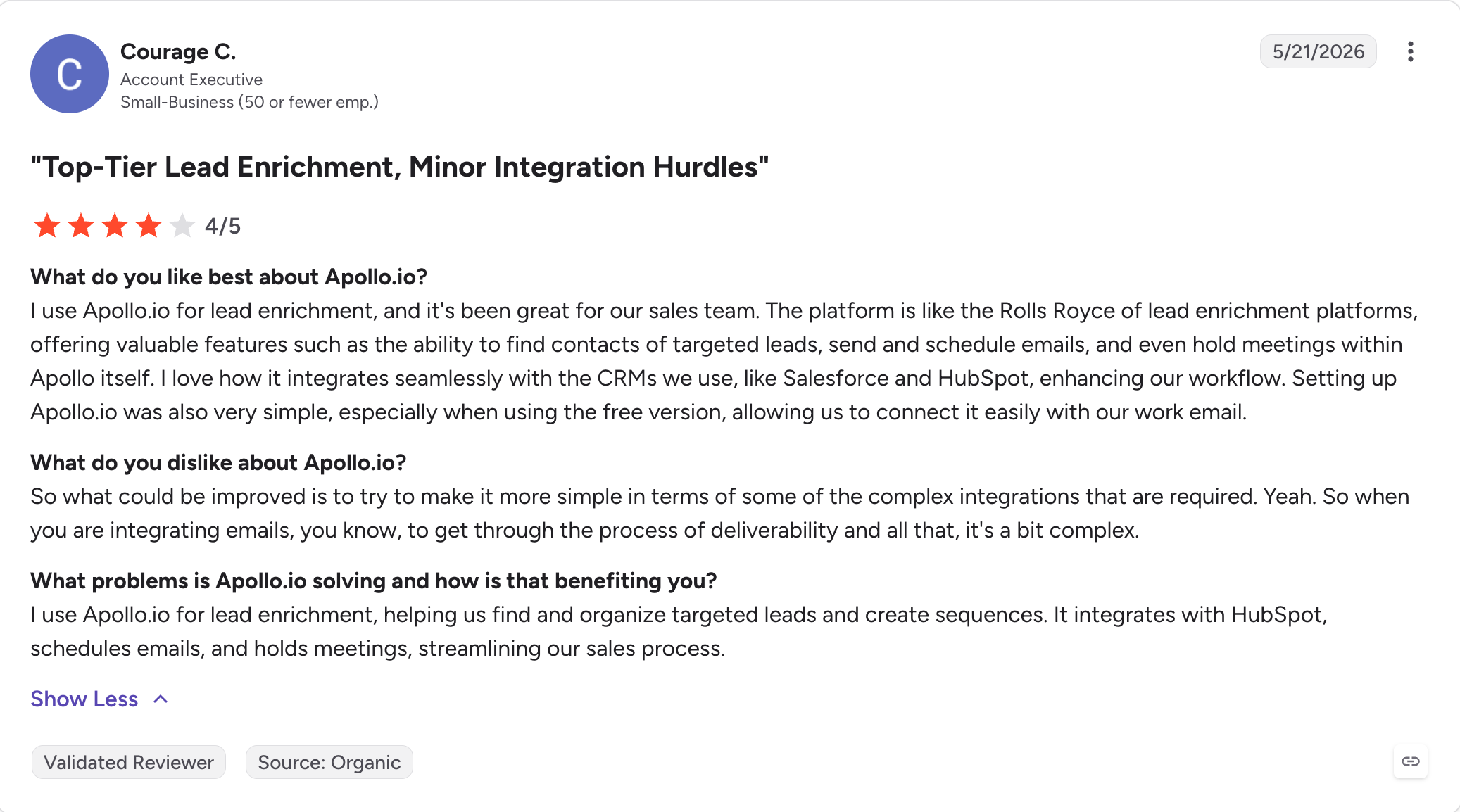
G2 rating: 4.7 out of 5 from 9,533 reviews
Apollo is the alternative most people land on first when they leave ZoomInfo. You can see the price, sign up in a minute, and start sending that afternoon.
ZoomInfo sells you data and expects you to buy a sequencer somewhere else. Apollo puts both in one subscription. You search the database, save a list, and the sequence runs from the same screen.
The database holds around 240 million contacts. That is smaller than ZoomInfo's 600 million. The gap matters less than it sounds, because both cover North America well.
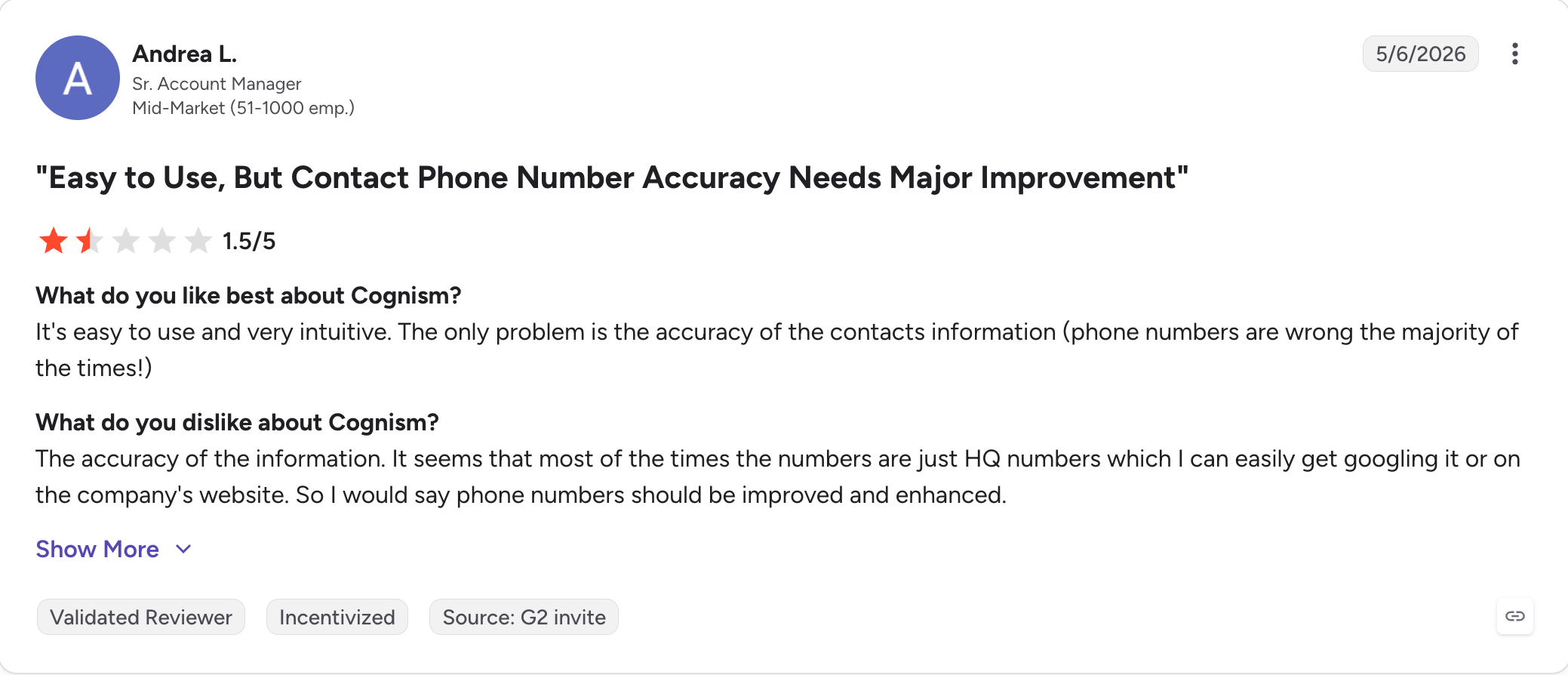
The accuracy is where reviewers push back. Bounces run higher than ZoomInfo's, especially outside the US. Apollo has no warm-up product to protect your domain when that happens.
There is one more thing to plan around. Apollo charges per seat and expires credits every month. That is the same shape of problem that pushed people off ZoomInfo.
Apollo Key Features
240M+ contact database: You search contacts and companies with filters that go deeper than most tools here.
Built-in sequencer: You send email campaigns from the same place you built the list, which makes it easier to run sales outreach without switching tools.
Native dialer: You call US numbers on Professional and international numbers on Organization.
Buying intent signals: Apollo flags accounts that are researching your category. This starts on Professional.
Waterfall enrichment: Each lookup checks several providers to raise the match rate. This also starts on Professional.
Deep CRM sync: Apollo writes to CRM systems like HubSpot, Salesforce and Outreach in both directions, so it fits cleanly into existing workflows.
AI Assistant: The agent suggests prospects, books meetings and drafts replies. It left beta in March 2026.
Free plan that never expires: You get 900 credits per seat each year without giving a card.
What I Liked About Apollo
I judged the data on the free plan before spending anything. No other tool here let me do that.
I went from a saved search to a live sequence without an export or a second tool.
Apollo helps sales reps move from list building to execution without switching tools.
The filters felt closest to what I was used to on ZoomInfo.
What Are the Cons of Apollo
Apollo has no warm-up and no inbox testing. A bad list damages your domain and nothing catches it.
Reviewers report more bounces than they saw on ZoomInfo, and the gap widens outside North America.
Apollo charges per seat. Five people on Professional costs $395 a month before credits.
Credits expire every month with no rollover.
Apollo Pricing
Plan
Price (annual)
Mobile credits
Dialer
Free
$0
5
No
Basic
$49/user/month
5
No
Professional
$79/user/month
10
US
Organization
$119/user/month
Unlimited
International
Organization needs three seats, so the real floor is around $357 a month.
Best for: Teams calling into the UK and Europe that need numbers that connect, records that hold up under GDPR, and cleaner revenue operations alignment.
G2 rating: 4.5 out of 5 from 1,363 reviews.
Cognism is the one alternative here that beats ZoomInfo on its own terms, in one region.
ZoomInfo built its database around North America. Cognism built its around the UK, Germany and France, and the difference shows the moment you search a European account.
The mobile numbers are the reason people pay for it. Cognism has humans call and check them, then screens every record against do-not-call registers in 15 countries. Nothing else on this list does that.
That screening matters more than it sounds. If you dial into Europe and get it wrong, the risk lands on you. Cognism handles that part rather than leaving it in your terms of service.
The cost of all this is that Cognism sells like ZoomInfo. No published price, no self-serve signup, annual contracts and a demo before anyone quotes you.
Cognism Key Features
200M+ contacts, weighted to Europe: Coverage runs deepest in the UK, Germany and France, where US-first tools thin out, giving Cognism stronger geographic coverage for regional prospecting.
Diamond Data: Humans call and verify each mobile number rather than leaving it to an algorithm.
DNC screening in 15 countries: Cognism checks every record against do-not-call registers before it reaches you.
GDPR and CCPA compliance built in: The compliance work sits inside the product rather than in your contract.
Bombora intent data: Higher tiers include third-party data and intent signals across thousands of topics.
Unrestricted view: Most plans let you see and export full contact records without credit gates.
CRM and sequencer integrations: Cognism connects to HubSpot, Salesforce, Outreach and Salesloft.
Chrome extension: You pull verified numbers while you browse LinkedIn.
What I Liked About Cognism
I got connect rates on European mobiles that nothing else here came close to.
I stopped worrying about DNC lists, because Cognism screens before the record reaches me.
I could export full records without counting credits on every reveal.
What Are the Cons of Cognism
Cognism publishes no pricing. You book a demo and wait for a quote, which is the thing you left ZoomInfo to avoid.
Contracts run annually, so the flexibility problem follows you across.
North American coverage is thinner than ZoomInfo's, so US-first teams lose ground.
Entry pricing sits well above the self-serve tools here, and reported deals run into five figures.
Cognism Pricing
Plan
Price
Contract
Trial
Platform access
Not published
Annual
Demo only
Diamond Data add-on
Not published
Annual
Demo only
Reported deals
$22,500 to $37,500/year
Annual
Demo only
Cognism does not publish rates. The price depends on seats, region, add-ons, and custom pricing. There is no free tier and no self-serve signup.
Best for: Teams who care more about bounce rate than database size and want to target high value prospects without paying for maximum database depth.
G2 rating: 4.7 out of 5 from 829 reviews.
UpLead is the answer to the one complaint ZoomInfo reviewers raise most often after price. Bounces.
Every email gets verified at the moment you export it, not when the record was last refreshed. UpLead guarantees 95% accuracy and refunds the credit on anything that bounces.
That refund is the part that matters. It puts UpLead's money behind the claim, and no other tool here does the same.
The trade is size. UpLead holds around 160 million contacts against ZoomInfo's 600 million, so you will find fewer people. The ones you find will be right more often.
There is no intent data and no native outreach either. UpLead is mainly a data provider for outreach rather than a full engagement tool, with the focus on accurate contact data.
UpLead Key Features
160M+ contacts across 200 countries: Coverage is broad, though thinner than the big databases here.
Real-time verification: Every email gets checked when you export it, giving you verified email addresses rather than relying on a refresh cycle.
95% accuracy guarantee: UpLead refunds the credit on any email that bounces.
50+ search filters: You narrow by industry, headcount, revenue, firmographic data, technology and more.
Technographic data: firmographic and technographic data work together to help narrow searches.
Chrome extension: You reveal contacts while browsing LinkedIn or a company site.
CRM integrations: UpLead connects to HubSpot, Salesforce, Pipedrive and Zapier.
7-day free trial: You get 5 credits to test the data before you pay.
What I Liked About UpLead
I have not had a bounce problem on an UpLead list, which I cannot say for anything else here.
I liked that the guarantee comes with a refund rather than an apology.
I could filter by the software an account runs, which narrowed lists faster than job titles did.
What Are the Cons of UpLead
The database is a quarter the size of ZoomInfo's, so some searches come back thin.
UpLead offers no intent data, so you lose the signal layer entirely.
There is no sequencer, so you still need a sending tool.
The trial gives you 5 credits, which is barely enough to judge the data.
Best for: Teams who build lists from LinkedIn and Sales Navigator rather than from a database.
G2 rating: 4.5 out of 5 from 338 reviews.
Skrapp works the opposite way round from ZoomInfo. You find the people first, on LinkedIn, and Skrapp finds their email second.
For a lot of teams that is the actual workflow. You already know the accounts. You can see the right person on Sales Navigator, and you just need a way to reach them.
Skrapp runs through Chrome extensions on LinkedIn, Sales Navigator and Recruiter. Recruiter support is rare and matters if you source candidates rather than buyers.
The billing is fair in a way ZoomInfo's is not. You pay only for results marked valid or catch-all, and unused credits roll over instead of expiring.
What you give up is everything after the email. Skrapp finds and verifies. It does not sequence, warm mailboxes or tell you which accounts are in market.
Skrapp Key Features
Three LinkedIn extensions: Skrapp works on LinkedIn, Sales Navigator and Recruiter.
Fair credit policy: You pay only for results marked valid or catch-all.
Credits roll over: Unused credits carry forward rather than expiring each month.
Multi-page enrichment: You pull contacts across several pages of results in one pass.
20M+ company database: You can search companies, people, and company attributes.
AI enrichment: Paid plans fill in missing fields automatically, with a focus on professional email addresses.
Bulk export: Finished lists go to CSV or your CRM, providing access to enriched records where your team already works.
Free plan: You get 50 credits without giving a card.
What I Liked About Skrapp
I only paid for results that came back valid, which changed how carefully I had to search.
I kept my unused credits, so a slow month cost me nothing.
I used the Recruiter extension on a hiring project and nothing else here would have worked.
What Are the Cons of Skrapp
Skrapp finds emails and nothing else. There is no sequencing, no warm-up and no intent data.
Accuracy sits between 65% and 75% by third-party accounts, well below what UpLead guarantees.
Skrapp offers no phone numbers at any tier.
The database is smaller than ZoomInfo's, and coverage thins outside common markets.
Skrapp Pricing
Plan
Price (annual)
Credits
Users
Free
$0
50
1
Professional
$29/month
2,000
2
Enterprise
$262/month
50,000
15
Both paid tiers scale up through higher credit bands. Annual billing saves 25%.
Best for: Reps who need one contact right now rather than a list of five hundred.
G2 rating: 4.3 out of 5 from 1,668 reviews.
Lusha is built for the moment you are already on a profile and need the number.
You install the extension, open a LinkedIn page, and the details appear. There is no search to build and no list to export. That is the whole product, and it is faster at that job than anything else here.
ZoomInfo can do this too, through its own extension. The difference is that Lusha costs $37.45 a month and ZoomInfo costs five figures a year.
Lusha holds ISO 27701 certification alongside GDPR and CCPA compliance. That puts it ahead of most tools here on privacy.
Where it falls down is depth. Coverage thins outside the US and UK, and the credit model means heavy prospecting gets expensive fast.
Lusha Key Features
Chrome extension: Verified contact information appears on a LinkedIn profile as soon as it loads.
Direct dials and mobiles: Lusha leads with phone data rather than treating it as an add-on, which helps teams get reliable contact information for quick outreach.
ISO 27701, GDPR and CCPA: The privacy certifications go further than most tools here hold.
Intent data: Higher tiers flag accounts researching your category, allowing sales teams to prioritize outreach from within the tool.
Job change alerts: Lusha tells you when a saved contact moves.
CRM integrations: It connects to Salesforce, HubSpot, Pipedrive and Zoho.
Bulk enrichment: You can enrich a CSV rather than working one profile at a time.
Free plan: You get 50 credits a month without a card.
What I Liked About Lusha
I get a number in about four seconds, which nothing else here matches.
I have used it on my phone between meetings, which no database tool makes easy.
I found the free plan enough to cover occasional lookups without ever paying.
What Are the Cons of Lusha
Coverage drops off outside the US and UK, and reviewers raise it often.
The credit model gets expensive once you prospect at volume.
Lusha is a lookup tool, not a database. You cannot build a list from a search the way you can on ZoomInfo.
Phone reveal costs vary by source, and the docs are not clear on it.
Best for: Teams that need real time data in fast-moving markets where a stored record goes stale in weeks.
G2 rating: 4.4 out of 5 from 5,379 reviews.
Seamless.AI does not hand you a record from a store. It goes and builds one when you ask.
That is the pitch, and it makes sense in markets that move fast. A stored database is only as current as its last refresh. Seamless searches the web in the moment, so a person who changed jobs last month can still surface.
It works well enough often enough that 5,379 people left a G2 review, and the average is 4.4.
The complaints are consistent though. Accuracy swings hard depending on the search. Reviewers also describe a sales process that is hard to leave once you are in it.
Seamless does not publish pricing either, which puts it in the same bracket as the thing you are leaving.
Seamless.AI Key Features
Real-time search: Seamless builds each record when you search rather than serving a stored one, which makes it useful for outbound prospecting.
AI verification: The engine checks each result as it assembles it.
Buyer intent data: Higher tiers flag accounts showing interest in your category.
Chrome extension: You pull contacts while browsing LinkedIn or a company website.
Autopilot list building: You set the criteria and Seamless builds lists on a schedule.
Writer: A built-in AI tool drafts personalized messages from the record.
CRM integrations: Seamless connects to Salesforce, HubSpot and Outreach for seamless CRM integration.
Free plan: You get 50 credits to start, with no card required.
What I Liked About Seamless.AI
I found people who had changed jobs recently and were missing from stored databases.
I liked that the free plan let me test the accuracy claim myself before committing.
I got usable results on smaller companies that the big databases skipped.
What Are the Cons of Seamless.AI
Accuracy varies more than any other tool here, and reviewers say the same.
Seamless publishes no pricing, so you are back to demos and quotes.
Contract and cancellation complaints come up repeatedly in critical reviews.
Real-time search is slower than pulling a stored record, which shows on large lists.
Seamless.AI Pricing
Plan
Price
Credits
Signup
Free
$0
50
Self-serve, no card
Pro
Not published
Quoted
Demo required
Enterprise
Not published
Quoted
Demo required
Seamless publishes no rates above the free plan. Reported deals vary widely, so treat any figure you see elsewhere as an estimate until you hold a quote.
Best for: Teams who sell through relationships rather than through volume.
G2 rating: 4.3 out of 5 from 1,900 reviews.
Sales Navigator holds the freshest professional data anywhere, and the reason is structural. People update their own profiles.
No database can match that. ZoomInfo refreshes records on a cycle. LinkedIn members tell LinkedIn when they change jobs, usually the same week, because they want the new role to show.
What Sales Navigator gives you is search, alerts and a way in. You filter by role, seniority, company growth and recent activity, then you engage through the platform itself.
What it does not give you is a contact list. There is no bulk export, no email addresses and no phone numbers. That is deliberate.
So this is not a ZoomInfo replacement. It is the thing you pair with one. Many sales professionals pair Sales Navigator with a separate data source because it is not a full contact database. Plenty of teams run it alongside a finder rather than instead of one.
LinkedIn Sales Navigator Key Features
The freshest professional data anywhere: Members maintain their own records, so job changes appear almost immediately.
Advanced search filters: You narrow by role, seniority, company headcount, growth and recent posts.
Lead and account alerts: Sales Navigator tells you when a saved contact changes jobs or posts across your target accounts.
InMail: You message people outside your network without an email address, which supports more personalized communication.
Relationship mapping: You see who on your team already knows someone at an account.
CRM sync: Higher tiers write activity back to Salesforce and HubSpot.
Buyer intent signals: Advanced tiers flag accounts engaging with your company for account based marketing.
Saved searches: You get alerted when new people match a search you built.
What I Liked About LinkedIn Sales Navigator
I have never found stale job titles on it, which I cannot say about any database here.
I use the job change alerts as a trigger, and they arrive faster than any intent tool.
I found warm paths into accounts through colleagues I did not know had the connection.
What Are the Cons of LinkedIn Sales Navigator
There is no bulk export, no email addresses and no phone numbers.
Sales Navigator charges per seat, so cost scales with headcount.
InMail credits run out quickly and do not roll over indefinitely.
You cannot build a call list from it, which is what most people want from ZoomInfo.
LinkedIn Sales Navigator Pricing
Plan
Price
InMails/month
CRM sync
Core
$99/user/month
50
No
Advanced
$179/user/month
50
Limited
Advanced Plus
Custom
50
Full
Annual billing lowers the monthly rate. There is a 30-day free trial.
Best for: Teams who want to know which accounts just did something worth calling about.
G2 rating: 4.5 out of 5 from 482 reviews.
Lead411 sells the same thing ZoomInfo does, at a fraction of the price, with the contract terms reversed.
Where ZoomInfo needs 60 days notice, Lead411 publishes its pricing and lets you leave. That alone puts it on this list.
The differentiator is the trigger data. Lead411 tracks funding rounds, hiring spikes, IPO filings and leadership changes. It matches them to contacts, so you get a reason to call alongside the number.
Verified direct dials come with it, and coverage in the US is strong.
Outside the US is where it thins. Lead411 is a North American tool, and international coverage does not compare to what ZoomInfo or Cognism offer.
Lead411 Key Features
450M+ contacts and 20M+ companies: Coverage is deep in the US and thinner elsewhere.
Growth intent triggers: Lead411 tracks funding, hiring, IPO filings and leadership changes to help sales teams identify timely reasons to reach out.
Verified direct dials: Phone numbers get checked to provide accurate contact details rather than guessed.
Unlimited views on most plans: You browse records without a credit meter running.
Best for: Teams who need a lot of profiles at the lowest cost per lookup.
G2 rating: 4.4 out of 5 from 1,381 reviews.
RocketReach holds more profiles than anything else on this list. Around 700 million people and 60 million companies.
That breadth is the point. Where ZoomInfo goes deep on business contacts, RocketReach goes wide, and it covers people that B2B-only databases skip. Recruiters, investors and journalists all use it for that reason.
The entry price is $33 a month, which is roughly what ZoomInfo costs for a morning.
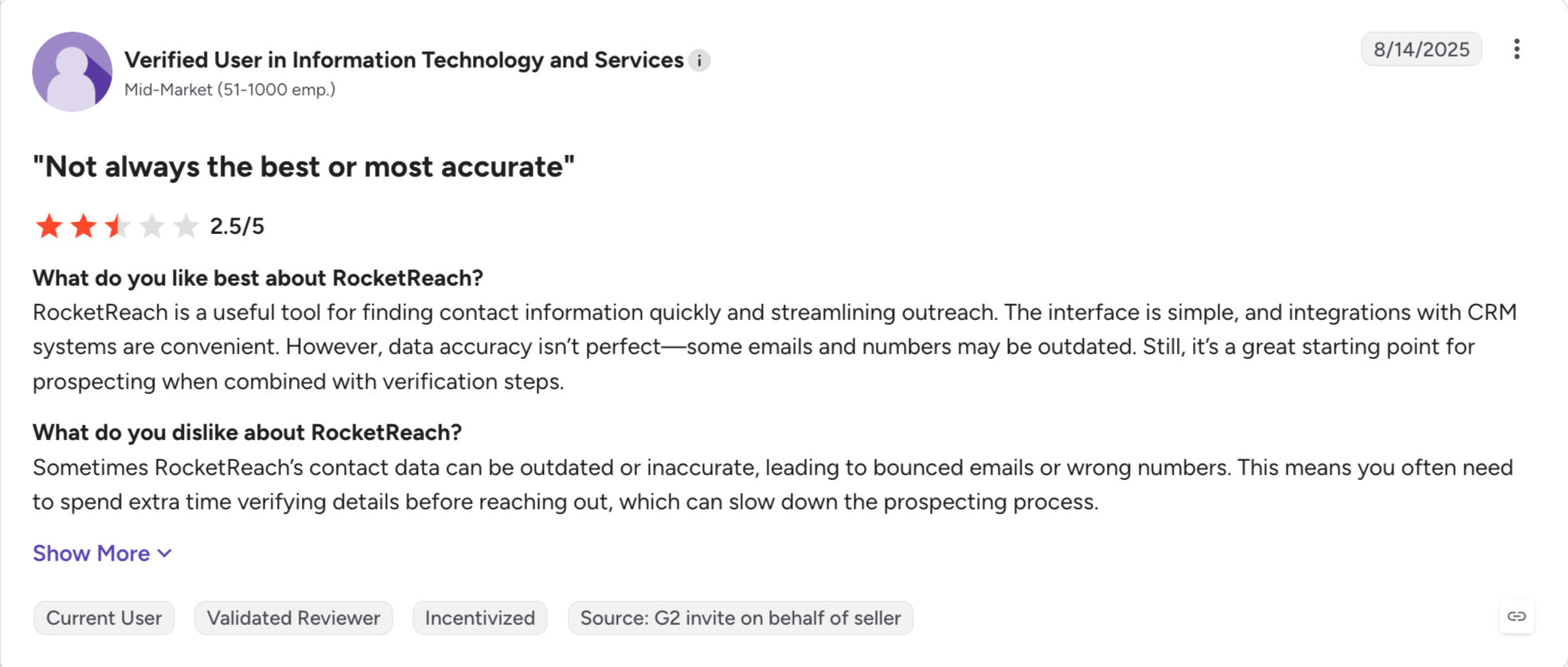
The depth is where it gives ground. You get contact details rather than firmographics, so the platform is better for broad lead data than for heavy enrichment, with no intent data, and CRM sync only from the Pro tier.
Phone numbers sit behind the higher plans too, so the cheap tier is an email tool.
RocketReach Key Features
700M+ profiles and 60M+ companies: The widest coverage here, including people outside standard B2B roles.
Email and phone lookup: You search by name, company or LinkedIn URL.
Bulk lookups: You upload a list and RocketReach enriches it in one pass, updating CRM records when synced.
Chrome extension: You reveal contacts while browsing LinkedIn or a company site.
API access: You pull contacts with code on higher plans.
CRM integrations: Salesforce, HubSpot and Outreach connect from the Pro tier.
Advanced search filters: You narrow by title, employer, location, company size and industry.
Free trial: You get 5 lookups to test the data.
What I Liked About RocketReach
I found people outside standard B2B roles that other tools here returned nothing for.
I paid less per lookup than on anything else on this list.
I enriched a CSV in one pass rather than working through profiles one at a time.
What Are the Cons of RocketReach
RocketReach gives you contact details and little else. There is no intent data and no firmographic depth.
Phone numbers and CRM sync both sit behind the Pro tier.
Export limits apply by plan, so bulk list building costs more than the entry price suggests.
Accuracy varies by role, and reviewers report gaps on senior contacts.
Best for: Teams who would rather have a smaller list with verified contact data they can trust than a big one they cannot.
G2 rating: 4.3 out of 5 from 360 reviews.
SalesIntel takes the opposite approach to almost everything else here. It pays people to check the data by hand.
Researchers re-verify records on a 90-day cycle. Nothing else on this list does that, and it shows up in the connect rates.
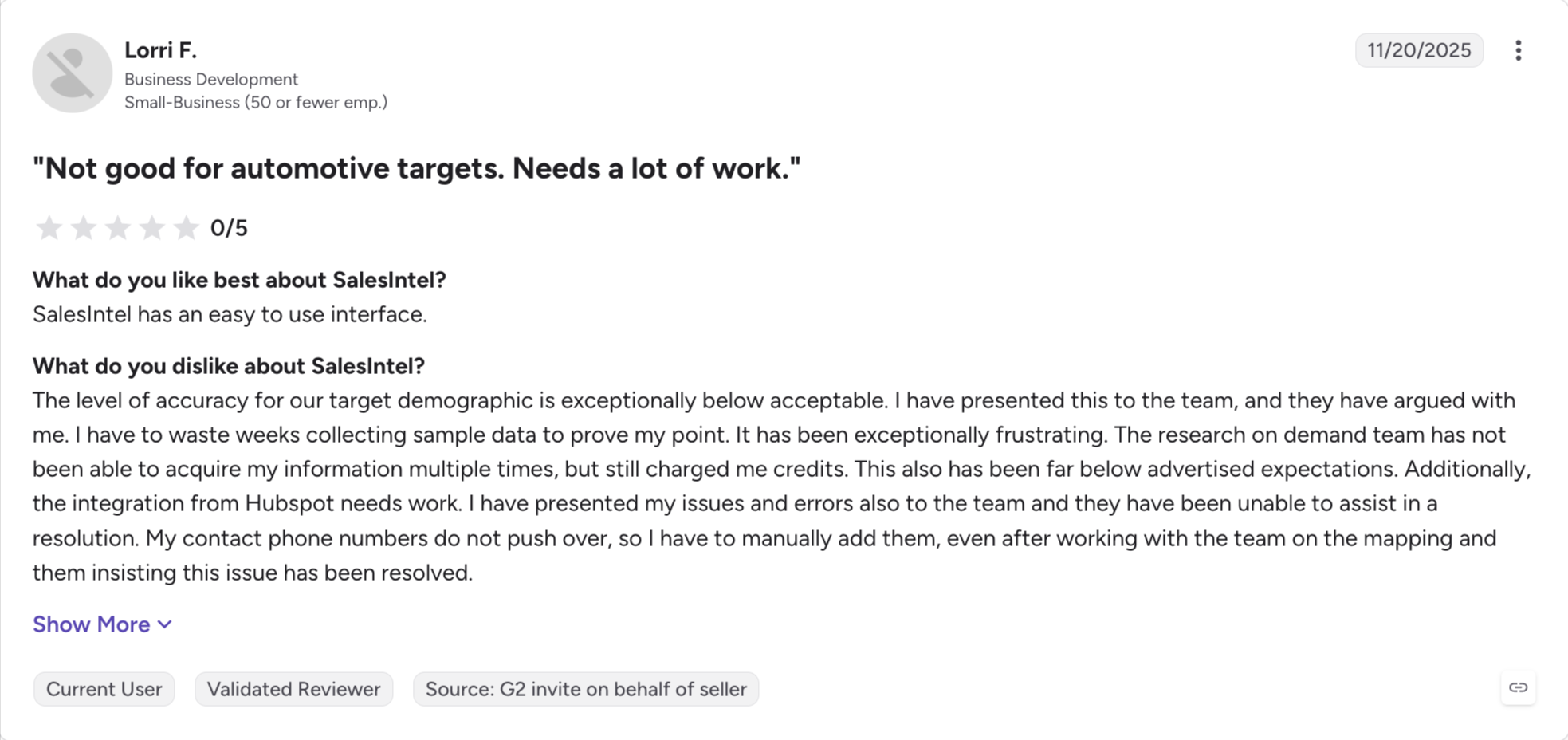
The database is smaller as a result, and heavily US-focused. You will find fewer people than on ZoomInfo, and the ones you find will answer more often.
Gartner reviewers rate it 4.8 out of 5. That is the highest of any tool ZoomInfo lists as an alternative there.
The catch is the same one you are leaving. SalesIntel does not publish pricing, and the contracts run annually.
SalesIntel Key Features
Human-verified contacts: Researchers check records by hand rather than leaving it to an algorithm.
90-day re-verification cycle: Every record gets checked again on a fixed schedule.
Research on demand: You can ask SalesIntel's team to verify a contact it does not already hold.
Bombora intent data: Third-party intent signals come with higher tiers.
Technographic data: You can filter by the software an account runs.
Unlimited views on most plans: You browse records without a credit meter.
CRM integrations: SalesIntel connects to Salesforce, HubSpot, Outreach and Salesloft.
Chrome extension: You reveal verified contacts while browsing LinkedIn.
What I Liked About SalesIntel
I got the highest connect rate on US direct dials of anything I tested here.
I asked their research team for a contact they did not hold, and they went and found it.
I stopped double-checking records before calling, which saved more time than the smaller database cost me.
What Are the Cons of SalesIntel
The database is much smaller than ZoomInfo's and weighted heavily to the US.
SalesIntel publishes no pricing, so you are back to a demo and a quote.
Contracts run annually, which is the term you were trying to escape.
International coverage is weak, so European and Asian markets need another tool.
SalesIntel Pricing
Plan
Price
Contract
Trial
Individual
Not published
Annual
Demo only
Teams
Not published
Annual
Demo only
Enterprise
Not published
Annual
Demo only
SalesIntel does not publish rates. The price depends on seats, export volume and whether you take intent data. There is no free plan.
ZoomInfo charges you for a database, an intent layer, org charts, and broader sales intelligence. Then it locks the bundle behind an annual contract you have to cancel 60 days early.
Most teams I talk to used one of those three.
If you used the database, this list has cheaper ways to get contacts. Several of them let you leave whenever you want and offer transparent pricing.
Leadsforge is where I would start for lean sales efforts. You describe who you want. It searches 500M+ contacts, runs each lookup through 20+ providers, and hands finished lists to Salesforge. It costs $49 a month and you can stop any time.
It depends on why you are leaving. Leadsforge is the strongest overall if price and contract terms pushed you out and you mostly need contacts. Cognism is better for European data, and Apollo is better if you want a sequencer in the same subscription.
2. Is there a free ZoomInfo alternative?
Apollo, Lusha, Skrapp, Seamless.AI and RocketReach all run free plans, and Leadsforge gives you 100 credits on signup. Free tiers cap volume hard, so use them to judge data quality rather than to run campaigns.
3. How much does ZoomInfo cost?
ZoomInfo does not publish rates. Most reports put the entry point near $15,000 a year. Buyers report paying closer to $30,000 once seats and add-ons stack up. Every plan is annual.
4. Why is ZoomInfo so hard to cancel?
The contract renews on its own, and the window to stop it closes 60 days before your term ends. Telling ZoomInfo inside that window does not stop the renewal, which is the single most common complaint in critical reviews.
5. Which alternative has the best data quality?
SalesIntel and UpLead both put something behind the claim. SalesIntel has researchers re-verify records every 90 days. UpLead guarantees 95% accuracy and refunds the credit on any email that bounces.
6. Which ZoomInfo alternative is best for Europe?
Cognism, and it is not close. Its database runs deepest in the UK, Germany and France. Humans check its mobile numbers, and it screens every record against do-not-call registers in 15 countries.
7. Can I replace ZoomInfo with one tool?
Usually not, if you used the whole platform. ZoomInfo bundles contact data, intent signals and org charts, and most alternatives cover one of those well. Work out which part you actually used before you shop.
8. Do I need to give 60 days notice to leave ZoomInfo?
Yes, on a standard contract. The cancellation window closes 60 days before your term ends. Mark it in a calendar the day you sign.
Book more meetings on autopilot
Set up in minutes. No per-seat pricing. No commitment.
Instagram cold DM automation can run at 100 DMs a day without a single suspension when the account behaves like a person. This guide covers the safe daily limits, the workflow and the openers that get replies. It also compares three tools and shows how to pair Instagram DMs with cold email.
Compare 7 Gojiberry AI alternatives for LinkedIn outreach. See pricing, buying signals, prospecting, automation, and email features to find the right fit.




.jpg)

