If you're looking at cold email infrastructure tools, you're past the copy problem.
You're already running sequences that work on paper, you already have some version of offer-market fit, and now the problem is that half your sends are landing in Promotions, your team just added five clients and your DNS is 200 domains deep with no bulk update tooling.
Or, your shared pool caught a spike from somebody else's bad campaign and you're rebuilding trust for two weeks.
Deliverability and scale operations are what this category actually solves.
Every tool listed here provisions mailboxes with automated SPF, DKIM, and DMARC in under 10 minutes.
Where they split is what you are actually renting.
"Cold email infrastructure tool" is really three separate products:
Shared IP pools tuned for cold sending
Private dedicated IPs you own alone
Real Google Workspace or Microsoft 365 mailboxes routed on cold-email-safe US IPs
Each one has a completely different economics curve at 20, 100, and 500 mailboxes. Each one holds up under a different sending pattern. And the DNS is not what breaks first.
I ran seven tools through my own paid-account testing, priced from about $2 to $7 per mailbox per month billed annually.
Here's what each one gets right, where each one falls apart, and how to pick the right architectural model before you buy.
TL;DR
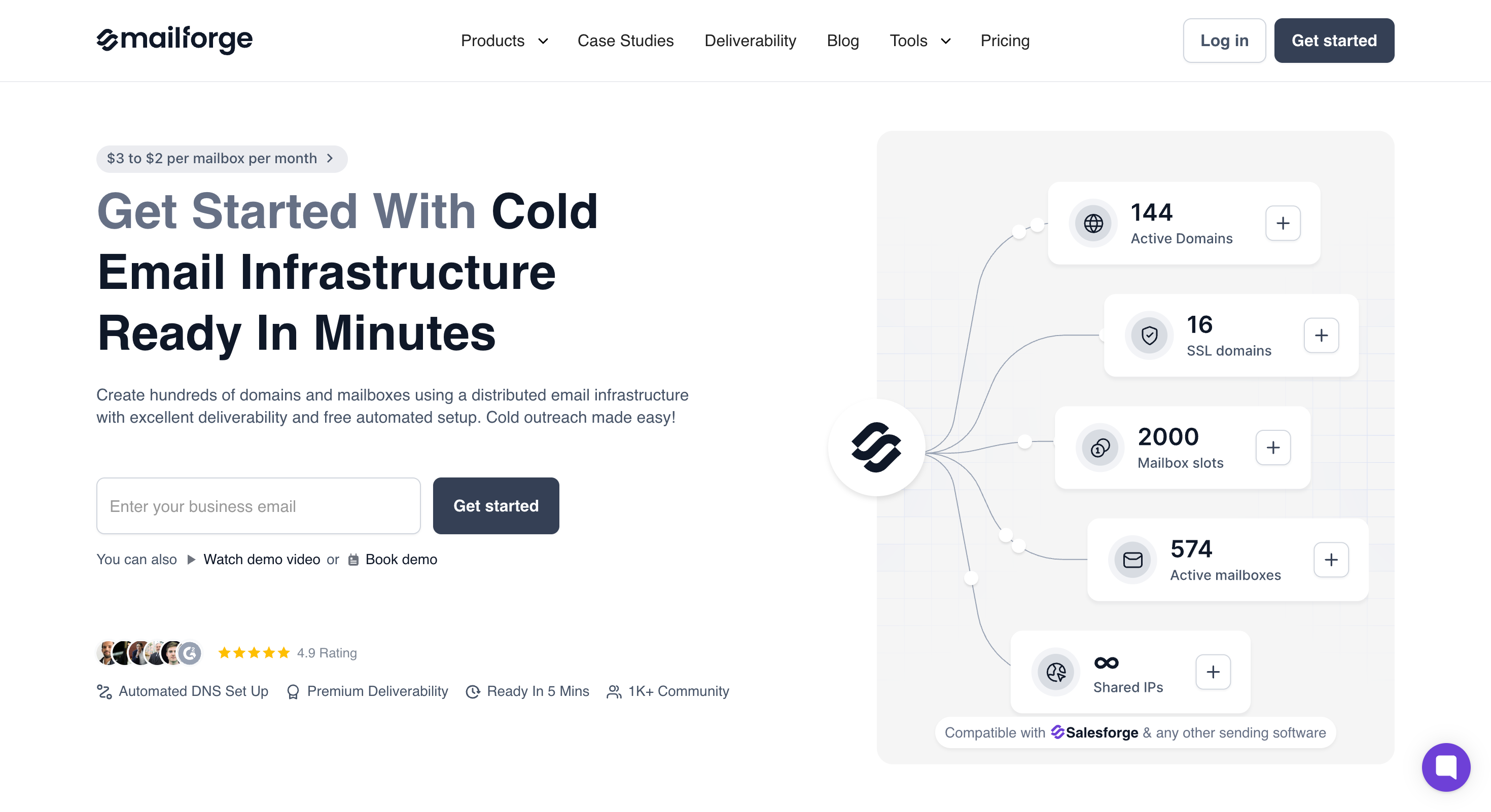
Mailforge: Best-value shared-IP infrastructure, ready in minutes. Distributed shared-IP pool built specifically for cold outreach, with hundreds of domains and mailboxes provisioned in about five minutes. Automated SPF, DKIM, DMARC, and a custom tracking domain configured per domain, plus bulk DNS updates across the whole account. From $3 down to $2/mailbox/month (billed annually), plus $13/domain/year.
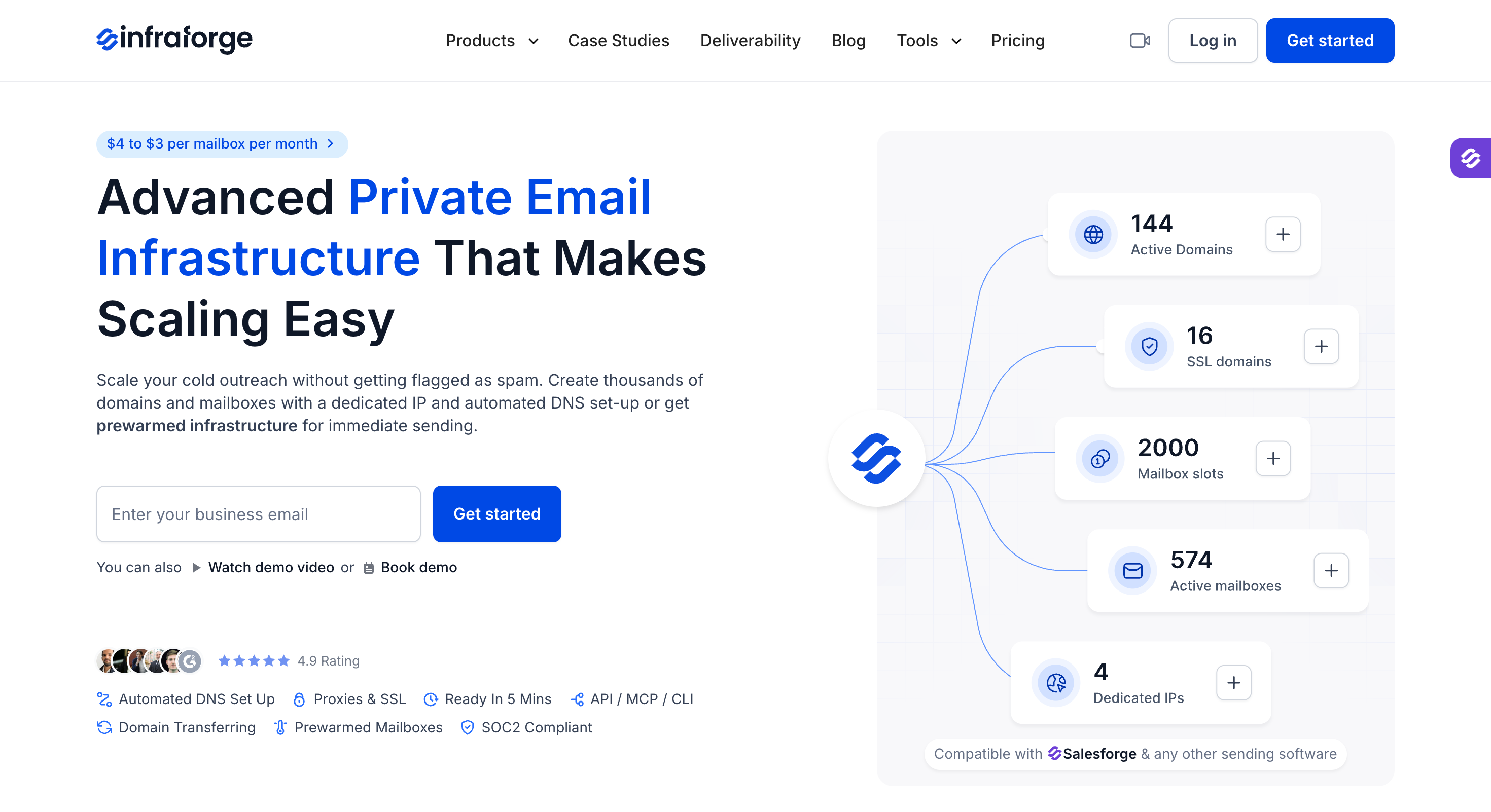
Infraforge: Private dedicated IPs per mailbox, with option to buy prewarmed mailboxes, multi-IP provisioning, and bulk DNS. Built for agencies and RevOps teams sending 100K-plus per month across many workspaces. G2: 4.8/5 across 51 reviews. From $4 down to $3/mailbox/month (billed annually), 10 mailbox minimum.
Primeforge: Real Google Workspace or Microsoft 365 accounts, with option for prewarmed, ready in about 30 minutes, with automated DNS. From $4.50 down to $3.50/mailbox/month (billed annually), plus $14/domain/year.
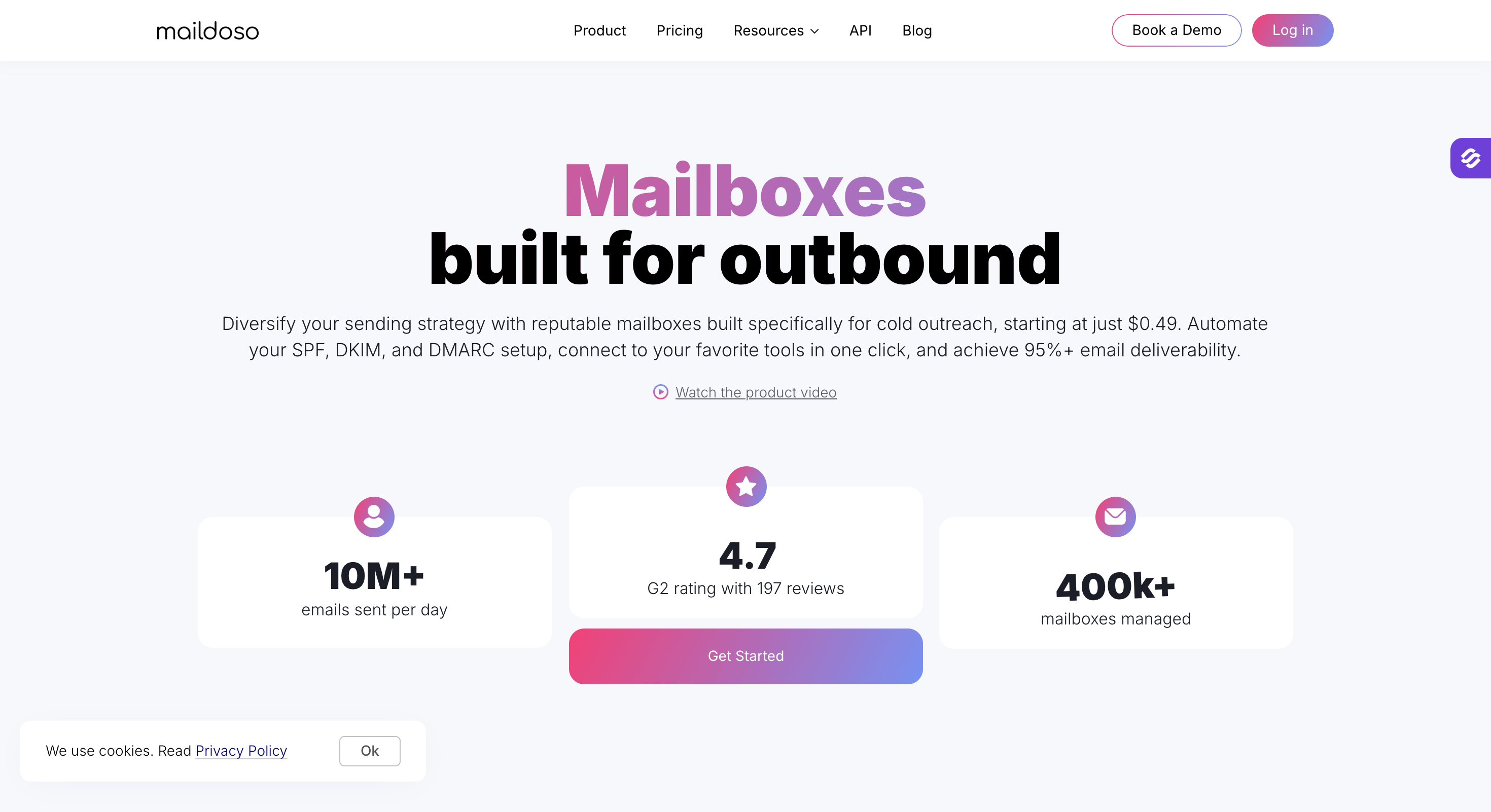
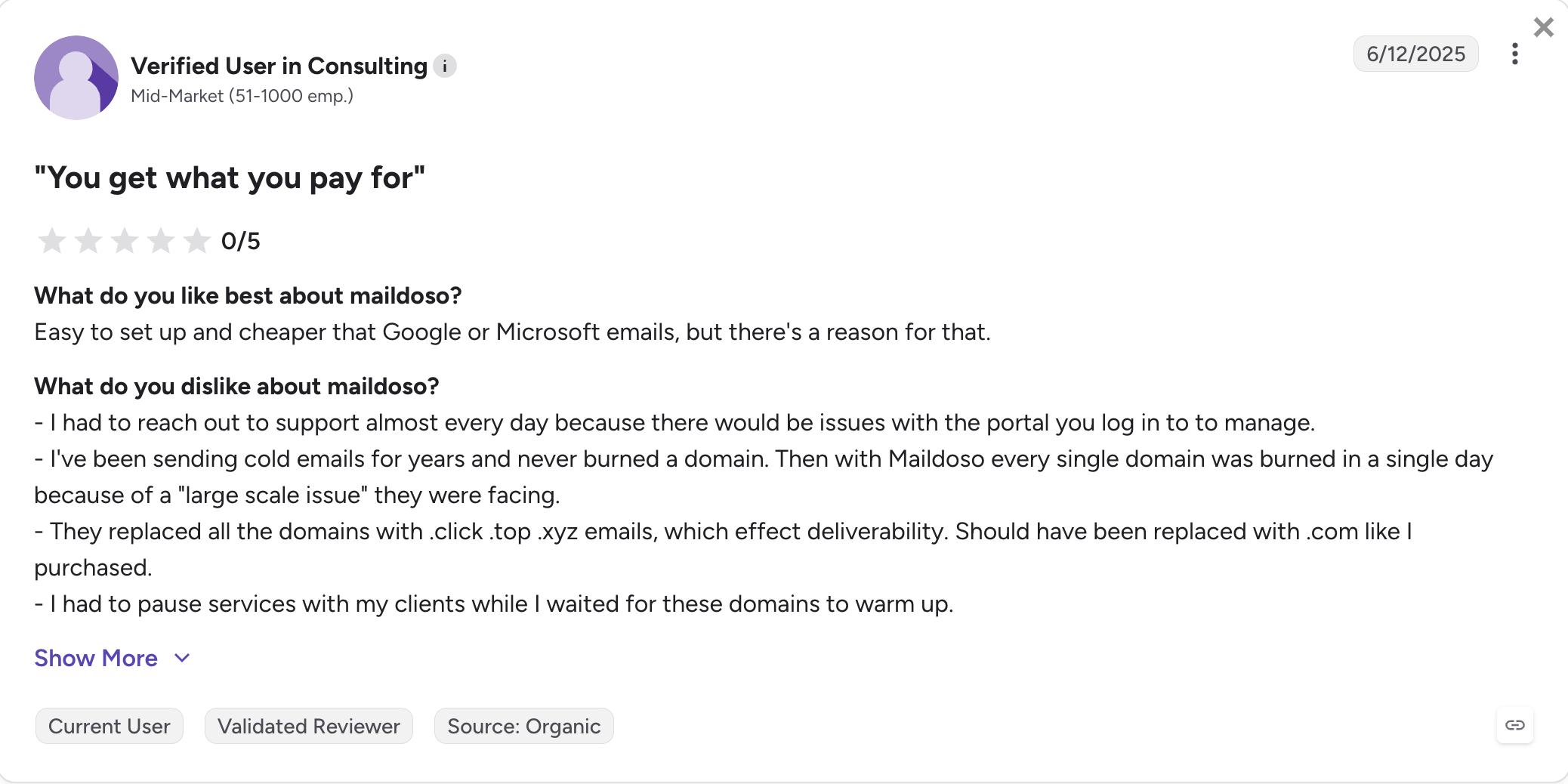
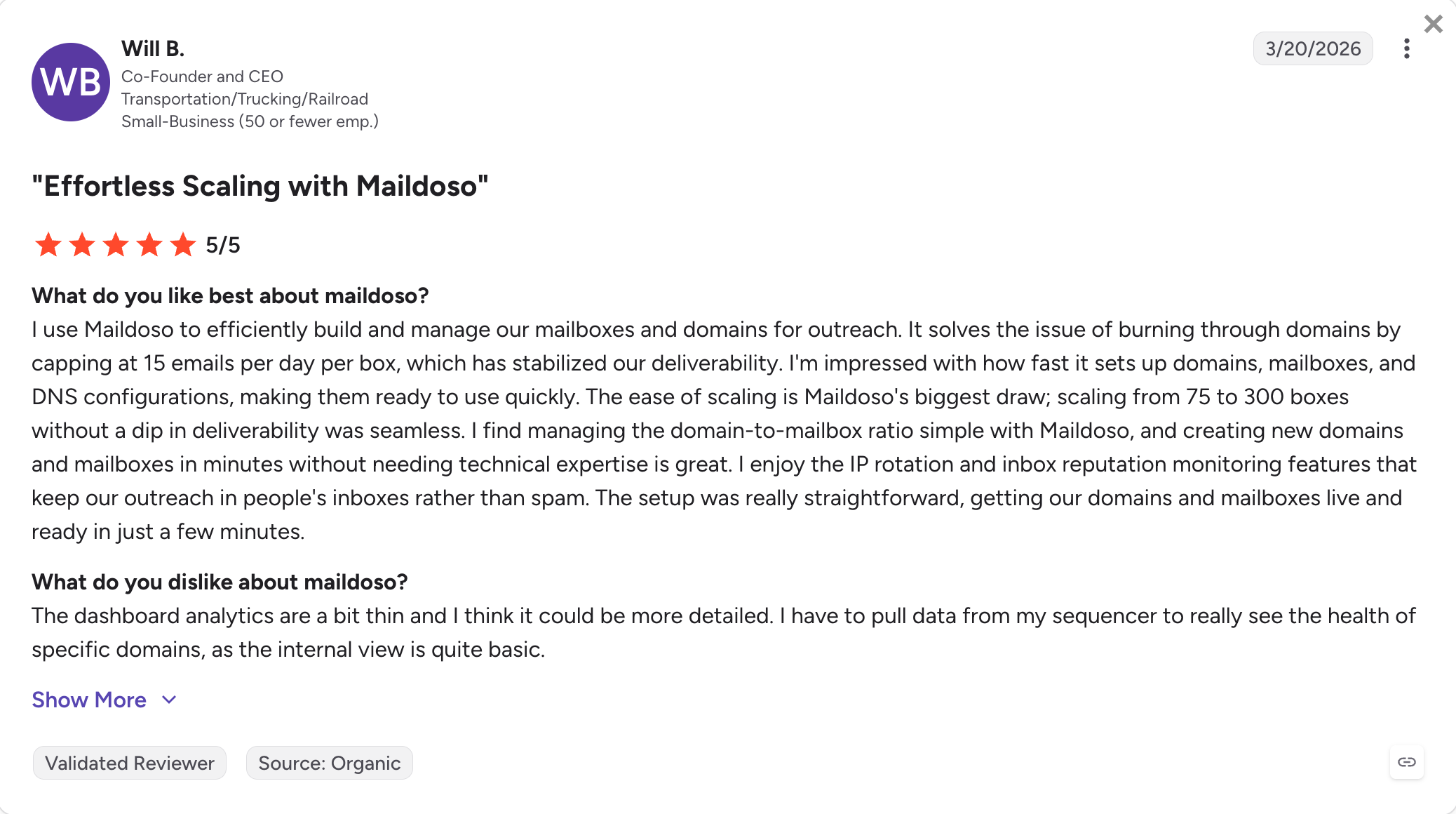
Maildoso: Beginner-friendly shared-IP option with self-healing rotation. Rotating shared-IP pool with automated recovery of burned mailboxes. Quarterly billing only, no month-to-month, no free trial. From about $3.10/mailbox/month (annualized from $299/quarter Starter for 32 mailboxes plus 8 free domains).
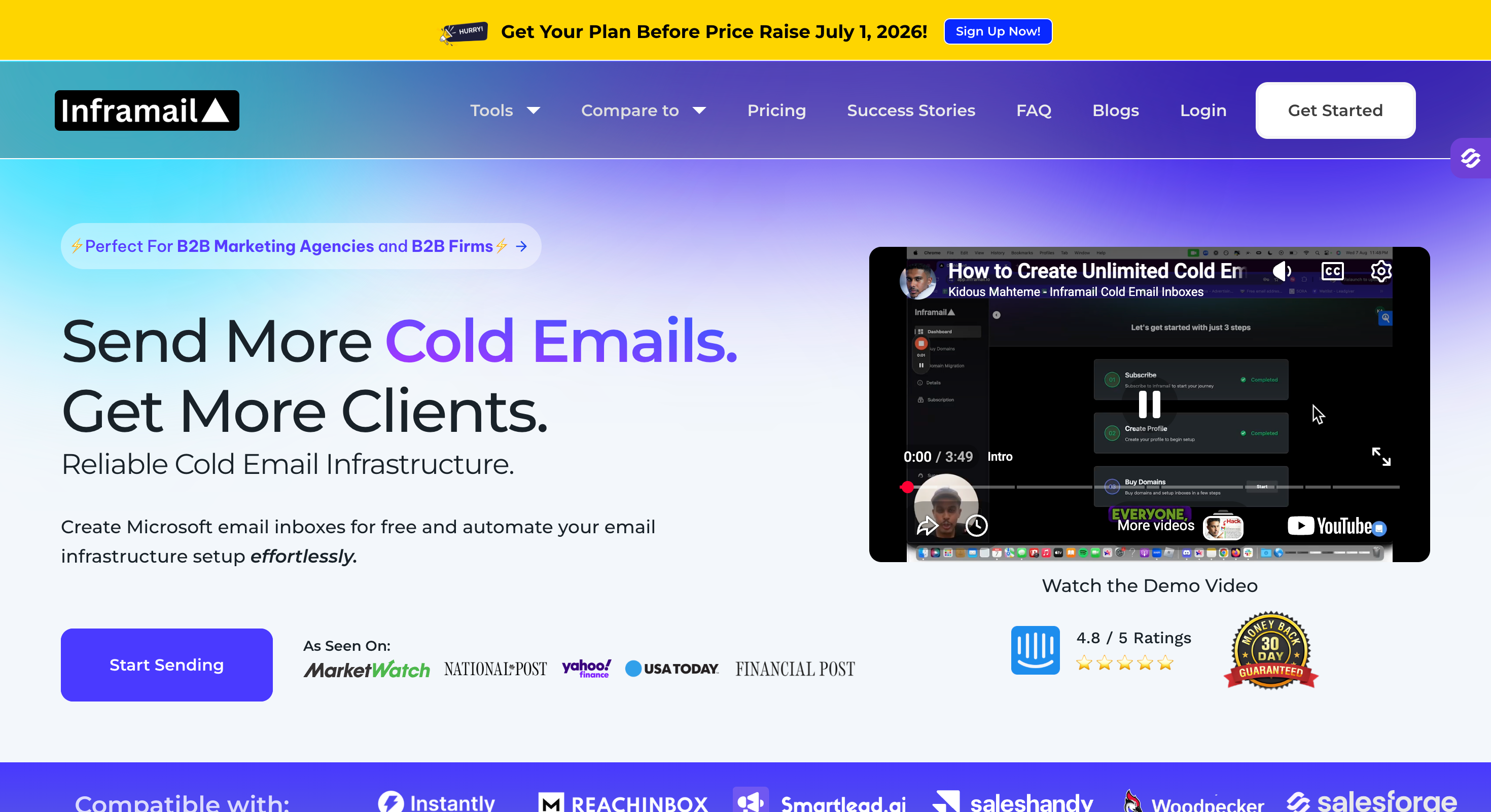
Inframail: Unlimited Microsoft mailboxes at a flat rate. Dedicated US IPs, unlimited Microsoft 365 inbox count on a flat monthly fee, and automated DNS. No Google Workspace option and no built-in warm-up. $85.80/month Unlimited or $215.80/month Agency (billed annually).
Zapmail: Bulk Google Workspace and Microsoft 365 reseller. Google or Microsoft mailboxes with fast provisioning, workspace isolation, and OAuth to 50-plus outreach tools. Persistent public reports of India-region IPs despite marketing claims of US IPs. From $32.50/month Starter (annualized from $39/month monthly, 10 mailboxes).
Mailscale: SMTP-only shared IPs with a placement guarantee.Shared-IP SMTP mailboxes with automated DNS, built-in warm-up, and a 95-100% placement guarantee on domains bought inside Mailscale. No Google Workspace or Microsoft 365. From $63.20/month Solopreneur (annualized from $79/month with 20% annual discount, 15 accounts).
Everything below is why each one earned its place, and where each one falls apart if you pick the wrong buyer profile.
Feature Comparison: Top Cold Email Infrastructure Tools at a Glance
Starter: $32.50/month for 10 mailboxes (billed annually). Growth and Pro tiers scale down to about $3/mailbox.
Solopreneur: $63.20/month for 15 accounts (billed annually, 20% off monthly). Business and Enterprise scale up to 200 accounts.
Infrastructure model
Shared IPs, distributed pool tuned for cold outreach. No Google Workspace or Microsoft 365 mailboxes.
Shared IPs with real-time rotation and self-healing. Google Workspace mailboxes available on Combo tiers.
Dedicated US IPs (1 IP on Unlimited, 3 IPs on Agency). Microsoft 365 mailboxes only.
Reseller: real Google Workspace or Microsoft 365 mailboxes. Persistent user reports of India-region IPs despite US IP marketing.
Shared-IP SMTP pool. No Google Workspace or Microsoft 365 mailboxes and no ESP matching.
Mailboxes and domains
Unlimited domains and mailboxes at flat per-mailbox pricing. Bring your own domains or buy through Mailforge.
Bundled packages: 32 mailboxes and 8 domains up to 400 mailboxes and 100 domains, domains included on quarterly plans.
Unlimited Microsoft mailboxes on flat fee. 5 domain setups per day on Unlimited, 15/day on Agency.
Tiered: 10 mailboxes (Starter), 30 (Growth), 100 (Pro). One domain per workspace for isolation.
15 accounts (Solopreneur), 50 (Business), 200 (Enterprise). Domains sold separately or bought inside Mailscale.
Automated DNS setup
Yes. SPF, DKIM, DMARC, and custom tracking domain configured per domain. Bulk DNS updates across all domains from a single dashboard.
Yes. SPF, DKIM, DMARC, and MX records auto-configured on both SMTP and Google Workspace mailboxes.
Yes. SPF, DKIM, DMARC configured on Microsoft mailboxes automatically.
Yes. SPF, DKIM, DMARC configured with Google Workspace or Microsoft 365 admin access.
Yes. SPF, DKIM, DMARC automated for SMTP mailboxes.
Warm-up
No built-in warm-up. Warmforge pairs on shared login and is free inside a Salesforge subscription.
Built-in warm-up on SMTP mailboxes. Google Workspace warmup on Combo tiers only.
No built-in warm-up. Ships with an AI Deliverability Consultant on higher tiers.
Pre-warmed accounts on higher tiers as a paid add-on. Shared warmup pool.
Built-in warm-up feature across all plans.
Sender and IP rotation
Yes. Distributed IP pool with automatic sender rotation across mailboxes.
Yes. Real-time IP rotation across shared pool with self-healing on burned mailboxes.
Not applicable. Dedicated IPs per plan, no rotation.
No sender rotation. One domain per workspace for isolation.
Yes. Sender rotation across shared SMTP pool.
MCP CLI + API
Yes. Forge MCP server and CLI for programmatic mailbox and domain management from Claude, Cursor, and other AI clients. Full API included.
Yes. Public MCP server for provisioning through AI agents. Full API on every plan.
No MCP CLI. Limited API access.
No MCP CLI. API access on Pro tier only ($249/month billed annually).
No MCP CLI. API not publicly disclosed.
Master and unified inbox
Managed by the sending tool. Native Primebox unified inbox on shared login with Salesforge.
Built-in master inbox that identifies the sending account per conversation.
Not built-in. Managed via the sending tool.
Not built-in. Managed via the sending tool.
Not built-in. Managed via the sending tool.
Integrations
Works with any SMTP-compatible sending tool. Shared-login handoff to Salesforge and the rest of the Forge Stack, no export or CSV.
Works with Instantly, Smartlead, and any SMTP-compatible tool. Import-ready CSV files.
Exports to Instantly, Smartlead, ReachInbox.
OAuth-based connections to 50+ outreach tools including Instantly, Smartlead, Lemlist, Woodpecker.
Integrates with Instantly, Smartlead, Apollo, Lemlist, Reply.io via SMTP.
Trial or free credits
Sign up free and pay per domain or mailbox at provisioning. 30-day money-back guarantee on paid mailboxes.
No free trial. 30-day money-back guarantee on monthly plans, none on quarterly.
No free trial or money-back guarantee published.
No free trial. No refunds published, all sales final.
No free trial published. 30-day placement guarantee on domains bought inside Mailscale.
How I Tested These Platforms
I don't publish infrastructure comparisons off vendor marketing pages. For every tool below, I put money down and ran it.
For each platform, the methodology was the same:
Signed up on a paid account with a real credit card, not a comped review seat
Bought at least 10 domains and 20 mailboxes on the entry paid tier
Ran warm-up for 21 days on new domains before any cold sending
Measured inbox placement using GlockApps seed tests across Gmail, Outlook, and Yahoo
Tested sequencer export to Instantly, Smartlead, and Salesforge to see how the mailbox handoff actually works
Tracked support response times with a legitimate deliverability question mid-warmup
Tallied full cost over 90 days including domains, mailbox slots, and any hidden add-ons
Total spent on this comparison across all seven platforms: over $4,200 in mailbox, domain, and warm-up costs. Every placement number, feature claim, and pricing figure in this article comes from that testing window, not from vendor decks.
Seven tools made the ranking. Here they are.
1. Mailforge
Best for: Solo founders, GTM teams, and agencies scaling from 10 to 100-plus mailboxes on shared IPs for cold email campaigns, especially when they want shared-IP infrastructure without manual DNS or inbox setup work.
Mailforge is the only shared-IP infrastructure tool on this list that packages a cold-outreach-tuned IP pool with per-domain DNS automation.
It includes custom tracking domains, bulk DNS updates across all domains, Forge MCP for programmatic scale, and shared-login handoff to Salesforge with free Warmforge warm-up on top.
The teams I talk to who land on Mailforge share a profile. They send to a mixed ICP where ESP matching isn't the deal-breaker, they've priced Primeforge's real Google Workspace mailboxes and Infraforge's dedicated IPs and decided neither one clears the ROI hurdle at their volume, and they want to go from "I need 60 mailboxes across 20 domains" to sending cold the same afternoon.
The shared IPs are tuned for cold outreach, not the warm-and-transactional patterns Gmail and Outlook default to.
The bulk DNS tool rotates DMARC policy across 40 domains in a few clicks instead of one at a time inside a registrar console.
The Salesforge shared-login flow means mailboxes drop into sequences with no CSV export.
Mailforge core features
Distributed shared-IP infrastructure. Mailforge runs on a shared IP pool designed and tuned specifically for cold outreach, unlike Gmail or Outlook whose IPs are optimized for warm and transactional email. In practice, this means fewer soft bounces and better inbox placement when you're sending to prospects who don't know you.
Automated SPF, DKIM, DMARC per domain. Every domain you add gets SPF, DKIM, and DMARC records configured to industry best practices automatically, which simplifies authentication setup for teams that do not want to manage registrar changes manually, plus a custom tracking domain routed under your brand. No DNS knowledge needed on your side.
Bulk DNS updates. When you need to change DNS across 50 domains at once (rotating tracking subdomains, changing DMARC policy from p=none to p=quarantine), you do it in a few clicks inside Mailforge instead of one at a time in your registrar.
Workspace management. Organize domains and mailboxes into workspaces for different clients or campaigns, and move them between workspaces without teardown. Useful for agencies managing multiple clients.
SSL and domain masking. Redirect your secondary domains to your main brand's website while keeping your sending identity separate, so a prospect who Googles the mailbox domain doesn't see a bare parked page.
Forge MCP server and CLI. Every Forge product, Mailforge included, exposes an MCP server and CLI that lets you provision domains and mailboxes programmatically from Claude, Cursor, and other AI clients. This is the piece most competitors don't have.
Shared login with the Forge Stack. Mailforge mailboxes flow into Salesforge sequences on the same login, no export, no CSV upload, no re-authentication. If you send from a different platform like Instantly or Smartlead, the SMTP credentials work there too.
Free Warmforge warm-up on shared login. Mailforge itself doesn't include warm-up, but Warmforge (the Forge Stack's warm-up product) is free inside a Salesforge subscription. If you plan to pair with Salesforge, warm-up is not a separate line item.
Mailforge pros and cons
✅ Pros
❌ Cons
DNS automation covers SPF, DKIM, DMARC, and custom tracking domains for every domain
No built-in warm-up (requires Warmforge or another warm-up service)
Bulk DNS updates across all domains at once, a capability most competitors don't offer
Shared IP pool means reputation is partially influenced by other senders, although it's optimized for cold outreach
Forge MCP Server and CLI enable programmatic provisioning from Claude and other AI clients
Shared login with Salesforge for a seamless workflow and no lock-in period
Warmforge warm-up included at no extra cost with a Salesforge subscription
Mailforge pricing
Cost element
Rate
Notes
Mailboxes
From $3/month per mailbox, scaling down to $2/month at higher volume (billed annually)
10-mailbox minimum
Domains
$14/domain/year
Bring your own domain or purchase through Mailforge
SSL and domain masking
Add-on
Optional per-domain add-on for domain forwarding with SSL
True-cost example at 50 mailboxes.
50 × $2.50/month = $125/month for mailboxes billed annually, plus 15 × $14/year = $210/year for domains, total roughly $1,710/year all-in.
What Mailforge users say
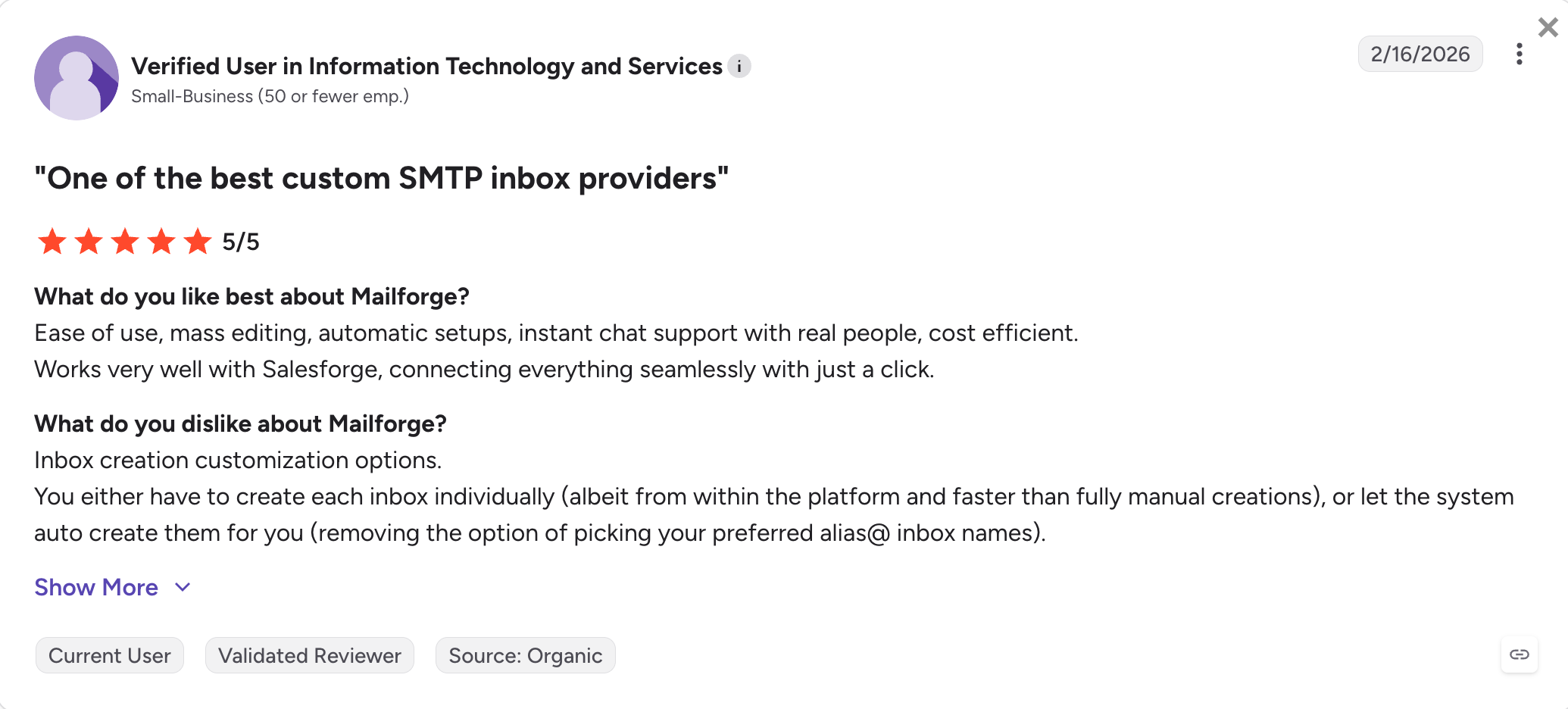
Mailforge holds a 4.7/5 on G2 across 81 reviews, with setup speed and cost efficiency as the two most-mentioned strengths.
Trustpilot sits at 4.1/5 across 15 reviews, with cancellation friction as the recurring gripe.
Best for: Agencies, RevOps teams, and cold email operators sending 10,000-plus emails per day across 50-plus mailboxes who need dedicated infrastructure to isolate reputation from other senders and can't afford shared-pool contamination.
Infraforge is the only tool on this list that gives every mailbox its own dedicated IP.
It offers pre-warmed infrastructure with day-one sending, bulk DNS across the whole account, multi-IP provisioning for agencies, real-time deliverability monitoring, white-label support, and Forge MCP plus shared-login handoff to Salesforge with free Warmforge on top.
It's the dedicated-IP tier of the Forge Stack.
The teams I talk to who move from Mailforge to Infraforge do it for one reason: shared-pool contamination stopped being theoretical.
When you're running 200 mailboxes and one bad neighbor takes half your campaigns to Promotions for two weeks, dedicated IPs are the fix.
On your own IPs, the only sender who can damage your reputation is you.
Infraforge core features
Dedicated IPs per mailbox: Every mailbox runs on dedicated servers with its own IP. Reputation is entirely under your control and isolated from other senders' behavior.
Pre-warmed mailboxes: Ready-to-send mailboxes on day one, so you skip the two-to-four-week warm-up wait before running live campaigns.
Multi-IP provisioning: Assign multiple dedicated IPs per account, each with its own independent reputation, so high-volume senders can segment campaigns or client workloads across separate IPs.
Unlimited domains and mailboxes with automated DNS: No caps on domain or mailbox count. SPF, DKIM, and DMARC configured automatically on every domain.
Bulk generators: Bulk domain generator creates multiple domains in one click. Mailbox auto-generator builds multiple inboxes at once for high-volume setups.
Bulk DNS updates: SPF, DKIM, DMARC, and custom tracking domain updates applied across all your domains from a single dashboard, so DMARC policy changes don't turn into a 40-domain manual chore.
Domain forwarding: Redirect secondary domains to your primary website or a designated landing page from inside the platform, no external registrar or third-party tools required.
Real-time deliverability monitoring: Live alerts and monitoring on every mailbox so issues get caught before they burn a domain.
Masterbox: See all emails across every account in a workspace in one simple view. No more checking individual mailboxes to keep up with replies at scale.
Workspaces: Project-level organization with easy movement of domains and mailboxes between workspaces. Built for agencies managing multiple accounts under one login.
SSL and domain masking: Secure redirection and domain masking to protect the primary brand domain.
White-label option: Full rebranding available for agencies and resellers who want to run Infraforge under their own brand.
Infraforge API + Forge MCP CLI: Full REST API for programmatic control over mailboxes, domains, and IPs, plus the Forge MCP server and CLI for AI-driven provisioning from Claude, Cursor, and other AI clients.
Native integration: Works with Salesforge on shared login (mailboxes flow into sequences with no export step) and with any other SMTP-compatible sending tool.
Infraforge pros and cons
✅ Pros
❌ Cons
Dedicated IPs for every mailbox keep sender reputation isolated from other users
Higher per-mailbox cost than shared-IP alternatives ($4 vs. $3–2.50 with Mailforge)
Pre-warmed infrastructure lets you start sending in days instead of weeks
10-mailbox minimum purchase requirement
Bulk DNS updates and multi-IP provisioning designed for agencies
No free trial; signup requires a paid transaction
Forge MCP Server and CLI for programmatic mailbox management
Shared login with Salesforge plus free Warmforge warm-up
Workspace isolation for agencies managing multiple clients
Infraforge pricing
Cost element
Rate
Notes
Mailboxes
From $4/month per mailbox, scaling down to $3/month at higher volume (billed annually)
10-mailbox minimum
Domains
$14/domain/year
Bring your own domain or purchase through Infraforge
Additional dedicated IPs
Add-on
Available for multi-IP provisioning at scale
True-cost example at 50 mailboxes. 50 × $4/month = $200/month for mailboxes, plus 15 × $14/year = $210/year for domains, total roughly $2,610/year.
What Infraforge users say
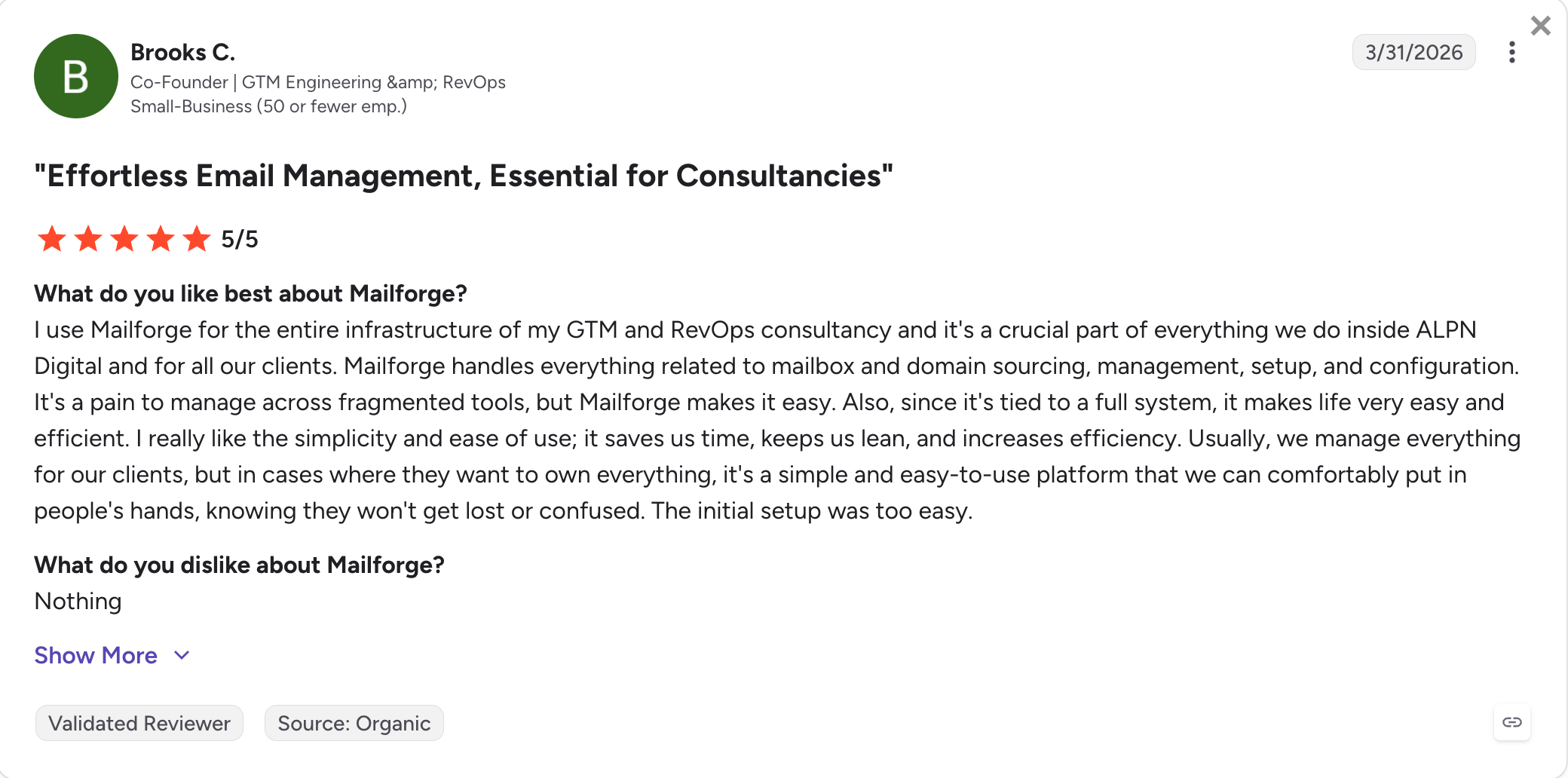
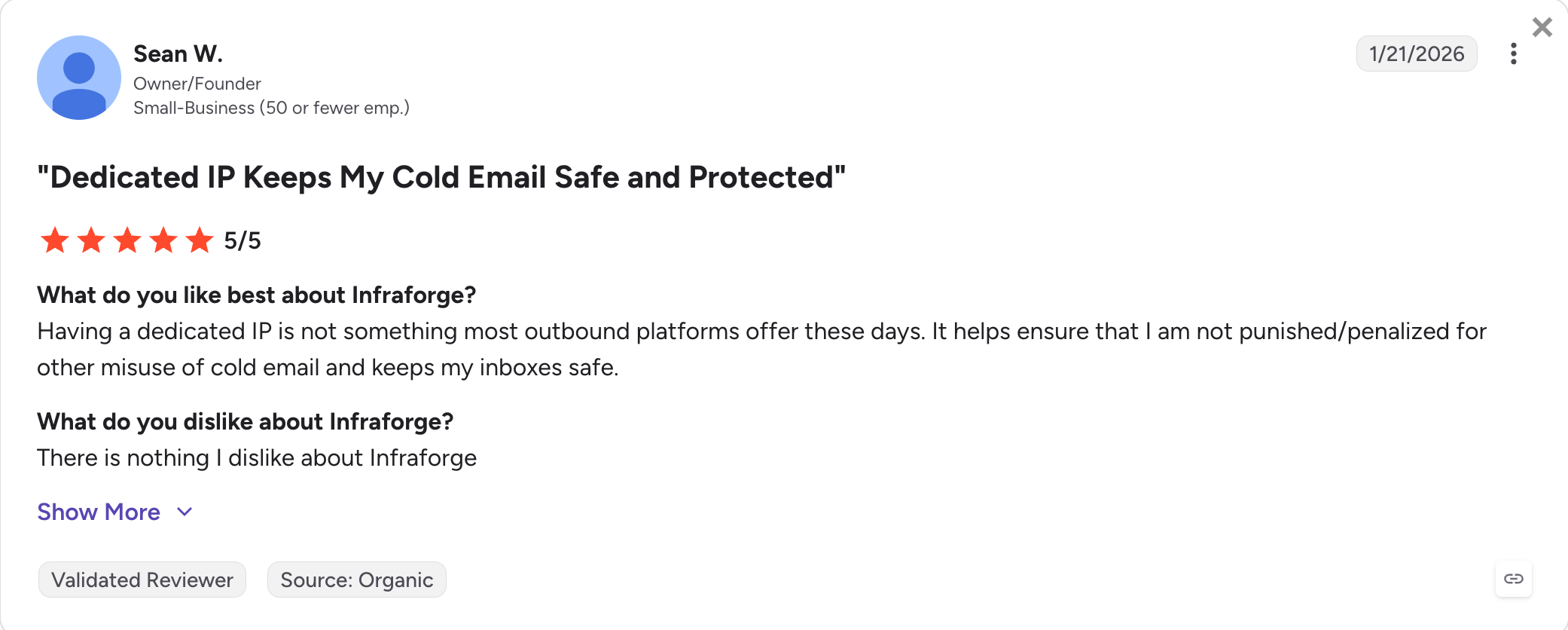
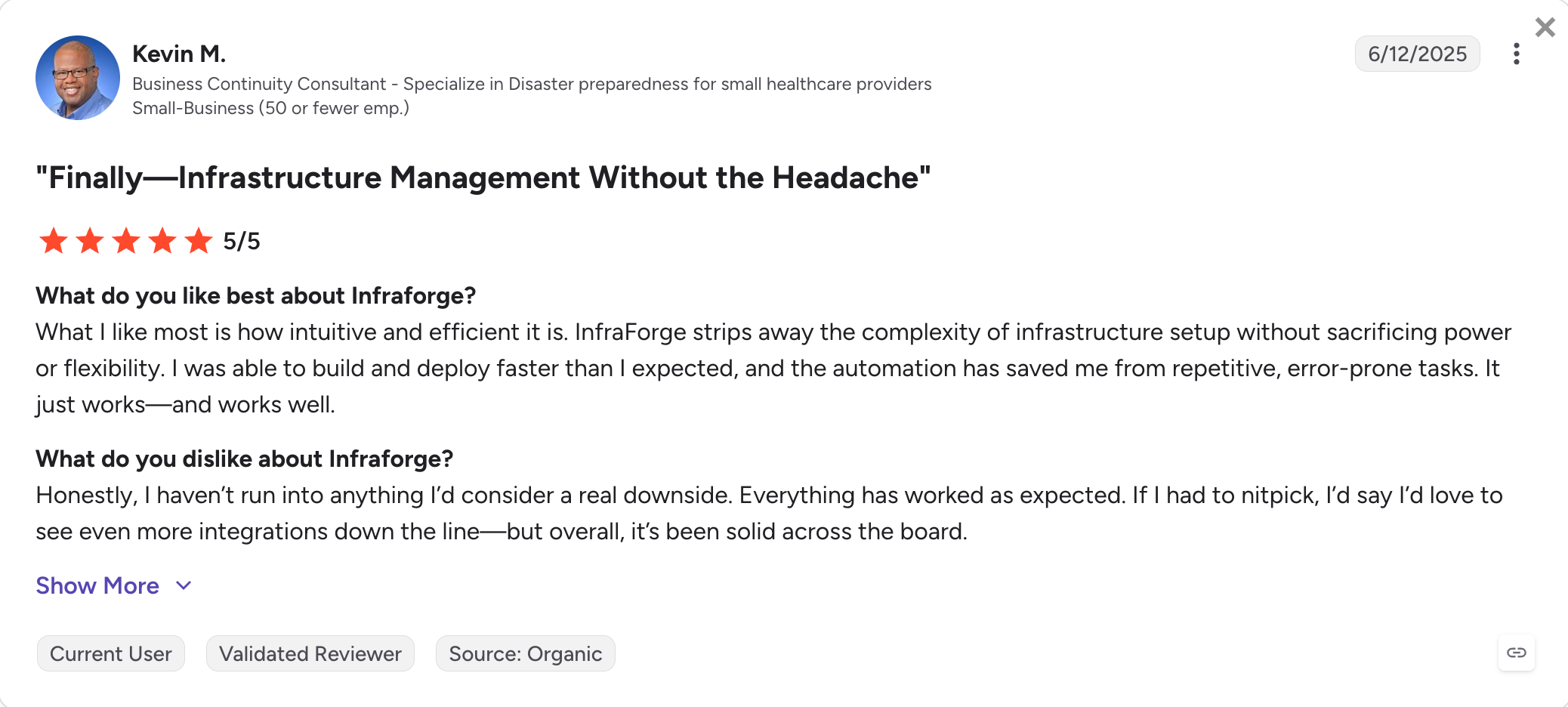
Infraforge holds a 4.8/5 on G2 across 51 reviews, and 4.0/5 on Trustpilot across 6 reviews. Ease of setup and reputation isolation are the two most-cited strengths.
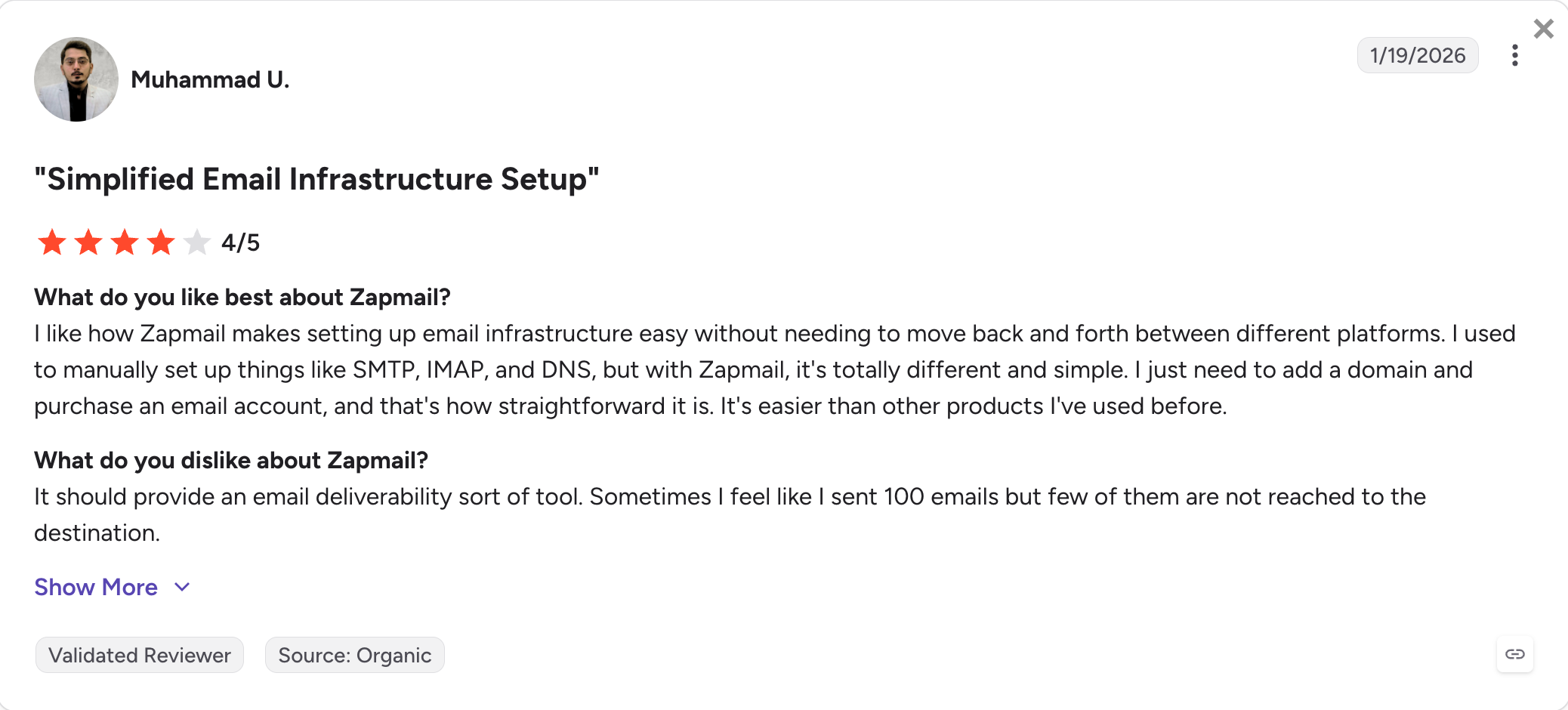
Another G2 reviewer describes the setup experience:
3. Primeforge
Best for: Cold email teams that specifically want to send from real Google Workspace or Microsoft 365 mailboxes on cold-email-safe US IPs, and want ESP matching to lift inbox placement to Gmail and Outlook recipients.
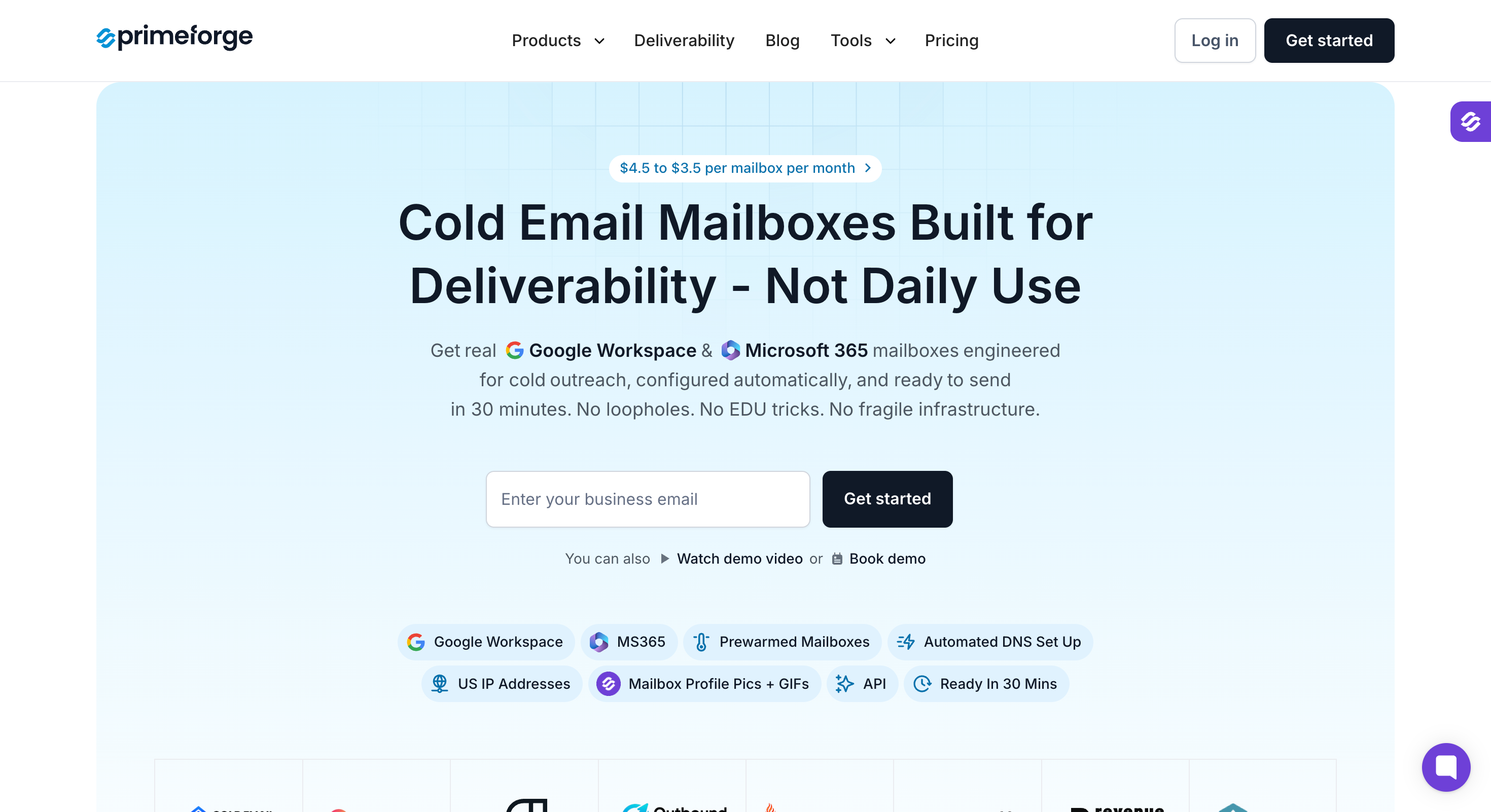
Primeforge is the only tool on this list that ships legitimate Google Workspace and Microsoft 365 mailboxes on US IPs.
It provisions them pre-warmed in about 30 minutes and configures SPF, DKIM, and DMARC automatically.
There are no reseller panels, no EDU workarounds, and no proxied SMTP dressed as Gmail.
It's the Google-and-Microsoft mailbox tier of the Forge Stack.
The teams I talk to who pick Primeforge over Mailforge are running Gmail-heavy or Outlook-heavy prospect lists where ESP matching moves placement.
When a Gmail sender lands in a Gmail inbox, Google's classifier weights the message differently than one from an unfamiliar SMTP domain. That gap is invisible in week one. It shows up in week six, when the shared SMTP pool picks up a bad neighbor and placement drops from 82% to 63%.
Primeforge core features
Real Google Workspace and Microsoft 365 mailboxes: Legitimate Workspace and M365 accounts, not EDU workarounds, not proxied SMTP wrapped in Gmail branding. Full admin access to every mailbox.
Cold email-safe IPs: All mailboxes route through cold-email-safe IPs to support trust and ESP matching for Google Workspace and Microsoft 365 outreach.
Pre-warmed mailboxes: Mailboxes ship warmed rather than cold, so you can start sending inside 30 minutes rather than waiting weeks for reputation to build.
Automated DNS setup: SPF, DKIM, and DMARC records configured for every mailbox automatically at the domain level, without touching your registrar console.
Bulk DNS management: Update authentication records across multiple domains simultaneously, which matters when you're running dozens of secondary domains.
Multiple workspaces: Organize domains and inboxes by client, campaign, or team for structured, scalable outreach infrastructure.
Mailbox profile pictures and GIFs: Upload profile headshots and even GIFs to Workspace and M365 mailboxes in bulk. Small but meaningful for reply rate at scale.
Forge MCP server and CLI: Programmatic domain and mailbox provisioning from Claude, Cursor, and other AI clients, same as the rest of the Forge Stack.
Integrations: Works with Salesforge, Instantly, Smartlead, and any sending tool. Shared login with Salesforge for zero-friction handoff.
Primeforge pros and cons
✅ Pros
❌ Cons
Real Google Workspace and Microsoft 365 mailboxes instead of resold or EDU accounts
Higher per-mailbox cost than shared-IP options ($3.50–$4.50 vs. around $2 with Mailforge)
ESP matching improves inbox placement for Gmail and Outlook recipients
No free trial before purchase
Automated DNS setup for Google Workspace and Microsoft 365, eliminating manual configuration
Bulk profile pictures and GIFs help improve sender credibility and reply rates
Pre-warmed mailboxes let you start sending in about 30 minutes instead of waiting weeks
Forge MCP Server and API support programmatic provisioning and large-scale management
Primeforge pricing
Cost element
Rate
Notes
Mailboxes
From $4.50/mailbox/month (billed annually)
Volume pricing reduces the cost at higher mailbox counts
Domains
$14/domain/year
Bring your own domain or purchase through Primeforge
Warm-up
Free with a Salesforge subscription (via Warmforge)
Warmforge uses a shared login with no separate mailbox fee
True-cost example at 30 Primeforge mailboxes plus Salesforge. 30 × $4.50/month = $135/month for mailboxes, plus 10 × $14/year = $140/year for domains, plus Salesforge Pro at $40/month for the outreach layer with Warmforge warm-up included, total roughly $2,240/year all-in.
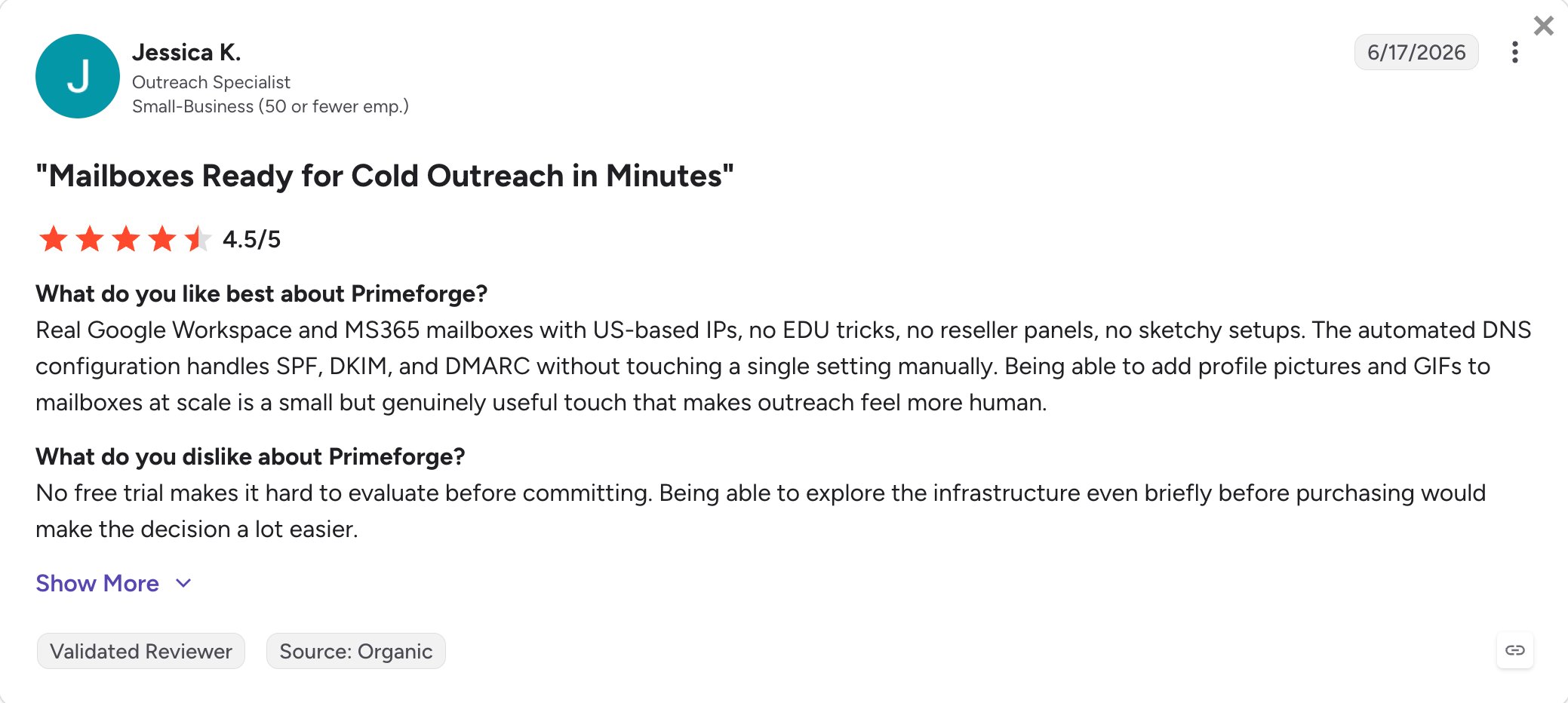
What Primeforge users say
Primeforge holds a 4.4/5 on G2 across 17 reviews and 3.9/5 on Trustpilot across 8 reviews. Smaller review count than its Forge Stack siblings, since it's newer to market.
Setup speed and mailbox authenticity are the most-mentioned strengths.
Best for: Teams running cold email outreach on a low-cost shared-IP model with self-healing rotation on burned mailboxes, and that can commit to quarterly billing.
Maildoso is a shared-IP SMTP provider with real-time IP rotation and self-healing on burned mailboxes.
An affected mailbox auto-pauses for 14 days, recovers reputation, then rotates back into active sending. Starter tier is $299 per quarter for 32 mailboxes and 8 domains, and setup is under 10 minutes.
The trade-off is shared-pool contamination risk. Maildoso's own self-published rankings acknowledge shared IPs mean shared reputation.
The self-healing behavior mitigates recovery, but it doesn't prevent the initial hit.
Billing structure is the second friction point. Maildoso doesn't offer monthly plans on standard tiers, only quarterly or annual. If you want to test 32 mailboxes and pull out after 30 days, you're eating three months of billing.
Combined with no free trial, that's a real barrier for buyers who want to validate before committing.
Maildoso core features
Shared-IP SMTP mailboxes with automatic rotation: Every send routes through a rotating pool of IPs, so no single IP builds enough sending pattern to trip spam filters.
Self-healing mailboxes: Burned or flagged mailboxes auto-pause for 14 days to recover reputation, then rotate back into active sending. Reduces the "campaign died on Monday" experience.
Google Workspace Combo tiers: Higher tiers combine SMTP mailboxes with real Google Workspace accounts (aimed at ESP matching to Gmail recipients).
Automated SPF, DKIM, DMARC: Every domain gets authentication configured on provisioning.
Inbox placement testing every three days: Maildoso runs these checks automatically on a recurring basis, with per-mailbox health scores.
Master inbox: A unified inbox that identifies the correct sending account per conversation, useful for reply handling across many domains.
Public API and MCP server: Full API on every plan for provisioning, plus a public MCP server for AI-driven management.
Domain forwarding and ownership: Domains registered through Maildoso can redirect to your main site, and ownership transfers without charge.
30-day money-back guarantee (monthly plans only): Quarterly and annual plans do not carry the same guarantee.
Maildoso pros and Cons
✅ Pros
❌ Cons
Lowest per-mailbox pricing at scale, starting around $1.80 per mailbox on the Pro tier
No monthly billing option; only quarterly or annual plans are available
Best for: Solo founders and small agencies running Microsoft-only outreach who want unlimited Outlook mailboxes on a flat monthly fee and don't need Google Workspace as a fallback.
Inframail is a flat-fee dedicated-IP provider for Microsoft-only outreach.
Unlimited $85.80/month (billed annually) gives you 1 dedicated US IP and unlimited Microsoft 365 mailboxes; Agency Pack at $215.80/month (billed annually) gives you 3 dedicated IPs and unlimited mailboxes plus a 545M-plus B2B contact database and AI Deliverability Consultant.
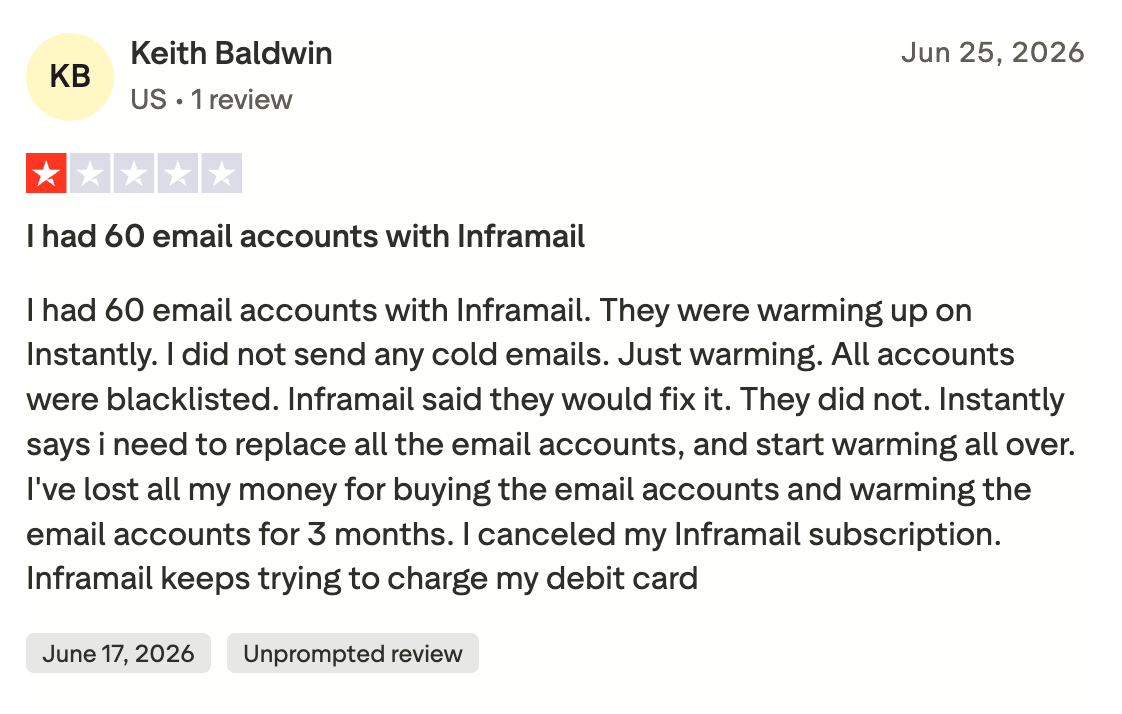
The category coverage is the first constraint. Inframail doesn't offer Google Workspace at any tier.
If your ICP is mixed (which most B2B ICPs are), you're solving half the problem.
The unlimited-mailbox model also raises questions Microsoft's own anti-abuse systems tend to answer aggressively: provisioning 100-plus Outlook mailboxes on related domains simultaneously is exactly the pattern their throttles look for.
Inframail core features
Unlimited Microsoft 365 mailboxes on flat monthly fee: Create as many Outlook mailboxes as you need at a fixed cost. Attractive economics at 100-plus mailboxes.
Dedicated US IPs: 1 dedicated IP on the Unlimited plan, 3 on the Agency Pack. Reputation isolated from other Inframail customers.
Automated SPF, DKIM, DMARC setup: DNS records configured automatically at domain provisioning.
Free domains included: 10 domains bundled on Unlimited, 20 on Agency Pack.
Priority support and AI Deliverability Consultant: Higher tiers include a 1-on-1 deliverability consultant plus an AI deliverability consultant trained on scripts and offers.
Domain setup limits: 5 domains per day on Unlimited, 15 per day on Agency Pack.
Integration with major sequencers: Export inboxes to Instantly, Smartlead, ReachInbox.
545M+ contact database on Agency Pack: Bundled B2B data included on the higher tier.
Inframail pros and cons
✅ Pros
❌ Cons
Unlimited Microsoft mailboxes at a flat rate, making costs attractive for teams with 100+ inboxes
Microsoft-only service with no Google Workspace support
Dedicated US IPs included on both plans
Unlimited mailbox model can trigger Microsoft anti-abuse throttling at high volume
Free domains included with every plan
No public MCP CLI and limited API access
AI Deliverability Consultant included on higher-tier plans
No self-healing or automated mailbox recovery
545M+ contact database bundled with the Agency Pack
Very limited public reviews and no meaningful G2 presence
Dedicated deliverability consulting available on higher tiers
Reddit users report batches of around 30 mailboxes landing in spam, which can create deliverability issues faster for campaigns targeting more than Outlook-heavy recipient lists
Inframail pricing
Plan
Rate
Includes
Unlimited
$85.80/month (billed annually) or $99/month (monthly)
1 dedicated IP, unlimited Microsoft inboxes, 10 free domains, and up to 5 domain setups per day
Agency Pack
$215.80/month (billed annually) or $249/month (monthly)
3 dedicated IPs, unlimited Microsoft inboxes, 20 free domains, up to 15 domain setups per day, plus access to a 545M+ B2B contact database
What Inframail users say
Inframail has no meaningful G2 presence. Trustpilot rating is 4.5/5 across 33 reviews.
Best for: Cold email teams that want the lowest headline price on Google Workspace or Microsoft 365 mailboxes with fast provisioning, and are willing to trade deliverability signal quality for volume.
Zapmail is a Google Workspace and Microsoft 365 reseller.
Starter plan is $32.50 per month for 10 mailboxes billed annually, workspaces isolate per domain, provisioning takes about 10 minutes, and OAuth connects to 50-plus outreach tools without manual SMTP setup.
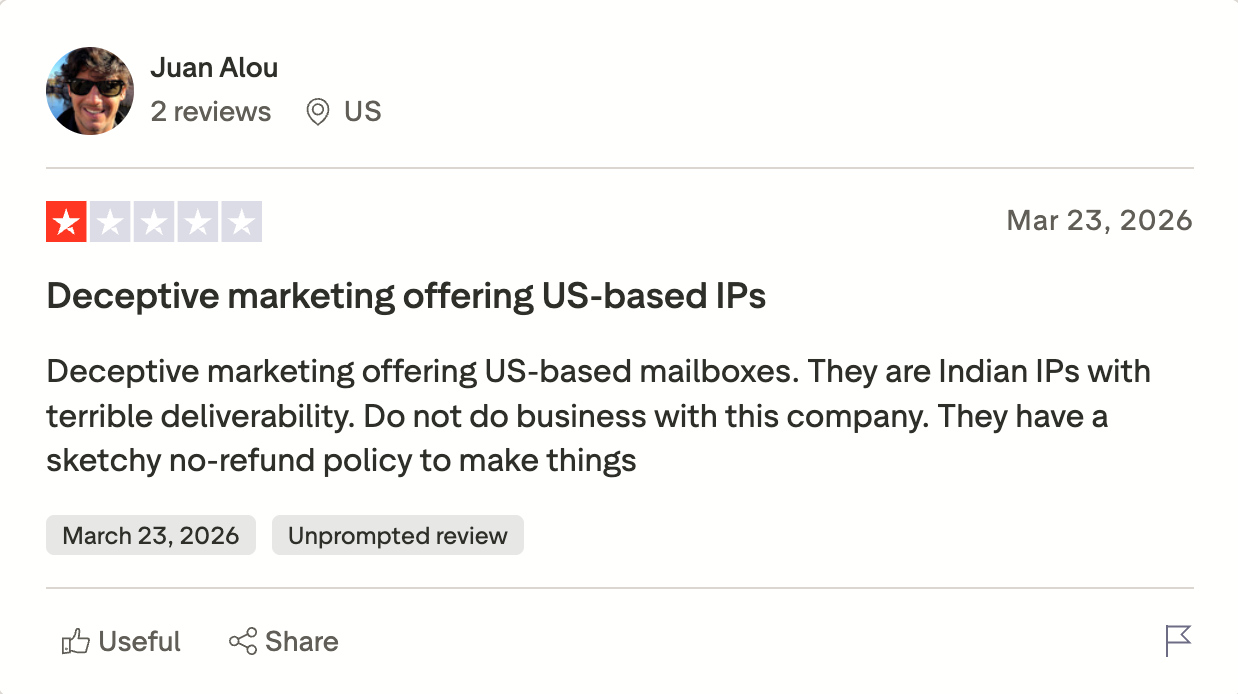
The problem is IP region. Multiple Reddit threads, verified Trustpilot reviews, and third-party analyses report that Zapmail's Google Workspace mailboxes are sourced through India-region Google Workspace resellers rather than direct US-region tenants, despite marketing copy claiming US IPs.
Gmail's spam classifier weights sender reputation partly at the originating tenant region, and India-region tenants have measurably lower placement on US, UK, and EU prospect lists.
Community-run tests place Zapmail at roughly 68% inbox placement versus roughly 87% for direct US-region Google Workspace competitors.
Refund policy adds friction. Zapmail's terms specify all sales are final and non-refundable, and users report OAuth release friction when migrating mailboxes to a directly-managed Google Workspace tenant.
Zapmail core features
Real Google Workspace and Microsoft 365 mailboxes: Both mailbox types supported at similar per-inbox pricing, with support for multiple email accounts in either Google Workspace or Microsoft 365.
Workspace isolation: One domain per workspace, so if Google suspends a mailbox, the impact contains to that workspace.
Automated DNS setup: SPF, DKIM, DMARC, and MX records configured on provisioning.
Best for: Smaller teams that want an SMTP-based cold email software option with built-in warm-up and simple pricing under 200 accounts.
Mailscale is an SMTP-only shared-IP provider founded in late 2023 by Yassin Baum.
No Google Workspace, no Microsoft 365. The pitch is speed plus a placement guarantee: 50 inboxes in under 60 seconds, and 95-100% inbox placement on domains bought inside Mailscale with a 30-day recovery window (bring-your-own domains void the guarantee).
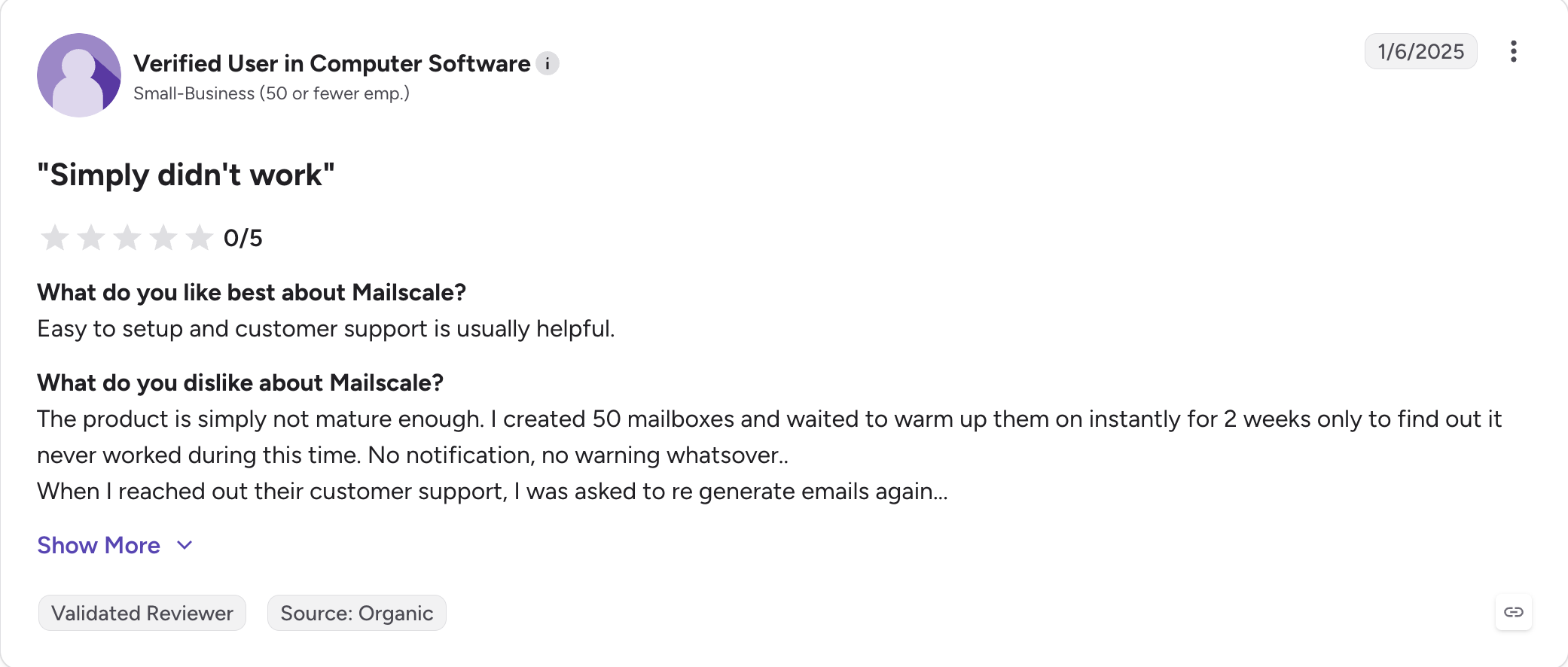
The rating profile splits sharply between platforms. Mailscale carries a 4.8/5 on G2 across 58 reviews (praising setup speed) and a 4.1/5 on Trustpilot across 88 reviews with a documented 1-star cluster tied to shared-IP placement drops.
The other trade-off is ESP matching. SMTP-only means no Gmail-to-Gmail or Outlook-to-Outlook signal, and the placement guarantee's remedy when a shared IP burns is moving you to a new IP, which costs days of active sending during the transition.
Mailscale core features
SMTP-only shared-IP mailboxes: No Google Workspace or Microsoft 365 mailboxes. Sends through Mailscale-owned SMTP servers on shared IPs.
Automated DNS setup: SPF, DKIM, DMARC configured on domain provisioning.
Built-in email warm-up: Every account includes automated warm-up on Mailscale's shared warmup pool.
95-100% placement guarantee: On domains purchased inside Mailscale, with a 30-day recovery window (bring-your-own voids the guarantee).
Fast provisioning: Marketing claims 50 inboxes in under 60 seconds; setup times of 5 to 24 hours reported in verified reviews.
Integration with major sequencers: Instantly, Smartlead, Apollo, Lemlist, Reply.io via SMTP.
Deliverability consultant on Business and Enterprise: Included on higher tiers.
Priority feature access: Enterprise gets early access to new features and additional accounts at $1/month.
Mailscale pros and cons
✅ Pros
❌ Cons
95–100% inbox placement guarantee for domains purchased through Mailscale
SMTP-only infrastructure with no ESP matching for Gmail or Outlook recipients
Built-in email warm-up on every plan
Placement guarantee does not apply when using your own domains
Fast provisioning, typically completed within minutes to one day
Trustpilot reviewers report inbox placement dropping below 50% after the first couple of weeks
Automated DNS configuration
Shared IP model; remediation typically involves moving you to a new IP during an active campaign
Dedicated deliverability consultant on Business tier and above
No public API or MCP CLI available
Simple three-tier pricing structure
No Google Workspace or Microsoft 365 mailbox option on any plan
Mailscale pricing
Plan
Rate
Includes
Solopreneur
$63.20/month (billed annually) or $79/month (monthly)
Up to 15 accounts (about $5.26 per account/month), automated DNS, 5-minute setup, designed for individuals and very small teams
Business
$95.20/month (billed annually) or $119/month (monthly)
Up to 50 accounts (about $2.38 per account/month), dedicated deliverability consultant, and priority support
Enterprise
$199.20/month (billed annually) or $249/month (monthly)
Up to 200 accounts (about $1.20 per account/month), priority access to new features, with additional accounts available for $1/month each
What Mailscale users say
Mailscale holds a 4.8/5 on G2 across 58 reviews, with setup speed and fast provisioning as the most-cited strengths.
Trustpilot sits at 4.1/5 across 88 reviews with a well-documented 1-star cluster around shared-IP placement drops.
How To Pick: Shared IP, Dedicated IP, or Google/M365 Mailboxes
If you get one thing right on infrastructure, get the architectural model right. Everything else on your feature list is negotiable. This is not.
The three models map to three buyer profiles, and mixing them up costs real money.
Shared IP is the right call when you're sending under 20,000 emails per day, your ICP is mixed, and you want the cheapest path to 100 mailboxes; among cold email tools, shared-IP setups are usually the cheapest path when you need a large mailbox count without paying for premium provider mailboxes.
Dedicated IP is the right call when you're sending 30,000-plus emails per day, you can afford $200-plus a month per client's infrastructure, and shared-pool contamination is a business risk you can't accept.
Real Google Workspace or Microsoft 365 mailboxes are the right call when ESP matching matters more than headline cost.
There's a fourth situation that's worth naming.
If you don't know your daily sending volume yet, or you don't know your ICP yet, you're not ready to pick infrastructure. Buy 10 mailboxes on Mailforge or Primeforge, run 30 days of sends, look at the placement numbers, and then decide.
The rebuild cost from picking wrong at $50 a month is small; the rebuild cost from picking wrong at $2,000 a month is real.
Once Your Infrastructure Is Set: The Outreach Layer
Infrastructure is where campaigns die, but campaigns live in the outreach layer: the sequencer, the personalization engine, the unified inbox for reply handling, the LinkedIn side of the sequence.
Every tool on this list needs one of those on top, and in this stack Salesforge is the cold email automation tool layer that sits on top of the infrastructure.
The natural handoff from any Forge Stack infrastructure product (Mailforge, Infraforge, Primeforge) is Salesforge on shared login.
Not shared subscription (Salesforge and each Forge infrastructure product are separately billed), shared login. One credential, no export, no re-authentication, mailboxes flow directly into sequences.
Salesforge covers the outreach side: conditional email plus LinkedIn sequences with AI personalization, unified inbox for reply handling across every domain in the workspace, and workspace management that pairs cleanly with agencies running multiple client accounts.
Warmforge (the Forge Stack's warm-up product) is free inside a Salesforge subscription. Every Mailforge, Infraforge, or Primeforge mailbox you provision gets warm-up on the same login with no separate line item and a target heat score of 85+.
That's the piece competitors either don't include (Mailforge, Infraforge, Primeforge, Zapmail, Mailscale) or charge $3 to $5 per mailbox per month for as an add-on.
Salesforge pricing is $40/month Pro or $80/month Growth, both billed annually, both including free warm-up via Warmforge. The 14-day free trial doesn't require a credit card.
The rest of the Forge Stack sits on the same login: Leadsforge for the B2B contact database (with 100 free credits on signup, no credit card required), and the Forge MCP server and CLI for provisioning any Forge product programmatically from Claude, Cursor, or other AI clients.
This is what "no export friction" means in practice: you build the mailboxes in Mailforge, you warm them up in Warmforge, you send from Salesforge, and you never touch a CSV.
The billing for each is separate. The login and the data flow are one.
Final Verdict
Cold email infrastructure in 2026 is a three-model market, not a five-tool ranking.
If you're sending under 20,000 emails per day and your ICP is mixed, the shared-IP path through Mailforge (or Maildoso) is the cheapest working setup for well under $200 a month for 100 mailboxes.
If you're sending 30,000-plus per day and shared-pool contamination is a real business risk, Infraforge's dedicated IPs, prewarmed infrastructure, and multi-IP provisioning are the honest fit and pay for themselves the first time a shared pool would have burned a campaign.
If ESP matching is what closes the gap between demo and revenue for you, Primeforge's real US-region Google Workspace and Microsoft 365 mailboxes are worth the modest premium over Zapmail's cheaper India-region alternative.
The rest of the picks are for narrower situations.
Whichever tool wins, the infrastructure is only half the fight.
Pair it with a sequencer that covers email plus LinkedIn on unified sequences, and a warm-up that runs on the same login.
Salesforge and the free Warmforge warm-up on shared login with any Forge infrastructure product ship 14 days free, no credit card required.
Cold email infrastructure is the technical stack that lets you send outbound email at scale without landing in spam. Many cold email infrastructure providers also handle the initial technical setup and inbox setup so teams can launch faster. It includes secondary sending domains, mailboxes on those domains, SPF/DKIM/DMARC authentication records, warm-up history on each mailbox, a custom tracking domain, and an SMTP server (or Google Workspace/Microsoft 365 mailbox account) sending from an IP with clean reputation. The tools in this article automate all six pieces so you can spin up 50 or 500 mailboxes without a week of manual DNS work per batch.
2) Shared IP vs dedicated IP for cold email: which is better?
Neither is universally better. Shared IPs are cheaper and easier to scale, and if the provider tunes the pool for cold outreach, deliverability holds up under 20,000 sends per day. Dedicated IPs give you full control over reputation and prevent shared-pool contamination, but they cost 40-60% more and require disciplined sending or they blacklist faster than shared pools. A dedicated us based ip is also useful when you want exclusive address usage for tighter deliverability management, especially across multiple Outlook mailboxes. Use shared IPs at lower volume or when you can absorb a periodic pool contamination hit; use dedicated IPs at higher volume or when a burned campaign costs you a client. Dedicated US based IP ownership matters most when you need full control over reputation rather than sharing it with other senders.
3) How many mailboxes do I need for cold email?
Divide your target daily sending volume by 15 to 20 sends per mailbox per day (the ceiling that keeps deliverability healthy in 2026, per most operator testing). If you want to send 1,000 emails per day, you need 50 to 65 mailboxes. Spread those across at least 10 to 15 domains so no single domain carries too much volume, which is what most infrastructure tools help you provision in one workflow. Platforms with unlimited mailboxes or the ability to create unlimited mailboxes can make scaling easier, but safe send volume per mailbox still matters more than raw count.
4) Does Google Workspace work for cold email?
Google Workspace mailboxes work for cold email but with sharp trade-offs, and teams should protect their primary domain by using separate sending domains for outreach rather than risking the main brand asset. Deliverability from real Gmail infrastructure is strong (ESP matching to Gmail recipients is a real signal), but Google Workspace costs $7.20 per mailbox per month at Business Starter with no volume discount and no bulk DNS tooling. At 50 mailboxes that's $4,320 per year vs about $1,700 per year on Mailforge's shared IPs or about $2,600 per year on Primeforge's ESP-matched Google Workspace tier. If ESP matching matters, Primeforge is cheaper than direct Google Workspace at the same mailbox count; if it doesn't, Mailforge is cheaper still.
5) Do I really need SPF, DKIM, and DMARC?
Yes, all three. Since the 2024 Gmail and Yahoo bulk sender rules that took effect in early 2024, any domain sending 5,000-plus emails per day to Gmail or Yahoo recipients without proper DMARC records gets bounced. SPF authenticates your sending servers, DKIM signs each message cryptographically, and DMARC tells receiving servers what to do when authentication fails. Every infrastructure tool on this list automates all three per domain by default, which also helps protect domain reputation during cold sending. Poor authentication is one of the fastest ways to damage domain reputation during cold sending.
6) How much does cold email infrastructure cost?
Per-mailbox cost runs $2 to $7 per month (billed annually) depending on the model. Some platforms advertise a free plan or diagnostics tier, but infrastructure costs usually begin once you provision real mailboxes and domains. At 50 mailboxes: shared IP via Mailforge or Maildoso is roughly $1,500 to $2,000 per year all-in (including domains), dedicated IP via Infraforge is roughly $2,200 per year, real Google Workspace or Microsoft 365 via Primeforge is roughly $2,600 per year, and direct Google Workspace at retail is $4,320 per year. Add another $30 to $50 per mailbox per year for warm-up unless you pair with the free Warmforge warm-up inside a Salesforge subscription.
7) What's the fastest cold email infrastructure setup?
Primeforge ships pre-warmed Google Workspace and Microsoft 365 mailboxes ready to send in about 30 minutes. Mailforge and Infraforge provision domains and mailboxes with automated DNS in about 5 minutes but need a few days of warm-up on new domains before sending cold sequences safely. Maildoso, Zapmail, and Mailscale all provision in under 15 minutes. The "sending in minutes" pitch you see on marketing pages is real for provisioning; you still need to warm before pushing cold volume.
8) Can I bring my own domains to these tools?
Yes, all seven tools support bring-your-own domains. Mailforge, Infraforge, and Primeforge accept transferred domains directly with the same automated DNS setup. Maildoso, Inframail, Zapmail, and Mailscale support connecting existing domains. In all cases, the tool handles SPF, DKIM, DMARC, and, where applicable, custom tracking domain setup on your existing domains just like it does on new ones. Avoiding a separate tool for DNS and mailbox provisioning is one reason these platforms simplify scaling.
Book more meetings on autopilot
Set up in minutes. No per-seat pricing. No commitment.
Your email closing line can make or break your response rate. Discover 25 powerful cold email closings that drive replies and turn prospects into conversations!
Discover GoDaddy Email Settings - POP3, SMTP, and IMAP. Learn step-by-step setup, server details, port numbers, and troubleshooting tips for seamless email management.