If you're searching for email outreach tools, you're either picking your first one or looking to replace the one you have.
I've done both. Before I started Salesforge, I worked in sales for over a decade, and I used all kinds of email outreach tools day to day.
I never once had a problem with a tool's sending part. The problem was almost always that each tool only did one part of the job well and left me to figure out the rest.
It's the reason I built Salesforge. Unlike other email outreach tools, Salesforge covers sending, warmup, LinkedIn and replies on one subscription, with no per-seat pricing.
But if you'd like to explore your options before committing to anything, I've got you covered.
I've tested and ranked eight other AI email outreach tools on the same question I built Salesforge to answer: how much of the job does each one actually cover?
For every tool below, I've shared what it does well, where it falls short, what it really costs on annual billing, and who it suits.
TL;DR: 9 Email Outreach Tools
Salesforge: Best overall email outreach tool with email and LinkedIn in one sequence, plus warmup and reply management included. Nothing is priced per seat, so adding people and mailboxes doesn't change what you pay.
Instantly: Best for sending a lot of email from a lot of mailboxes, with the cleanest interface on this list. The lead data and the CRM are sold as separate subscriptions.
Smartlead: Best for agencies, with an API and white-label client workspaces. It's the tool most agencies name when they outgrow something simpler.
Lemlist: Best for personalization, including custom images and landing pages built per prospect. It charges per seat, which suits small teams and punishes big ones.
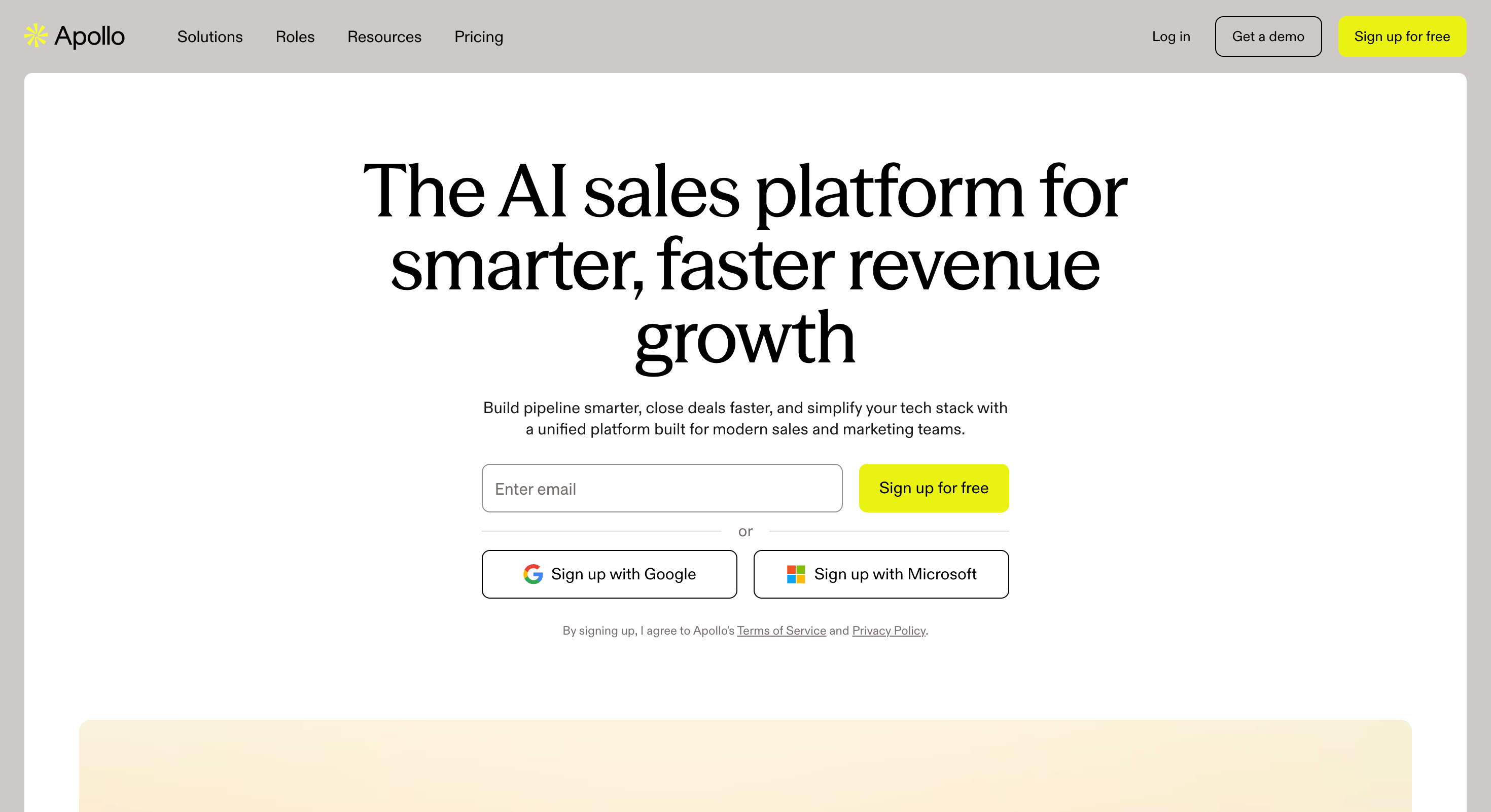
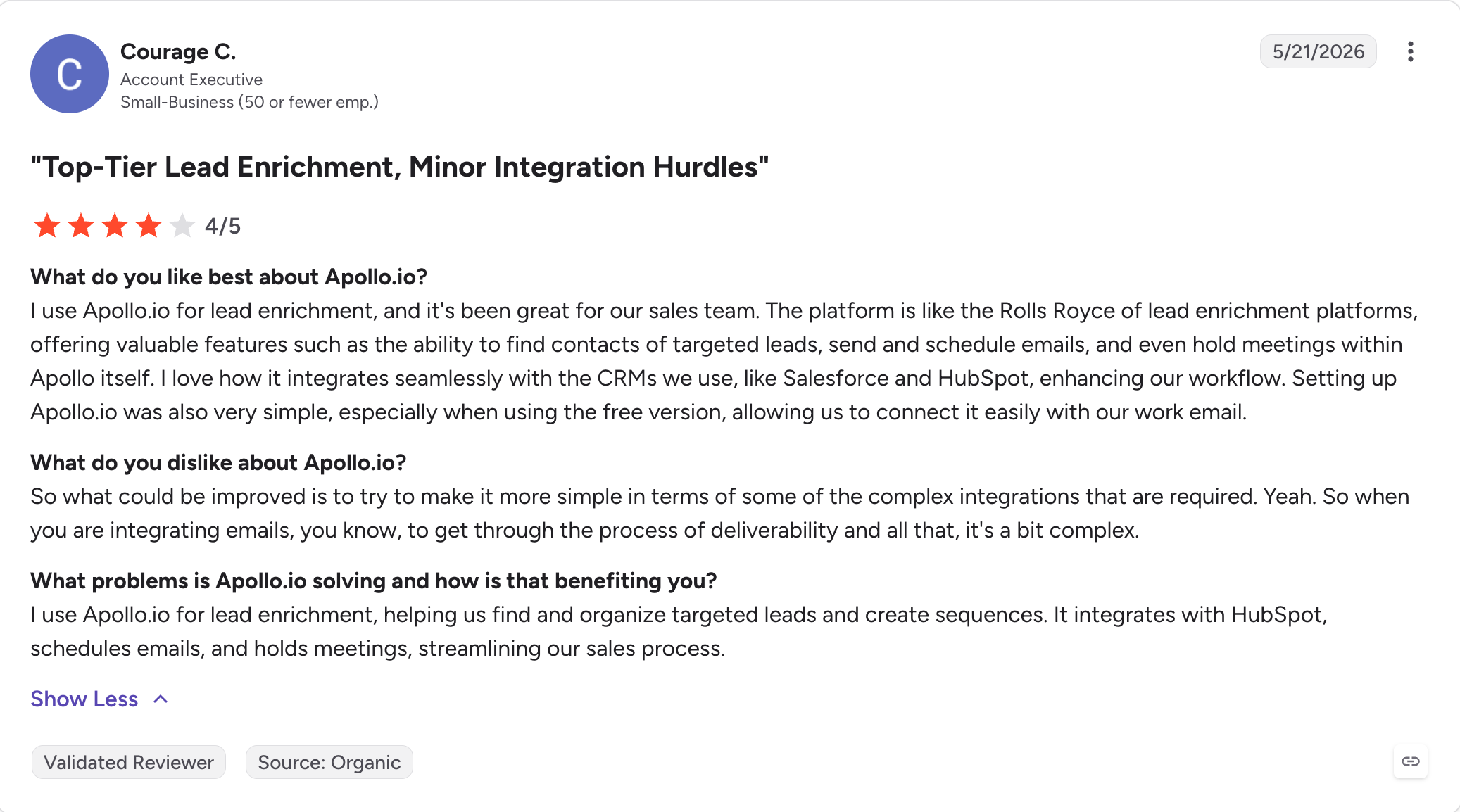
Apollo: Best for getting contact data and sending from one login. The database is why people sign up, and the deliverability tooling is thinner than the sending tools here.
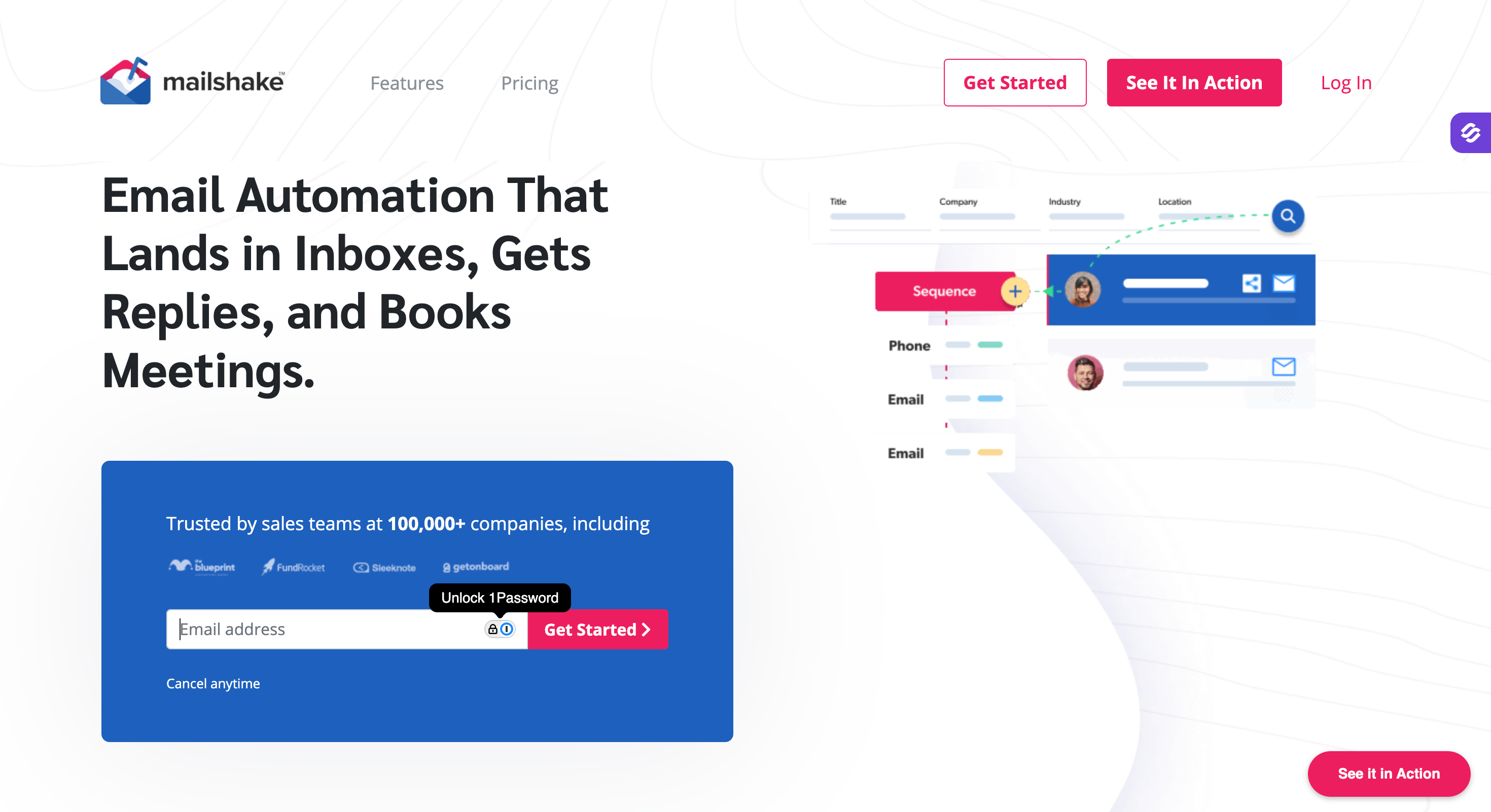
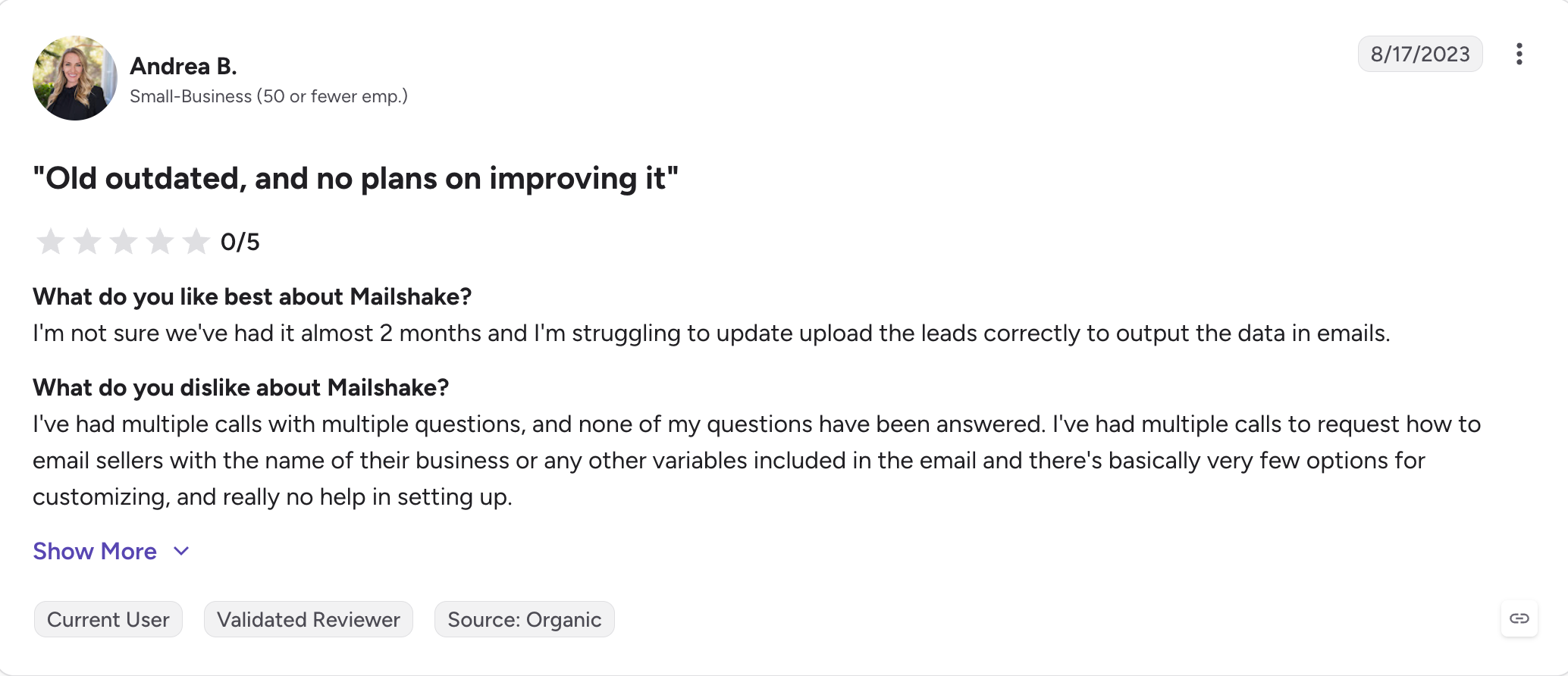
Mailshake: Best for Salesforce teams, with the deepest CRM integration in the category. It's also the simplest sequencer here and the fastest to learn.
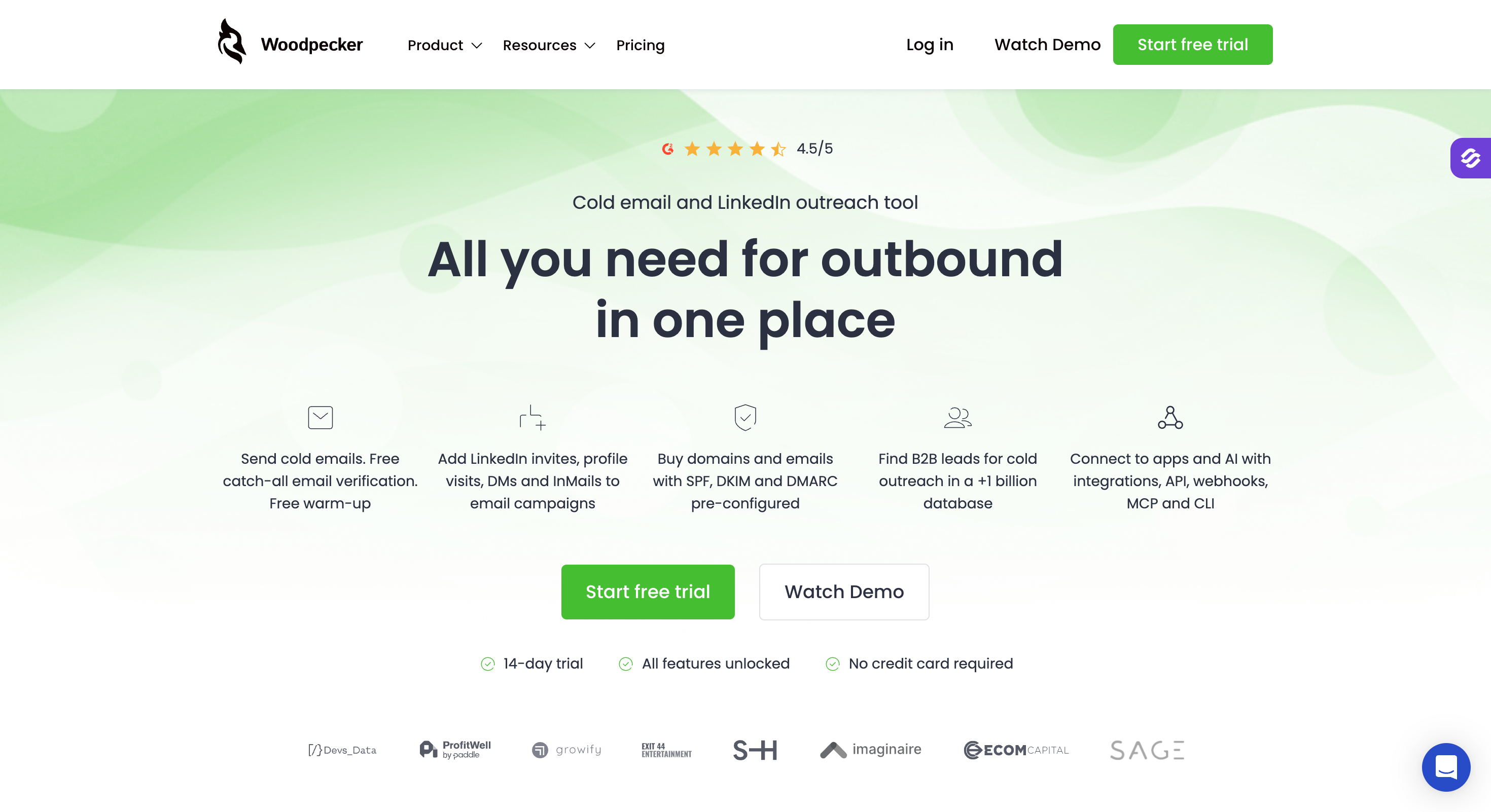
Woodpecker: Best for EU teams, charging by prospects contacted rather than by seat or by email. The deliverability engineering is strong for the price, and LinkedIn costs extra.
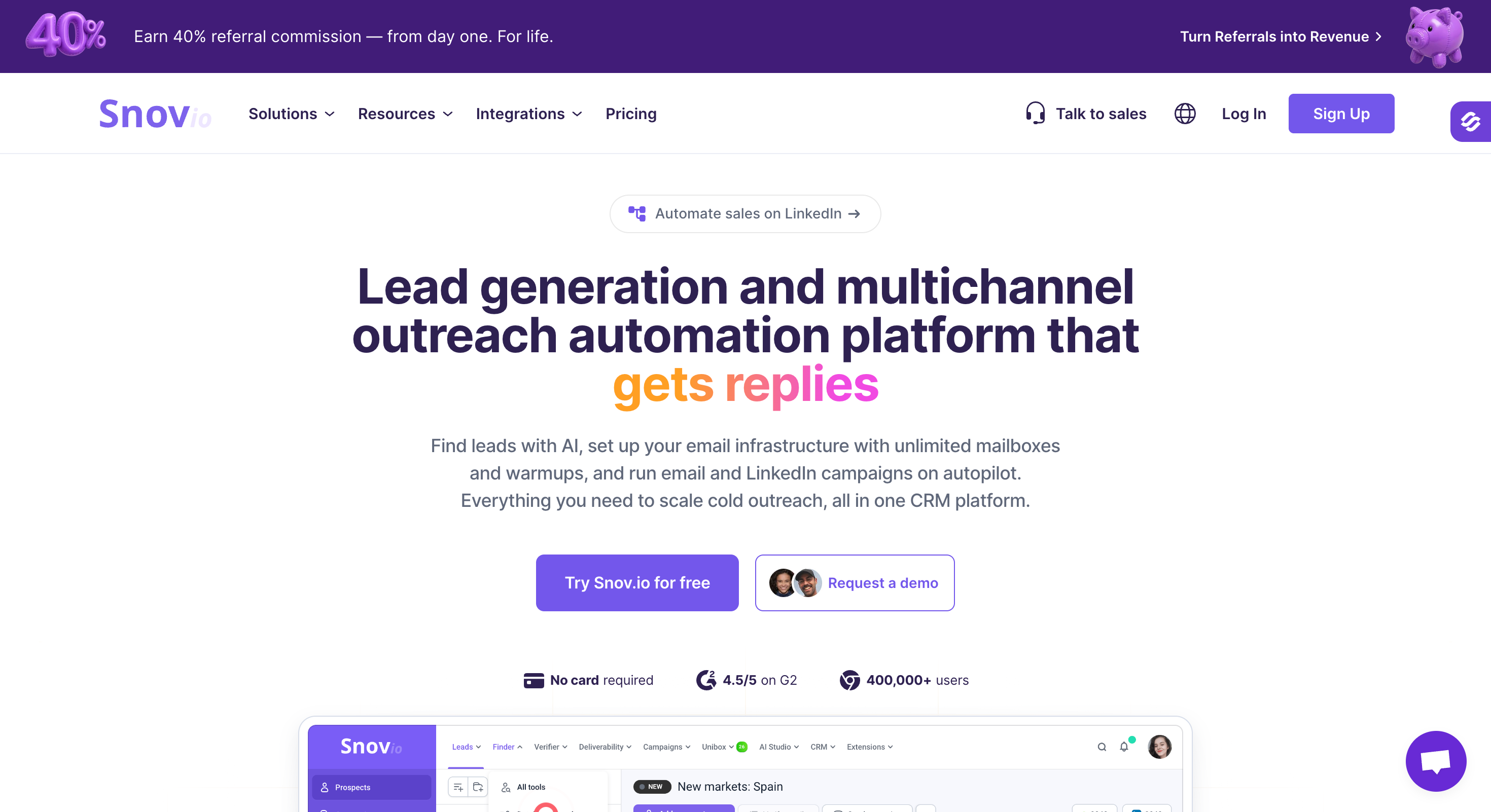
Snov.io: Best for solo founders who need finding and sending in one place. It started as an email finder and still shows that heritage, which makes it a poor fit at volume.
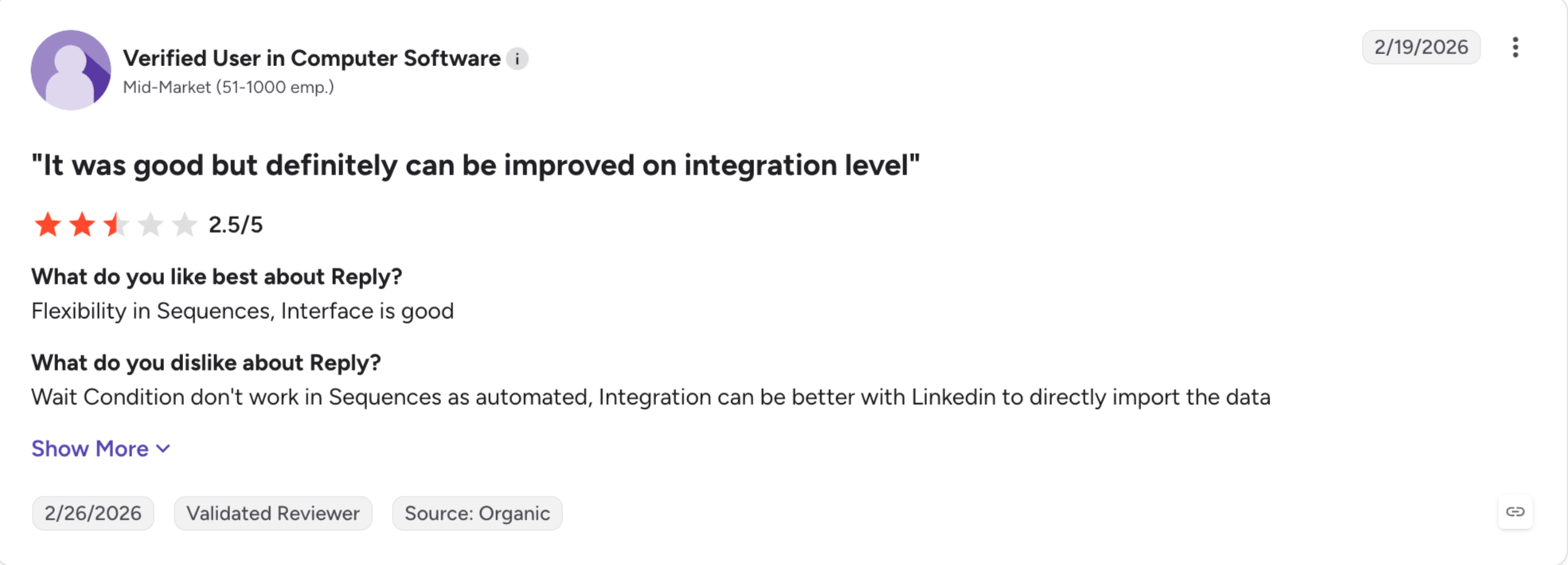
Reply.io: Best for multichannel, running five channels in one sequence with the most mature AI SDR in the category. Both the seats and the channels are priced separately.
How I Judged These Email Outreach Tools
Every tool here looks affordable on its pricing page. That price is rarely what you end up paying. It also tells you nothing about the work the tool leaves you to do.
So I scored all nine on the same six parameters.
Multichannel: Buyers ignore email on its own now. So the question is whether LinkedIn runs inside the same sequence or as a separate campaign. I did not count manual tasks or a browser extension. Either the LinkedIn step sits in the sequence beside your email steps, or it does not.
Deliverability: This is where campaigns die, and warmup is the first part of it. I checked whether warmup comes with the plan or as a second invoice, then looked at what sits behind it. Sender rotation, ESP matching, bounce protection and inbox placement monitoring all decide whether your emails land.
Personalization: Every tool here writes with AI now, so the difference is depth. I looked at whether the AI pulls real signals about the prospect and how many languages it handles. Then whether the output reads like a person wrote it.
Database: Some tools include contact data in the subscription. Others sell it separately, and a few have none at all. A bundled database keeps your costs down, though accuracy varies enough that plenty of teams still buy data elsewhere.
Integrations: Outreach does not run in a vacuum. I checked native CRM sync, then went further into API, MCP and CLI access. That decides whether you can wire the tool into your stack or wait a year for a Zapier connector.
Pricing: Per-seat pricing is cheap for two people and expensive for ten. Per-account pricing works the other way round. I have used annual prices throughout, and I say where the add-ons change the total.
Feature Comparison: Top 5 Email Outreach Tools at a Glance
Here is how the top five compare on the things that decide the bill and the workflow.
GTM and outbound teams running high-volume multichannel outreach
High-volume email-only sending
Agencies running client inboxes
Emails that look handmade
Teams short on contact data
Starting price (annual)
$40/month
$37.60/month
$32.50/month
$63/user/month
$49/user/month
Priced per seat
No
No
No
Yes
Yes
Unlimited mailboxes and senders
Yes, on every plan
Unlimited mailboxes
Unlimited mailboxes
3 addresses per user
Not capped
Unlimited users, workspaces and contact storage
Yes on Growth
Users yes, workspaces no
Workspaces cost $29 each
No, per user
No, per seat
Multichannel (email + LinkedIn)
Six LinkedIn actions in one sequence with conditional steps
Email only
Email only
Higher plan only
Ended January 2026
Warm-up
Free unlimited Warmforge on every plan
Free unlimited
Included
Lemwarm included
None
Unified inbox
Primebox with Auto-Pilot and Co-Pilot
Unibox, replies on higher plan
Master Inbox
Higher plan only
Yes
Chrome extension
Free email and phone finder, 100 credits
Not included
Not included
Yes
Yes, credit-based
MCP, CLI and API
Forge MCP, CLI and API across the whole stack
MCP server, API on Growth
MCP server, API on Pro
MCP server and API
MCP server and API
CRM and integrations
HubSpot, Pipedrive, Sales Navigator, Zapier
CRM sold separately
Built-in CRM and Clay
HubSpot, Salesforce, Pipedrive, Zapier
Deep CRM and sales integrations
1. Salesforge
Best for: Outbound teams and lead gen agencies running email and LinkedIn together who do not want to pay per seat or per mailbox.
G2 rating: 4.6 out of 5 across 140+ reviews
Salesforge is the best email outreach tool with multichannel capabilities. Most tools on this list have no LinkedIn automation at all. Salesforge lets you build a multichannel campaign inside a single sequence.
A sequence can send a connection request, then a LinkedIn message if it lands. If it does not, the sequence falls back to email. Six LinkedIn actions work as steps, including InMails, likes and follows.
Apart from this, Salesforge comes with Primebox with Auto-Pilot and Co-Pilot. Every reply from every mailbox and LinkedIn account lands there, grouped by prospect. Co-Pilot drafts replies for you to approve. Auto-Pilot sends them itself.
And unlike many other email outreach tools, Salesforge provides free, unlimited premium warmup via Warmforge at no extra cost.
That is three of the four things I used to buy separately, on one subscription.
Salesforge Key Features
Unlimited Mailboxes and Senders: Connect unlimited email accounts you own on either plan. There is no per-mailbox fee and no per-seat fee.
Multichannel Outreach: The safest tool here for LinkedIn, with six actions running as sequence steps. Those are connection requests, messages, InMails, post likes, follows and withdraw requests.
Free Unlimited Warm-Up: Warmforge warms every connected mailbox against a pool of SMTP, Google Workspace and Microsoft 365 mailboxes. Both plans include unlimited slots.
Primebox with Auto-Pilot and Co-Pilot: Every email and LinkedIn reply lands in one inbox. Auto-Pilot handles replies end to end. Co-Pilot drafts them for you to approve first.
AI Personalization: Sequences write in the prospect's language (21+ languages supported) rather than translating an English draft after the fact.
Smart Sender Rotation: Volume spreads across your mailboxes and domains automatically, so no single mailbox carries it all.
Bounce Shield: Blocks sends to addresses likely to bounce before they damage your sender score.
Dynamic ESP Matching: Sends route so a Google recipient hears from a Google mailbox. Growth plan.
MCP, CLI and API: Claude, Cursor or your own agent can build sequences and spin up workspaces across the whole Forge Stack. Open API access comes on Growth.
Integrations: HubSpot, Pipedrive, LinkedIn Sales Navigator, Zapier and webhooks.
What I Liked About Salesforge
My bill stayed the same as I scaled. Adding mailboxes, senders or people never changed what I paid.
Everything that usually gets metered is unlimited here. Warmup, contact storage, workspaces and users.
I reach the other Forge tools from the same login. The infrastructure and the lead data sit behind one account.
Co-Pilot drafts replies and waits for approval, while Auto-Pilot sends on its own. And the MCP and CLI let me build whole campaigns and workspaces without opening the app.
What Are the Cons of Salesforge
No free plan; 14-day free trial available
Salesforge Pricing
Plan
Price (annual)
Active contacts
Emails/month
LinkedIn senders
Pro
$40/month
1,000
5,000
1
Growth
$80/month
10,000
50,000
Unlimited
Agent Frank
$499/month
2,000+
Unlimited
Included
Unlimited mailboxes and workspaces come on every plan, including Pro. Growth adds unlimited users, so an agency can invite the whole team without the bill moving.
Overall,Salesforge is the right pick when email and LinkedIn are one motion rather than two campaigns. It is the wrong pick if your outreach is email only and price per mailbox is the number you optimize.
Best for: Teams sending a lot of email from a lot of mailboxes who do not need LinkedIn.
G2 rating: 4.8 out of 5 from 4,025 reviews
Instantly is the reason unlimited mailboxes became normal in this category. Before it launched, most tools charged per inbox, so every mailbox you added was another billing line. Instantly stopped doing that and everyone else followed.
If your motion is email and only email, this is the cheapest way to run it at volume. Every paid plan takes as many mailboxes as you can connect and warms all of them. Sending rotates across the pool, so no single account carries the load.
The interface is the best here. I would hand it to a first-time sender and expect a campaign live by lunchtime.
Where it gets complicated is the billing. Instantly sells Outreach, Credits and CRM as three separate subscriptions. The $37.60 you see on the pricing page buys the sending engine alone.
Instantly Key Features
Unlimited email accounts: Connect every mailbox you own on any paid plan, with no per-mailbox fee.
Unlimited warm-up: Warming starts automatically when a mailbox connects, on every paid tier.
Inbox rotation: Daily volume spreads across your accounts so no single mailbox absorbs it all.
SISR deliverability network: Server and IP sharding assigns dedicated blocks to protect campaigns from shared-pool problems. Light Speed tier and above.
Unibox: Replies from every connected mailbox land on one screen. Viewing works on Growth, but replying needs Hypergrowth.
AI Sequence Writer: Drafts a full sequence from your offer and audience. A/Z testing up to 26 variants sits on Hypergrowth.
Sub-sequences: Follow-ups trigger on opens, replies, clicks or out-of-office responses, all inside email.
Official MCP server: Connect Instantly to Claude or your own agent. Needs Growth or above for API access.
Built in Lead database: 450M+ contacts, sold as a separate Instantly Credits subscription.
What I Liked About Instantly
Unlimited mailboxes and warm-up on the cheapest paid plan beats what anyone else gives away at that price.
Mailboxes connect in bulk and I did not have to touch DNS to get them sending.
The interface is the one I would put in front of a first-time user.
What Are the Cons of Instantly
Sending, data and CRM bill separately, so the headline price is not what you end up paying.
Growth caps you at 1,000 uploaded contacts, which one decent list fills.
Sequences are email only, so LinkedIn replies never reach the Unibox because LinkedIn never enters the sequence.
Replying from the Unibox needs Hypergrowth, which doubles the monthly cost.
Instantly Pricing
Plan
Price (annual)
Active contacts
Emails/month
Growth
$37.60/month
1,000
5,000
Hypergrowth
$77.60/month
25,000
100,000
Light Speed
$286.30/month
Unlimited
500,000
Enterprise
Custom
Custom
Custom
Outreach is the sending engine. Instantly Credits and the CRM are separate subscriptions. A full stack at the entry tier lands nearer $118 a month than the $37.60 headline.
Best for: Agencies managing several client accounts who want branded portals and an API.
G2 rating: 4.6 out of 5 from 303 reviews
Smartlead is what agencies move to when Instantly stops being enough. The two tools look similar on paper. Both take unlimited mailboxes and both include warm-up.
The difference is what sits around the sequencer. Smartlead gives each client a separate workspace with a branded portal. Your clients log in and see your name rather than Smartlead's. No other tool here does that as well.
API access starts on the Pro tier, earlier than most competitors gate it. If you wire outreach into Clay, n8n or your own pipeline, that matters more than any feature on the page.
The catch is that you buy Smartlead in pieces. The lead database, placement testing, dedicated servers and client workspaces all cost extra. An agency setup often runs three to five times the base plan.
Smartlead Key Features
Unlimited email accounts: Every plan takes as many mailboxes as you connect, with no per-mailbox fee.
Unlimited warm-up: Included on every plan, across a large peer network of real mailboxes.
Master Inbox with AI reply classification: Replies land in one place and get sorted into interested, not interested, out of office or objection. Available on all plans.
White-label client workspaces: $29 a month per client, with branded reporting. Unlimited Smart and above.
REST API and webhooks: Included from the Pro tier, earlier than most competitors allow.
Sub-sequences with conditional logic: Follow-ups branch on how somebody replied rather than running one fixed path.
AI personalization on the entry plan: Icebreakers, subject line testing and suggested follow-ups all work on Base.
Official MCP server: Connect Smartlead to Claude or your own agent.
Modular add-ons: SmartProspect for leads, SmartDelivery for placement testing, SmartServers for dedicated IPs, SmartSenders for mailbox provisioning.
What I Liked About Smartlead
Client separation and branded reporting are stronger here than anywhere else on this list.
Buying mailboxes inside the tool took a whole vendor out of my stack.
AI personalization on the cheapest plan is unusual, since most competitors hold it back a tier.
What Are the Cons of Smartlead
You will add four or five components before the product does what the marketing describes.
Base allows 2,000 contacts and 6,000 sends, which is thin for the money.
Sequences are email only, so LinkedIn stays outside the tool entirely.
Support responsiveness is the most common complaint in its G2 reviews.
Smartlead Pricing
Plan
Price (annual)
Active leads
Emails/month
Base
$32.50/month
2,000
6,000
Pro
$78.30/month
30,000
150,000
Unlimited Smart
$144.42/month
Unlimited
Unlimited
Unlimited Prime
$314.57/month
Unlimited
Unlimited
Add-ons: SmartProspect $59 a month, SmartServers $39 per IP a month, client workspaces $29 each, SmartDelivery from $49 a month, mailboxes from $3.99 each.
Best for: Small teams who write every message by hand and want it to look that way.
G2 rating: 4.6 out of 5 from 1,424 reviews
Lemlist decided years ago that replies come from emails that look made for one person. It is still the best tool here at that job.
Nothing else drops a company logo inside an image or builds a landing page with the prospect's name on it. That is the product, and the people who love it love it for exactly that.
LinkedIn, calls and WhatsApp all run in one sequence on the higher plan. That puts Lemlist in a small group handling more than email.
Then there is the pricing model. Lemlist charges per user. At three people that is manageable. At ten people on the multichannel plan you pay over $10,000 a year. That is where teams start looking elsewhere.
Lemlist Key Features
Images and video built per prospect: Their logo, their website, their name, generated for each recipient.
Personal landing pages: Every prospect can get a page addressed to them alone.
Four channels in one sequence: Email, LinkedIn, calls and WhatsApp on Multichannel Expert.
Lemwarm: Warm-up included in every paid plan, including the entry tier.
600M+ contact database: Built in, metered with credits that reset monthly and do not roll over.
lemAgent: Describe your ICP in plain language and get a full multichannel sequence back.
Unified multichannel inbox: Replies from email, LinkedIn and WhatsApp arrive in one thread.
Official MCP server: Run Lemlist from Claude.
What I Liked About Lemlist
The personalization does not look automated, and almost nothing else manages that.
Reply detection is careful. It pauses the sequence for that person when it should.
Lemwarm arriving on the entry plan is more generous than the per-seat price suggests.
What Are the Cons of Lemlist
Per-seat pricing scales badly. Five people on Multichannel Expert costs $435 a month.
LinkedIn sits on the higher plan, so Email Pro cannot run a LinkedIn step at all.
Enrichment credits do not roll over, which drains budget at real prospecting volume.
Extra sending addresses cost $9 a mailbox a month beyond the three included per user.
Lemlist Pricing
Plan
Price (annual)
Sending addresses
LinkedIn
Email Pro
$63/user/month
3 per user
No
Multichannel Expert
$87/user/month
5 per user
Yes
Enterprise
Custom
Custom
Yes
The 14-day trial is on Multichannel Expert only, not Email Pro.
Best for: Teams who can send fine but keep running out of good people to send to.
G2 rating: 4.7 out of 5 from over 9,400 reviews
Apollo built the database first and added the sequencer later. You can tell, and that is the reason to buy it.
The search filters go deeper than anything else here and the records stay fresher. If your problem is not knowing who to contact, this is the answer on this list.
You can also tell what came second. There is no warm-up product and no inbox placement testing anywhere on Apollo's pricing page. If deliverability is your weak spot, Apollo does nothing for it.
LinkedIn automation ended in January 2026, which leaves email as the only channel here.
Apollo Key Features
240M+ contact database: The deepest data on this list, with filters to match.
Unlimited email credits on paid plans: You pay per seat rather than per mailbox.
Native dialer: US calling on Professional, international on Organization.
Deep CRM sync: HubSpot, Salesforce and Outreach connect natively and write back both ways.
Waterfall enrichment: Queries several providers per lookup to raise the match rate. Professional and above.
AI Assistant: Prospecting suggestions, meeting booking and reply drafting, out of beta since March 2026.
Official MCP server: Launched in 2026, connects Apollo data to Claude and other agents.
Free plan that never expires: 900 credits per seat per year with no card.
What I Liked About Apollo
I have not found better B2B contact data at this price anywhere.
The free plan is generous enough to prove the data quality before you commit.
Going from a saved search to a live sequence takes no export step.
What Are the Cons of Apollo
No warm-up and no inbox testing, so deliverability needs a second tool.
LinkedIn automation ended in January 2026, leaving email as the only channel.
Per-seat pricing means five people on Professional costs $395 a month before credits.
Reviewers report bounce rates well above what the accuracy claims suggest, particularly outside North America.
Apollo Pricing
Plan
Price (annual)
Mobile credits
Dialer
Free
$0
5
No
Basic
$49/user/month
5
No
Professional
$79/user/month
10
US
Organization
$119/user/month
Unlimited
International
Organization requires a three-user minimum, so the real floor is around $357 a month.
Best for: Small teams working inside Salesforce who want outreach to live there too.
G2 rating: 4.7 out of 5 from 359 reviews
Mailshake is the simplest tool on this list and the fastest to learn. If you have tried newer platforms and found them overbuilt, this one will feel like a relief.
Its Salesforce integration goes deeper than anyone else's. Bidirectional sync handles custom objects, multi-pick lists and lead-to-account matching, which matters if Salesforce is where your reps actually work.
Two things to know before you commit. There is no free trial, only a 30-day money-back guarantee. And mailboxes are tied to seats, so a multi-mailbox setup costs more here than on the unlimited-mailbox tools.
Mailshake Key Features
Email sequences with automated follow-ups: Reply detection pauses the sequence when somebody responds.
Salesforce integration: The deepest on this list, handling custom objects and lead-to-account matching.
SHAKEspeare AI writer: Drafts and suggests copy on Email Outreach and above.
A/B testing: Subject lines and body variants from Email Outreach.
Lead Catcher: Surfaces the highest-engagement replies so you follow up on those first.
Power dialer: Calling with recording on Sales Engagement.
LinkedIn automation: Available on Sales Engagement, though lighter than Lemlist or Reply.io.
Data Finder add-on: Contact discovery inside the platform from $19 a month.
What I Liked About Mailshake
The simplest interface here, and the fastest route from signup to first send.
Salesforce sync is genuinely better than the alternatives.
Support response times are quick and the team is US-based.
What Are the Cons of Mailshake
No free trial at all, only a 30-day money-back guarantee after payment.
One mailbox on Starter and two on Email Outreach, so multi-mailbox setups get expensive.
Warm-up runs through a partner rather than being built in.
No native MCP server, which is now unusual on this list.
Best for: European teams who want deliverability engineering and pay-for-what-you-use billing.
G2 rating: 4.3 out of 5
Woodpecker prices differently from everyone else here. You pay for prospects you actually contact, not for seats and not for capacity you might use.
For a consultant who sends hard in January and barely at all in July, that difference is real money. You never pay for 30,000 contacts in a month where you touched 800.
The deliverability engineering is the other reason to look. Adaptive sending adjusts to provider limits. Bounce Shield pauses sends that could damage a domain. Free catch-all verification runs through Bouncer on every plan.
Every plan also takes unlimited email accounts and unlimited team members, which is structurally rare.
Woodpecker Key Features
Pay per contacted prospect: Billing follows work done rather than seats or capacity.
Unlimited email accounts and team members: On every plan, which no per-seat competitor matches.
Free catch-all verification: Built in through Bouncer at no extra cost.
Adaptive sending and Bounce Shield: Sends adjust to provider limits and pause before a domain gets damaged.
ESP matching and inbox rotation: Both included rather than sold as upgrades.
Domain buying with DNS pre-configured: Buy a domain inside Woodpecker and SPF, DKIM and DMARC arrive set up.
Master Inbox: Replies aggregate from all mailboxes with automatic categorization.
Official MCP server: Added in early 2026.
What I Liked About Woodpecker
The billing is the fairest here. A quiet month costs almost nothing.
Free catch-all verification on every plan is something competitors charge for.
The deliverability focus is long-standing rather than a recent addition.
What Are the Cons of Woodpecker
LinkedIn costs $29 a month per account as an add-on rather than running in the sequence.
Busy months cost more than a flat plan would, so heavy senders pay a premium.
Integrations cost another $20 a month on top of the plan.
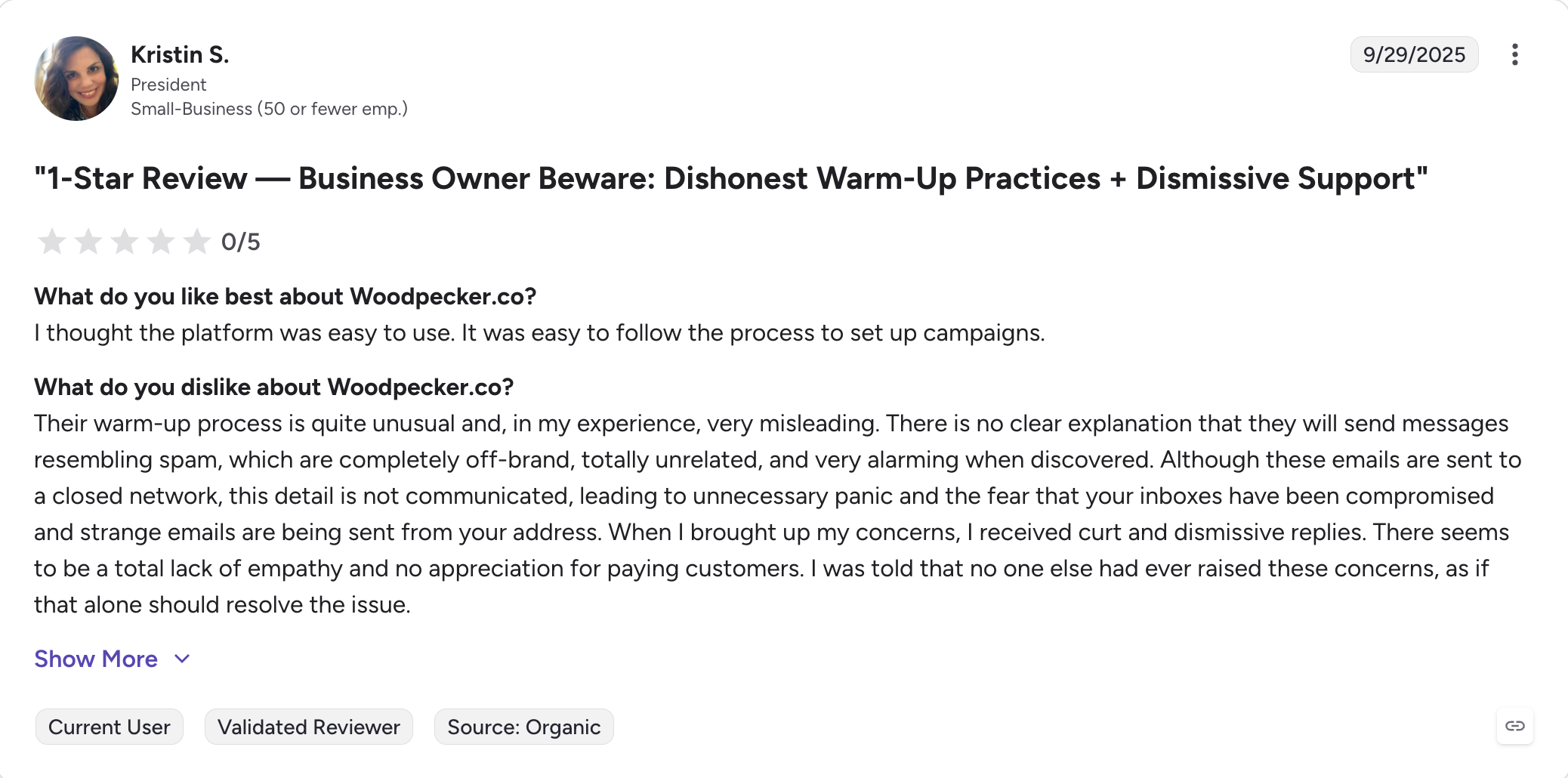
The G2 review base is the thinnest on this list, which makes the evidence weaker.
Woodpecker Pricing
Plan
Price (annual)
Prospects contacted
Emails/month
Cold Email
$29/month
500
6,000
Growth
$84/month
3,000
36,000
Scale
$188/month
10,000
120,000
Max
$9,999/month
Unlimited
Unlimited
LinkedIn is $29 a month per account, integrations $20 a month, agency clients $27 each.
Best for: One person who needs to find contacts, check them and email them without paying for three tools.
G2 rating: 4.5 out of 5 from 479 reviews
Snov.io started as an email finder and added sending afterwards. That order still shapes the product, and it explains both the appeal and the limits.
Finding, verifying and sending all draw from one credit pool. For one person that makes sense. You avoid paying three separate plans when your whole month might be 400 emails.
Every paid plan also includes unlimited team seats, which is unusual at this price.
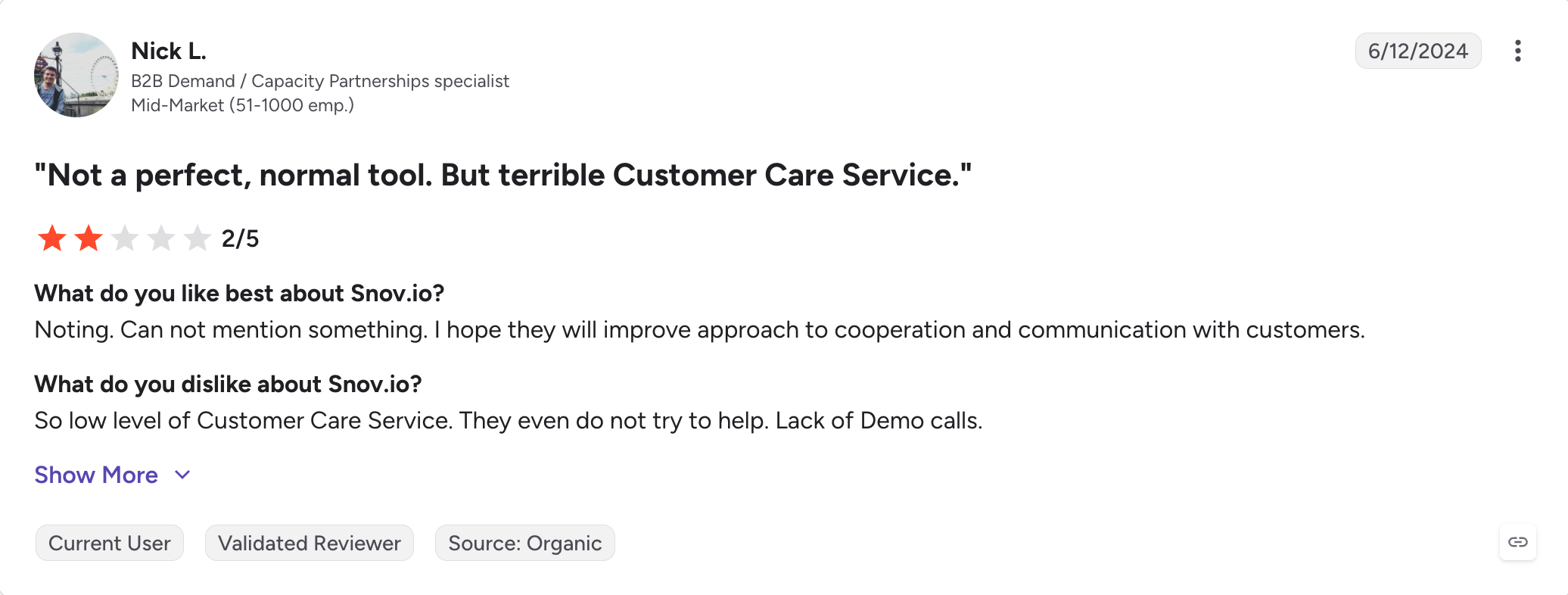
The weak point is data quality. Testing by a competitor put Snov.io's verified rate at 20.1% on a 5,000-contact list. That is well below what most teams need to protect a domain.
Snov.io Key Features
One credit pool: Finding, checking and sending all draw from the same balance.
Email finder with seven-tier verification: Search by domain, company or LinkedIn profile.
Unlimited team seats: On every paid plan, so a five-person team pays what one person pays.
Drip campaigns with conditional logic: Sequences branch on opens, clicks and replies.
Free basic CRM: Up to 20 pipelines with deal management and calendar sync.
Warm-up included: Three mailboxes on Starter, unlimited on Pro and above.
REST API from the entry tier: Unusual, since most competitors gate API access higher.
LinkedIn automation add-on: $62 a slot a month on annual billing.
What I Liked About Snov.io
The cheapest genuine starting point on this list.
One balance for finding and sending is simpler than tracking three separate allowances.
Unlimited seats on every plan removes the per-user maths entirely.
What Are the Cons of Snov.io
Verified rate measured at 20.1% in third-party testing, which is low for protecting a domain.
Credits drain from two directions, so a heavy prospecting week eats the sending budget.
LinkedIn costs $62 a slot a month on top of the plan.
Warm-up caps at three mailboxes on Starter, which you hit in the second week.
Snov.io Pricing
Plan
Price (annual)
Credits
Warm-up slots
Trial
Free
50
1
Starter
$29.25/month
1,000
3
Pro S
$74.25/month
5,000
Unlimited
Custom Ultra
Custom
200,000+
Unlimited
LinkedIn automation costs $62 a slot a month on annual billing.
Best for: Mid-market teams running five channels who are evaluating an AI SDR.
G2 rating: 4.6 out of 5 from 1,528 reviews
Reply.io runs five channels in one sequence. Email, LinkedIn, calls, SMS and WhatsApp all work as steps, which is the broadest coverage on this list.
The dialer is the part people stay for. Calling is built in rather than handed off, and reviewers name it as the reason they moved.
Jason AI is the other reason to look. It handles ICP definition, prospect sourcing from a billion-contact database, sequence creation, replies and meeting booking. It runs in Autopilot or in a mode that drafts every step for approval.
Both the seats and the channels are priced separately, which is where the bill grows. A ten-user Multichannel plan costs $890 a month before add-ons, and Jason AI starts at $500 on top.
Reply.io Key Features
Five channels in one sequence: Email, LinkedIn, calls, SMS and WhatsApp with conditional branching.
Jason AI SDR: Autonomous prospecting, sequencing, replies and meeting booking. Separate product from $500 a month.
1B+ contact database: Included on the Multichannel plan.
MailToaster warm-up: Built into the core product at no extra cost.
Email health check: SPF, DKIM and DMARC checks with Google Postmaster integration.
Bidirectional CRM sync: Salesforce, HubSpot, Pipedrive, Copper and Close.
Agency tiers with white-label: Full rebranding under your own domain.
Unlimited mailboxes under fair use: Split sending across domains without per-inbox fees.
What I Liked About Reply.io
The channel coverage is genuinely broader than anything else here.
Calls and email in one sequence work properly rather than as an afterthought.
The 14-day trial gives full feature access, which most competitors do not.
What Are the Cons of Reply.io
Per-seat pricing gets expensive fast. Ten users on Multichannel is $890 a month.
LinkedIn costs $69 a slot and calling $29 a user on top of the plan.
Jason AI is $500 a month minimum and is not bundled with outreach seats.
No native MCP server, which most of this list now has.
Reply.io Pricing
Plan
Price (annual)
Billed by
Channels
Email Volume
From $59/user/month
Active contacts
Email
Multichannel
$89/user/month
Seat
All five
Jason AI SDR
From $500/month
Custom
AI agent
Agency Core
From $166/month
Client
Multichannel
LinkedIn is $69 a slot a month and calls and SMS are $29 a user a month.
The mistake I see most often is buying a tool for a job it was never built to do. Then blaming the tool when replies do not arrive. Apollo is not a deliverability platform. Lemlist is not a volume sender. Instantly is not multichannel.
If LinkedIn is part of how you sell, the list gets short. Salesforge runs both channels in one sequence, includes warm-up, and does not charge per seat. This is the gap I built it to fill, and it is why it sits first here.
Email outreach tools send and track cold email sequences from your own mailboxes. They handle follow-ups, help manage multiple inboxes, use rotation, warm-up, and deliverability controls to protect sender reputation, and collect replies in one place. Low spam rates are crucial for inbox placement, and high-volume senders need to watch both sender reputation and domain reputation. They are different from email marketing platforms, which send bulk campaigns to people who opted in.
2. What is the best email outreach tool?
It depends on your channels, and these products sit in the overlap between cold email software, email outreach platforms, and sales engagement platforms. Salesforge is the best pick if you run email and LinkedIn together without paying per seat. Instantly is the cheapest for email-only sending at volume. Apollo is the strongest if your real gap is contact data rather than sending.
3. How much do email outreach tools cost?
Entry plans run from $29 to $63 a month on annual billing. Per-account tools like Salesforge, Instantly and Smartlead hold that price as your team grows. Per-seat tools like Lemlist, Apollo, Mailshake and Reply.io multiply it by headcount.
4. Do email outreach tools include warm-up?
Most do now. Salesforge, Instantly, Smartlead, Lemlist, Woodpecker, Snov.io and Reply.io all include it. Built-in warm-up or automated warm up matters because Google requires SPF and DKIM for deliverability, and sending over 5,000 emails daily requires DMARC compliance. Apollo does not offer warm-up at all, and Mailshake runs it through a partner rather than building it in.
5. Which email outreach tools support LinkedIn?
Salesforge runs six LinkedIn actions inside the sequence on every plan. Lemlist and Reply.io both offer it on their higher tiers. Woodpecker and Snov.io sell it as a paid add-on. Instantly, Smartlead and Mailshake do not offer LinkedIn automation, and Apollo ended its version in January 2026.
6. Can I use one tool for both prospecting and sending?
Apollo, Lemlist, Snov.io and Reply.io all include a contact database. Salesforge and Instantly sell data as a separate subscription. Smartlead has no native database. Bundled data is convenient, though the accuracy varies enough that many teams buy it separately anyway.
7. How many mailboxes do I need?
Around 10 to 15 for 10,000 emails a month. That assumes a safe ceiling of 30 to 50 sends per mailbox per day. If you want to scale and manage multiple inboxes, you also need to account for sending limits on each email account and may need multiple accounts to spread volume safely. That number decides which pricing model suits you. Per-seat tools charge by people. Per-account tools do not care how many mailboxes you connect.
8. Is cold email legal?
Cold email is legal in the US under CAN-SPAM, and in the EU and UK under GDPR and PECR. You have to identify yourself honestly and honor opt-outs. Rules differ by country, so check the ones covering your recipients rather than your own location. Cold email outreach works best when outreach campaigns use personalized emails. Personalized emails can increase response rates by 26%, emails with personalized subject lines have a 50% higher open rate, using recipient names in subject lines boosts open rates by 50%, personalization can lead to a 20% increase in sales, and dynamic content in emails can improve engagement by 30%.
Book more meetings on autopilot
Set up in minutes. No per-seat pricing. No commitment.
Boardy is an AI superconnector that makes double opt-in introductions from its own network of more than 248,000 people. I run it next to an AI SDR and both work from the same ICP. This review covers how to set Boardy up and what its intro emails look like. It also covers Boardy Pro pricing and where Boardy falls short. It ends with how I hand each intro pattern to my AI SDR for outbound at volume.





.png)



