Jason AI writes decent sequences, the sequence builder handles email, calls, LinkedIn, and SMS in one flow.
And the deliverability checks (SPF, DKIM, DMARC) sit inside the product. Around 1,500 G2 reviews average 4.6 out of 5.
But three problems keep coming up in the teams I work with:
Pricing: Reply.io shows $49/user/month (billed annually) for email only. LinkedIn is a separate $69/user/month add-on. A working multichannel seat lands past $180/user/month.
Bugs: Reviewers on Trustpilot and r/coldemail describe the same pattern:
Sequences stop mid-run when the LinkedIn extension logs out
Follow-ups skip a step or fire twice
Emails go out without permission
LinkedIn accounts get flagged after a couple of weeks
Support replies fast, but the bugs still remained unresolved inside the product. A ticket did not fix them.
Personalization: Reply.io's AI writes decent first drafts, but it stops at basic variable swapping. It does not pull recent company news, LinkedIn activity, or industry context into each message. Reviewers say the AI copy needs a heavy rewrite outside English.
If you are shopping Reply.io alternatives, you want a tool that covers multichannel in one plan, does not break under load, and personalises properly.
This post covers 10 Reply.io alternatives, what each one costs on annual billing, and who each one fits.
Let's get into it.
TL;DR: The 10 Best Reply.io Alternatives
Salesforge — Runs LinkedIn and email in the same sequence, no Chrome extension for LinkedIn, no per-seat pricing, no separate warm-up bill. 14-day free trial, no credit card.
Apollo.io — Big contact database and a sequencer built on top of it. Cold email only since January 30, 2026, when they pulled LinkedIn automation.
Outreach.ai — Enterprise tool. Deep Salesforce sync, forecasting, and Kaia listening in on calls.
Lemlist — Send emails with custom images and short videos baked in. LinkedIn and calls unlock on the higher plan.
Klenty — Comes with its own dialer, so cold calls sit next to email and LinkedIn in the same cadence.
Smartlead — Built for agencies running a lot of inboxes. Unlimited mailboxes, one master inbox for all the replies.
Instantly — Cheap way to send a lot of cold email. Connect as many mailboxes as you want, free warm-up on every plan.
Saleshandy — Multichannel plus a built-in CRM at the low end of the market. 800M+ contact database inside the tool.
Snov.io — Email finder plus cold email sender plus a free CRM in one budget tool. LinkedIn is a $69/month per-account add-on.
Woodpecker — Small-agency email tool. Inbox rotation and bounce protection, priced per inbox slot.
Feature Comparison: Top 5 Reply.io Alternatives at a Glance
$39/month Basic (billed annually), unlimited mailboxes on every plan
Contact Database
500M+ contacts through Leadsforge (separate $49/month plan, 100 free credits on sign-up)
275M+ contacts built in, pulled with credits
No database, works with ZoomInfo and others
450M+ contacts on Multichannel Expert and above
No database, bring your own
Email + LinkedIn in one sequence
Yes, both channels sit inside the same sequence with if/then logic. No add-on.
No. Email only since January 30, 2026, when Apollo pulled LinkedIn automation.
Yes, email, LinkedIn, and phone all run inside one cadence
Yes, but only on Multichannel Expert ($99/user/month) and above
Email only in practice, LinkedIn support is still in beta
LinkedIn actions inside a sequence
6 actions: connection requests, messages, InMails, likes, follows, and invite withdrawals. Cloud-based, no Chrome extension.
None (LinkedIn was removed January 30, 2026)
Connection requests and messages, plus Sales Navigator tasks on higher plans
Connection requests and messages on the Multichannel plan and above
Beta, limited to a couple of actions
Email warm-up
Warmforge is free and unlimited, plus Bounce Shield, sender rotation, and ESP matching
Basic warm-up on higher plans
No warm-up inside the tool, plug in a third-party one
Lemwarm is included, but users report mixed inbox results
Built-in warm-up with auto-rotation, no placement testing
Unlimited workspaces
Yes, unlimited workspaces on Growth for agencies running multiple clients
No, workspaces limited by plan tier
Limited, custom workspace count on enterprise plans
No, per-user pricing model
Yes, unlimited client sub-accounts on Custom plan
One inbox for every reply
Yes, Primebox™ with Auto-Pilot and Co-Pilot modes
Yes, email only
Yes, email only
Yes, email only
Yes, Master Inbox, email only
Works with AI agents (Claude, Cursor)
Yes, Forge MCP available
No
No
No
No
AI SDR
Agent Frank, $499/month (billed annually)
None
None
None
None
Free Chrome extension
Yes, (uses Leadsforge credits, 100 free on sign-up)
Yes, credits used per lookup
Limited, mostly for task management, no lead pulling
Yes, LinkedIn extension on paid plans
No free extension
Why teams look for Reply.io alternatives
I highlighted the big ones in the intro. Here is what shows up in the review threads, divided into the four patterns that come up most.
1 - No Advanced Personalization
Reply.io's Jason AI writes a first-draft email from the prospect's LinkedIn or company page.
It swaps in the prospect's name, title, and company. That is where the personalisation stops. It does not pull recent funding news, hiring announcements, or a LinkedIn post the prospect wrote last week into the message.
It does not know the prospect just launched a new product. Reviewers on G2 report the AI copy needs a heavy rewrite once I move outside English.
If personalization is the lever that gets me replies, this is what I outgrow first.
2 - Per-User Pricing
Reply.io prices its Multichannel and Agency plans per seat.
The Multichannel plan is $89/user/month (billed annually), and the LinkedIn add-on runs another $69/user/month.
Add the calling add-on at $29/user/month and one working seat lands at $187/user/month.
If you scale that to just a 3-person SDR team and I am at $561/month. Add Jason AI (their AI SDR, $500/month separate contract) and I am past $1,000/month before I have paid for contact enrichment, which Reply.io does not include.
3 - LinkedIn as a $69/user/month Add-On
Reply.io's LinkedIn automation is not in any plan. It is a $69/user/month add-on that runs through a Chrome extension I install on my SDR's browser.
That is where the LinkedIn account restriction reports come from. LinkedIn spots a browser plugin from the way it clicks, when it clicks, and how it logs in.
Cloud-based LinkedIn tools do not carry this risk.
4-Month Minimum Billing Complaints
13% of Reply.io's Trustpilot reviews are one-star.
Reviewers report a three-month minimum contract that is not clearly disclosed at signup, an auto-renewal button that leads to unexpected charges, no self-serve cancellation, and no refund on paid monthly bills.
One Trustpilot reviewer describes asking for a partial refund after six months of no results, sending 14 support emails, sitting through a 30-minute account review with the head of customer success, and being told no.
1 - Salesforge: Best Reply.io Alternative
Best for: Cold outreach teams and agencies running email and LinkedIn together who want flat pricing, one inbox for every reply, and unlimited free warmup.
Salesforge is the only Reply.io alternative on this list where LinkedIn and email run inside the same sequence, LinkedIn does not use a Chrome extension, and LinkedIn is in the plan instead of a $69/user/month add-on.
One Salesforge subscription gives me unlimited warm-up through Warmforge, multichannel sequences across email and LinkedIn, and unlimited mailboxes and senders on Growth. All under one plan.
The other reason is the wider Forge stack behind it:
When I need more mailboxes, I can get them from Mailforge, Infraforge, or Primeforge under the same login.
When I need leads, Leadsforge is one click away.
Separate subscriptions, one login, no CSV export between products.
Salesforge Core Features
Truly multichannel sequence: I set up a sequence once. When a LinkedIn connect gets accepted, the tool sends the LinkedIn message. When it does not, it falls back to email a few days later.
6 LinkedIn actions inside the sequence: Connection requests, messages, InMails, post likes, follows, and invite withdrawals. Each one capped at 30 a day per profile so the account stays inside LinkedIn's safe usage bands.
LinkedIn account safety as standard: All LinkedIn actions route through high-quality shared proxies (with optional custom proxy support), and I authenticate through a session token, so my LinkedIn password is never stored anywhere in Salesforge. Daily action limits are conservative and mimic how a real SDR works.
LinkedIn without a Chrome extension: Salesforge runs LinkedIn actions from its own servers, so I do not install anything on my SDR's browser. I connect my LinkedIn account once through Salesforge and it stays connected. LinkedIn cannot detect it the way it detects a browser extension, so I do not spend Mondays checking which of my reps got restricted over the weekend.
AI writes personalised messages in 21+ languages: The AI pulls a prospect's recent company news, their LinkedIn activity, and their industry, then writes each message. If I run a campaign into a non-English market, Salesforge also gives me a localized greeting variable ({{localized_greeting}}) that opens each email in the prospect's own language, from Portuguese to Japanese to Polish. Costs 1 personalization credit per send. I do not need a separate copywriter per region.
Primebox™: LinkedIn replies and email replies land in the same place. Auto-Pilot lets the AI handle the whole reply thread. It has two modes. Co-Pilot writes the draft and waits for me to approve before it sends. Auto-pilot drafts and responds on its own.
Free unlimited warm-up: Every mailbox I connect gets warmed automatically. No slot limit, no extra bill. Most competitors charge per warm-up slot on top of the sending plan. This is included.
Lead Finder via Chrome extension: It pulls verified emails and mobile numbers off LinkedIn profiles using Leadsforge credits (100 free when you sign up for Leadsforge). Enrichment, not automation, so no LinkedIn ban risk.
MCP CLI: Forge MCP lets me tell Claude "spin up a sequence for these 200 leads" and Claude does it. Nobody else I have tested has this yet.
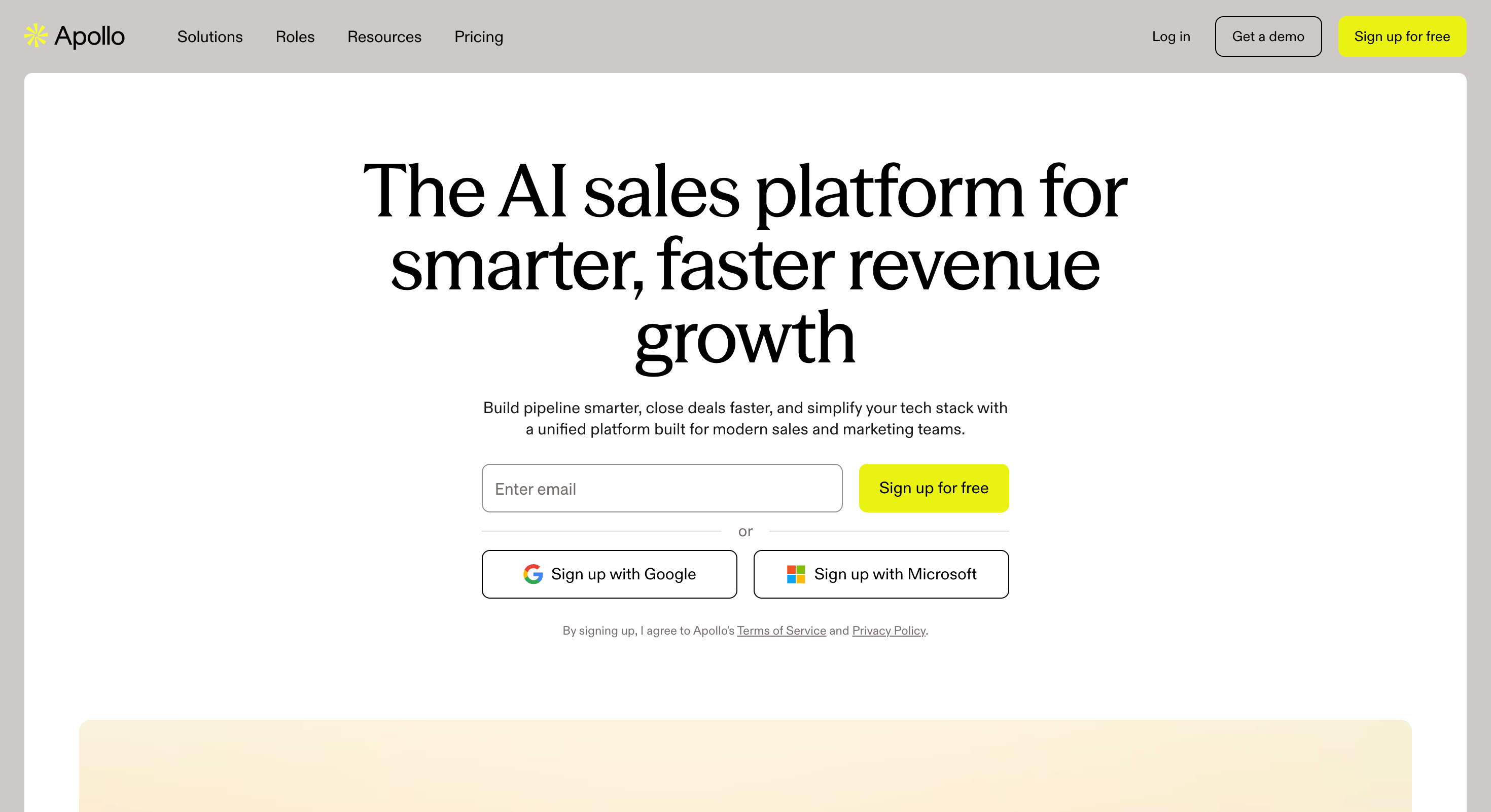
Best for: Sales teams that want a contact database and a sequencer in the same tool, running email-only outbound (no LinkedIn).
Apollo is a big database with a sequencer built on top of it.
You have 275M+ contacts to search through and you can push a list straight into an email sequence without leaving the tool.
I have used Apollo for its data more than its sequences. As a sequencer, it works. It is not the reason anyone signs up.
The thing I want to highlight before you read the rest: Apollo removed its LinkedIn automation on January 30, 2026. Apollo now does cold email only.
So, If you are shopping Reply.io alternatives because you want LinkedIn inside the sequence, Apollo does not do that anymore.
The other thing to know is the credits. I do not pay Apollo just for the plan. I pay for the plan plus every email lookup, every phone number, and every export. The credits are what actually decide my bill.
Apollo.io Core Features
275M+ contact database with 60+ filters: I can filter a search by job title, industry, company size, headcount growth, tech stack, and about fifty other things. This is the part of Apollo I use the most. When I run it well, I use it as a data tool first and a sequencer second.
Email sequences with basic branching: I can build a multi-step email sequence, set wait days between touches, and branch on whether someone opened or replied. It works. It is not close to what I get from Reply.io or Salesforge on the sequencing side.
Buying signals on higher plans: Apollo watches for hiring signals and website visits and flags accounts that look like they are in the market to buy. Useful when I have it, but it only unlocks on the Organization plan.
Chrome extension for scraping LinkedIn: I install the extension and it pulls emails and phone numbers off LinkedIn profiles as I browse. This is enrichment, not automation, so it does not carry the ban risk Reply.io's LinkedIn add-on carries. Every lookup uses credits.
CRM sync: Native syncs with HubSpot, Salesforce, and Pipedrive. The mapping works. I have had to clean up duplicate contacts more than once when the sync got confused about which record was the source of truth.
AI email writer: Apollo's AI writes a draft email based on the prospect's profile. I use it as a starting point and rewrite most of it.
Apollo.io Pricing (Annual)
Plan
Price
What You Get
Free
$0
50 email credits/month
25 mobile credits
Basic sequences
Basic
$49/user/month (billed annually)
900 email credits/month
20 mobile credits/month
Sequences
A/B testing
Professional
$79/user/month (billed annually)
12,000 email credits/month
200 mobile credits/month
AI email writer
Buying signals
One of the largest B2B databases available with 275M+ contacts
LinkedIn automation was removed on January 30, 2026, making it an email-only platform
Combines prospect data and email sequencing in a single platform
Credit usage becomes expensive at high prospecting volumes
Advanced filtering options make it easy to build highly targeted prospect lists
Email sequencer is less capable than dedicated platforms like Reply.io or Salesforge
Free plan is generous enough for meaningful product evaluation
Buying signals are only available on the highest-priced plan
Chrome extension quickly reveals emails and mobile numbers while browsing LinkedIn
Per-user pricing means costs increase as your team grows
Apollo.io vs Reply.io
Feature
Apollo.io
Reply.io
Contact database
275M+ contacts built in
1B+ contacts, but only 50 credits/month on the base plan
LinkedIn in a sequence
Not supported (LinkedIn automation removed on January 30, 2026)
Supported through the Chrome extension
Sequencer depth
Basic branching and automation
More advanced branching across multiple channels
Pricing model
Per-user pricing plus usage credits
Per-user pricing plus paid add-ons
AI SDR
Not included
Jason AI available from $500/month as a separate subscription
3 - Outreach.ai
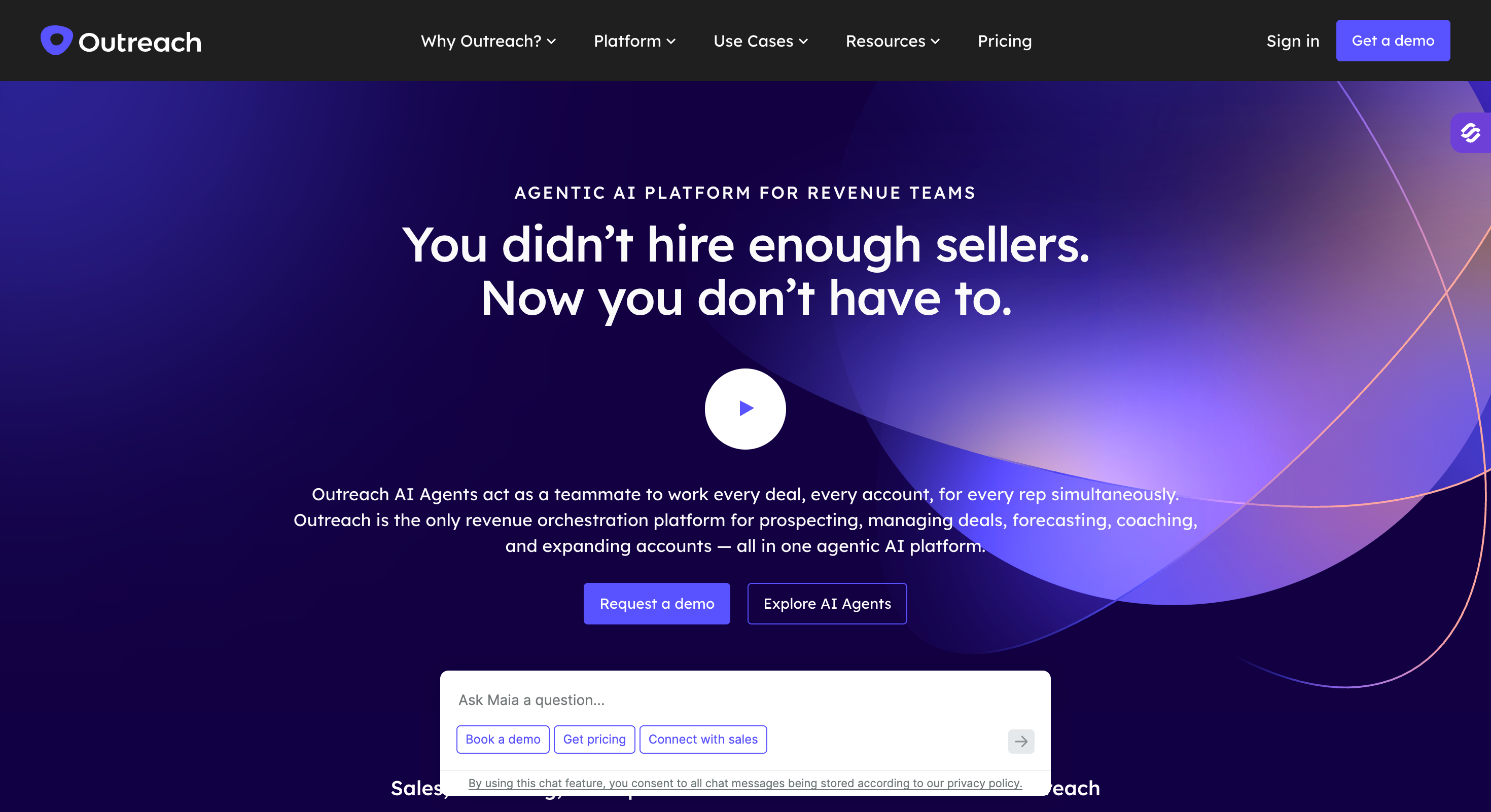
Best for: Enterprise sales teams already running on Salesforce who need pipeline forecasting and want the sequencing tool to feed it.
Outreach is the expensive end of this list. I have used Outreach briefly and it is a serious piece of software.
It is also priced like one. Where Reply.io is a mid-market tool, Outreach is what mid-market tools graduate to when they hire a head of sales operations who wants the pipeline forecast to match the invoice.
I do not use Outreach to send more emails. I use it because everything an SDR does gets logged in one place, and the team running the pipeline can see which sequences produce meetings, which reps are hitting quota, and which deals look shaky.
If I am 20 SDRs and a head of sales ops, this is the tool. If I am 5 SDRs and a founder, it is not.
Outreach.ai Core Features
Sequences across email, phone, LinkedIn tasks, and SMS: I get all four channels, but LinkedIn works differently here. It does not automate. The tool tells my SDR "send this LinkedIn message now" and the SDR sends it manually. Slower, but nothing to get flagged.
Kaia listens in on my calls: Outreach's AI (Kaia) joins live calls, transcribes them, and flags moments like a competitor mention or a pricing question. I have watched sales teams use this to coach reps on the same day the call happened.
Deal health scoring: Outreach looks at how a prospect is engaging across every touchpoint and tells me whether the deal is on track or slipping. My sales ops team loves this. My reps have mixed feelings, because the score is public inside the team.
Pipeline forecasting inside the tool: Outreach pulls sequence activity and pipeline data into a forecast the head of sales can put in a board deck. This is the feature that makes the price make sense for bigger companies.
Salesforce sync: The tightest Salesforce sync I have used. Two-way, updates live, maps at the field level. If my team lives in Salesforce, this is a real advantage over anything else in this list.
AI research and email drafts: Outreach's newer AI runs research on a prospect and writes a first draft email. I have used it. It is decent, not the reason I would pick Outreach.
Everything in Standard
Kaia call intelligence
Deal health scoring
Enterprise
Sales-quote pricing only (billed annually)
Everything in Professional
Forecasting
Advanced reporting
Custom fields
Outreach.ai Pros and Cons
✅ Pros
❌ Cons
Tight Salesforce integration with deep CRM synchronization
No self-service pricing; all plans require speaking with sales
Kaia provides valuable post-call coaching and conversation insights
Typically costs 2–4× more per seat than platforms like Reply.io or Salesforge
Forecasting features are robust enough for executive and board-level reporting
More functionality than most teams with fewer than 10 SDRs actually need
Deal health scoring helps identify at-risk opportunities early in the sales cycle
LinkedIn activities are task-based and manual rather than automated
Dedicated onboarding manager included with larger plans
Implementation typically takes weeks rather than days
Outreach.ai vs Reply.io
Feature
Outreach.io
Reply.io
Best fit
Enterprise teams with 20+ SDRs
Mid-market teams with 5–15 SDRs
LinkedIn
Task-based workflow (SDRs send messages manually)
Automated through the Chrome extension
Salesforce integration
Deepest CRM integration in the category
Native integration, but with fewer enterprise capabilities
Forecasting & deal scoring
Built in
Not a core capability
Implementation time
Typically takes weeks with a dedicated onboarding manager
Self-serve setup in a matter of days
Annual price per user
Approximately $130–$180/user/month
Approximately $49–$187/user/month, depending on add-ons
4 - Lemlist
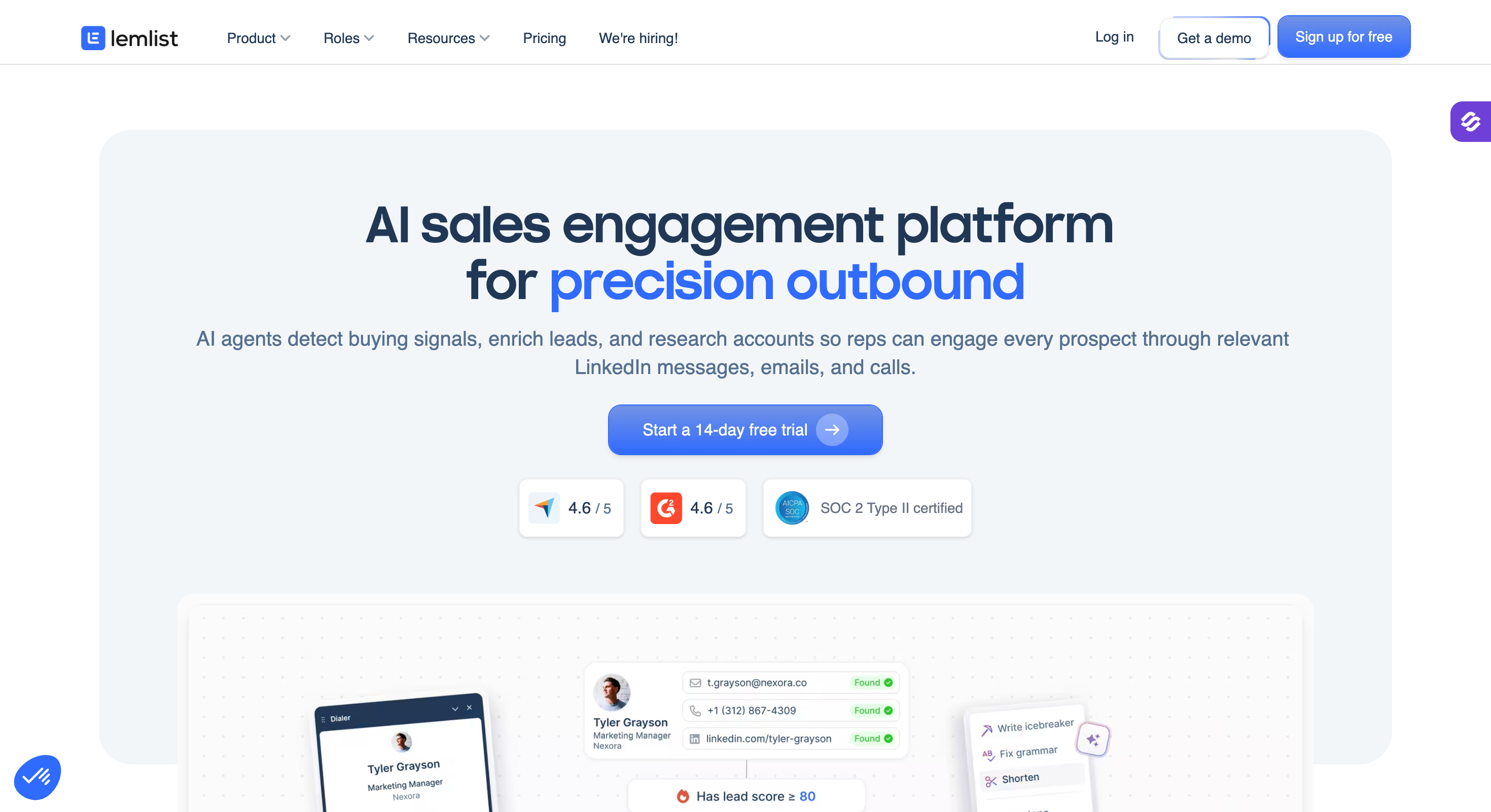
Best for: Small sales teams and founders who want their cold emails to stand out with custom images, short videos, and landing pages built for one prospect.
Lemlist built its reputation on visual personalisation.
I can drop a prospect's first name onto a coffee cup in an image and send it in the email. I can embed a short video that says their name in the intro. I can send them a landing page that already has their company logo on it.
That kind of thing gets replies from prospects who would delete a plain-text email without reading it.
I used Lemlist for a few campaigns a couple of years ago, mostly to test the visual angle.
The visuals work when I have time to set them up right. They do not work at 500 leads a day, because I do not have time to line up a custom image for every one of them, and the effect wears off once I am sending volume.
The other thing to know is that Lemlist charges me per user and per mailbox. I hit the limit on both faster than I expected.
Lemlist Core Features
Personalised images and videos inside email: I upload an image template with a placeholder, and Lemlist writes each prospect's name or company onto it before sending. Video works the same way. This is the reason people pick Lemlist.
Multichannel from the Multichannel Expert tier and up: Email, LinkedIn messages, LinkedIn invites, cold calls (through Aircall), and voice notes. Locked out on the cheaper plans.
Lemwarm warm-up: Lemlist runs its own warm-up product in the background. Reviewers on G2 and Reddit tell me the inbox placement is mixed at high volume, so I would test it on a burner domain before I run a real campaign through it.
450M+ lead database on higher plans: Search and pull contacts inside the tool, credit-based. Similar in size to Apollo, less deep on the filters.
AI icebreaker writer: Lemlist's AI writes the first line of the email based on the prospect's LinkedIn or company page. Sometimes it lands. Often it is generic and I rewrite it.
Template library and Facebook group: Lemlist has a big template library and an active Facebook community of about 10,000 users. New buyers rate this highly. I do not use it heavily, but I know teams who onboard through it.
Best visual personalization capabilities in the category
Per-user and per-mailbox pricing can become expensive as teams scale
Multichannel outreach across email, LinkedIn, and calls on higher-tier plans
LinkedIn and calling features require the $99/user/month plan or above
Large template library backed by an active user community
Lemwarm inbox placement can be inconsistent at higher sending volumes
Icebreaker AI provides a useful starting point for personalization
AI-generated copy often needs significant editing for languages other than English
Well suited for small teams running highly personalized outbound campaigns
Less suitable for teams sending high daily volumes across many mailboxes
Lemlist vs Reply.io
Feature
Lemlist
Reply.io
Personalization style
Visual personalization with images, videos, and landing pages
Text-based personalization using AI variables
LinkedIn included
Included on Multichannel Expert ($99/user/month) and above
Available as a $69/user/month add-on
Email warm-up
Lemwarm included on Email Pro and higher plans, with mixed inbox placement results
Requires an external warm-up tool
Pricing model
Per user and per mailbox
Per user with paid add-ons
Best fit
Small creative teams with fewer than 5 SDRs
Mid-market teams running higher-volume outbound campaigns
5 - Klenty
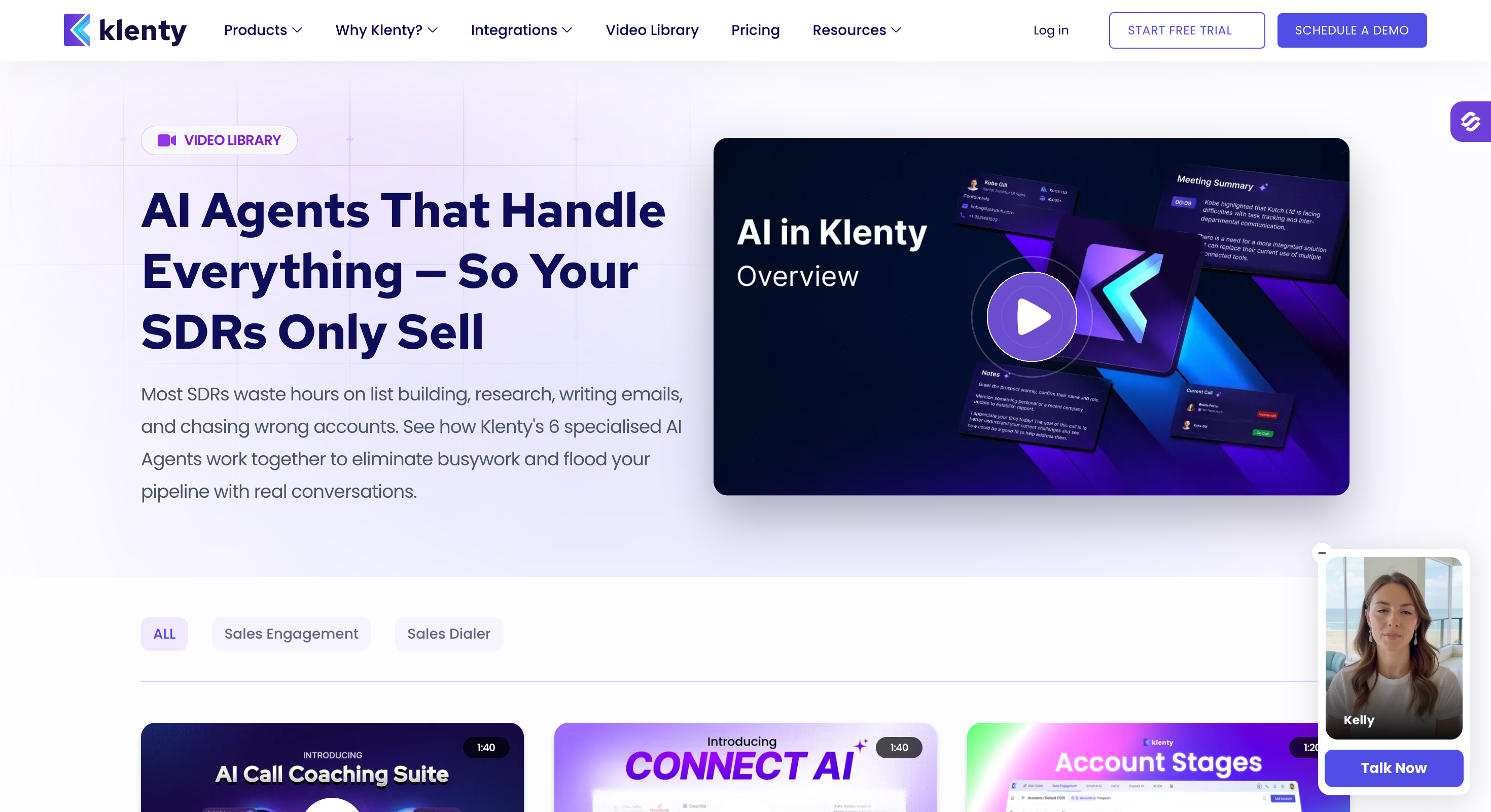
Best for: Sales teams where cold calling matters as much as email, and I want the dialer in the same tool as my sequences instead of paying for a separate phone product.
Klenty is the tool I would pick if my SDRs spent half their day on the phone.
The dialer is built in. I do not pay for it separately, I do not set up a Twilio account, and I can dial a prospect straight from the sequence.
Reply.io charges me another $29/month for its dialer. Klenty puts it in the plan.
I ran Klenty on a small team calling US mid-market accounts. The dialer worked well. The sequencing side felt a step behind Reply.io on if/then logic.
I get why some teams pick Klenty over Reply.io: if I make more calls than I send emails, Klenty is the better shape.
The other thing to know: LinkedIn on Klenty is manual. The tool tells my SDR "send this LinkedIn message now" and my SDR sends it by hand. Slower, but nothing to get flagged.
Klenty Core Features
Built-in dialer: I click a contact inside a sequence and I dial from my browser. I record the call, drop voicemails, and add notes without leaving Klenty. No Twilio setup, no add-on subscription.
One cadence across email, phone, LinkedIn, and SMS: I build a sequence once and Klenty tells me who to email, who to call, and who to message on LinkedIn today. Email and SMS send automatically. Calls and LinkedIn are tasks I do myself.
Prospecting IQ scoring: Klenty scores every prospect in my sequence by how likely they are to reply. When I have 500 leads in a cadence, I use the score to decide who I call first.
SDRx AI agent (custom add-on): SDRx is Klenty's AI agent. It runs research, writes copy, and manages follow-ups. It is not in any published plan. I contact Klenty's team for a quote.
CRM syncs: Native syncs to Salesforce, HubSpot, Pipedrive, and Zoho. Reviewers on G2 rate the Zoho and Pipedrive syncs the highest, which is unusual because most tools in this list optimise for Salesforce first.
Cadence templates: Klenty ships pre-built sequences for common SDR roles. I use them when I onboard a new rep. Once I have my own sequences working, I stop using the templates.
Everything in Startup
LinkedIn tasks
Multichannel cadences
CRM synchronization
Pro
$125/user/month (billed annually)
Everything in Growth
Prospecting IQ
Advanced reporting
Custom fields
Enterprise
Sales-quote pricing only (billed annually)
Everything in Pro
SDRx AI agent
Custom SLAs
Klenty Pros and Cons
✅ Pros
❌ Cons
Built-in dialer included in the plan with no additional calling fees
Sequence branching is less advanced than Reply.io and Salesforge
Single cadence supports email, phone, LinkedIn, and SMS
LinkedIn activities are task-based rather than automated
Prospecting IQ helps prioritize which prospects to call first
SDRx AI agent is not included in any publicly listed plan
Native integrations with Salesforce, HubSpot, Pipedrive, and Zoho CRM
Growth plan is required to unlock multichannel capabilities
Role-based cadence templates help onboard new SDRs more quickly
Per-user pricing increases costs as your team grows
Klenty vs Reply.io
Feature
Klenty
Reply.io
Dialer
Included in every plan
$29/month add-on
LinkedIn
Manual workflow (SDR sends the message)
Automated through the Chrome extension
Sequence branching
Basic if/then logic
More advanced branching across multiple channels
CRM integration
Reliable native integrations with Salesforce, HubSpot, Pipedrive, and Zoho
Native Salesforce, HubSpot, and Pipedrive integrations, with occasional field-mapping limitations
AI SDR
SDRx (enterprise, sales-quote only)
Jason AI from $500/month as a separate subscription
Starting price
$50/user/month (billed annually)
$49/user/month (billed annually, email only)
6 - Smartlead
Best for: Agencies running 10 or more mailboxes for multiple clients, where I need unlimited inboxes, one inbox for every reply, and the option to run the tool under my own brand.
Smartlead is the tool I pick when I run a cold email agency with 5+ clients and every client has their own mailboxes and domains.
Every plan gives me unlimited mailboxes. My invoice does not double when I take on a new client. Every reply from every mailbox lands in one place, so I do not open ten Gmail tabs to check who responded.
I have used Smartlead on a couple of client projects before I started Salesforge. The tool works when I set it up right. It does not work when I do not. Smartlead assumes I already know cold email infrastructure.
If I do, I get a lot of levers to pull. If I do not, I am going to break something in the first week.
The trade-off: Smartlead is email only in practice. LinkedIn is in beta and I would not run a real LinkedIn campaign on it yet. If my motion is email-heavy, that does not matter. If LinkedIn is a real channel, I look at Salesforge instead.
Smartlead Core Features
Unlimited mailboxes on every plan: I connect every sending account I own, no per-mailbox charge, no per-seat charge. I have run 40+ mailboxes on one Basic plan.
Auto inbox rotation: Smartlead spreads my sending across every mailbox automatically. When one mailbox nears its daily cap, my next email sends from a different mailbox. No single mailbox burns out.
Master Inbox for every reply: Every reply across every mailbox lands in one view. I check replies in one tab instead of ten.
Built-in warm-up: Every mailbox I connect warms up automatically. No third-party warm-up subscription, no separate bill. Reviewers report the warm-up as solid at moderate volume and less consistent at very high volume.
API and webhooks on Pro and above: I hook Smartlead into Clay, my CRM, or my own automation stack. I have watched agencies auto-provision a new client workspace without opening the Smartlead UI at all.
White-label option: I rebrand Smartlead as my own agency tool. Clients see my logo, not Smartlead's. Adds to my invoice.
Dashboard metrics are not always updated in real time
Built-in warm-up removes the need for a separate subscription
Some reviewers report inflated open-rate metrics in certain campaigns
API and webhooks make it easy to automate agency workflows
White-label and SmartDelivery add-ons can significantly increase total cost
White-label option available for agencies
Best suited for users who already understand cold email infrastructure rather than beginners
Smartlead vs Reply.io
Feature
Smartlead
Reply.io
Mailboxes
Unlimited on every plan
1 sender per user on the base plan
Pricing model
Flat-rate pricing that scales by email volume
Per-user, per-seat pricing
LinkedIn included
Available only in beta and not suitable for production use
Available through the Chrome extension add-on ($69/user/month)
Email warm-up
Included on every plan
Requires an external warm-up tool
Unified inbox
Single inbox for replies across all email accounts
Separate inbox for each sender
Best fit
Agencies managing 10+ mailboxes across multiple clients
Mid-market teams running multichannel outbound campaigns
7 - Instantly
Best for: Small teams and founders who want to send high-volume cold email cheaply, without paying for LinkedIn, calling, or a CRM I do not use.
Instantly is what I recommend when someone tells me they want to send cold email and their budget starts with a "3."
Growth costs $37.60/month on annual billing. I get unlimited mailboxes, free warm-up on every plan, and a Unibox that pulls every reply into one view.
It is the cheapest tool in this list that actually does the job.
I have run Instantly on my own outreach a few times. I connect my mailboxes, upload a list, write a sequence, and I am sending inside 15 minutes.
Where Instantly gets me in trouble is when I try to build multichannel on top of it. Instantly is email only. LinkedIn is not in the product. Calling is not in the product.
Instantly Core Features
Unlimited connected mailboxes on every plan: I connect every sending account I own, no per-mailbox charge.
Free warm-up on every plan: Every mailbox I connect warms up automatically through Instantly's pool of 300,000+ real accounts. Included in the plan.
Unibox for all replies: Every reply across every mailbox lands in one view. I do not tab between accounts.
AI copilot: Instantly's AI writes my sequence drafts, refines subject lines, and audits campaigns that are underperforming. I use it as a starting point, then I rewrite.
Website visitor identification (higher plans): Instantly tells me which companies visited my site and lets me sequence them. Useful if I sell to a defined list of accounts. Less useful if I run broad outbound.
Lead database (separate subscription): Instantly Credits is their lead database product. 450M+ contacts. I pay for the sending plan and I pay again for the credits to search the database.
500,000+ emails/month
100,000+ contacts
Priority support
Enterprise
Sales-quote pricing only (billed annually)
Custom sending volume
Dedicated account manager
Instantly Pros and Cons
✅ Pros
❌ Cons
Lowest advertised starting price in this comparison at $37.60/month
A practical setup typically costs $124–$180/month once Credits and CRM are added
Unlimited mailboxes with free warm-up included on every plan
Email-only platform with no native LinkedIn or calling
Can be fully configured and sending within about 15 minutes
Deliverability monitoring is relatively basic according to reviewers
AI Copilot creates solid first-draft email sequences
Support quality is inconsistent during service outages
450M+ lead database available as an optional add-on
Some reviewers report mailboxes disconnecting without notification
Website visitor identification available on higher-tier plans
Sequence branching is less advanced than Reply.io
Instantly vs Reply.io
Feature
Instantly
Reply.io
Mailboxes
Unlimited on every plan
1 sender per user on the base plan
Pricing model
Flat-rate pricing that scales by email volume
Per-user, per-seat, plus paid add-ons
LinkedIn
Not supported (email only)
Available through the Chrome extension add-on
Email warm-up
Free on every plan
Requires an external warm-up tool
Lead database
Separate Instantly Credits subscription
Built in with 50 credits/month on the base plan
AI SDR
Not included natively
Jason AI available from $500/month as a separate subscription
8 - Saleshandy
Best for: Small sales teams and freelancers on a tight budget who want cold email, a contact database, and a CRM in one flat-price tool.
Saleshandy is what I pick when my budget is under $100/month and I still want the whole stack in one place.
Starter is $25/month on annual billing. That gets me email sequences, an 800M+ contact database, and a CRM to track deals after replies come in. Reply.io does not include a CRM. Saleshandy does.
I have run Saleshandy on a couple of solo campaigns. The tool works. It is not as deep on sequencing as Reply.io. The multichannel side (LinkedIn, calls, WhatsApp) is real but I mostly used it for email.
What I liked was the packaging: I paid one bill and I got every piece I needed.
The trade-off: this is not a heavy-duty tool. If I run 40 mailboxes across 10 clients, Smartlead is a better shape. If I run solo or a two-person team and I want everything in one tab, Saleshandy is the honest pick.
Saleshandy Core Features
800M+ contact database with 25+ filters: I search by job title, industry, company size, tech stack, and revenue. Every contact I reveal costs a credit, and Saleshandy verifies the email before charging me, so I do not burn credits on bad data.
AI Lead Finder: I type what I want ("SaaS marketing directors at 50 to 200 person US companies") and Saleshandy sets the filters for me. I tweak them if I need to.
Multichannel sequences (email, LinkedIn, WhatsApp, calls): I run email and WhatsApp on autopilot. LinkedIn and calls are tasks I do by hand.
Built-in CRM: After a reply comes in, I track the prospect through a Kanban board, add notes, and set follow-up tasks. Reply.io needs a separate CRM. Saleshandy does not.
Inbox Radar and warm-up: I run an inbox placement test before I send a live campaign. Warm-up runs through TrulyInbox, which is Saleshandy's sister product. I can also buy secondary domains and pre-warmed mailboxes inside the tool.
A/Z testing: I test more than two variants of a subject line or body in one sequence. Reply.io stops at two.
1B+ contacts built in with 50 credits/month on the base plan
CRM
Built-in CRM included
Bring your own CRM
LinkedIn
Manual, task-based workflow
Automated through the Chrome extension add-on
Warm-up
Included through TrulyInbox
Requires an external warm-up tool
Best fit
Solo founders and small teams
Mid-market SDR teams
9. Snov.io
Best for: Solo founders and small teams who want an email finder, a cold email sender, and a free CRM in one tool that costs under $30/month.
I use Snov.io the way most people use it: for finding and verifying emails, one list at a time.
The email finder is why it exists. The sequencer, the warm-up, and the CRM came later because Snov.io wanted to be my one bill for outbound, not just the finder I open for a job.
Reply.io does not have a first-class email finder inside the sequencer.
For a solo founder on $29.25/month who needs to find 500 emails, send a simple sequence, and track replies in a basic CRM, Snov.io works.
There are still downsides. For example, the Starter plan caps warm-up at 3 mailboxes. LinkedIn automation costs an extra $69/month per LinkedIn account. Furthermore, every email I find and every verification I run burns a credit, so my $29.25/month bill is not what I actually pay when I scale up.
Snov.io Core Features
Email Finder with 9 verification providers: I paste a LinkedIn URL, a domain, or a company page and Snov.io returns verified emails. Reviewers report accuracy around 75 to 80 percent, which is decent for the price. Each email costs me 1 credit to find and 1 more to verify, so 500 verified emails runs 1,000 credits.
Cold email sequences (A/B testing on Pro plan): I build a multi-step email sequence with wait days between touches. The Starter plan locks out A/B testing, spintax, and behavioural conditions.
Email warm-up on every plan, with a cap on Starter: Snov.io warms my mailboxes automatically. The Starter plan warms 3 mailboxes. If I run 5 or more sending accounts, I upgrade to Pro to unlock unlimited warm-up.
LinkedIn automation as a paid add-on: LinkedIn is not in any Snov.io plan. I pay $69/month per LinkedIn account on top of my sending plan. If I run three SDRs on LinkedIn, that is $207/month on top of my Pro plan.
Free CRM on every plan: Snov.io includes a basic CRM with 20 pipelines, 100 stages, Kanban deal tracking, and Google Calendar sync.
Chrome extension for LinkedIn email lookup: I install the extension and it finds verified emails on LinkedIn profiles as I browse. This is enrichment, not LinkedIn automation, so no ban risk. Each lookup uses credits from my plan.
40+ native integrations: HubSpot, Pipedrive, Calendly, plus Zapier and a REST API. Enough for most solo and small-team setups.
Snov.io Pricing (Annual)
Plan
Price
What You Get
Trial
Free
50 credits
100 recipients
1 warm-up slot
Starter
$29.25/month (billed annually)
1,000 credits
5,000 recipients
3 warm-up slots
Pro S
$74.25/month (billed annually)
5,000 credits
Unlimited warm-up
A/B testing
Spintax support
Pro M
$148.50/month (billed annually)
20,000 credits
Pro L
$278.10/month (billed annually)
50,000 credits
Pro Ultra
$553.50/month (billed annually)
100,000 credits
Custom Ultra
Sales-quote pricing only
200,000+ credits
Custom services
Snov.io Pros and Cons
✅ Pros
❌ Cons
Email finder is one of the strongest value-for-money features in the platform
Starter plan limits warm-up to 3 mailboxes, so larger setups require Pro
Free built-in CRM on every plan, unlike Reply.io which requires a separate CRM
LinkedIn automation costs an additional $69/month per account, similar to Reply.io
$29.25/month combines email finder, sender, and CRM in a single subscription
Credit consumption adds up quickly, with real costs often reaching 2–3× the advertised price
Chrome extension finds email addresses from LinkedIn profiles without browser automation or extension-related account risk
Email verification accuracy averages around 75–80%, so some false positives still bounce
Built-in CRM supports Kanban deal tracking and Google Calendar synchronization
A/B testing, spintax, and behavioral conditions are only available on Pro plans
Basic finder; third-party integrations are generally preferred
CRM
Basic CRM included
Bring your own CRM (HubSpot, Salesforce, Pipedrive)
LinkedIn
$69/month per account add-on
$69/user/month add-on through the Chrome extension
Sequence branching
Basic branching on Pro plans
More advanced cross-channel if/then branching
Warm-up
3 warm-up slots on Starter, unlimited on Pro
Requires an external warm-up tool
Best fit
Solo founders and small teams with budgets under $150/month
Mid-market SDR teams running multichannel outbound
10 - Woodpecker
Best for: Freelancers and small agencies running email-only cold outreach across a handful of clients, where I want inbox rotation and bounce protection at a per-slot price.
Woodpecker is what I would recommend to a freelancer or a two-person agency running email-only outbound for under a dozen clients.
It handles cold email carefully. Reviewers on G2 rate the bounce protection and the throttling as some of the safest in the category. What Woodpecker does not do is scale into the shape most Reply.io buyers need.
I have not used Woodpecker on a real production motion. I set up a couple of test campaigns to see how it behaves. Setup was quick, the DNS steps guided me through each record, and the sending logic paced my emails through the day instead of firing them all at once. Fine tool for the shape it is designed for.
Downsides: no LinkedIn, no multichannel, no AI SDR, no lead database. Email only.
If that is what I need, Woodpecker works. If I need anything else, it is the wrong pick.
Woodpecker Core Features
Inbox rotation across multiple mailboxes: I connect several sending accounts to one campaign and Woodpecker rotates through them. No single mailbox burns out.
Bounce Shield: Woodpecker pauses a mailbox that crosses a bounce threshold, so I do not damage a domain by sending to a bad list. Reply.io does not do this at the sending-tool level.
Throttling: Woodpecker paces my sends across the day instead of blasting them at 9am. Better for landing in inboxes, less impressive on a raw volume number.
CRM syncs: Native syncs with HubSpot and Pipedrive. Basic. If my CRM is Salesforce, Woodpecker is not the right pick.
Reporting: Open rates, reply rates, bounce rates per campaign. Nothing deeper.
Client workspaces on higher plans: I get client dashboards and basic white-label for small agency setups.
Woodpecker Pricing (Annual)
Woodpecker prices per inbox slot. Each slot is one sending mailbox.
Everything in Cold Email
Client workspaces
Basic white-label
API access
Woodpecker Pros and Cons
✅ Pros
❌ Cons
Bounce Shield and throttling help protect sender reputation
Per-slot pricing becomes expensive when managing multiple clients
Fast setup with guided DNS configuration
Email only with no native LinkedIn or calling
Inbox rotation across multiple mailboxes improves deliverability
No built-in lead database or enrichment capabilities
Agency plan includes client workspaces for managing multiple accounts
Reporting is basic with no forecasting or advanced engagement analytics
G2 reviewers consistently rate customer support as helpful and responsive
Not designed for very high daily sending volumes
Woodpecker vs Reply.io
Feature
Woodpecker
Reply.io
Channels
Email only
Email, LinkedIn, calls, and SMS
Pricing model
Per inbox slot
Per user plus paid add-ons
Bounce protection
Bounce Shield built in
Not available at the sending-platform level
Warm-up
Not included on the base plan
Requires an external warm-up tool
Best fit
Freelancers and small agencies running email-only outbound
Mid-market teams running multichannel outbound
Final Verdict
Outbound in 2026 needs five things running together:
Sending infrastructure
Premium warm-up
Multi-channel sequencing across email and LinkedIn
A prospect database
A unified inbox for replies
Most stacks glue this together with four or five vendors.
Something breaks every Monday.
A mailbox flags, warm-up skips a day, LinkedIn logs out because a browser extension hit a limit, replies land in three different inboxes, and the AI SDR sits behind a login I forgot to renew.
Salesforge collapses that stack into one platform I own end to end:
Mailforge, Infraforge, and Primeforge cover sending infrastructure at whatever level I need.
Warmforge warms every mailbox on autopilot with no separate bill.
Leadsforge feeds prospects into the same platform I send from.
Email and LinkedIn share one sequence, and LinkedIn runs from Salesforge's servers so my SDR's browser is not the point of failure.
Primebox™ pulls every reply from every channel into one inbox.
Pro is $40/month with unlimited mailboxes and 1 LinkedIn sender and Growth is $80/month billed annually, with unlimited mailboxes and LinkedIn senders.
Agent Frank adds $499/month when I am ready to hand him the wheel.
Instantly and Apollo both offer free tiers. Instantly's is a 14-day free trial. Apollo gives me 50 email credits and 25 mobile credits per month permanently on the free plan. Neither replaces a working paid tool, but both let me test before I commit. Salesforge gives me a 14-day free trial with no credit card.
2) Which Reply.io alternative has native LinkedIn without a paid add-on?
Salesforge. LinkedIn actions run inside the sequence on every plan, and they run from Salesforge's servers rather than a Chrome extension. Lemlist offers LinkedIn on its Multichannel Expert plan ($99/user/month billed annually) and above. Klenty, Outreach, and Salesloft support LinkedIn, but it is manual (my SDR sends the message by hand), not automated.
3) How does Reply.io pricing compare at scale?
Reply.io lists at $49/user/month (billed annually) for email only. LinkedIn is a separate $69/user/month add-on. Jason AI, their AI SDR, is a separate contract starting at $500/month. A 5-person team running the full multichannel stack ends up between $900 and $1,400/month. Salesforge Growth covers the same team at $80/month flat, with unlimited users, unlimited mailboxes, and free warm-up.
4) What is the best Reply.io alternative for agencies?
Smartlead if I run email-only cold outreach with 10+ mailboxes across multiple clients. Unlimited mailboxes on every plan, master inbox for every reply, white-label option available. Salesforge if my agency also runs LinkedIn campaigns for clients, because it handles email and LinkedIn on the same flat plan without the Chrome extension ban risk.
5) Does Reply.io have a real AI SDR?
Yes. Jason AI is Reply.io's autonomous SDR. It writes sequences, personalises copy, and manages replies across email, calls, and LinkedIn. Pricing starts at $500/month on a contract separate from the sequencing plans, and scales with how many prospects it works each month. Salesforge's Agent Frank costs $499/month (billed annually) and runs on top of a Salesforge plan I already own.
6) How do I migrate from Reply.io to another platform?
I export my contacts and campaigns from Reply.io as CSV files (Settings > Data Export). Every alternative on this list accepts CSV imports for contacts and email templates. Sequence logic (branching, wait days, if/then rules) does not export cleanly, so I rebuild those inside the new tool. If I run CRM integrations, I disconnect them from Reply.io and reconnect from the new tool. Most teams I have watched migrate finish in a week.
Book more meetings on autopilot
Set up in minutes. No per-seat pricing. No commitment.
Compare 7 Gojiberry AI alternatives for LinkedIn outreach. See pricing, buying signals, prospecting, automation, and email features to find the right fit.
Compare 5 LinkedFusion alternatives for LinkedIn outreach, with a clear look at pricing, automation, account safety, reply handling, and multichannel features.




.jpg)

.jpg)
